TryChatGPT as an app: add the site to your home screen in a minute
An icon appears next to your other apps, and the chat opens in its own window, with no tabs or address bar. Nothing to download: the steps below adapt to your device.
Note: this is an icon for the TryChatGPT website, not the official ChatGPT app from OpenAI.
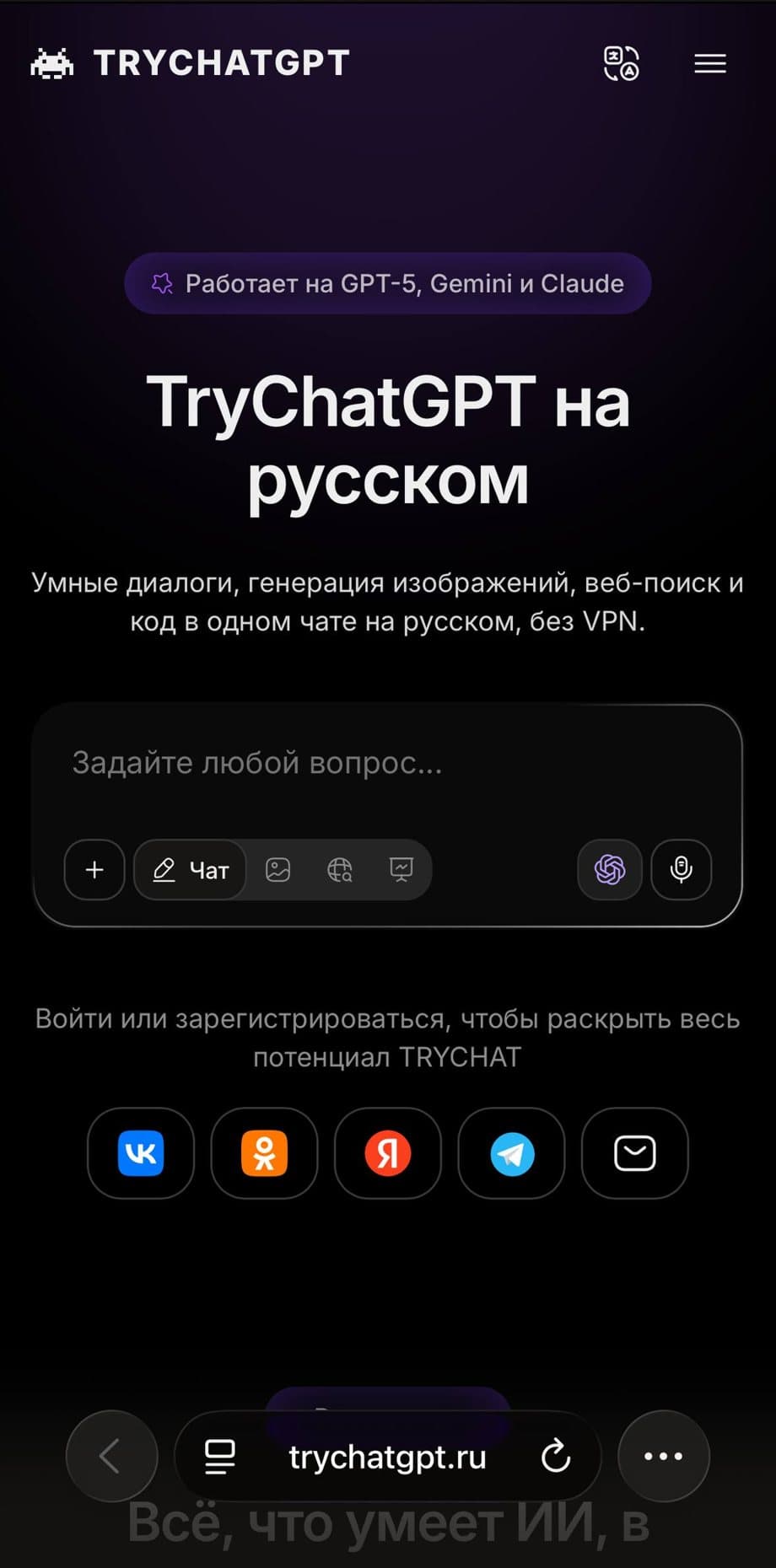
Step 1: the "···" button. A real screen, in the Russian interface. Other versions may look different.
The path is the same on iPad. On iOS 18 and earlier the Share button is at the bottom of the screen, and you scroll the list to find the item.
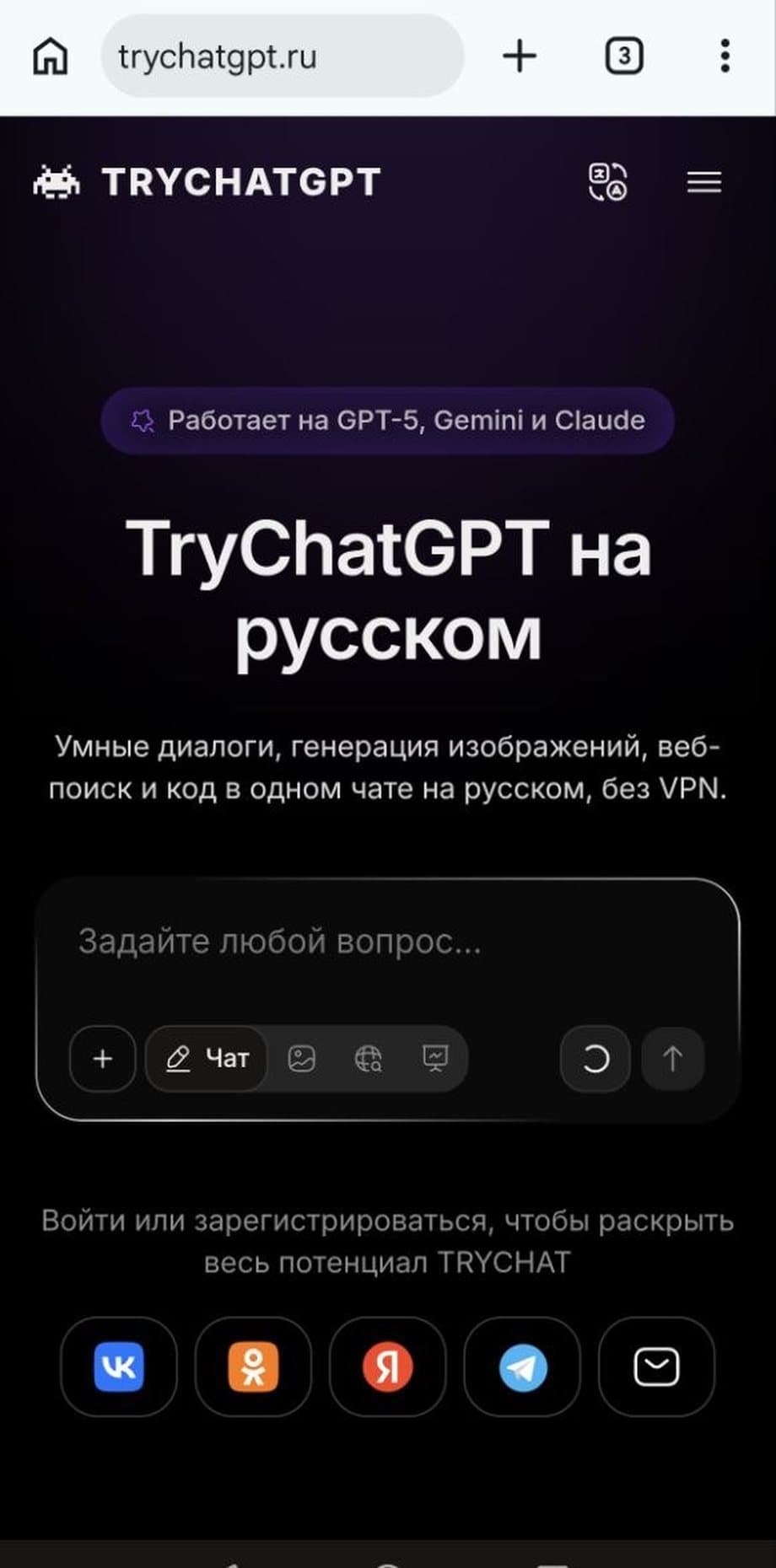
Step 1: the Chrome menu. A real screen, in the Russian interface. Other versions may look different.
On Xiaomi, Redmi and POCO phones the icon may not appear without permission. Open the phone settings, find Chrome in the app list and allow home screen shortcuts.
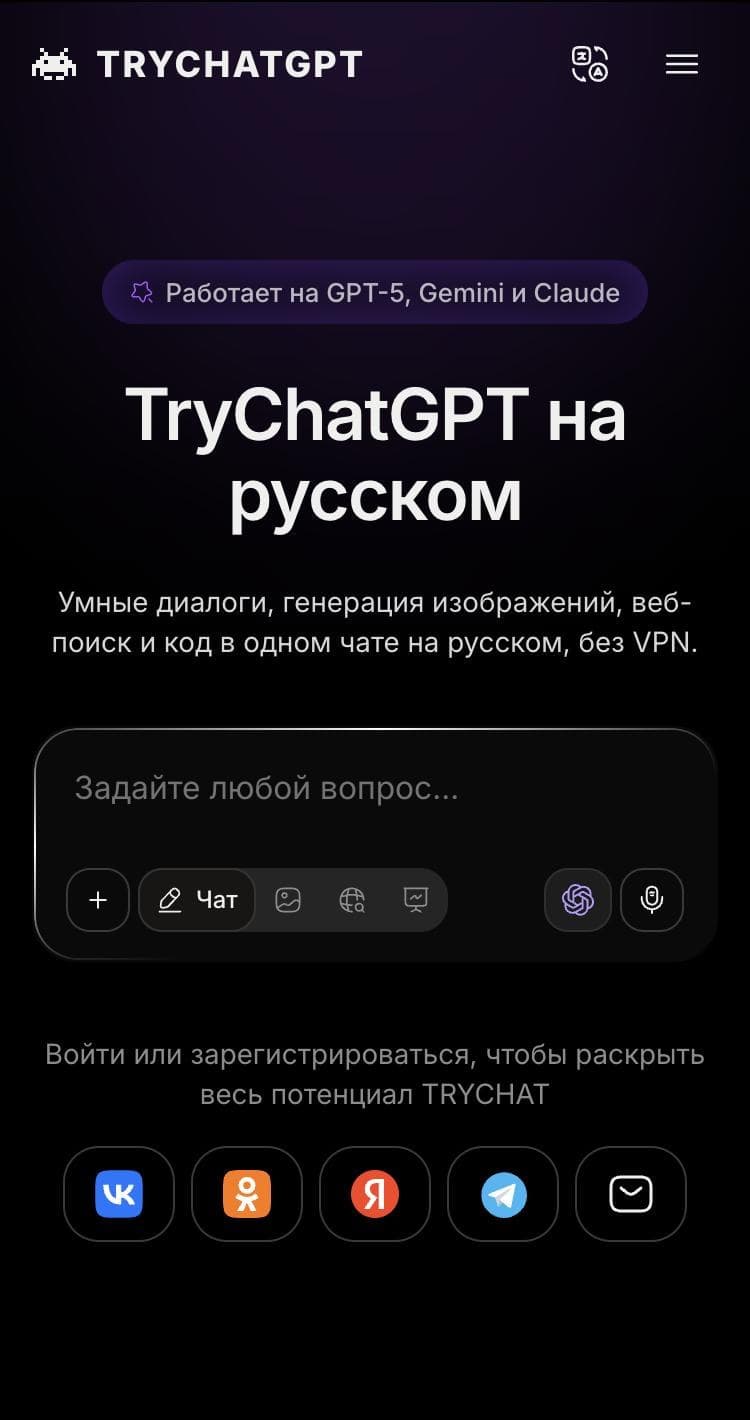
The site is open in Yandex Browser. The site is real, the browser menu is a diagram: labels depend on your system version.
If the icon opens as an ordinary tab, add the icon through Chrome instead.
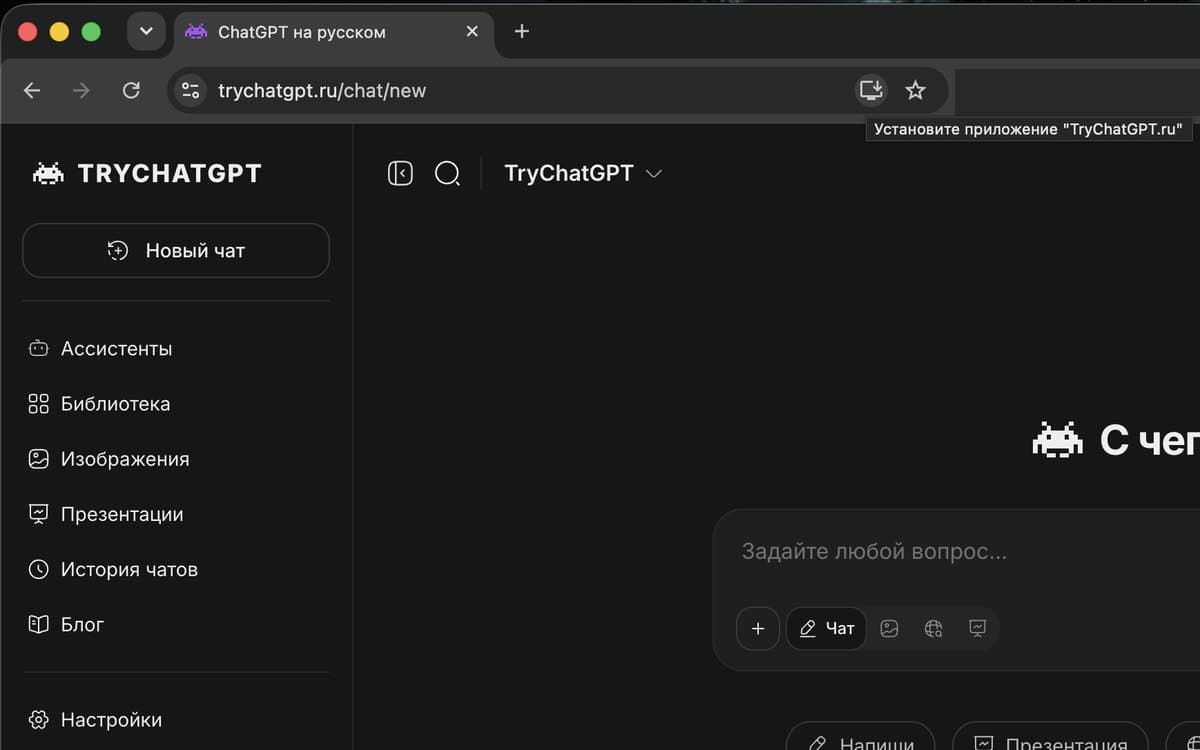
Step 1: the icon in the address bar. A real screen, in the Russian interface. Other versions may look different.
No icon? Open the ⋮ menu, then "Cast, save, and share" and "Install page as app". Opera works in a similar way; in Firefox it is easier to open the site in Chrome.
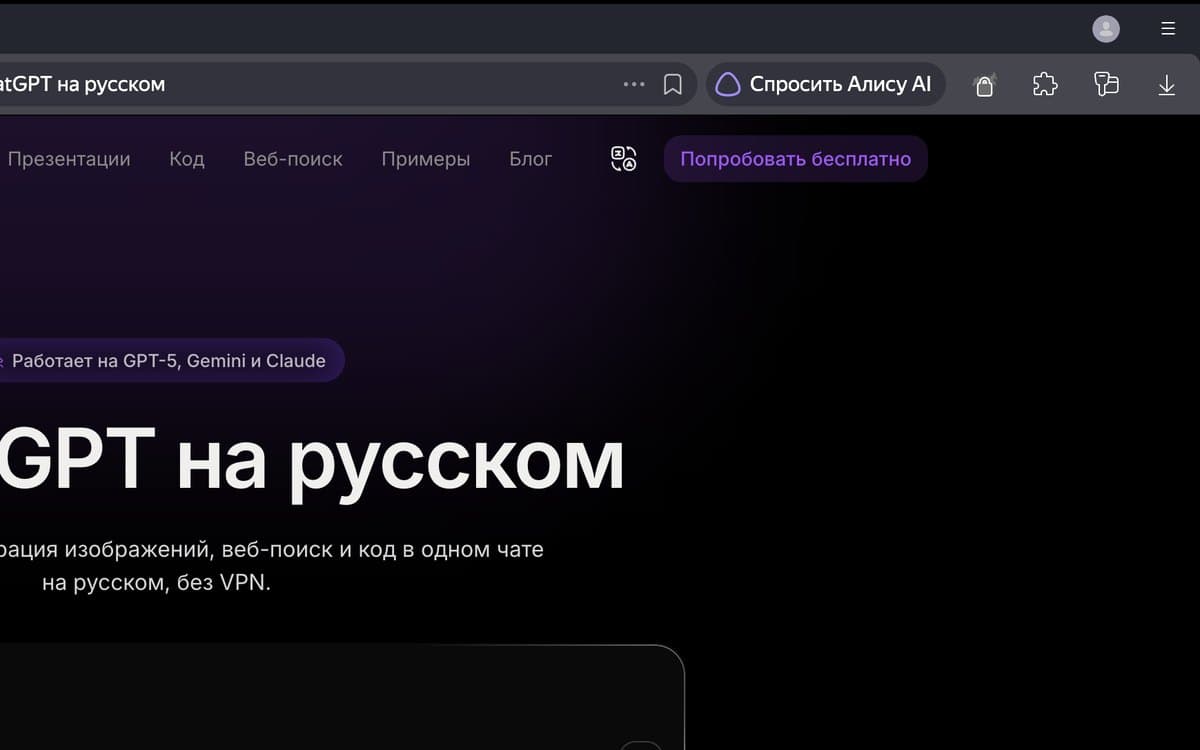
Step 1: the page menu. A real screen, in the Russian interface. Other versions may look different.
If the item is greyed out, open the site in Chrome. To remove the icon, right-click it in the sidebar.
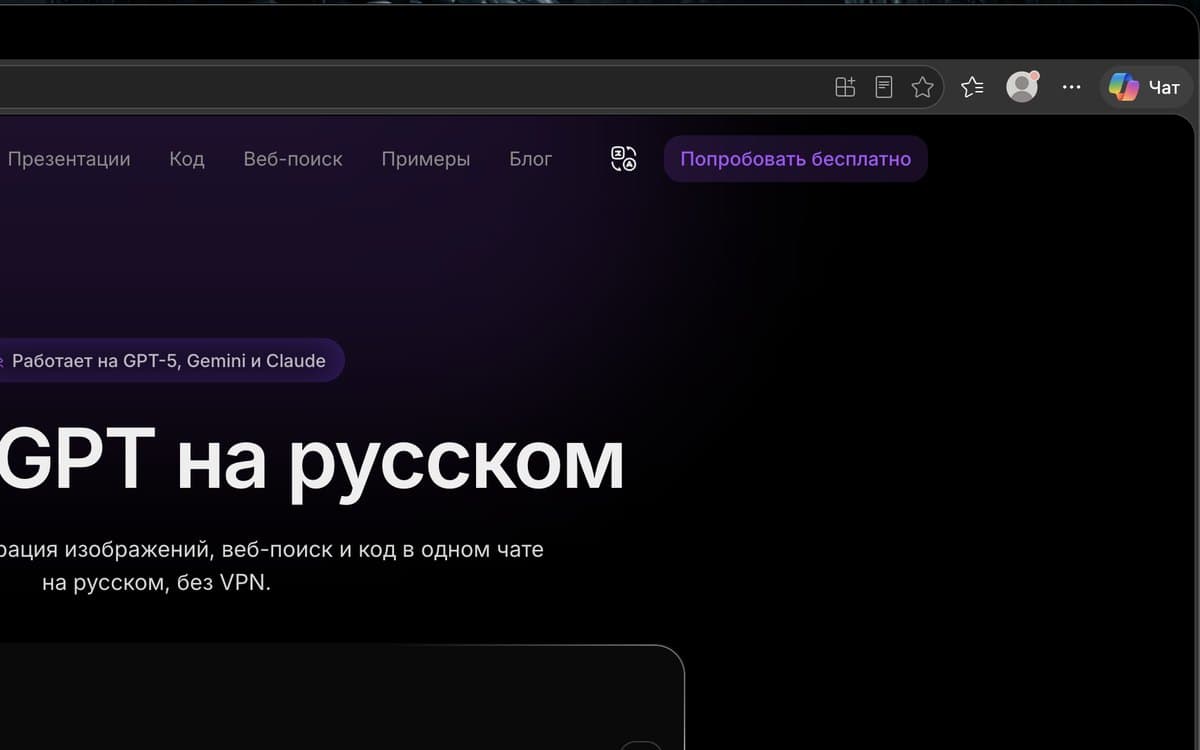
Step 1: the Edge menu. A real screen, in the Russian interface. Other versions may look different.
In some versions "Apps" is right in the main menu. After installing, pin TryChatGPT to the taskbar or the Dock.
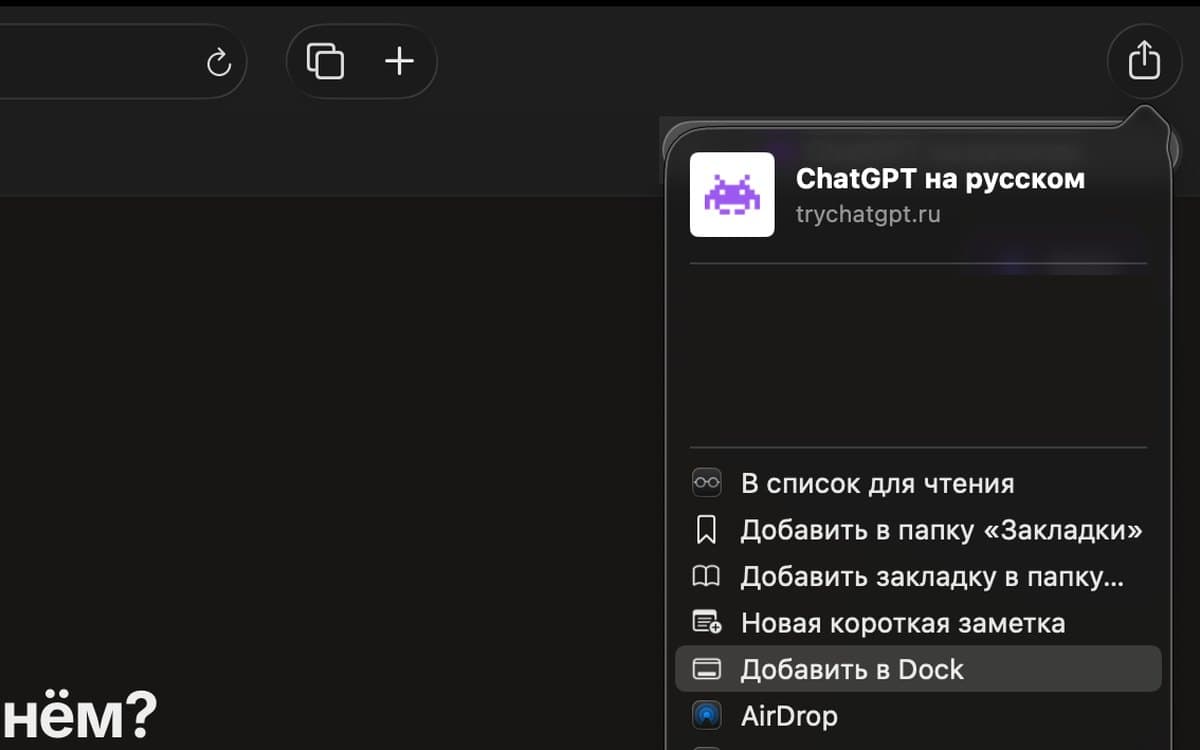
Step 1: the Share button. A real screen, in the Russian interface. Other versions may look different.
Requires macOS Sonoma or newer. The same item is in the File menu. You can drag the icon to any spot in the Dock.
How to add the site to your home screen
Pick your device: we show real screens and the buttons to press.
A web app on iPhone
Add the site to the Home Screen through Safari. The path is the same on iPad.
The site on the Android home screen
In Chrome choose "Install", not "Create shortcut": that opens a separate window.
A site shortcut on the desktop
Install the site as an app from Chrome or Edge. Pin the icon to the taskbar or the Dock.
Install as an app in Yandex Browser
The item is in the "···" menu in the address bar.
Why open the site as an app
One tap to the chat
The icon sits on your screen. No more hunting for a tab or typing the address.
The whole screen for the conversation
No address bar or browser panels, so long answers are easier to read.
The same account
The same chats, gallery, plan and energy as on the site. Sign in to your account and everything is there.
Nothing to update
New features arrive on their own, just like on the site. There is nothing to download by hand.
Not an app, an icon for the site
You do not download a separate program: the icon opens the same TryChatGPT, only in its own window. A site that works as an app is called a web app, or PWA, so your browser may say "Install app". The iPhone puts it more simply: "an icon for quick access to this site".
Looks like an app
- Its own icon on the screen or the taskbar
- A separate window without tabs
- Switches like any other app
Works like a site
- Added from the browser, no app store
- Updates itself
- The AI needs internet to answer
What to do if something goes wrong
The menu item is missing
Most likely the page is open inside the Google, Telegram, VK or mail app. Open it in Safari on iPhone or in Chrome on Android. On iPhone the item appears after the "View More" button.
It opens with an address bar
On iPhone, delete the icon and add it again with "Open as Web App" switched on. On Android choose "Install", not "Create shortcut".
It asks you to sign in
This happens: the sign-in from the icon is stored apart from the browser. Sign in the same way as on the site, and your chats will be there.
The icon is not on the screen
On Android check the neighbouring screens and the full app list. On Xiaomi, Redmi and POCO allow Chrome to create shortcuts on the home screen.
The menu uses other words
Names depend on the version. Look for "Install and create shortcut", "Add to Home Screen", "Install as app" or "Add shortcut".
How to remove the web app
On a phone, press and hold the icon and choose remove. On a computer, open the menu in the TryChatGPT window. Your account and chats stay on the site.
Frequently asked questions
Can I download the ChatGPT app here?
No. The official app is made by OpenAI and it is not on this page. Here you add the icon of the TryChatGPT site to your screen: a chat in Russian that runs on GPT-5, Gemini and Claude.
Is it a real app?
No. It is a site icon that opens TryChatGPT in a separate window. It looks like an app but runs on the same site with the same account.
What is a PWA in plain words?
A website that the browser can launch like an app: with its own icon and in a separate window.
Do I need a VPN?
No. TryChatGPT works without a VPN, from the icon and on the site alike.
Does it cost anything?
No, adding the icon is free. The Starter plan includes 30 units of energy at no charge.
Do I have to download anything?
No. Everything is done in the browser menu, no APK file or installer needed.
How much space will the icon take?
Very little: the AI runs on a server, and only the icon and the launch data stay on your device.
Can I use it offline?
No. Requests are processed on a server, so you need a connection to get answers.
Can I set it up on my phone and computer at once?
Yes. Add the icon on each device and sign in to the same account.
A minute to set up, and the chat is always on your screen
Open the chatTryChat is not affiliated with Telegram, VK, Google.