Restore old photos with AI
Scan a print from the album or just take a photo of it. The AI removes scratches and creases, brings faces back into focus and colourises black and white shots. Online, with no Photoshop and no retoucher.
About 1 energy unit.
Prompt sent to the chat: «Restore this old photo: remove scratches, cracks and stains, rebuild the edges, keep faces and clothes unchanged»
Restoration comes with plans from ₽690. Your scan and prompt are kept, and the result appears on its own after you pay.
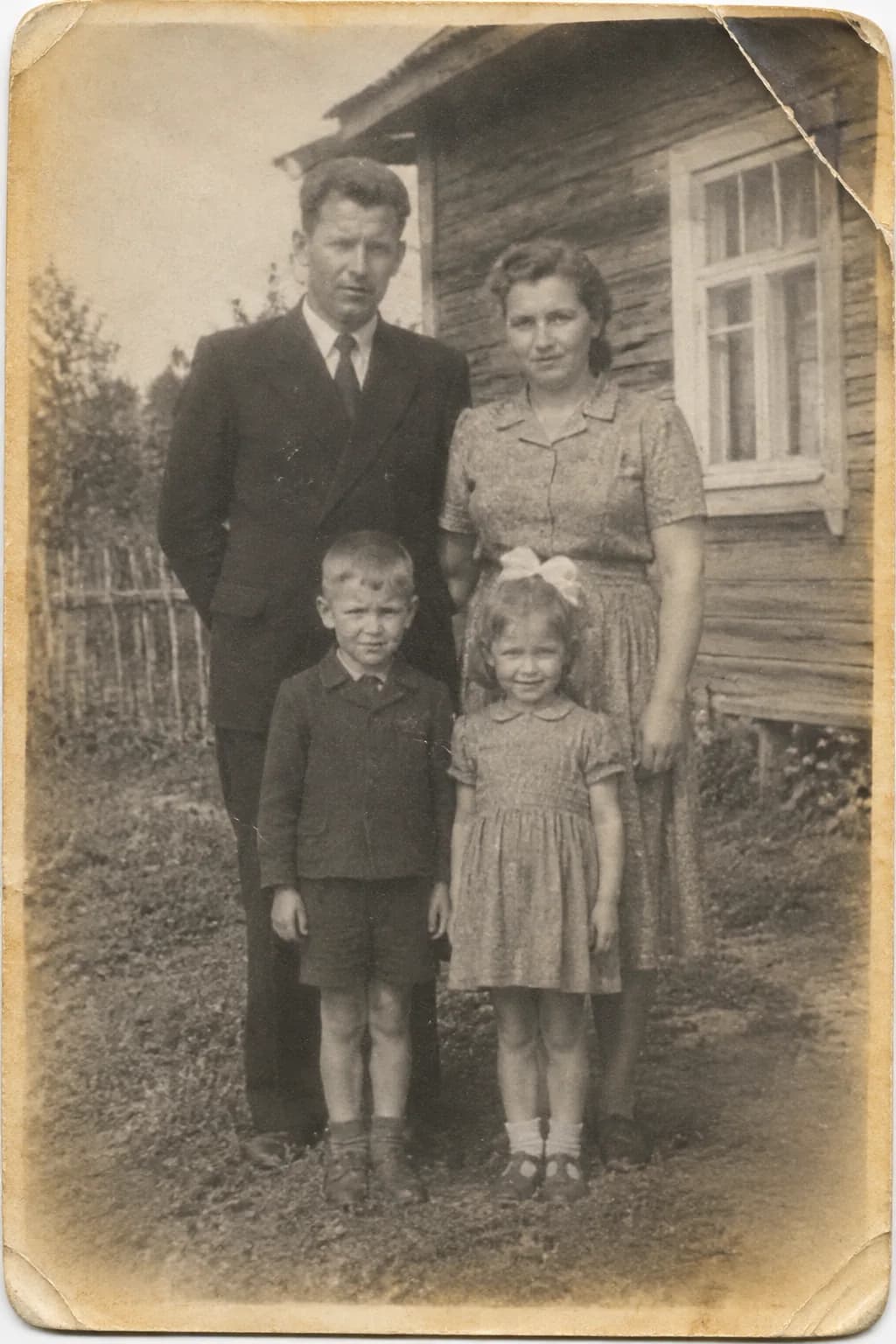
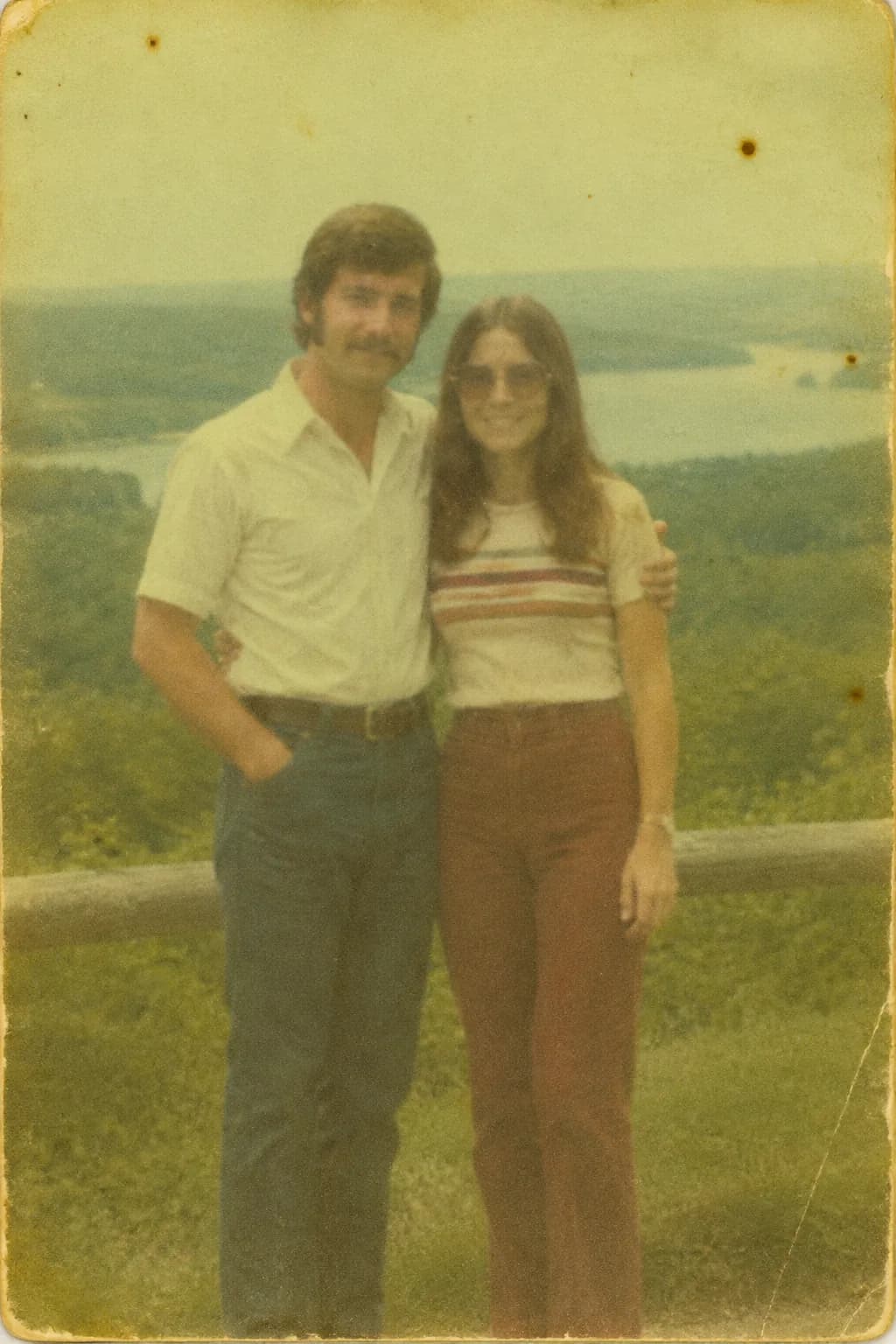
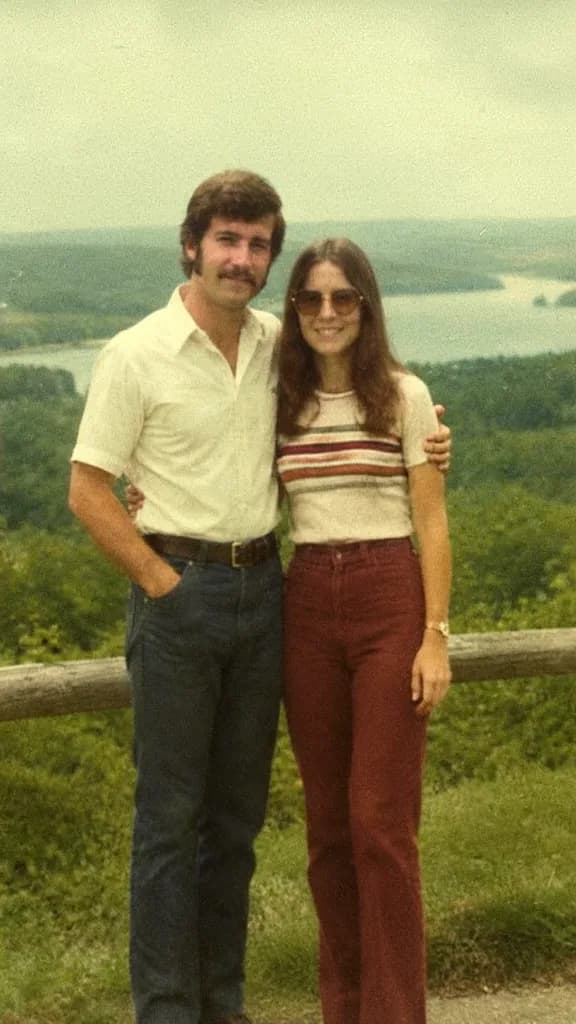 After
AfterOne photo, three stages
A 1962 wedding print that spent years in a box at the dacha: folded in half, the faces almost worn away. This is how an old photo is restored step by step in one chat.
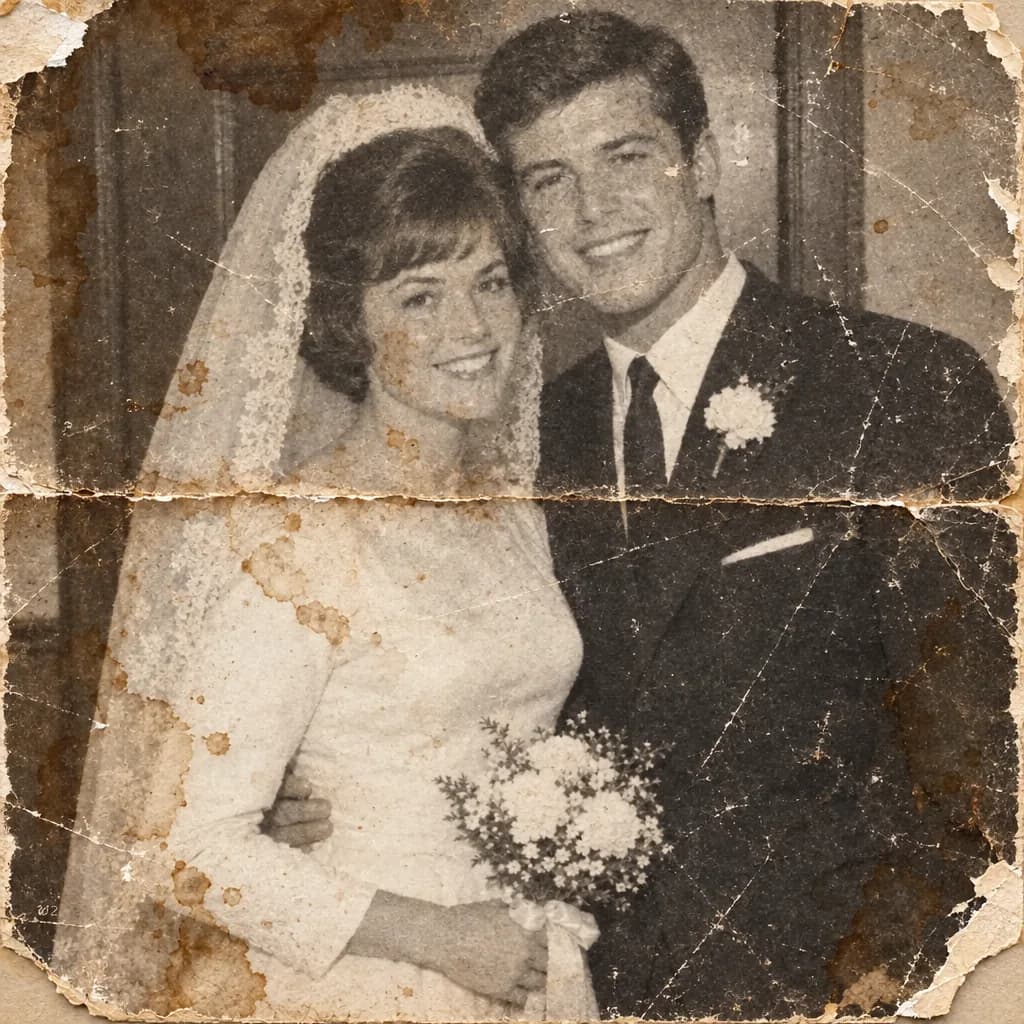 Stage 1 · Damage
“Remove the crease, stains and cracks”
The AI rebuilds the paper from the areas around it. The crease down the middle disappears, and so do the stains on the dress. The faces are still as soft. 1 energy unit.
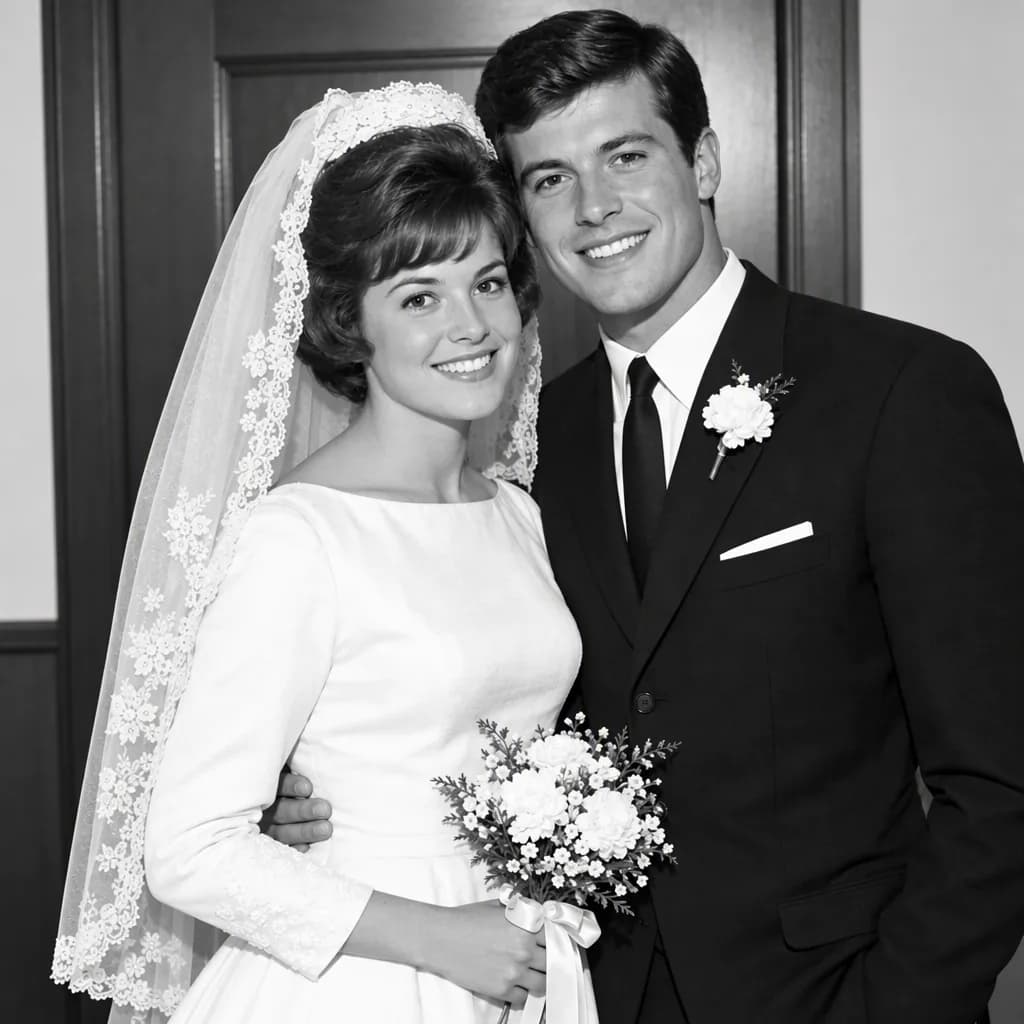 Stage 2 · Faces
“Restore the faces, do not invent features”
A second photo of the same people helps here: attach it as a reference and the AI works from their real features rather than an average face. 1–6 units depending on the model.
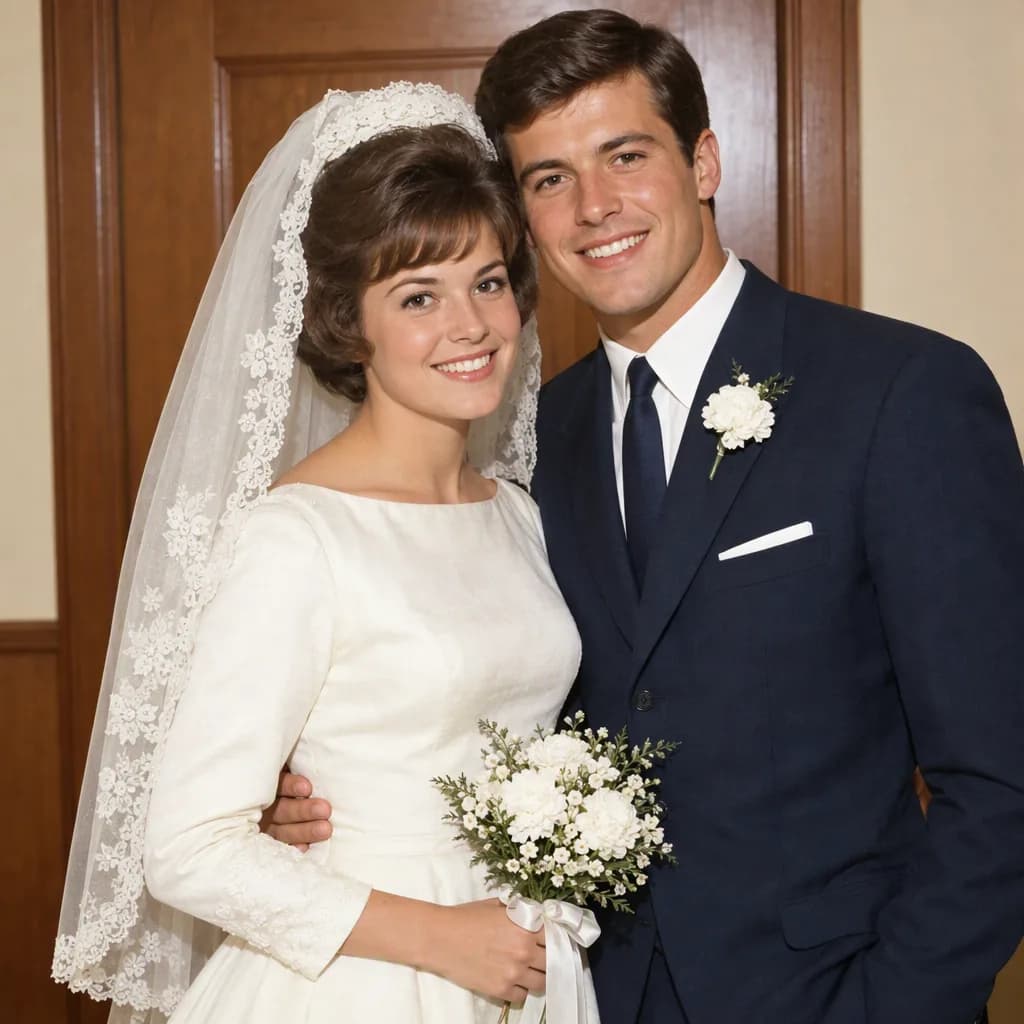 Stage 3 · Colour
“Colourise it, the dress is cream, the suit is navy”
The more precise the colour hints, the closer to the truth: the AI cannot know what colour the tablecloth was. Ask your family and put it in the prompt. 1 unit.
All three stages fit into one prompt, but going step by step makes it easier to check that the faces still look like themselves.
Dates people restore photos for
Victory Day and the Immortal Regiment
The only 3×4 wartime photo, taken from a military ID. The stamp has to go, the face has to come back, and it needs to be enlarged to A4 for a banner. Start in April: printing takes a week.
Parents’ anniversary
A wedding photo in colour on canvas, or a slideshow of colourised photos for a golden anniversary. A series of 10–15 prints can be done in one evening in one chat.
Memory and family tree
A portrait for a memorial or a family tree: remove strangers, even out the light, make the background neutral. These requests are delicate, so say exactly what must stay unchanged.
How to digitise a print so the restoration works
Half of the result is decided before you upload. The AI restores what it sees, so the scan should hold as much detail as possible.
- 1
Scanner: 600 dpi for prints smaller than 10×15 cm, 300 dpi for larger ones. Use colour mode even for black and white photos: the paper’s tones help separate stains from the image.
- 2
No scanner: shoot with your phone by a window in daylight, no flash, straight from above. Put the print on a dark sheet so the edges are easy to crop later.
- 3
Do not pull a photo out of a glazed frame if it has stuck to the glass: shoot through the glass at an angle to avoid glare, then ask to “remove the glare in the top left corner”.
- 4
Save as PNG or JPG at maximum quality. Do not send the scan through a messenger before uploading: it compresses the file and destroys fine detail.
- 5
If you have another photo of the same person, attach it as a second file for reference and write “the face as in the second photo”.
Lite: ₽690 a month, 150 energy units
One print with scratches and colourising costs 2–3 units. So in a month of Lite you restore 50–75 photos: a whole album. You can cancel the subscription once the archive is done, and the files stay in the chat.
If there are several albums or you want every model with the finest face detail, take Basic at ₽990 (200 units) or Premium at ₽2,290 (600 units). The free Starter plan suits text tasks: caption dates and names, build a family tree.
Get Lite- Scratches and stains
- 1 energy
- Colourising B&W
- 1 energy
- Face restoration, GPT Image 2
- up to 6 energy
Questions about restoring old photos
Can I restore a photo online for free?
Image work comes with plans from Lite at ₽690 a month. For free you can upload a scan, pick a mode and save the prompt; processing starts after you pay.
Will the face still look like my relative?
Yes, as long as the original keeps some features. When a face is completely worn away, the model draws a plausible but different one. Attach a second photo of the person as a reference: it raises the likeness a lot.
Will the AI colourise the photo correctly?
Skin, sky, greenery and uniforms come out natural. The AI picks the colour of a dress or a car itself, so put the colours you know into the prompt: “dark green tunic, beige background”.
Is it automatic, or do I have to select anything?
Automatic: you describe the task in words, no brushes or masks. If the AI misses a stain, say where it is: “the stain to the right of the face”.
Can I restore an old photo without signing up?
You need an account: restored photos are kept in your chat, and you can come back a year later to make another version.
How large will the file be for print?
The resolution of the chosen model, enough for standard print sizes and screens. If you need more, write “upscale with redrawn detail”; the photo enhancement page has more on that.