Merge two photos into one with AI
Upload two photos of different people and describe the scene. The AI puts them in one frame: it picks poses, shared light and a background so the picture looks taken by one camera at one moment.
The bride and groom from different pictures in one frame by an arch. Useful when one of the couple missed the group shot or you need a frame with parents who were not at the ceremony.
A joint photo comes with plans from ₽690; one generation costs 1 to 6 units of energy. Your pictures and prompt are kept until you pay.
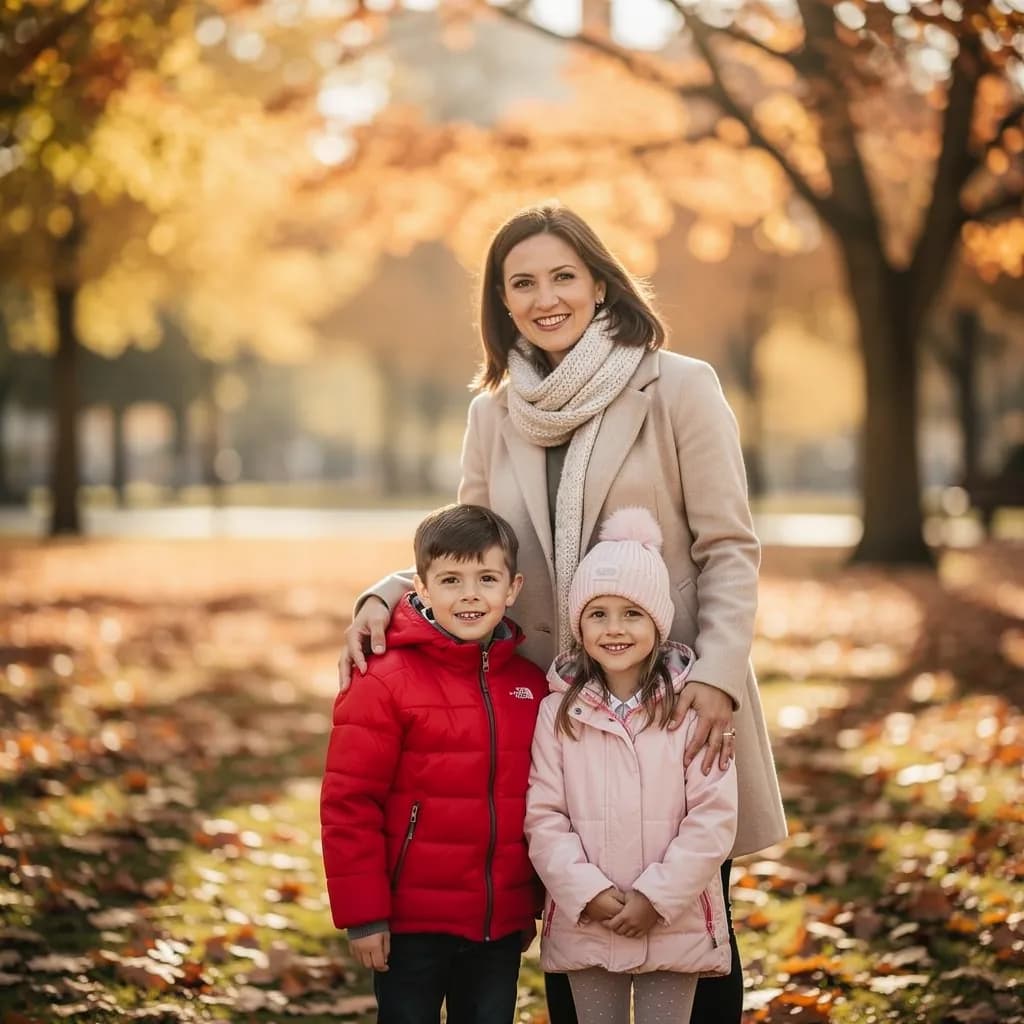 Before
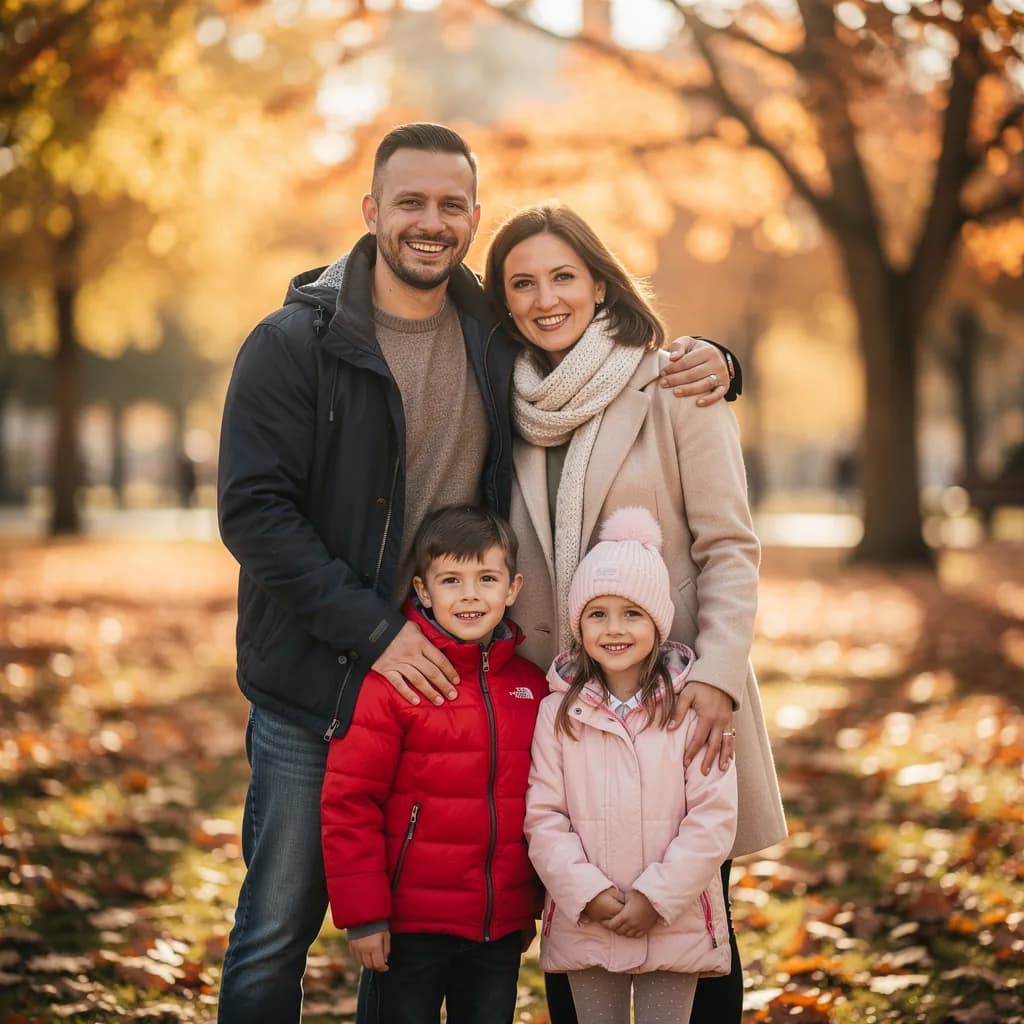 After
AfterA group shot plus a portrait from another day: the father now stands with his family, the light and background unchanged.
How the AI merges two photos into one
- 1
It remembers the people
It takes the face, hair, build and clothes from each picture. The larger and sharper the person in the original, the closer the likeness.
- 2
It builds the scene you describe
You set the place, poses and light: “sitting on a park bench, hugging, overcast day”. The AI puts both into one space with one perspective.
- 3
It matches light and scale
Shadows fall the same way and heights look plausible. If someone “grew”, write “the second person is half a head shorter”.
Add a person to a photo
You have the group shot, but one person is missing: late, behind the camera or in another city. Upload the group shot as photo 1 and a portrait of the missing person as photo 2, and say in the prompt where to put them.
«Add the person from the second photo to the first: standing to the left of the woman in the beige coat with an arm around her, the same height as the others, keep the light and background»
The people in the original group shot are not redrawn. If someone changed, write “put the others back as they were”.
This is a generated image, not a found photo
What you get
A new photo assembled by the AI from your originals. It can look very real, but the moment it shows never happened. That is fine for an album, a card or a gift — not for a document or as evidence.
Whose photos you can use
Your own, those of loved ones with their consent, and of late relatives for family memory. Do not put strangers, public figures or colleagues into a frame without their knowledge: it is their image and their right.
How not to mislead
If you publish it, say that the picture was made by AI. Especially when it involves people who have passed away: an honest caption makes such a frame warm rather than strange.
Why people merge photos
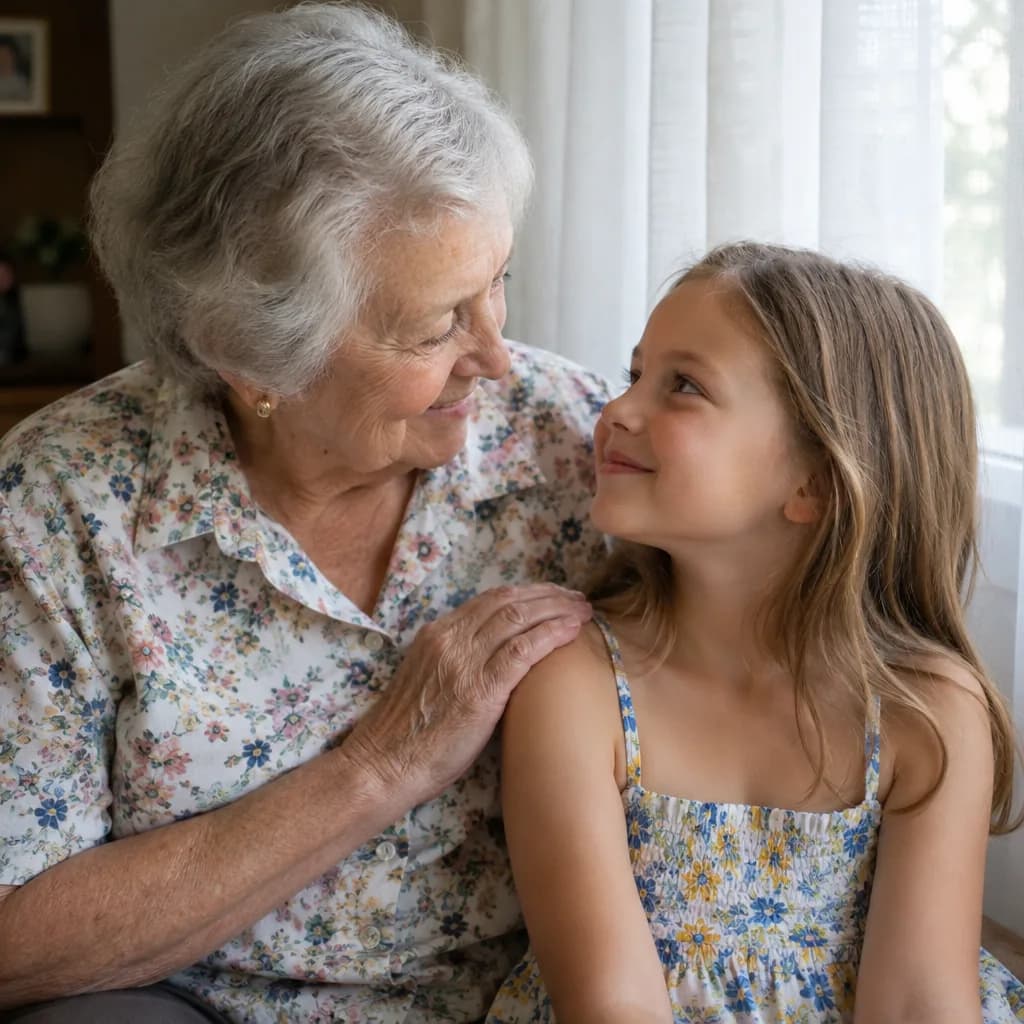 Generations
Grandmother and granddaughter in one picture
A grandmother from a picture taken years ago and a granddaughter from last year’s birthday — side by side by a window. Restore the old photo first, then merge: the face comes out more accurate.
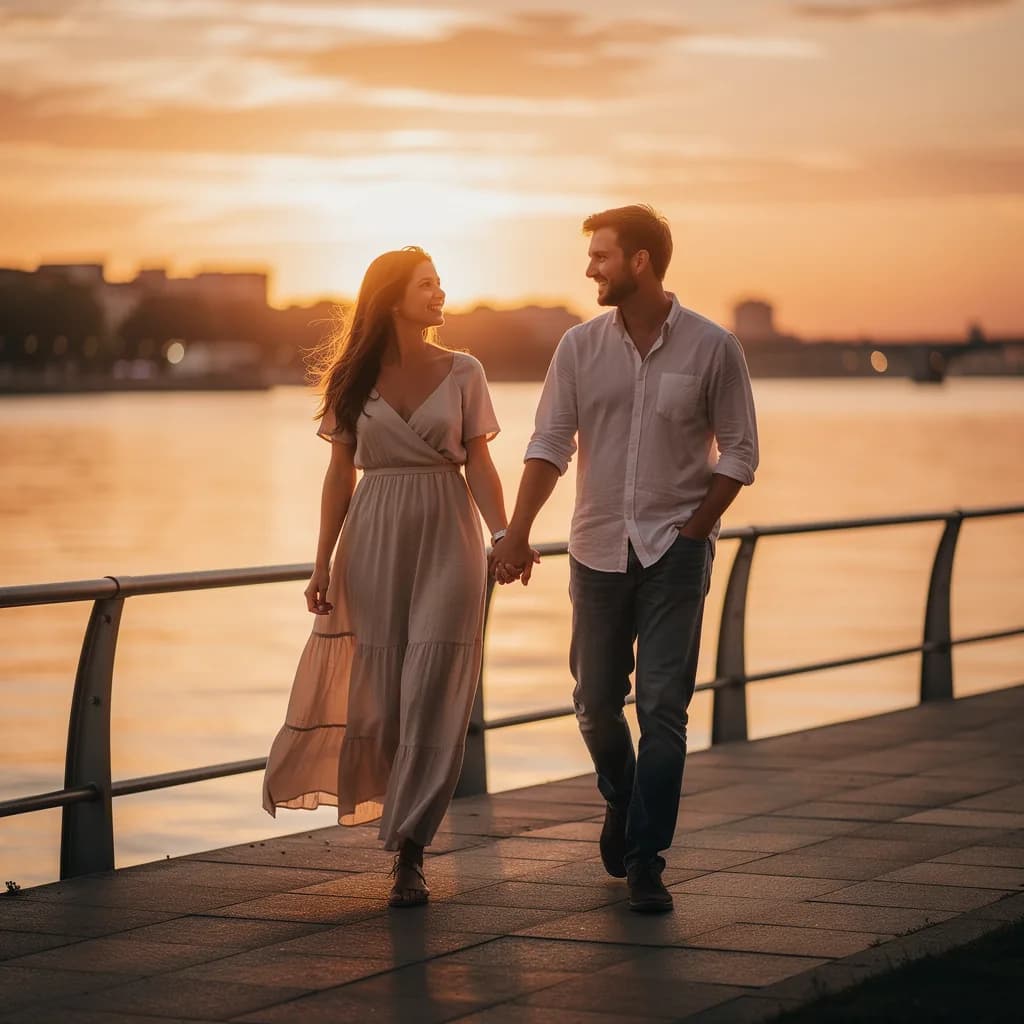 A long-distance couple
An anniversary card
He is in one city, she is in another, and the anniversary card should show them together. Two selfies and the prompt “walking along the waterfront, holding hands, sunset”. From 1 unit of energy.
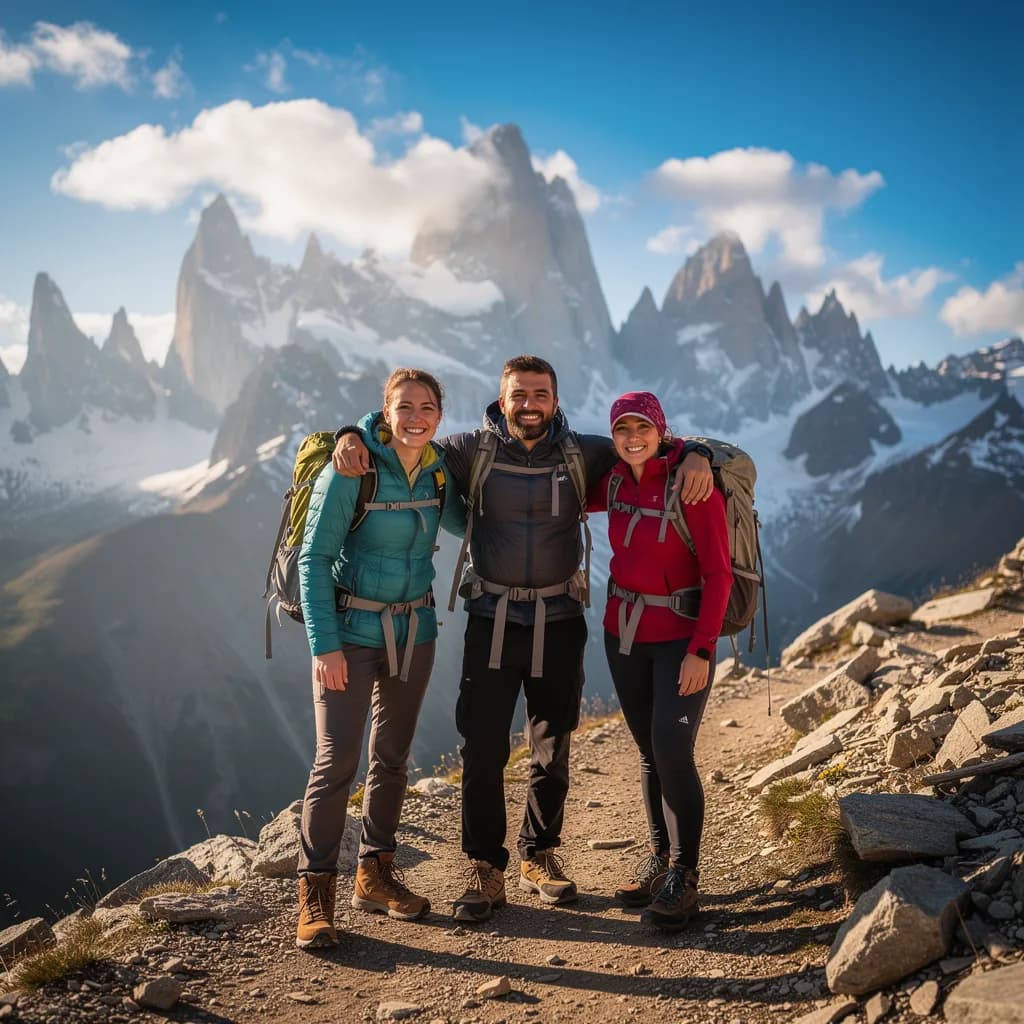 The friend who stayed home
A group shot from the pass
A hike for three, but the third fell ill. The group shot from the pass plus his photo from the previous hike — and the chat returns a picture “as if he was there”. Captioned as made by AI.
All examples were made by AI with fictional people.
Which originals give a good likeness
Likeness depends on the originals more than on the model. Five minutes choosing photos saves three generations.
Works well
- A large face, in focus, no sunglasses or harsh shadows. Waist up or full length if you need a pose.
- A similar angle for both: both facing the camera or both in three-quarter view. Light of roughly the same temperature: do not mix an evening lamp with noon.
- A scene reference as a third file: a picture from the internet with the composition you want. The AI repeats the arrangement and light.
Does not work
- A group photo where the person takes up 50 pixels, a video screenshot, a picture with a heavy filter or mask.
- A prompt without a scene. “Merge” with no place or poses gives a random composition you will have to redo.
FAQ
Can I merge photos with AI for free?
Image generation is available on plans from Lite at ₽690 a month. For free you can upload both pictures, pick a scene and save the prompt — it runs after you pay.
How close will the likeness be?
With sharp close-up originals, recognisable at first glance. If the likeness slipped, write “make the second person’s face closer to the original” or attach another picture of them.
Can I merge more than two photos?
Yes, up to four people in one generation. For more, add them one by one with the “add a person to a photo” scenario — that makes each likeness easier to control.
Is it a collage or a single picture?
A single picture with shared background, light and perspective. If you want a collage of two photos side by side, write “make a collage, do not merge the photos” — the chat does that too.
How much energy does it take?
From 1 unit (Seedream 4.5, Flux 2 Pro) to 6 (GPT Image 2 for complex scenes with several people). Lite has 150 units, that is dozens of attempts a month.
Can I use an old black-and-white photo?
Yes. It is better to restore it on the restoration page first and then upload the result as photo 1: colour and sharpness help it match the second picture.
Lite at ₽690: 150 units, enough for dozens of versions
A joint photo is rarely perfect on the first try: usually 2–4 iterations adjusting poses and light. The free Starter plan is enough to caption and describe finished pictures.