AI photoshoot from your photos online
Pick a style, upload one to three shots, and the AI builds a series of frames with your face: studio, street, fantasy, business portrait, couple, family or child.
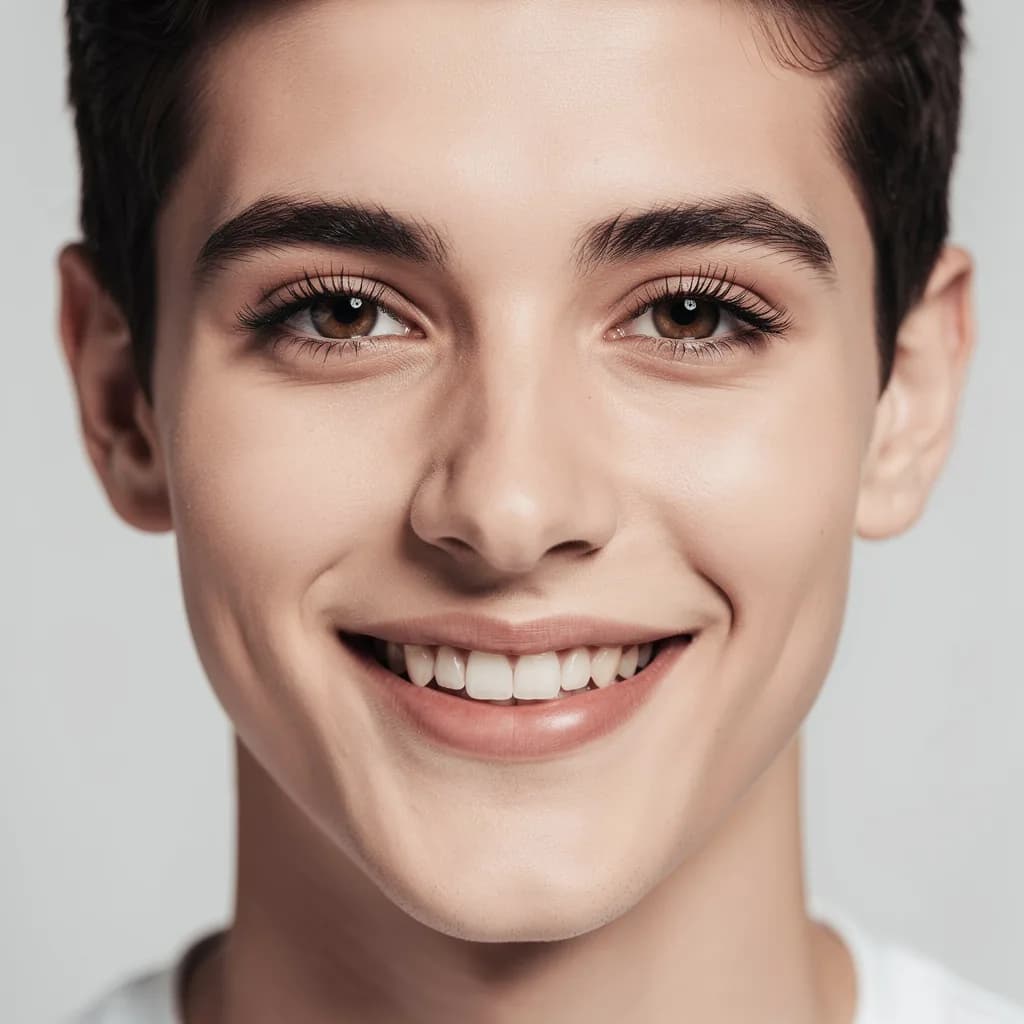
Seamless grey backdrop, soft light from both sides, a waist-up portrait
One frame costs from 1 unit of energy. AI photoshoots come with plans from ₽690; your photos and prompt are kept, and generation starts on its own after payment.
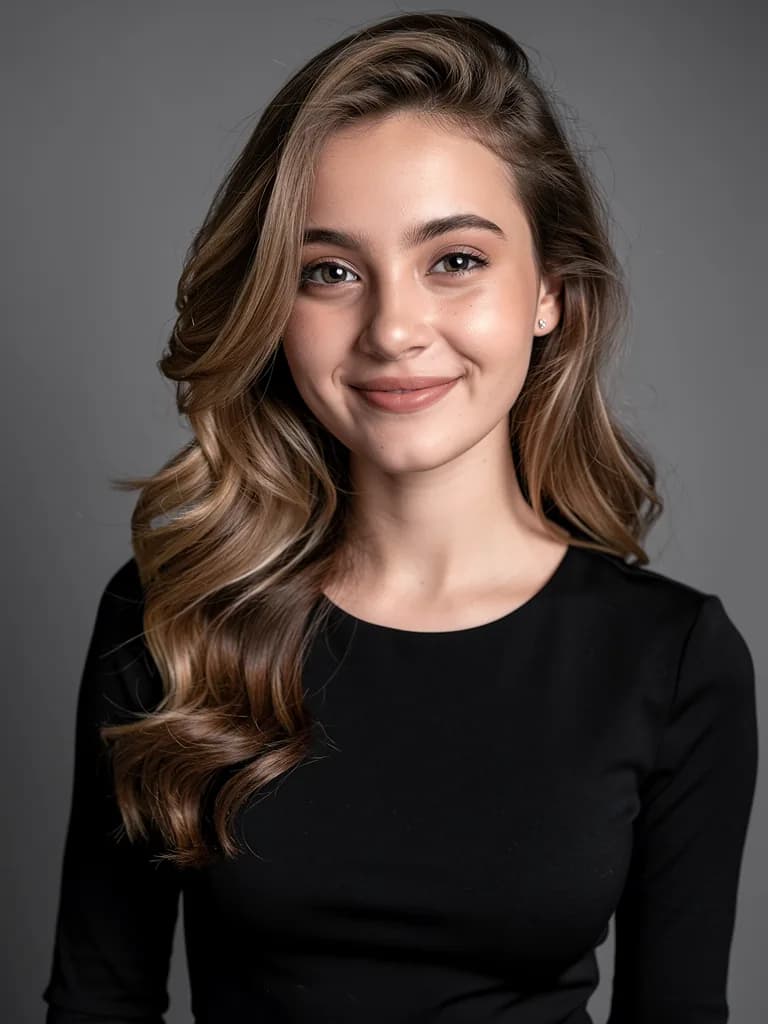 Studio
What an ordinary selfie turns into
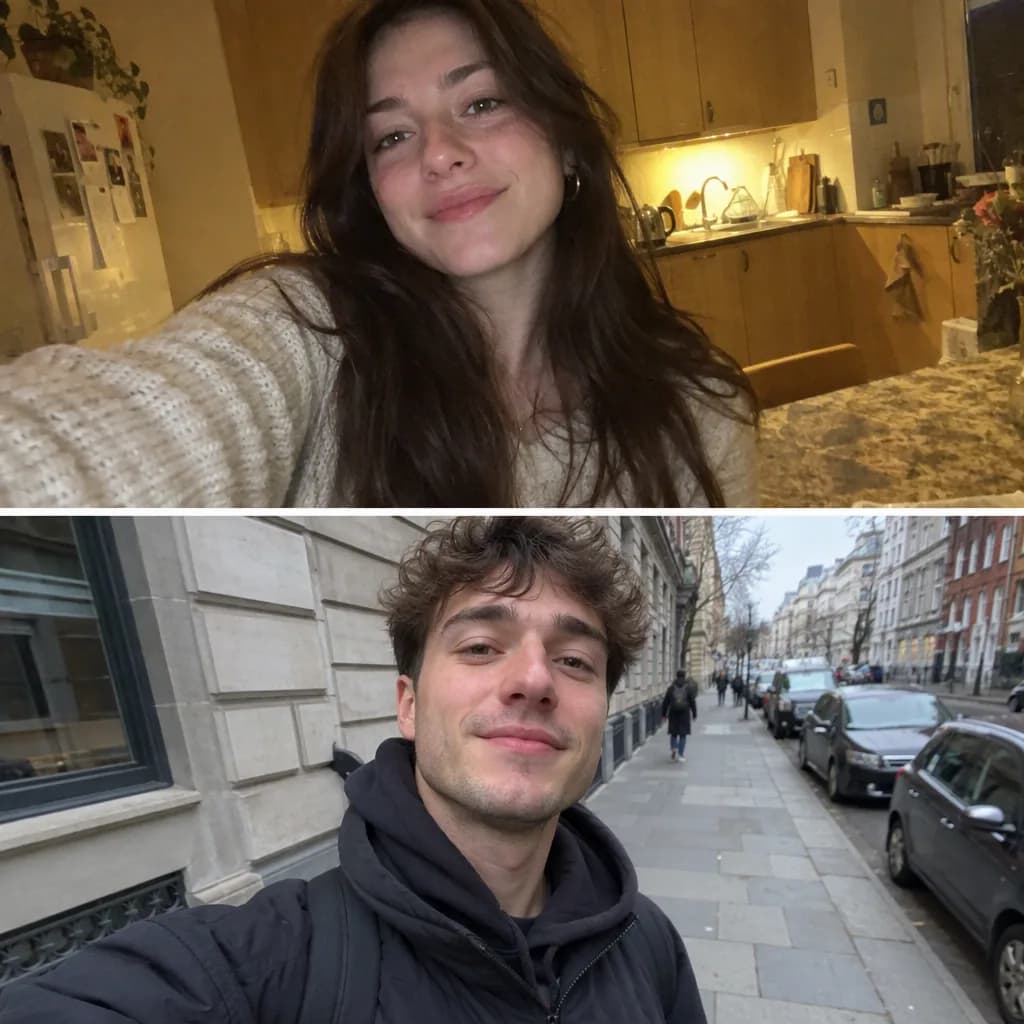
On the left, a phone shot; on the right, a frame from the AI photoshoot with no retouching after generation.
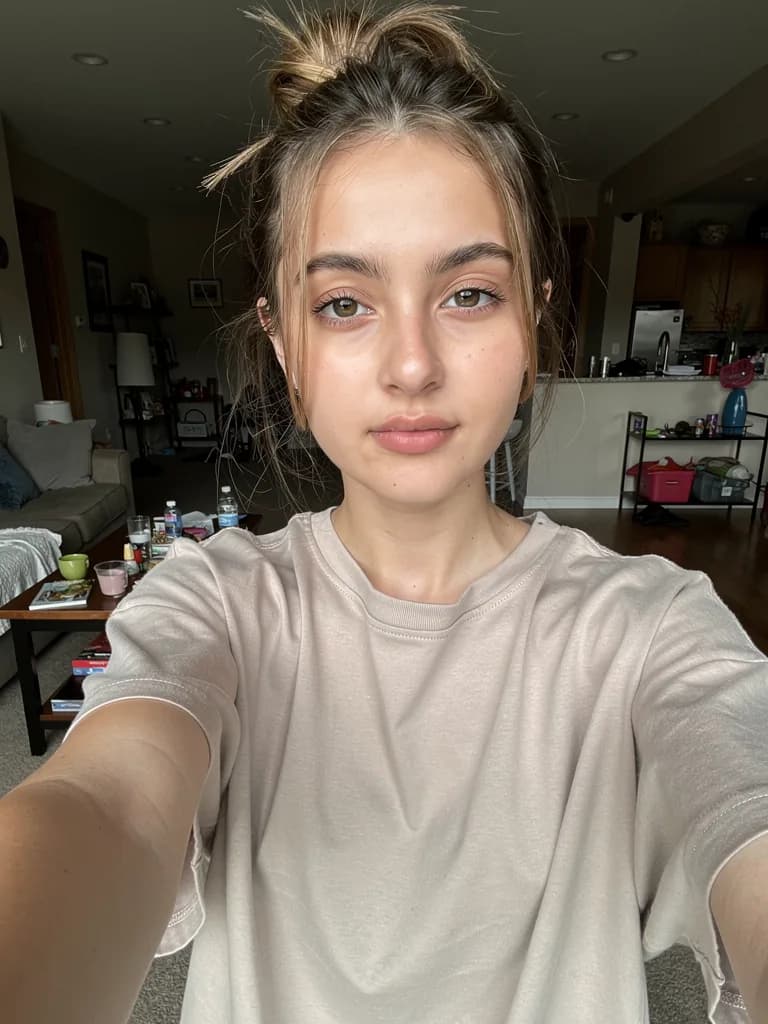 Before
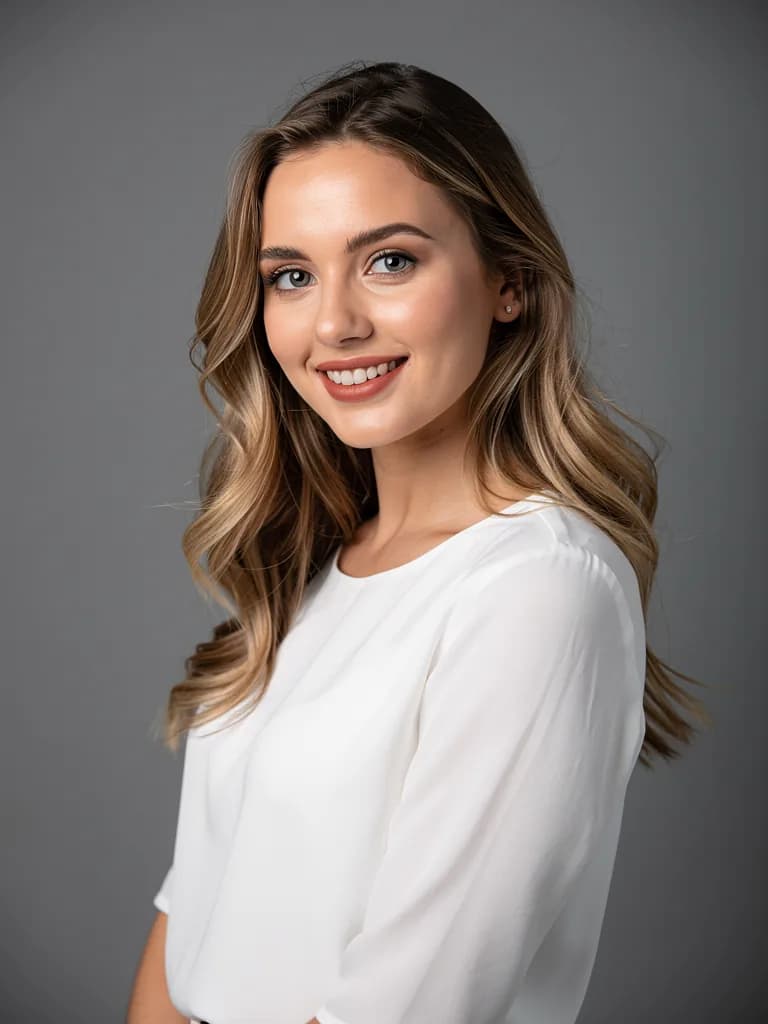 After
AfterStudio: a waist-up portrait, black turtleneck, light from both sides
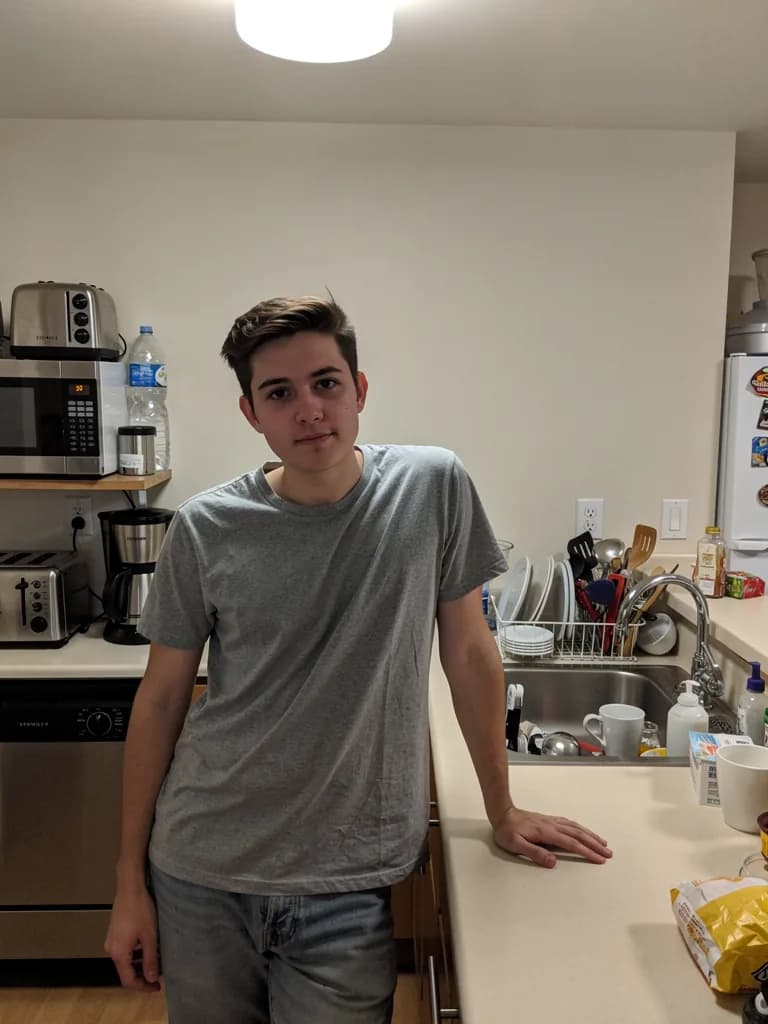 Before
 After
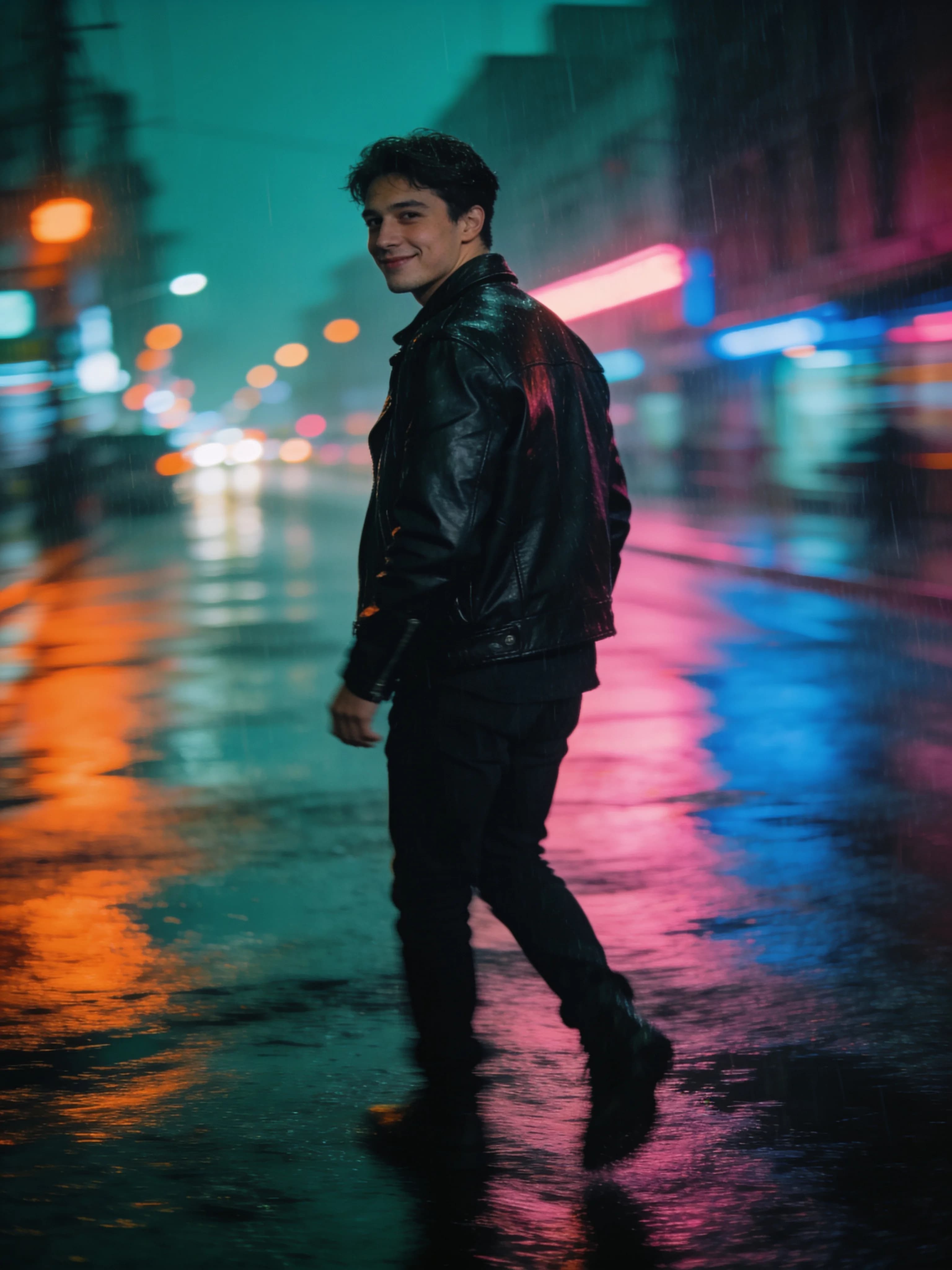
AfterStreet style: neon and wet asphalt instead of a kitchen
 Before
 After
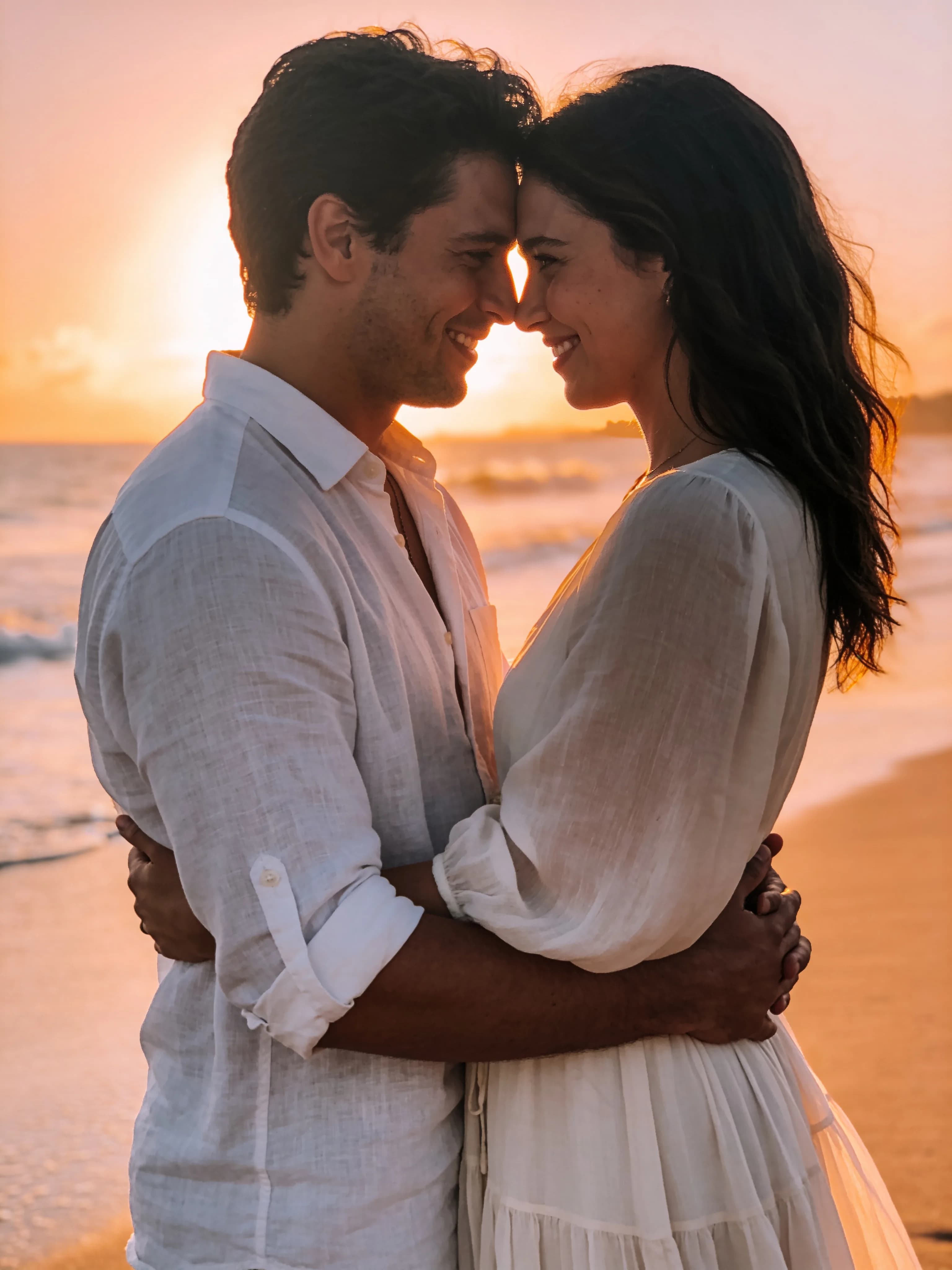
AfterA couple shoot from two separate selfies: one photo of each person
 Before
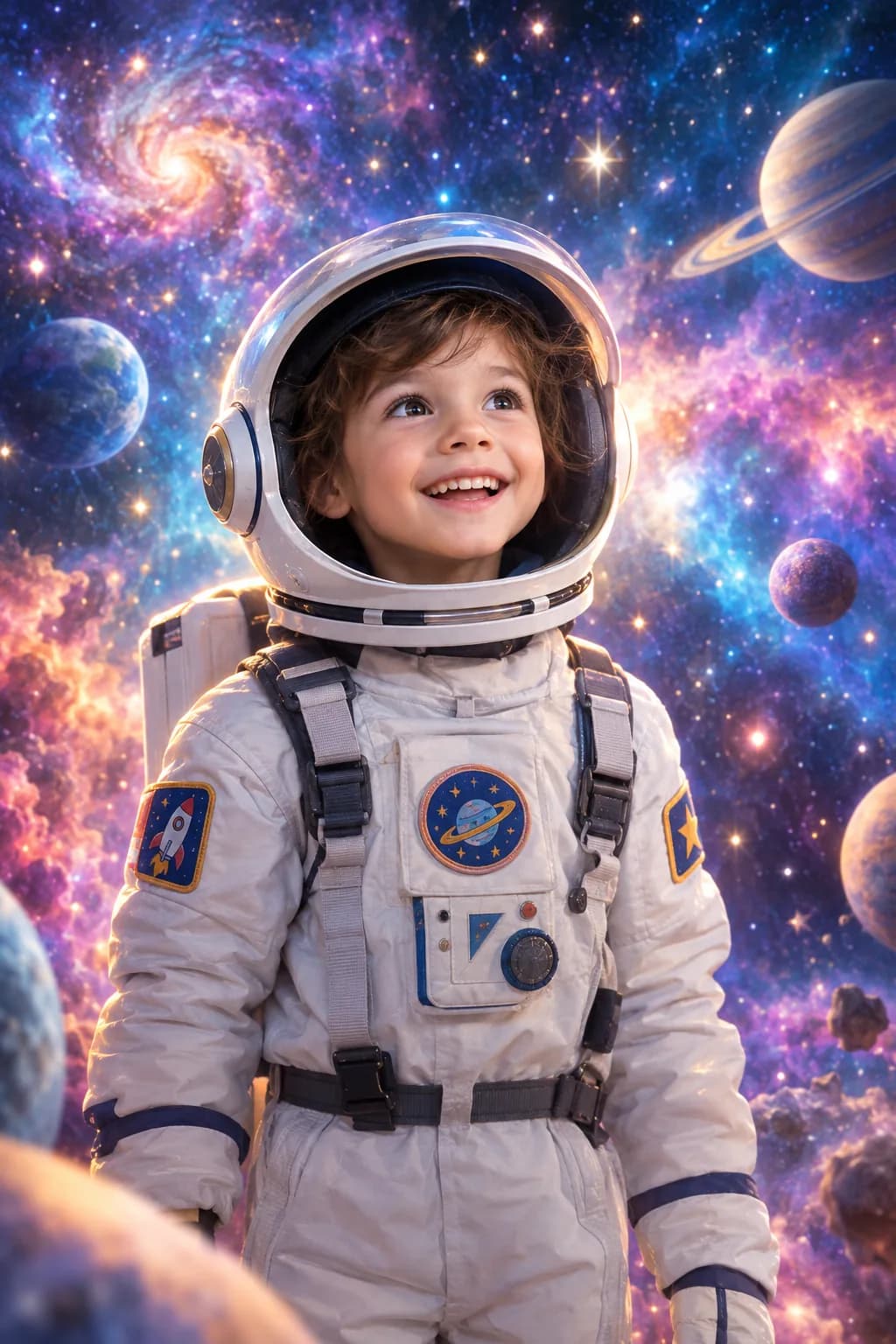 After
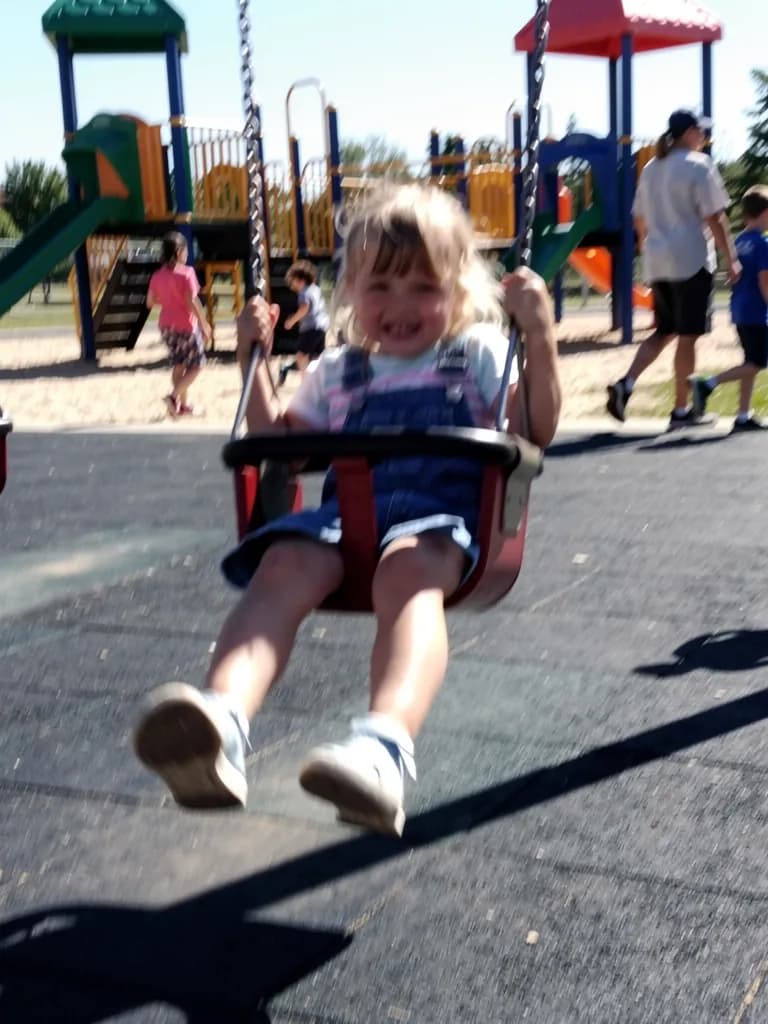
AfterKids: a space suit and a starry sky, the face unchanged
The people in the examples are fictional, generated for demonstration.
Business portrait for a CV and social media
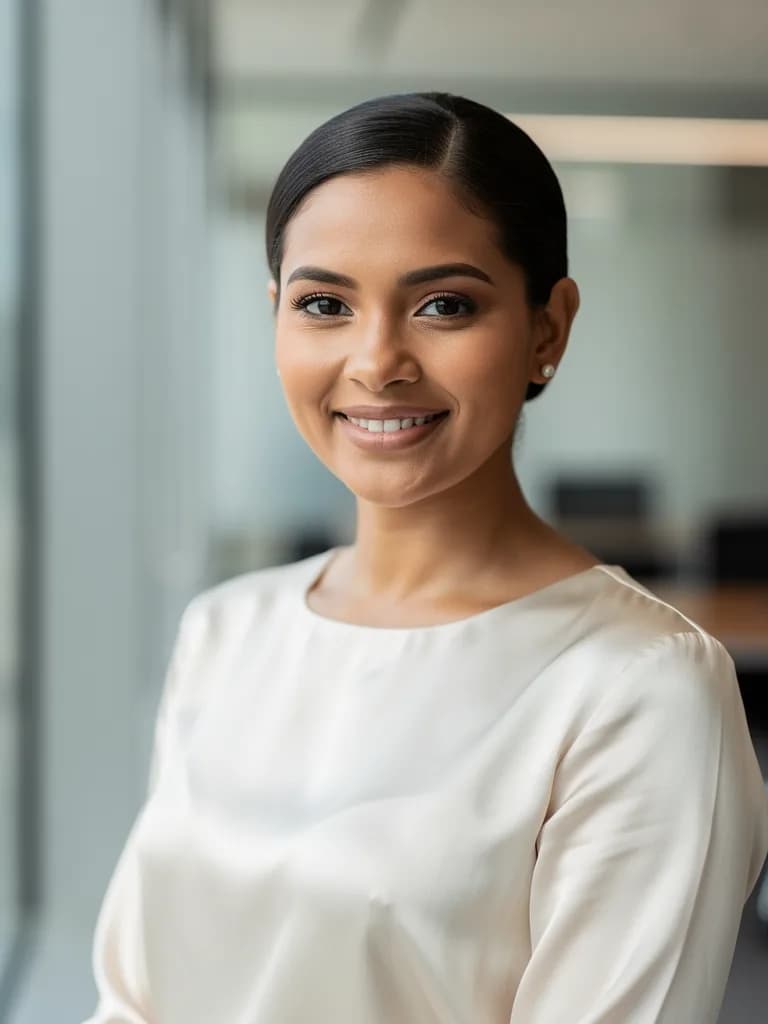
You need a photo for a job site, a messenger profile or the company website, but no time for a studio. Upload one selfie taken in daylight, and the AI dresses you in a jacket or blouse, sets a neutral background and studio light.
What to put in the prompt: gender and age are not needed, they come from the photo, but the jacket colour, background (grey, white, a blurred office) and format (4:5 for a CV, 1:1 for an avatar) are. One portrait is 1 unit of energy on Flux 2 Pro, so you can make five options and pick one.
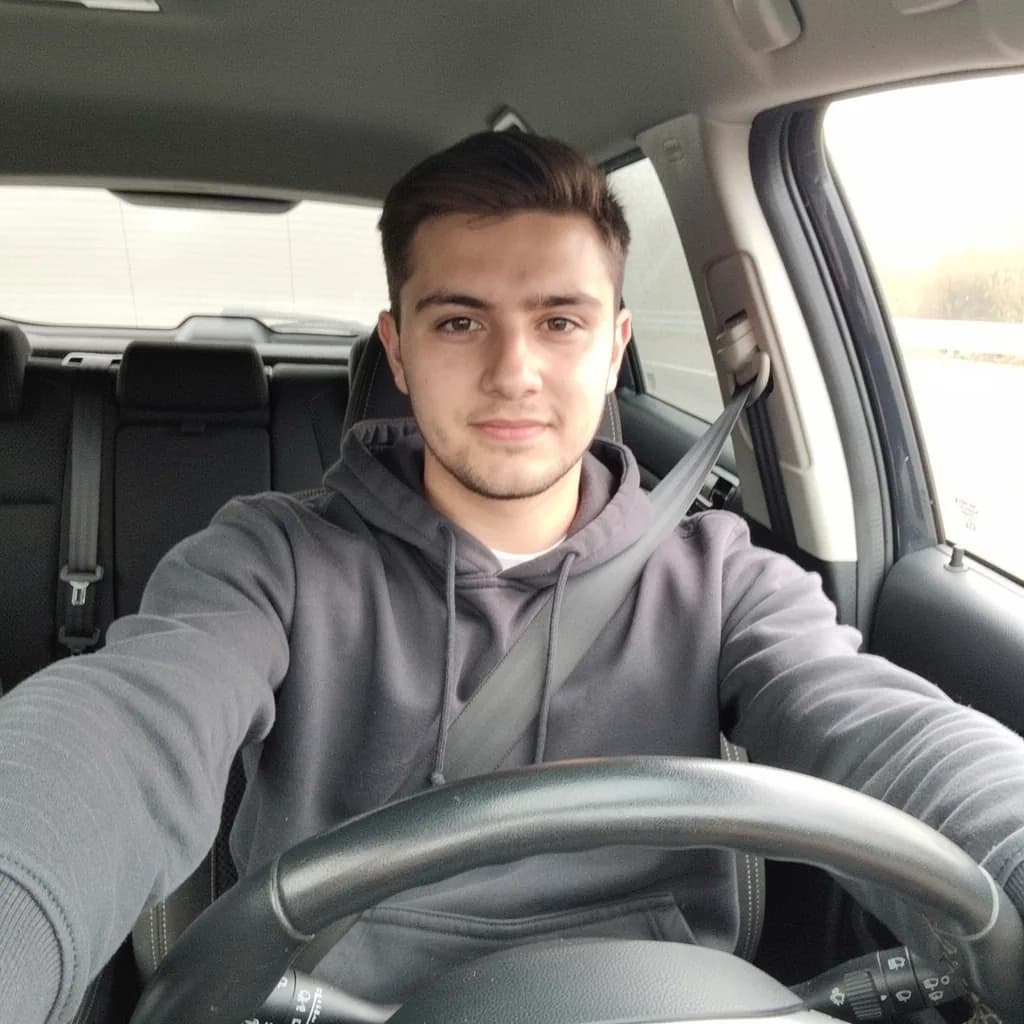 Before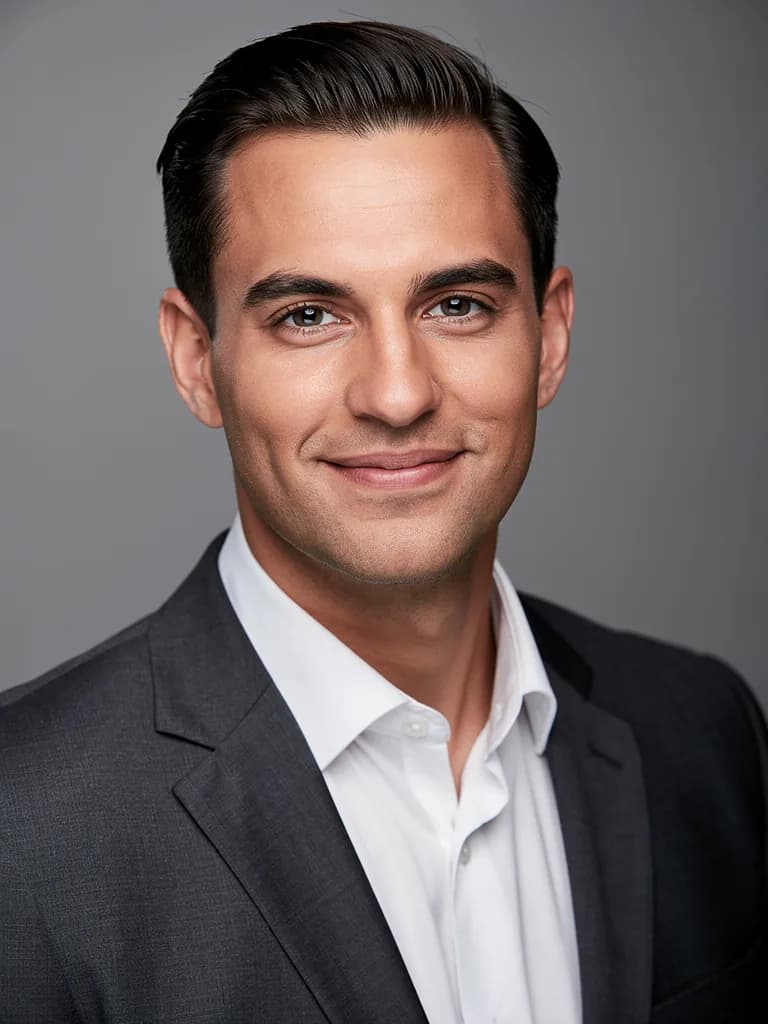
What an AI photoshoot costs: energy × frames
Every frame spends energy, so a photoshoot cannot be free. But the maths is simple: pick the number of frames and the model to see which plan covers the shoot.
For portraits with good likeness, 1-unit models are usually enough. Take GPT Image 2 for complex scenes with several people and text.
10 energy
Lite is enough — ₽690 a month, 150 energy
140 units will be left after the shoot: 14 more shoots like this or edits to your favourite frames.
Choose a plan and startIf a plan runs out of energy, top up with a pack without changing the plan.
Prompts for an AI photoshoot
A good prompt has five parts: place, light, clothes, pose and frame format. You do not need to describe gender, age or features — they come from the photo. Tap an example to put it into the form.
Honestly about likeness, hands and edits
Likeness
The face is recognisable in most frames if it is large in the uploaded photo, with no mirrored sunglasses or filters. Three photos from different angles improve accuracy. Not similar? Write “make the face closer to photo 1”.
Hands and small details
Fingers, jewellery and fabric patterns are the weak spot of any generation. Ask for poses with hands in pockets or behind the back, and do not describe rings and earrings at all. An extra finger is fixed with “fix the hands”.
Edits in words
Each edit is a new generation and a new unit of energy. To avoid waste, put everything in the first prompt: place, light, clothes, pose, format. Then refine one detail at a time: “a wider smile”, “a darker background”.
FAQ
Can an AI photoshoot be free?
No: image generation is only on paid plans. The entry point is Lite at ₽690 (150 units of energy, up to 150 frames on light models). The free Starter plan gives you the text chat: you can prepare prompts in advance, and your photos and prompt are kept.
How many photos should I upload?
One portrait in daylight is enough. Two or three shots from different angles improve likeness, especially for full-length frames. Avoid photos with mirrored sunglasses, filters or a strongly tilted pose.
Can I do a family or couple shoot if the people are in different photos?
Yes. Upload a shot of each person, up to three, and say who goes where: “on the left, the man from photo 1, on the right, the woman from photo 2”. For a family of four, make two frames of two and ask to merge them.
How long does one photoshoot take?
One frame takes 20–60 seconds. A series of 10 frames with a couple of edits takes about 15 minutes.
What resolution are the frames?
The long side is 1024 to 2048 pixels depending on the model. That is plenty for avatars and social media; for a 20×30 print, pick high-resolution models.
Can the AI make a portrait from a photo in any look?
Yes: a business portrait, a vintage 1950s shot, a character from a book. You cannot put someone else’s face in or use other people’s photos without permission — such requests are not carried out.