AI image generator from photos and text
Start with a text description or your own photo. Pick a model — each one shows how much energy a single picture costs.
Image generation comes with plans from Lite at ₽690 (150 energy). The free Starter plan covers text tasks.
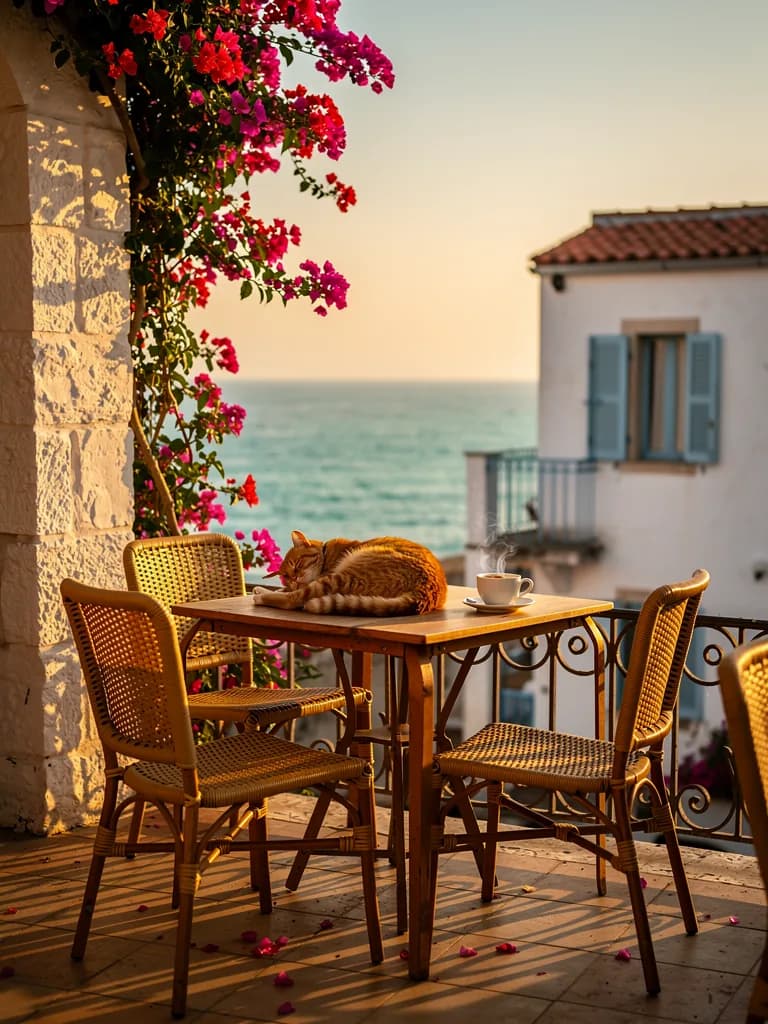
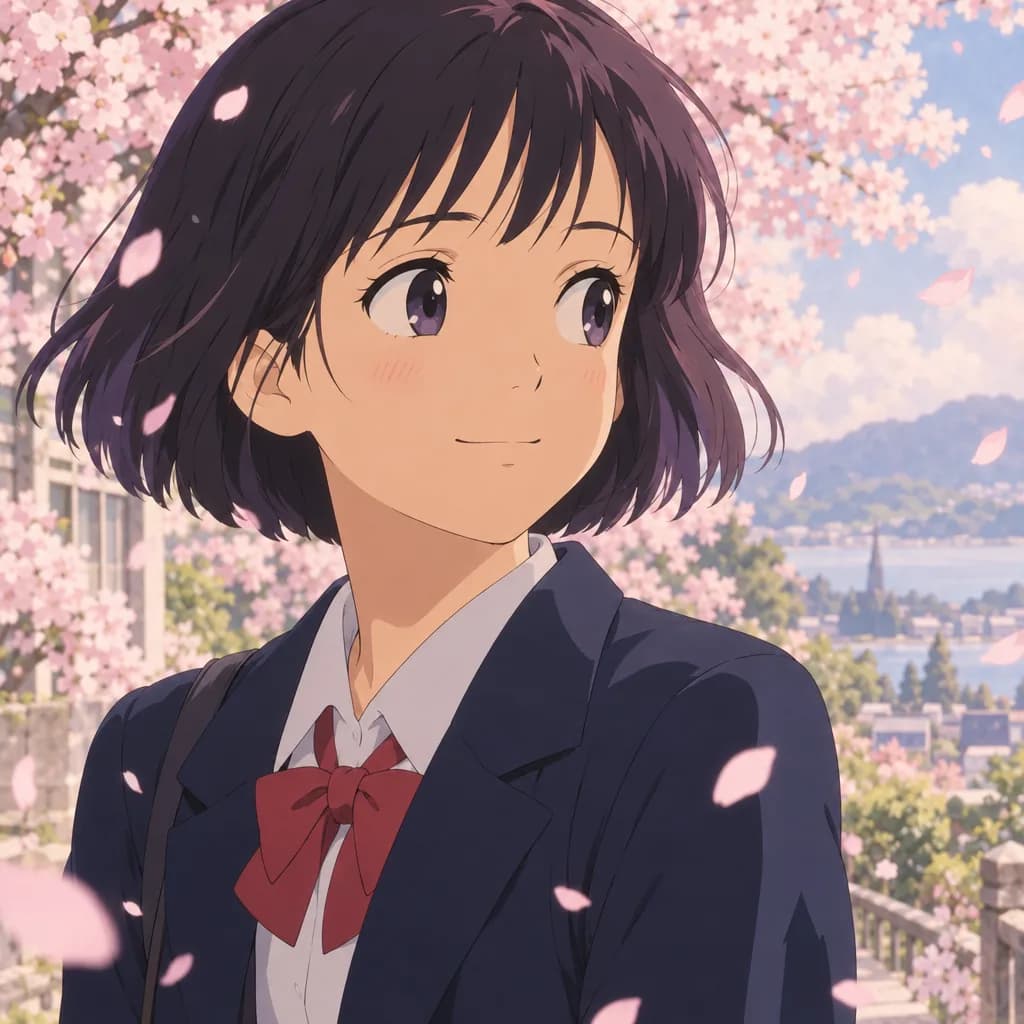
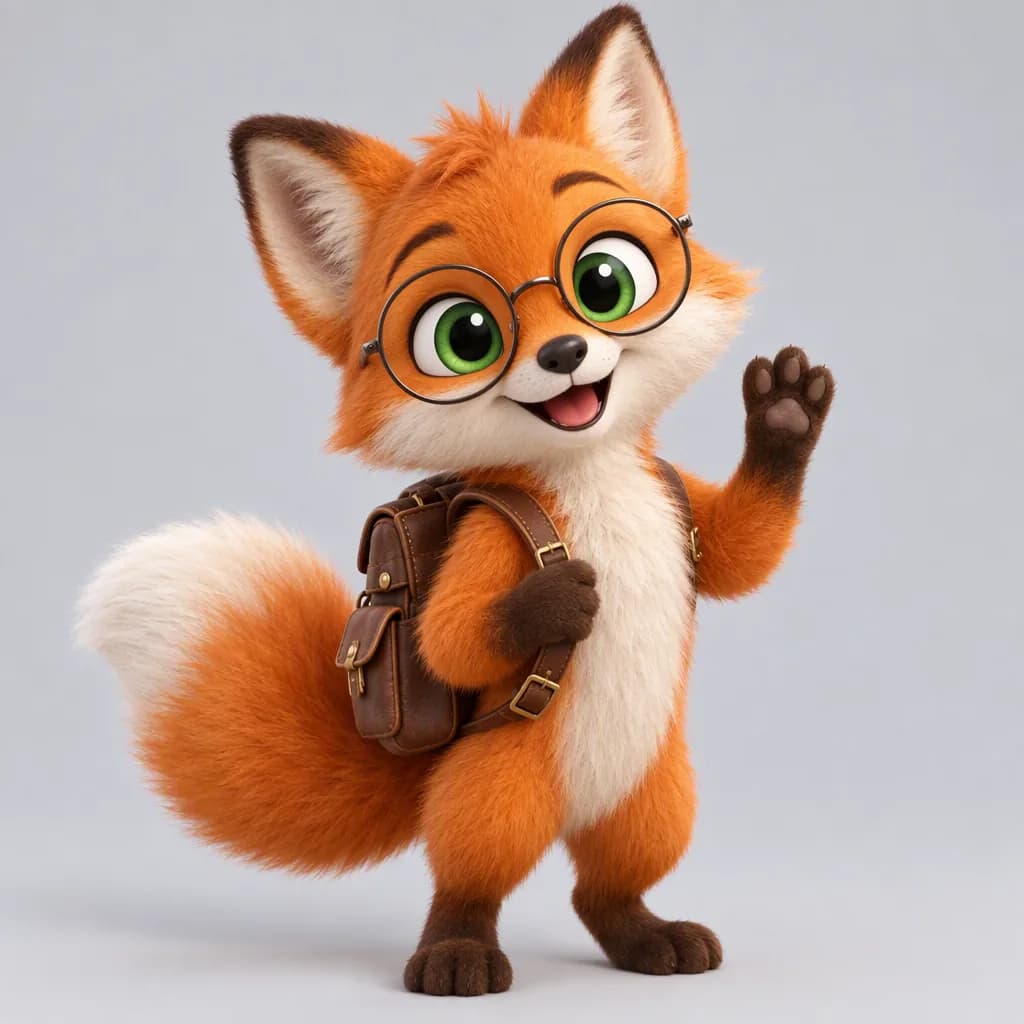
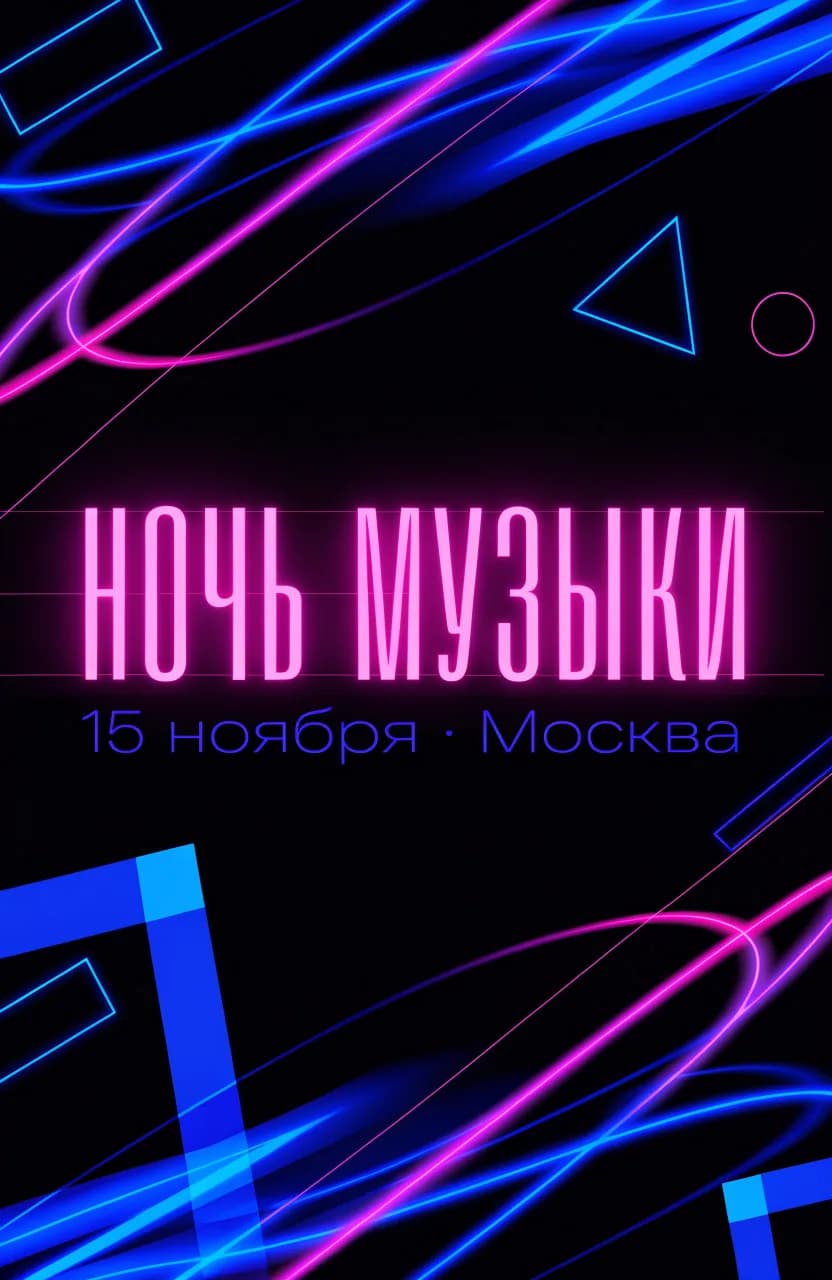
What you can do with images
Each use case has its own page with examples, ready-made prompts and the energy cost. Pick a task or simply describe it in the form above.
Edit your photo
Create something new from your photo
For business and study
Text tasks — presentations, posts, CVs, code, solving problems from a photo — live in the chat.
One prompt, any style
Style is set with words in the prompt: “photorealistic”, “watercolour”, “anime”, “flat illustration”. For pictures from a photo, add what to keep: the face, the product, the layout.
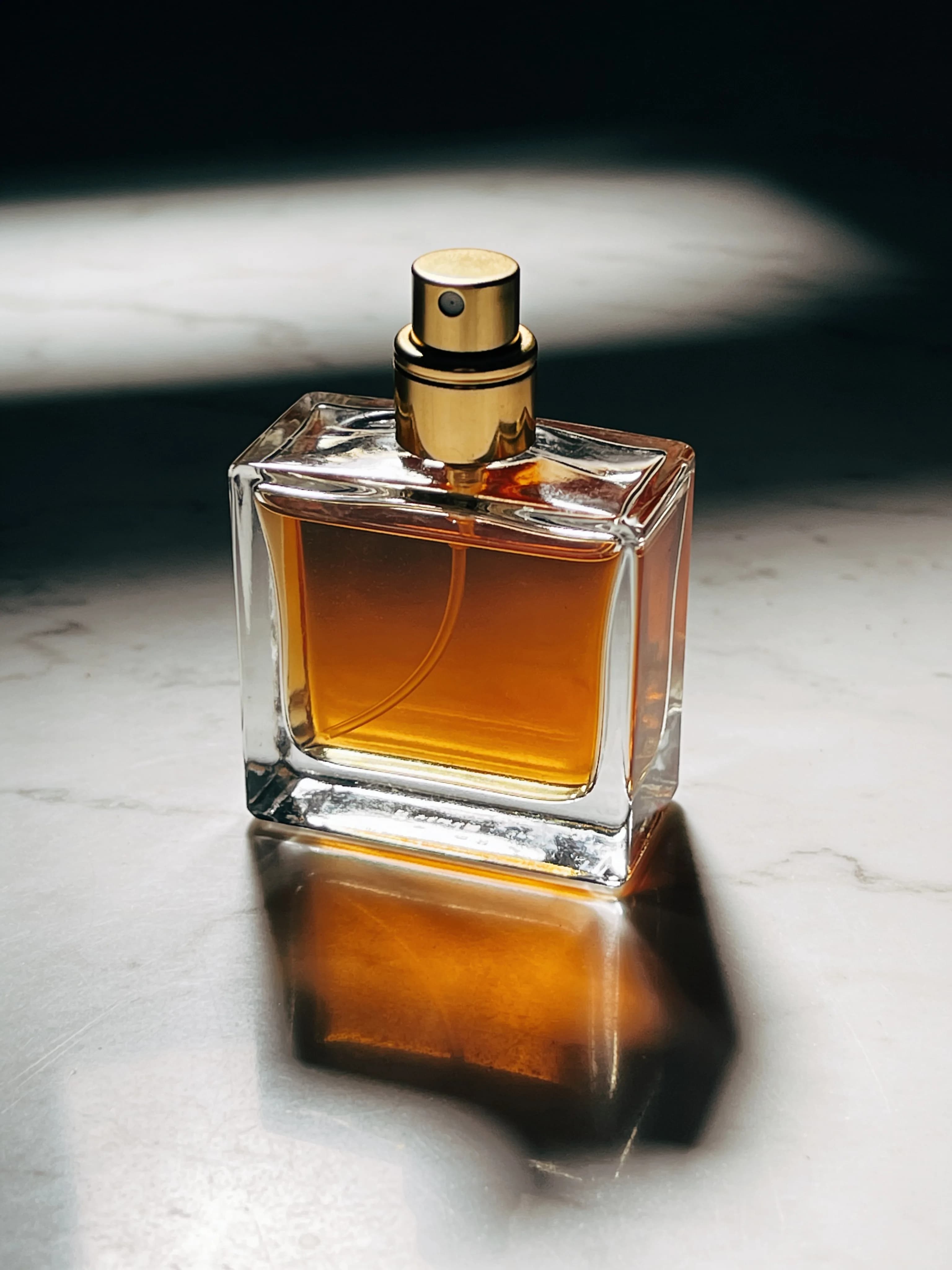
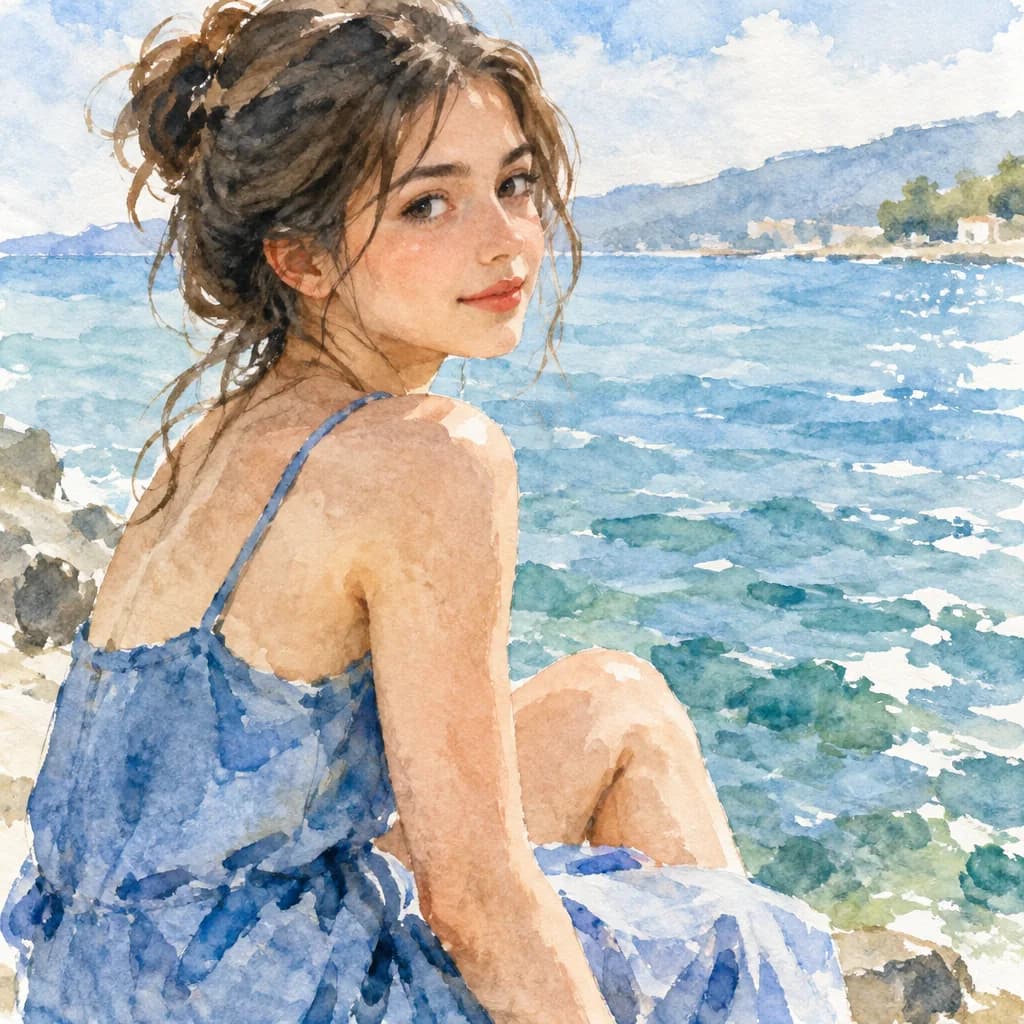

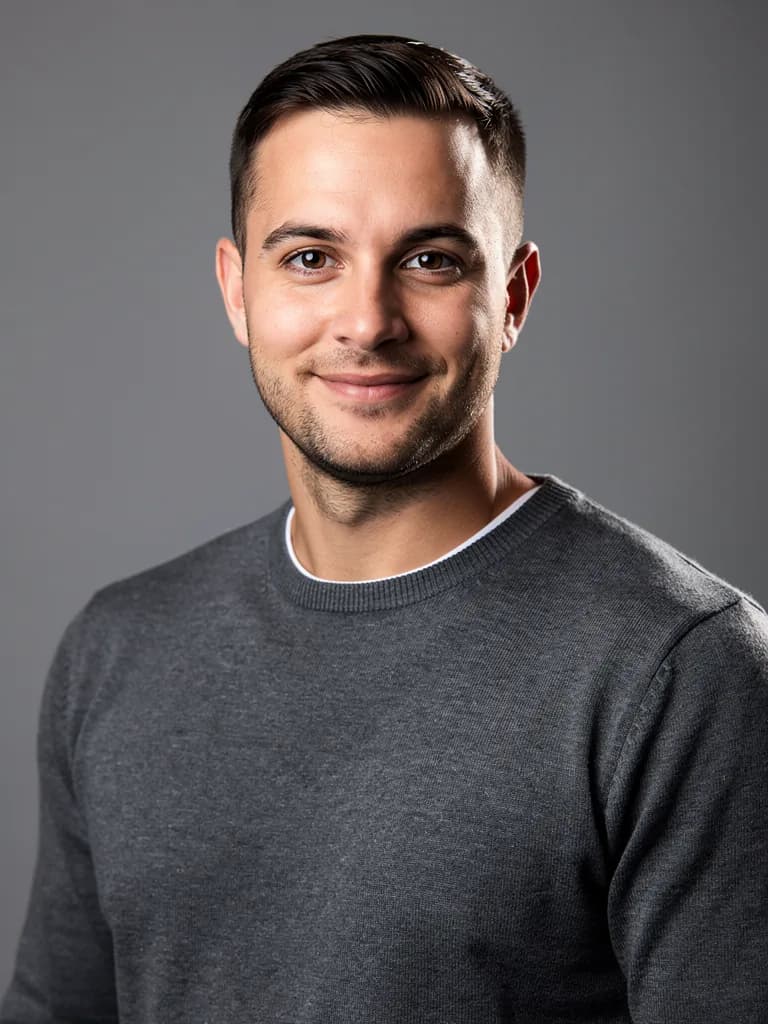
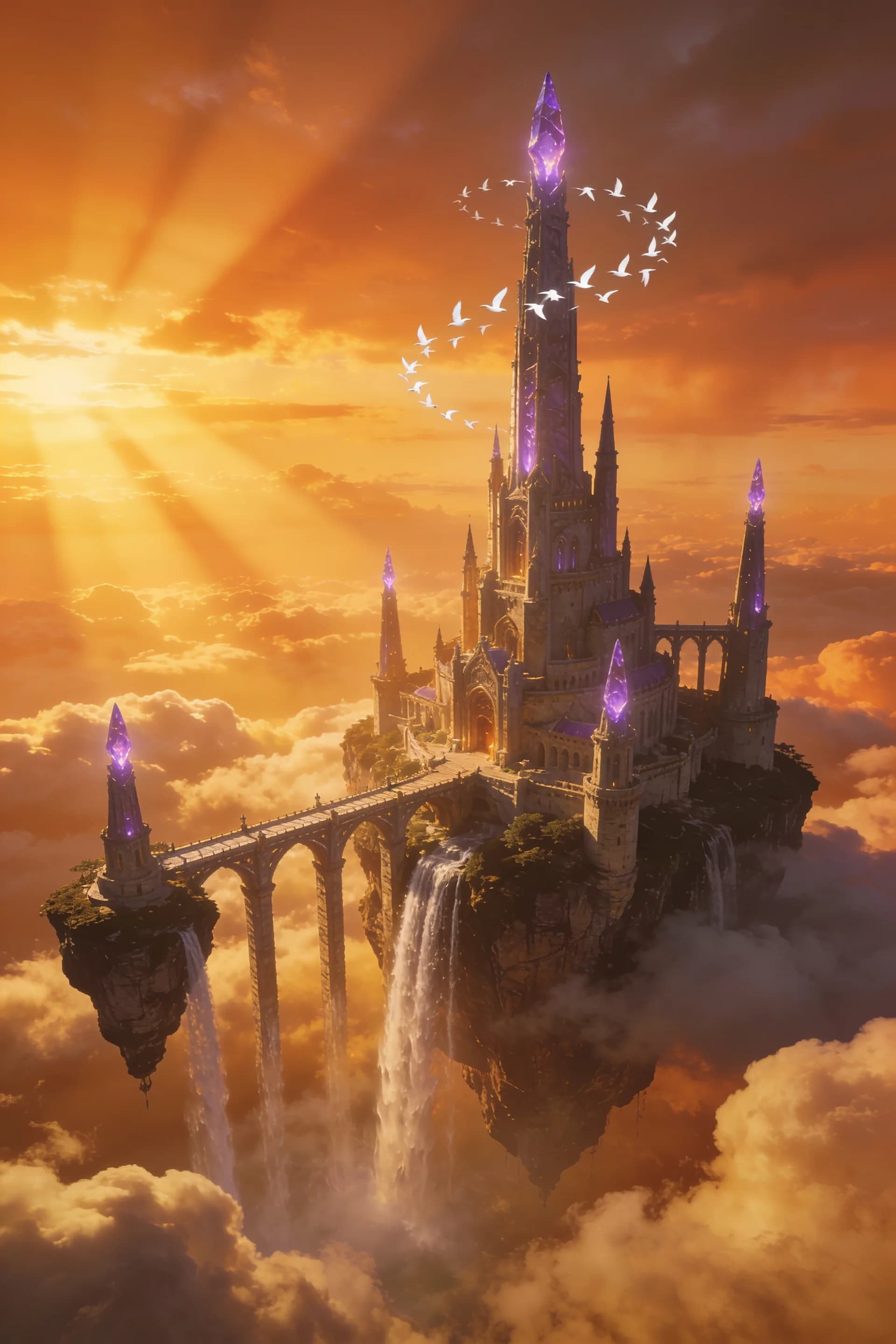
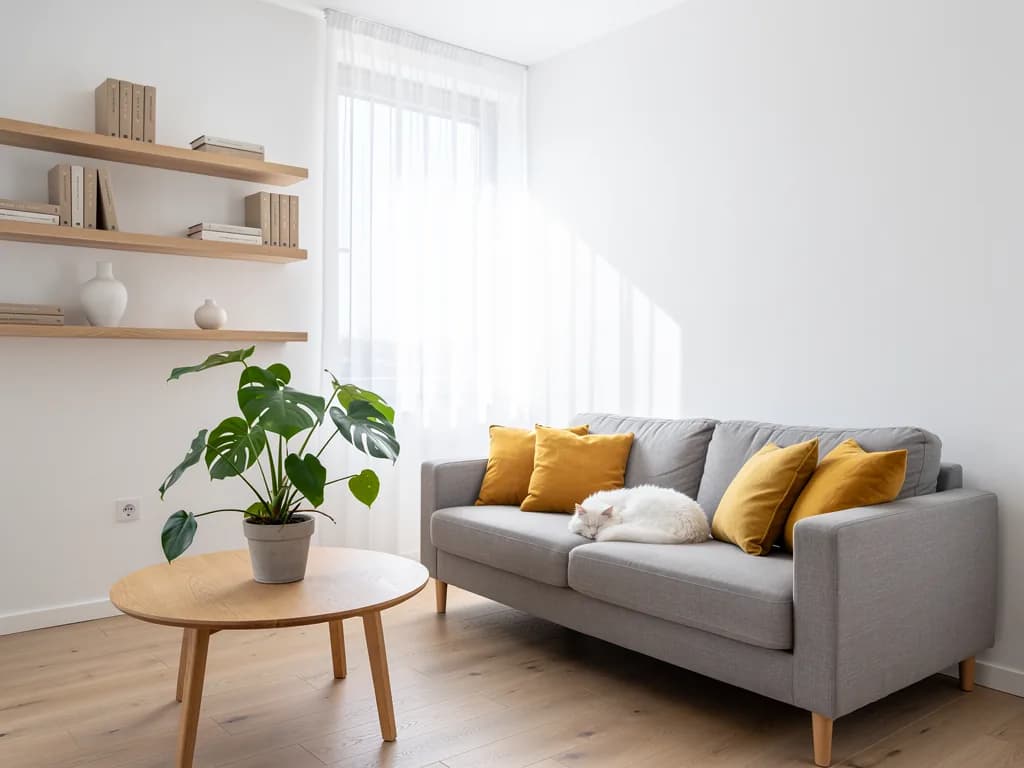
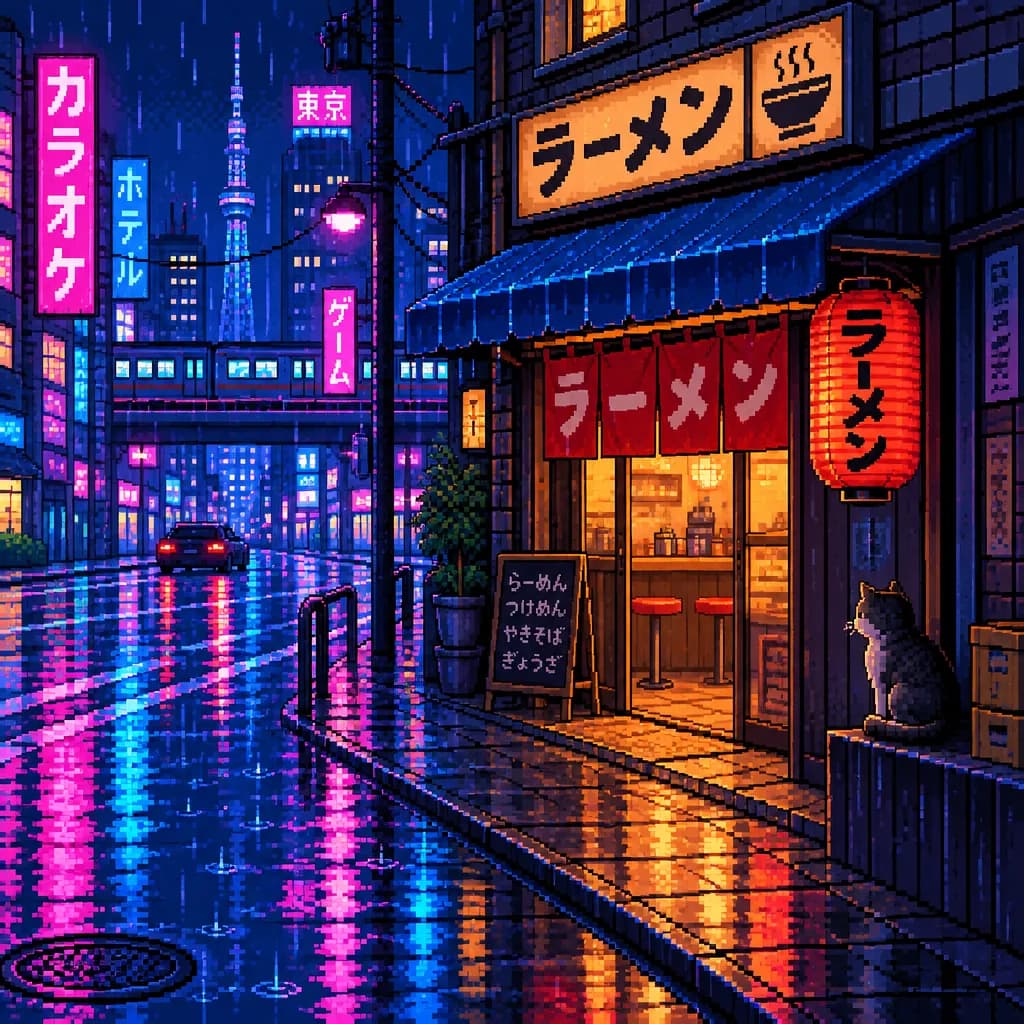
Examples were made by AI for demonstration. People and brands are fictional.
Which model for what
Every model draws from a description, and all but Recraft V4.1 also work from a photo. They differ in what each does best and in the price per picture.
- GPT Image 2from 6
- from 6
- Text in pictures, complex scenes with many objects, infographics
- A product card with text, a poster with a headline
- Nano Banana 2 Litefrom 1
- from 1
- Photo edits: change the background, remove an object, swap clothes
- “Remove the person on the right”, “make the background white”
- Flux 2 Profrom 1
- from 1
- Realistic portraits, skin, light, textures
- AI photoshoot, business portrait
- Recraft V4.1from 1
- from 1
- Logos, icons, flat graphics with clean shapes
- A brand mark, an illustration for a website
- Seedream 4.5from 1
- from 1
- Art styles: anime, watercolour, oil, fantasy
- Photo to drawing, greeting card, art
- GPT Image 2.5 Flarefrom 1
- from 1
- Quick everyday pictures when style is not critical
- A picture for a post, a thumbnail, a sketch of an idea
Not sure? Start with a 1-energy model, and switch to GPT Image 2 when you need text in the picture or a complex composition. The model changes in one click; the prompt stays as is.
How many pictures a plan covers
Energy is spent only on generation. Text requests — describing, choosing a prompt, rewording — do not touch the counter.
up to 150 pictures
Counted at the lowest model price. Photo edits and large sizes may cost more; the exact price is shown in the chat before you start.
How to write a prompt that does not waste energy on redos
Three parts of a good description. The more specific each one is, the less often you need a second try.
- 1
What is in the picture
The main subject and action: “a ginger cat asleep on a windowsill”. For pictures from a photo, say what to keep: “the face as in the photo”, “the product unchanged”.
- 2
Where and in what light
Place, time of day, light: “morning, soft side light, rain outside”. Without it the model picks a neutral studio.
- 3
Style and format
“Photorealistic”, “watercolour”, “flat graphics” and the format: 1:1 for an avatar, 3:4 for a card, 16:9 for a cover. Then edit in words: “make it warmer”, “remove the extra object”.
FAQ
Is the AI image generator free?
Generating and editing pictures is available on paid plans from Lite at ₽690 a month: 150 units of energy, which is up to 150 pictures on 1-energy models. The free Starter plan is for text tasks: describing a photo, choosing a prompt, writing text.
What does “generate from a photo” mean?
You upload a shot and write what to change or which style to turn it into. The AI builds on your photo: it keeps the face, the product or the layout and changes the rest — background, clothes, style, lighting.
Which model should I pick for a picture from text?
Flux 2 Pro for realistic scenes and portraits, Seedream 4.5 for art styles, Recraft V4.1 for graphics and logos. If the picture needs text, take GPT Image 2.
Can I use it without signing up?
You can prepare the prompt and photo on this page without an account. Running the generation needs one, so the result is saved in your chat and you can come back to it.
How much energy does one picture take?
From 1 unit on Nano Banana 2 Lite, Flux 2 Pro, Recraft V4.1, Seedream 4.5 and GPT Image 2.5 Flare, and from 6 on GPT Image 2. The price is shown next to the model before you start.
What resolution will I get?
Pictures download in a resolution that suits social media, websites and marketplaces. If you need print, say so in the chat and the AI will generate a larger size.