Create a logo with AI online
A name, a niche and a style — that is all the AI needs for the first options. Then you refine in words: colour, font, line weight.
On Flux 2 Pro each of the four options costs 1 unit of energy. Logos are generated on plans from ₽690; the brief is kept until you pay.
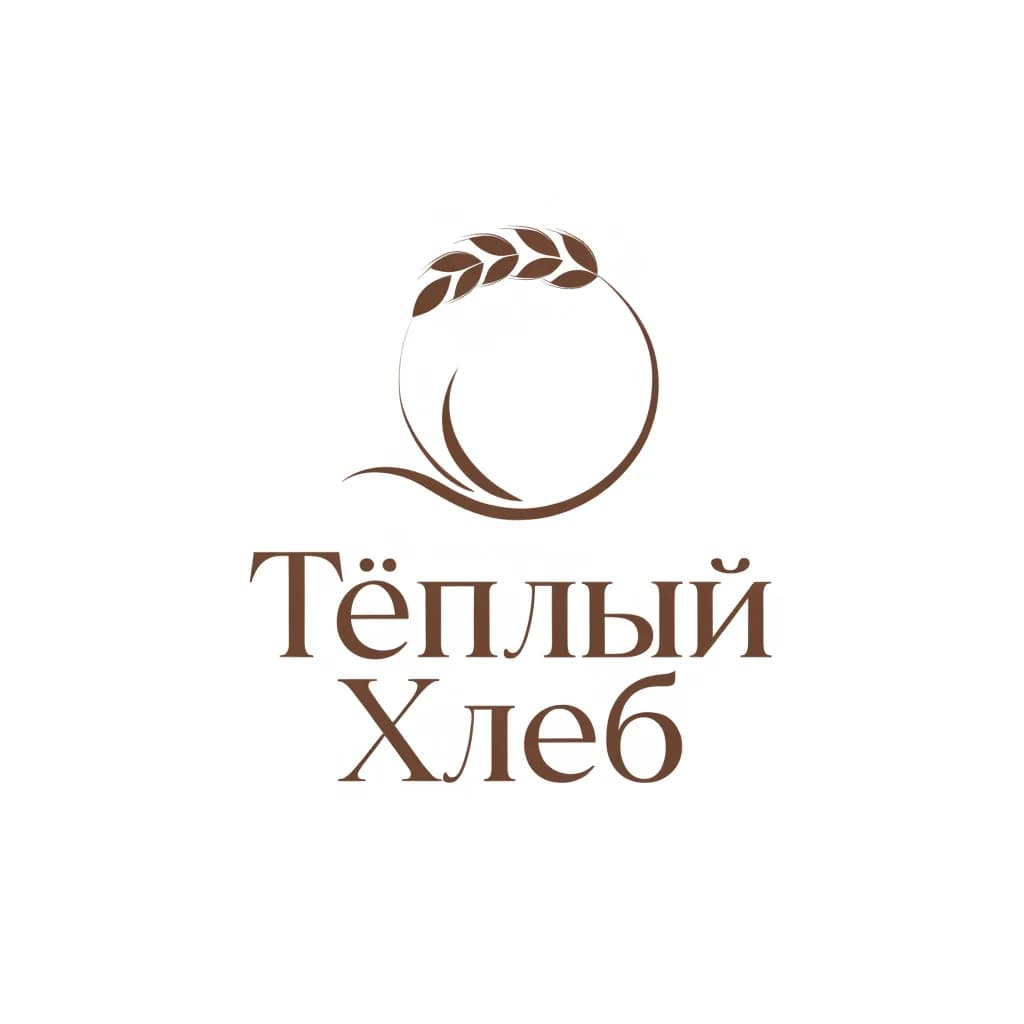
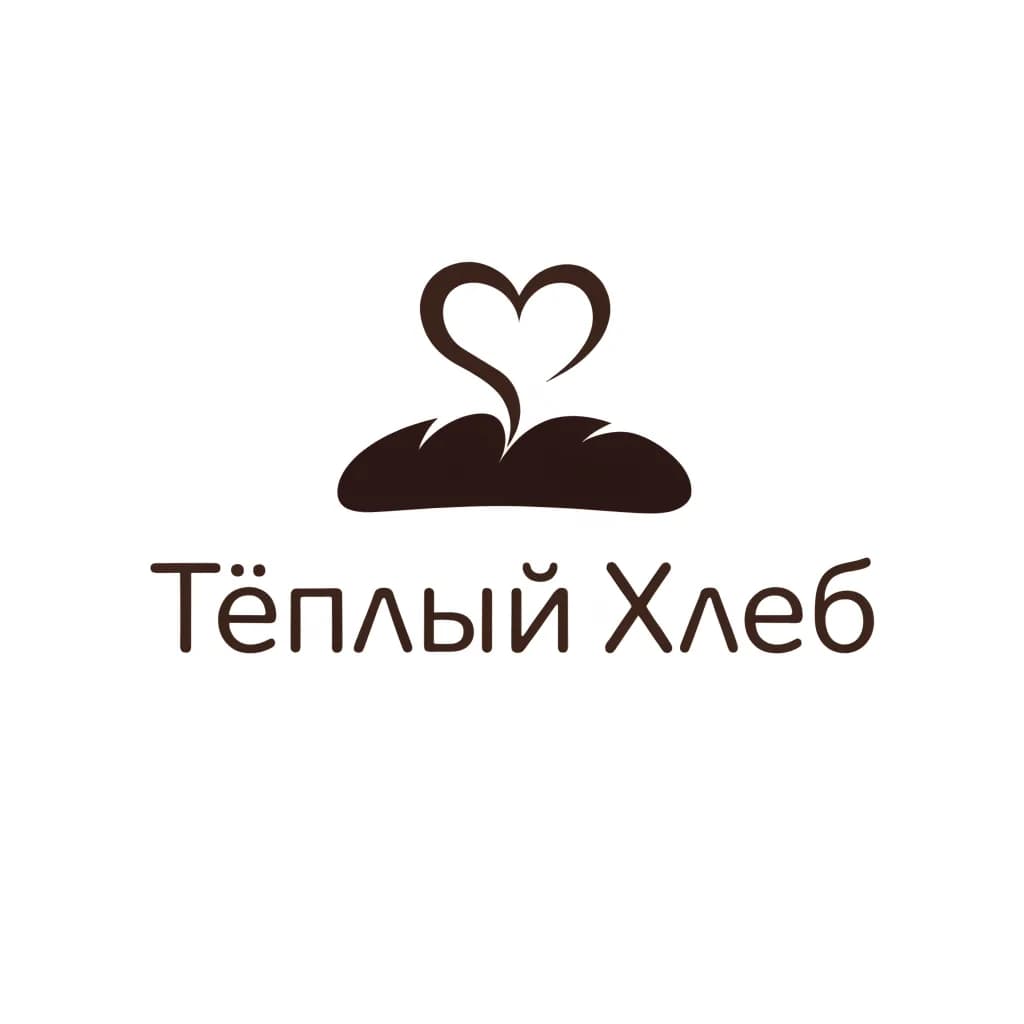
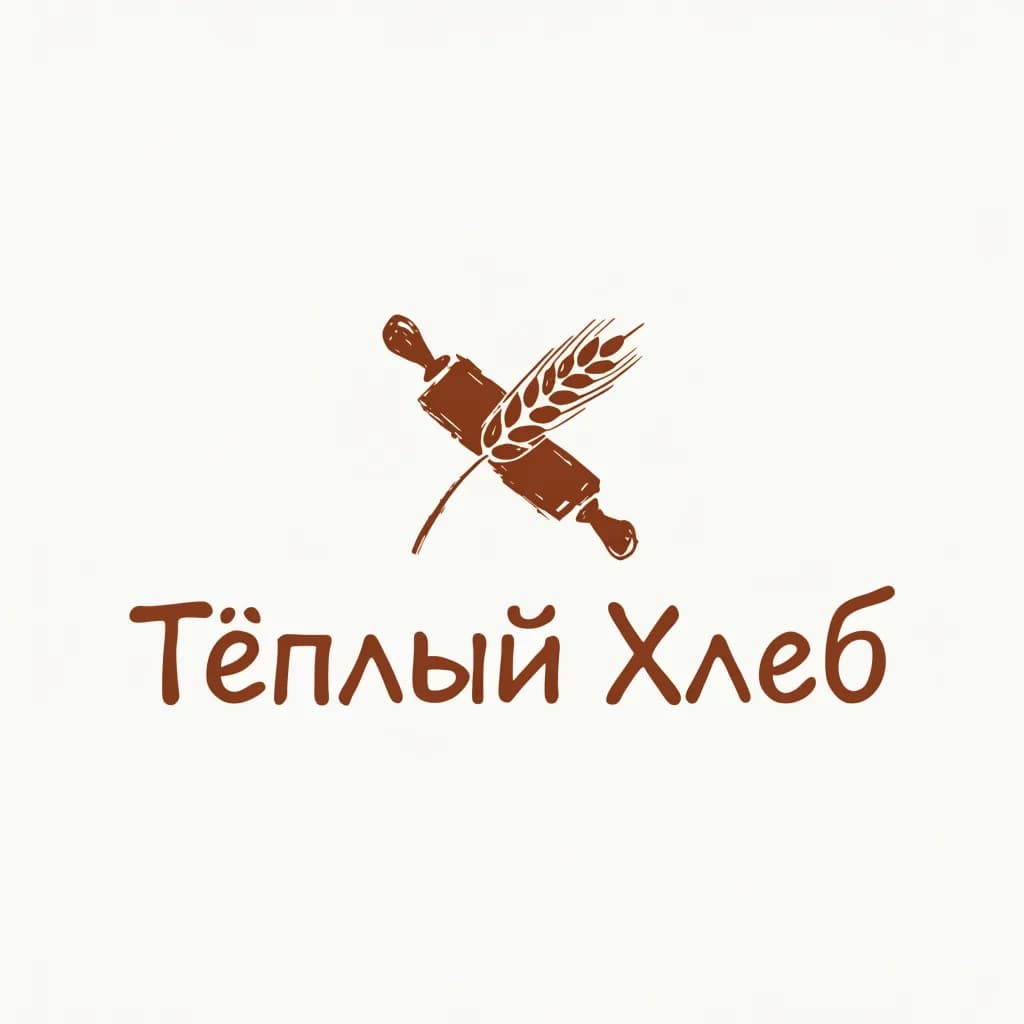
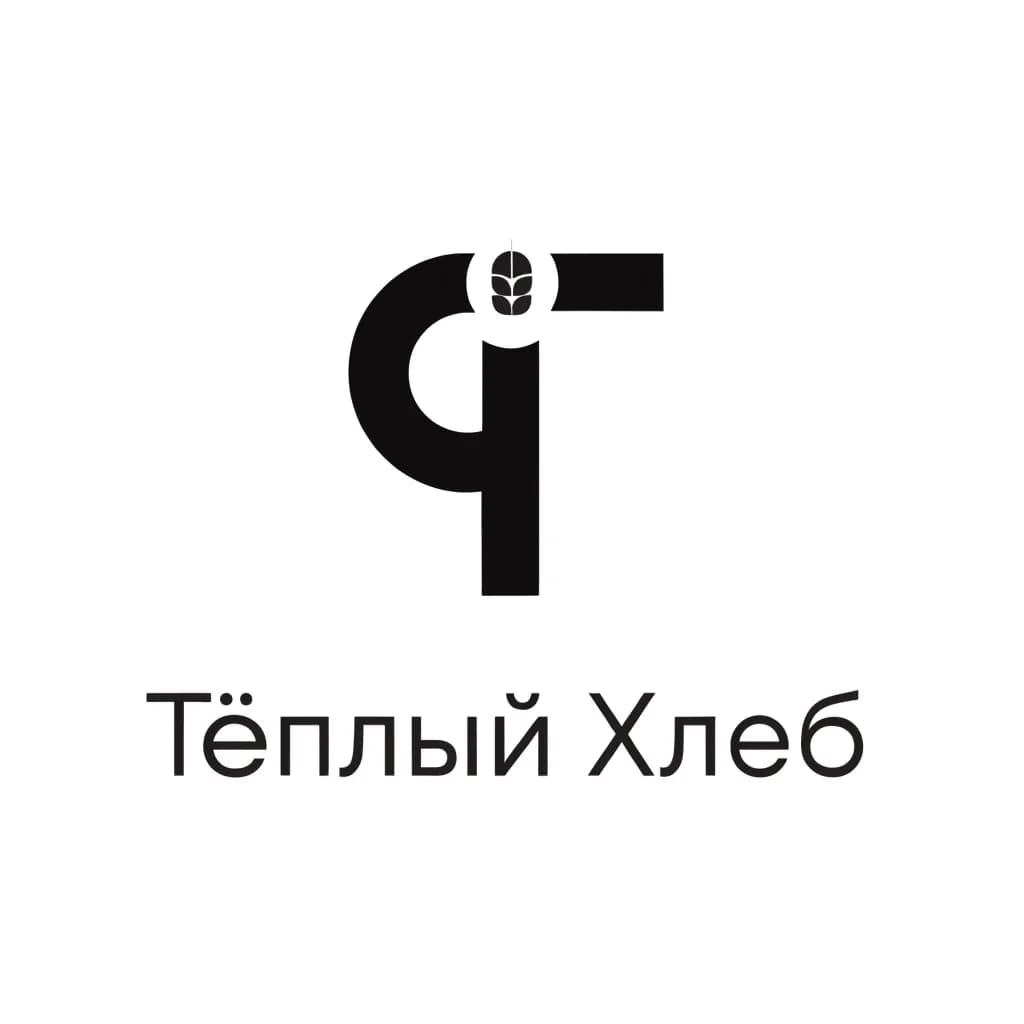
Like one? Write “develop the first one”, and from there it is only edits.
From an option to the final logo: edits in words
The first four options show you a direction. Then you do not regenerate from scratch but refine: a colour code, line weight, a slogan. Each refinement is one generation.
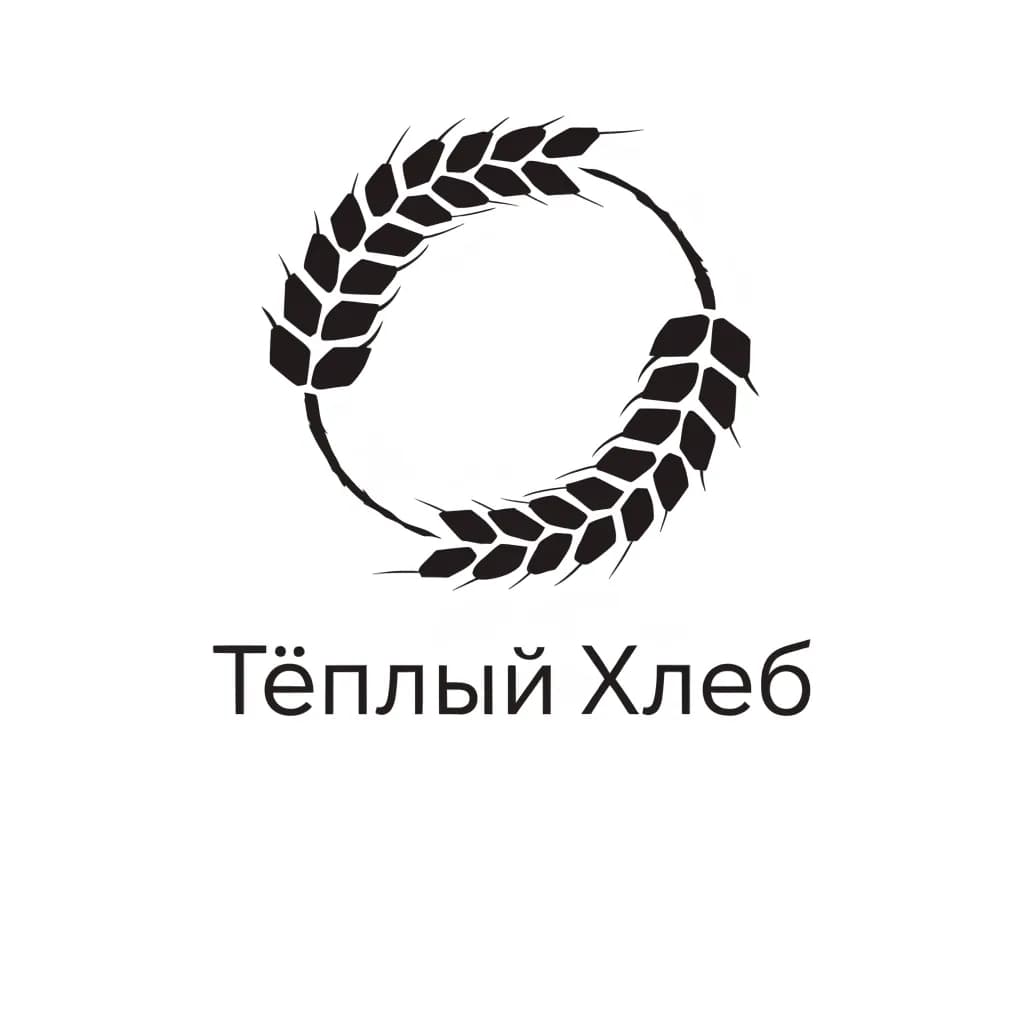 Before
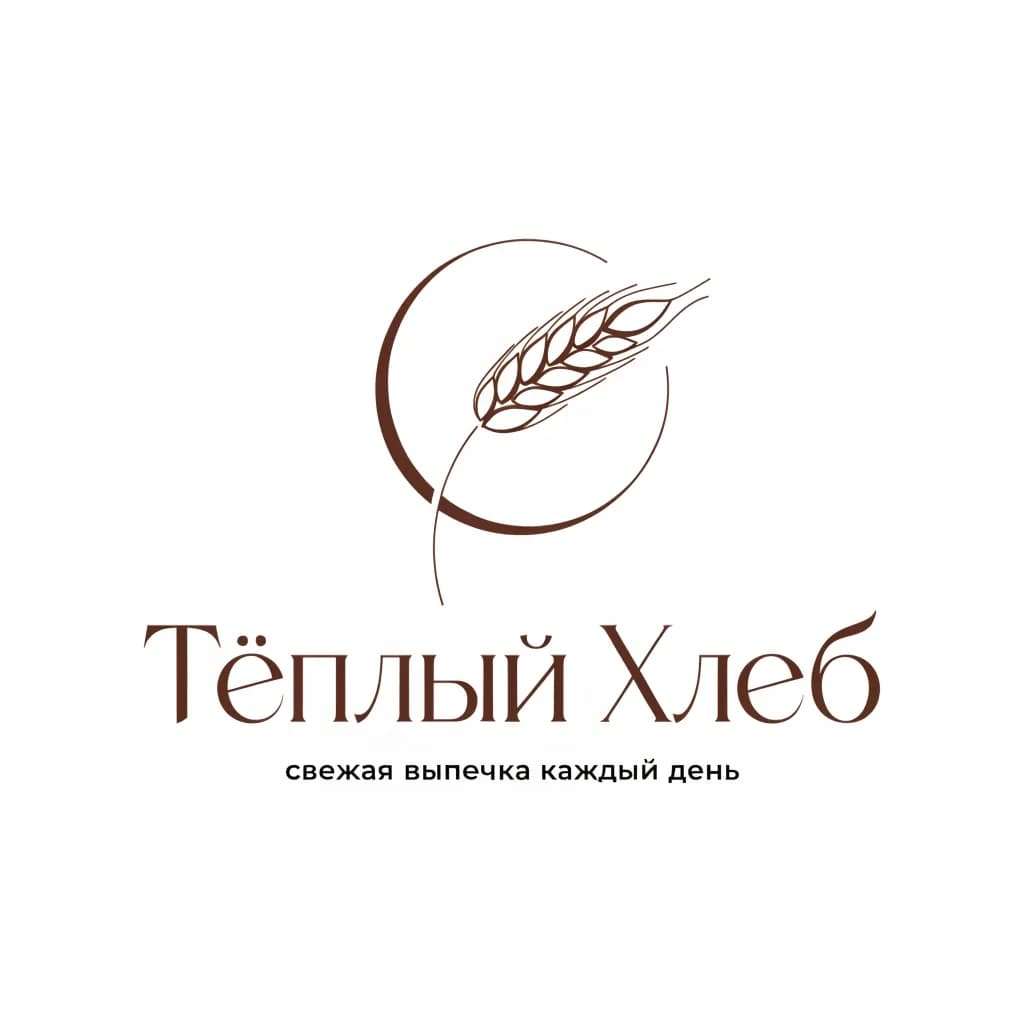 After
AfterA typical chain is 5–8 messages and 10 minutes. The main mistake is changing three things at once: then it is unclear what worked. One edit, one message.
- Develop the first option. Make the wheat lines thinner, colour dark brown #5b3a1e
- Updated: a thin wheat outline, colour #5b3a1e, the mark’s proportions kept.
- Add the slogan “fresh bakes every day” under the name in a thin sans serif, half the size of the name
- Done. The slogan is on one line, centred under the name.
- Now three files: on white, on a dark background, and just the mark with no text for a 1:1 avatar
- Three versions are ready: horizontal on white, inverted on dark, and the mark in a 1:1 square.
You get a raster image, not a vector
The AI draws a raster picture. That is enough for a website, social media and print up to A4. For a shop sign, packaging runs and trademark registration you will need vectorisation.
What you download
An image with a long side of 1024–2048 px on a white or plain background. Ask separately for a dark-background version and the mark without text — that is three generations. Models do not guarantee a transparent background: a plain one is easy to remove in any editor.
Where raster is enough
Social media avatars and covers, a website, presentations, an email signature, business cards and flyers, stickers up to 10 cm. Anywhere the logo is not enlarged beyond an A4 sheet.
How to get it vectorised
Download the final file at maximum resolution and send it to a designer with “convert to vector, SVG and PDF, colours by code”. That is an hour or two of work: the concept, colour and shape are already approved.
Business card with AI
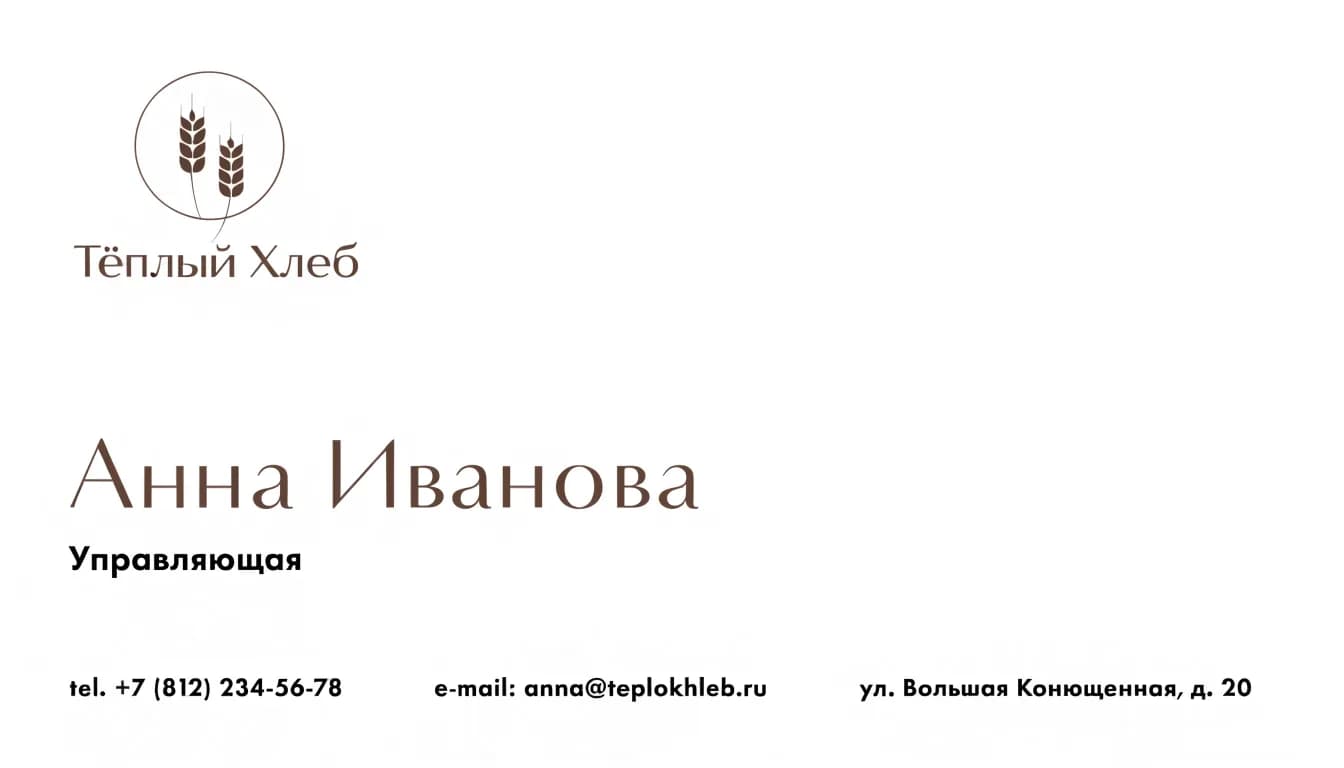
Make a business card in the same chat where the logo was born: the AI remembers the mark and colours and builds both sides in one style. Fill in three fields and the prompt writes itself.
«A 90×50 mm business card layout, front side: the logo top left, the name Anna Ivanova large, “Manager” below it, contacts “+7 (812) 234-56-78 · teplokhleb.ru” at the bottom; white background, logo colours, plenty of space, a print layout with no shadows»
Check the phone digits after generation: the AI sometimes mixes up a digit. For a print shop, ask for “2 mm bleed, no text closer than 5 mm to the edge”.
Label, packaging, shop sign
Once the logo is approved, the AI lays it out on everything you print. Upload the logo as a reference and describe the item.
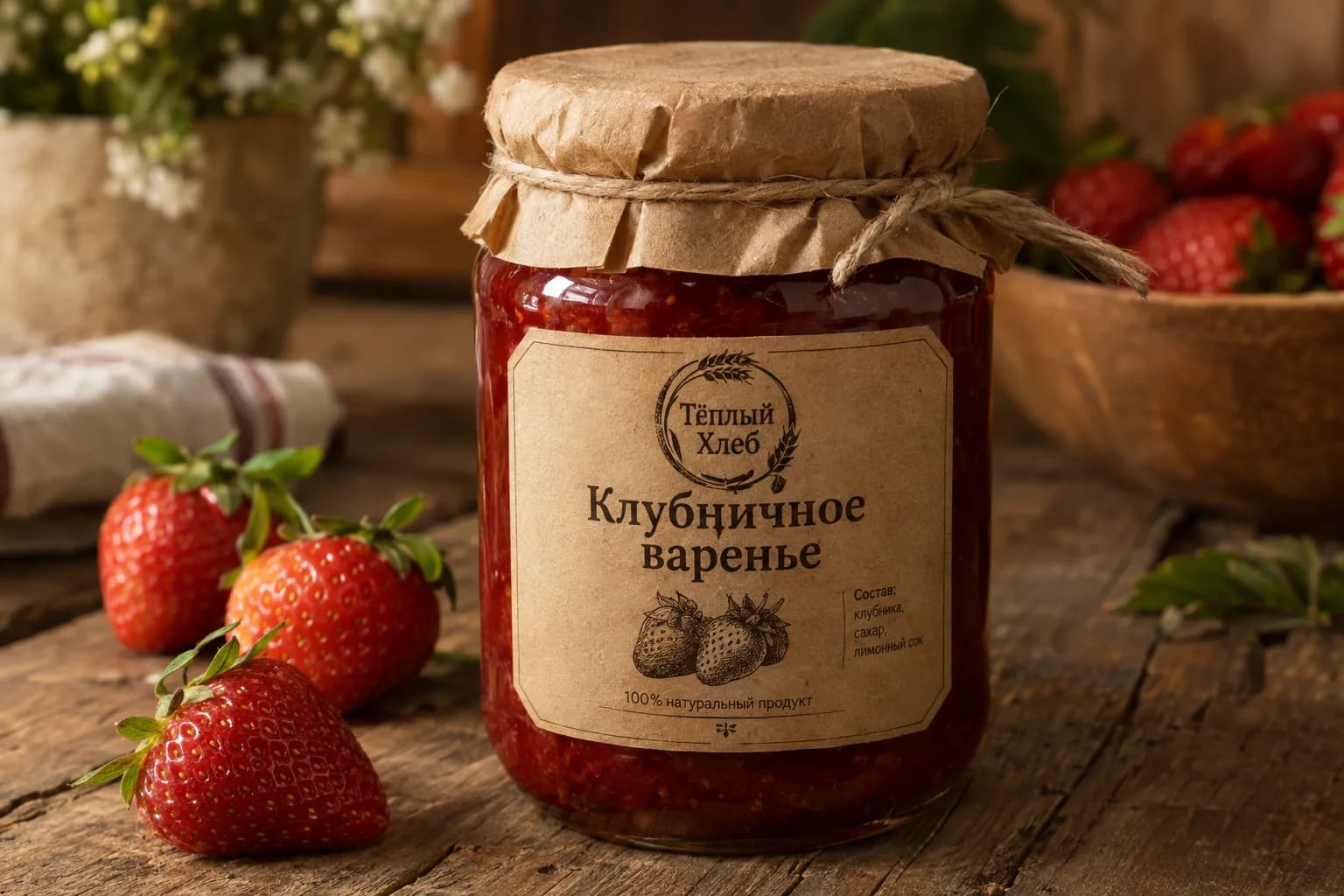
Label
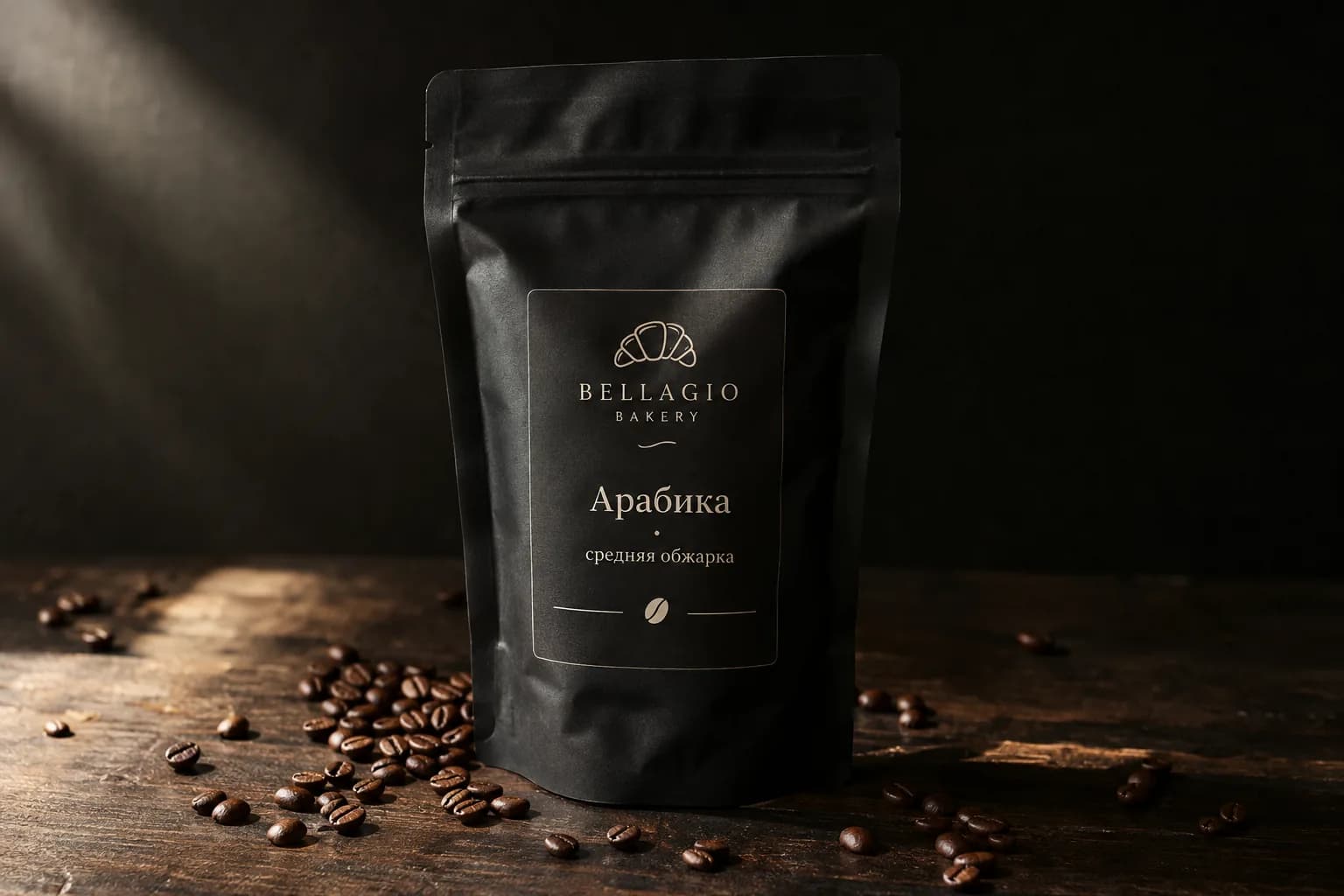
Packaging
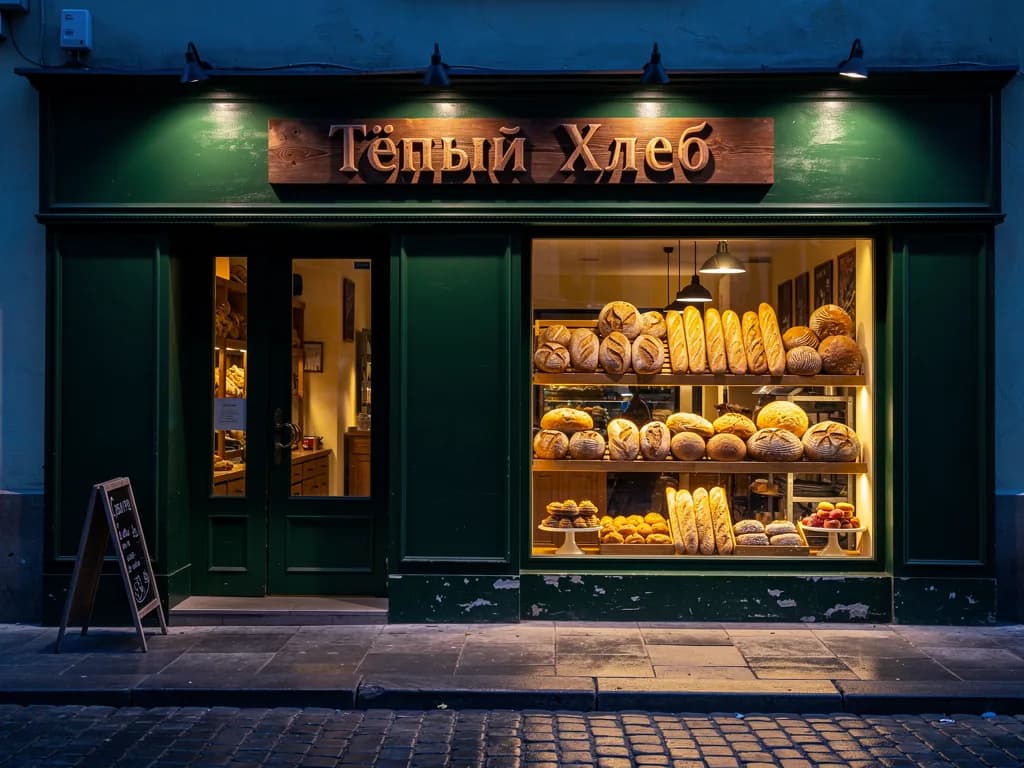
Sign and merch
A logo builder, a designer or TryChat
Logo builder
- First options
- Templates shared by thousands of companies
- Edits
- Only what the template allows
- Format
- Raster, vector for an extra fee
- Budget
- From a few hundred roubles per file
Freelance designer
- First options
- In 2–5 days
- Edits
- 2–3 rounds, then extra pay
- Format
- Vector, SVG, PDF
- Budget
- From several thousand roubles
TryChat
- First options
- 4 options in a minute
- Edits
- Unlimited, 1 energy per edit
- Format
- Raster up to 2048 px; vector through a designer
- Budget
- Lite at ₽690 a month: 150 energy for the logo, card and label
Lite is enough for one logo with a business card. Basic ₽990 (200 energy) and Premium ₽2,290 (600 energy) are for brand identity across several projects or packaging for a whole line.
FAQ
Can I create a logo with AI for free?
No: image generation in TryChat is only on paid plans, starting with Lite at ₽690 (150 units of energy, dozens of logo options). On the free Starter plan you can prepare the brief: describe the business, collect associations and name ideas — in text.
Who owns the rights to the logo?
You use an image generated from your own prompt freely: on a website, on social media, on packaging. Before registering a trademark, check that it is unique in the trademark register and order vectorisation — the AI does not guarantee that a similar mark does not exist.
Will I get an SVG vector file?
No, the AI gives a high-resolution raster image. For a sign or a print run, order vectorisation from a designer: it is a quick task because the concept is ready.
How many logo options can I make?
As many as your energy allows: four options are four generations, each edit is one more. Lite at ₽690 has 150 units, enough for a logo, business card and label with room to spare.
Will the AI draw a logo from my sketch?
Yes. Upload a sketch or a photo of a hand drawing and write “make a neat logo from this sketch, keep the shape”. You can also attach a reference of a style you like — just do not ask to copy someone else’s logo.
Will the text in the logo be correct?
Models spell short names of up to two words correctly; long slogans sometimes get distorted. If a letter goes missing, write “fix the text to …” and only the text is redrawn.