Remove unwanted objects from photos with AI online
Passers-by, wires, litter, stray text. Tap the objects in the demo and see which prompt goes to the chat: the AI deletes them and fills the background in as if nothing had been there.
One clean-up costs from 1 energy unit. Object removal comes with plans from ₽690; your photo and prompt are kept until you pay.
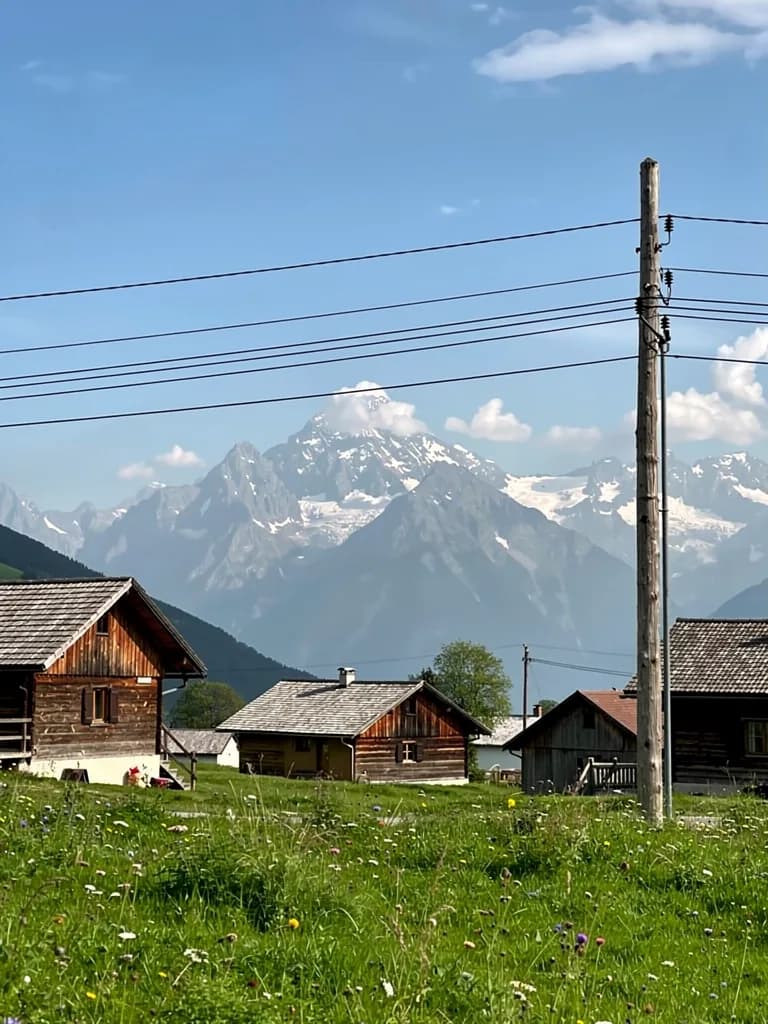 Demo: tap the circles
1 — power lines · 2 — pole on the right · 3 — far pole behind the houses
What removes easily and what is hard
The AI fills the object’s place with what it sees around it. The simpler the background behind the object, the less visible the result.
Removed on the first try
- People in the background: tourists at a landmark, passers-by on a beach, a crowd behind you.
- Wires, poles and road signs against the sky or a plain wall.
- Litter, bins and cars on grass, sand, asphalt or water.
- A camera date stamp, stray text on a wall, a price tag in the frame.
- Glare, spots, pimples and dust: small flaws on skin and on the lens.
Needs more detail or will not work
- A person hugging the main subject: after removal the arm and shoulder are redrawn, but the pose may look odd.
- An object on a complex pattern: a rug, brickwork, a sign with text behind it. The pattern is continued only roughly.
- A large object filling half the frame, like a bus in front of a façade. The façade has to be invented and will not be the real one.
- Reflections and shadows of the removed object: name them separately, or the shadow of a vanished pole stays behind.
- Heavy blur across the whole frame is not removal but restoration. There is a separate page for enhancing quality.
The four situations people bring most often
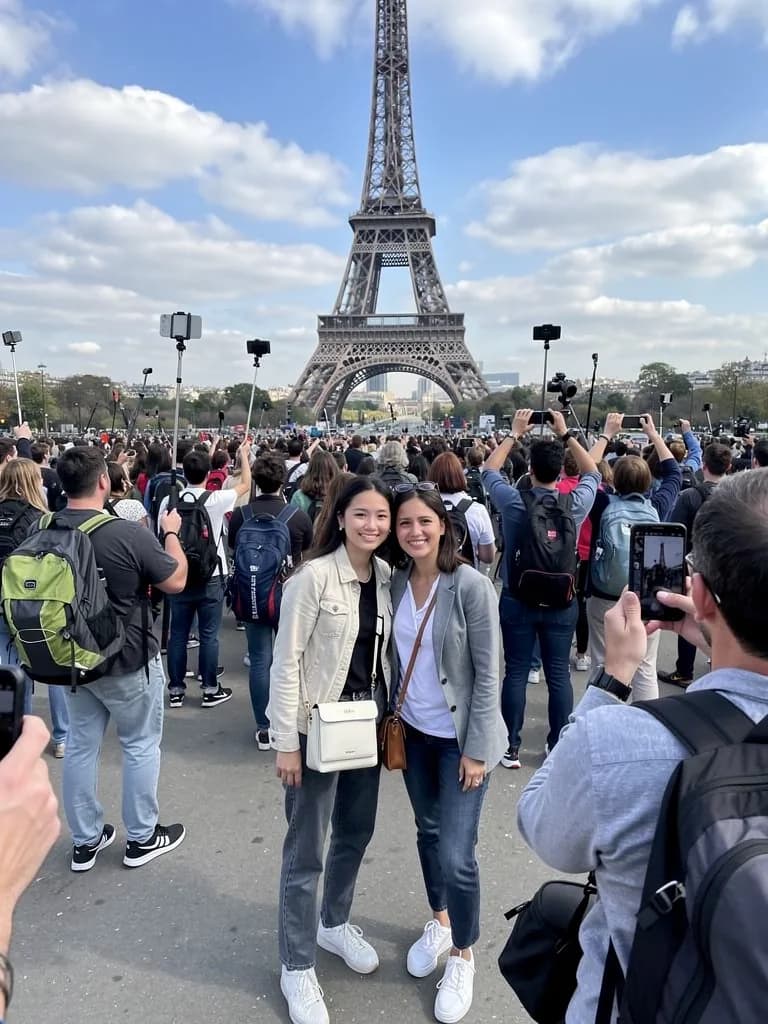 Before
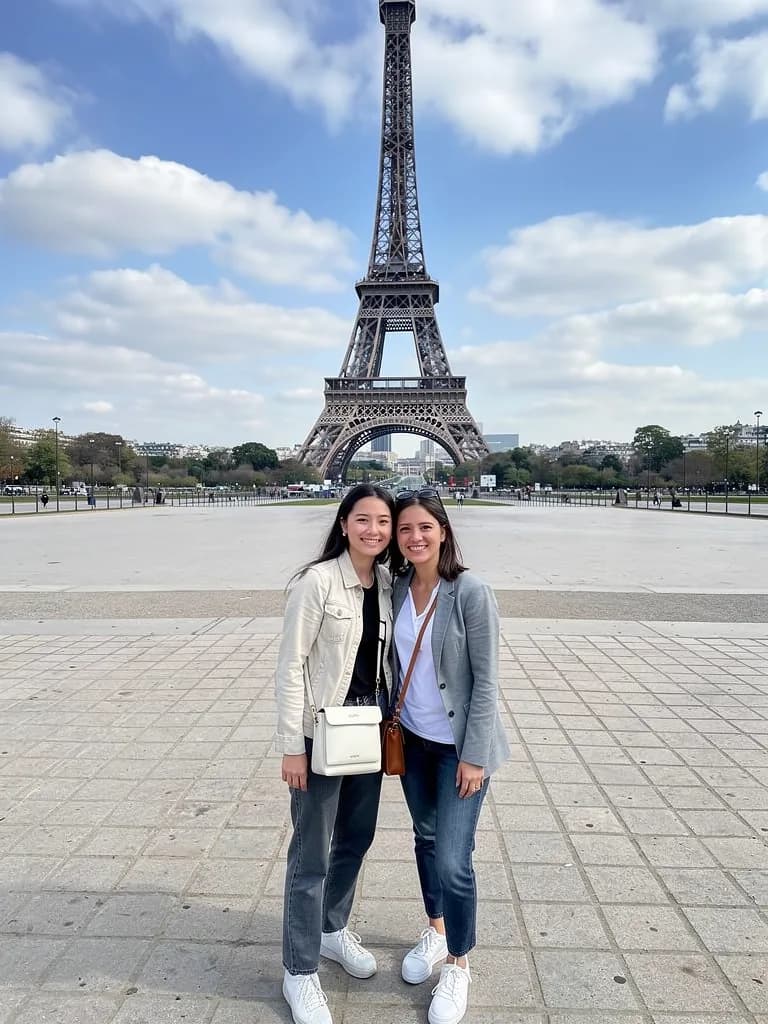 After
AfterTourists in the background
“Remove everyone in the background, keep the two of us.” The paving and the railings are filled in from the areas around them.
 Before
 After
AfterWires and poles
“Remove the wires and the pole on the right, keep the sky the same.” Thin lines on a sky gradient are the easiest case.
 Before
 After
AfterLitter in the frame
“Remove the bags and bottles on the sand to the left of the blanket.” Sand, grass and water are filled in without seams.
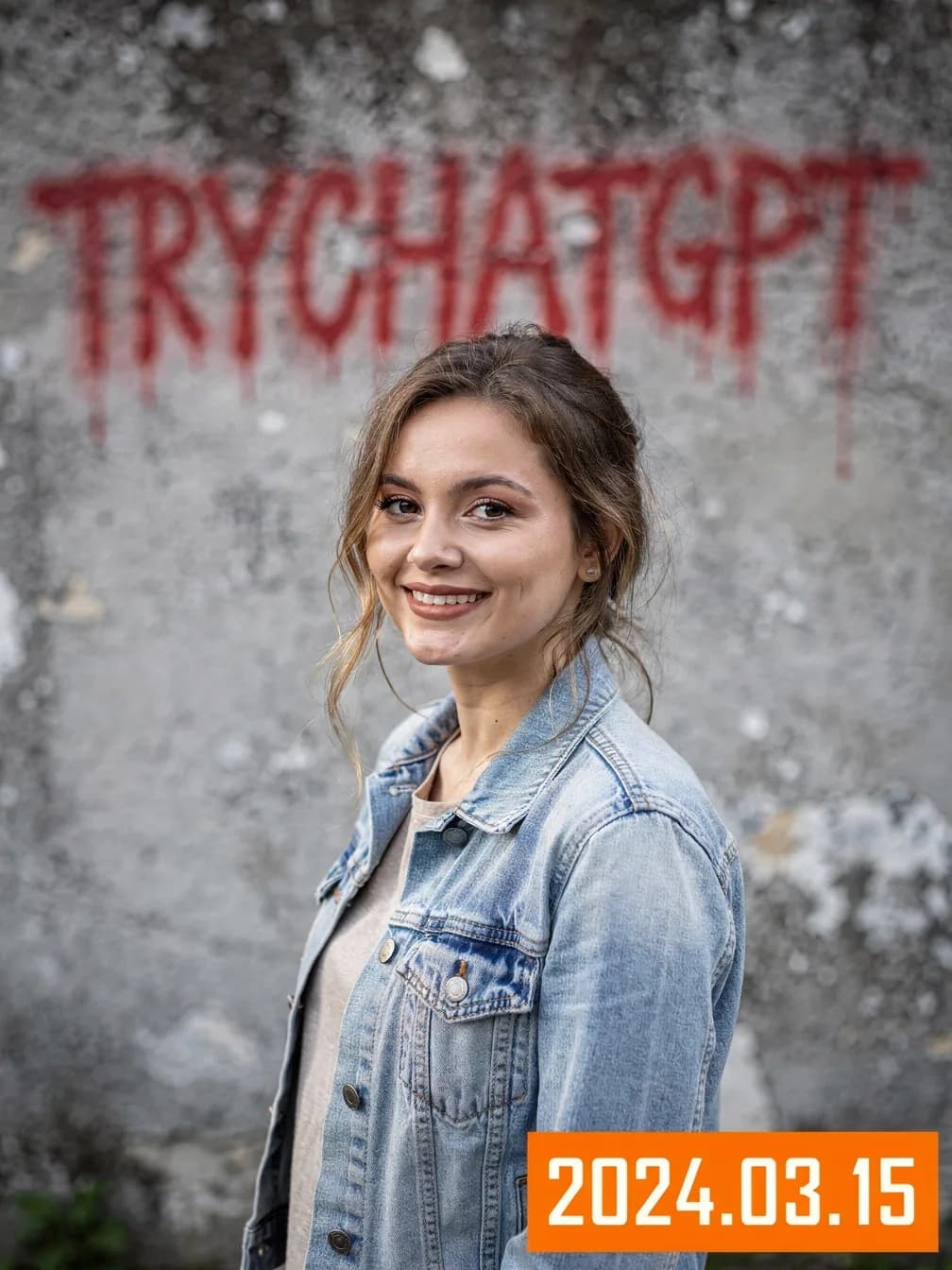 Before
 After
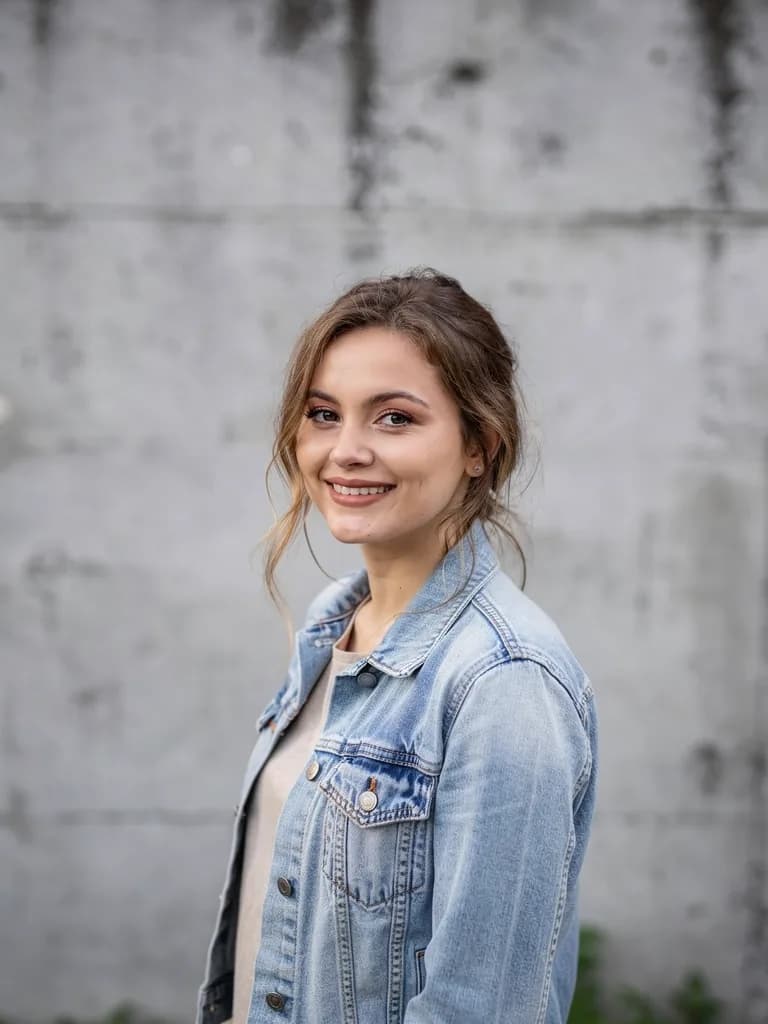
AfterText and date stamps
“Remove the text on the wall and the date in the bottom right corner, keep the wall texture.” Works with text on your own photos.
The examples were made by AI for demonstration; the people and places are fictional.
The prompt formula: what, where, what to keep
Three parts. The object: “the man in the red jacket”. The place: “to the left of the bench”. What not to touch: “keep us and the dog and the lighting unchanged”. That way the AI does not mix the object up with the main subject or recolour the frame. Tap an example and it goes into the field at the top of the page.
Removal without losing quality: what the AI does
- 1
Finds the object from your description
Instead of a lasso and masks you name the object in words. If there are two similar ones, be specific: “the one closer to the window”.
- 2
Fills in the background behind it
The model continues textures, light and perspective from the areas around it. The rest of the frame is not redrawn.
- 3
Takes corrections
“The edge of the shadow is still there”, “the paving came out too even”: say so and that spot is redone. The original resolution is kept, with detail redrawn.
What one clean-up costs
Removing objects is one generation. The price depends on the model, not on the number of objects: five wires and a bin can go in one prompt.
Get Lite for ₽690- Simple background, 1 unit
- Flux 2 Pro, Nano Banana 2 Lite, Seedream 4.5
- Complex background, up to 6 units
- GPT Image 2 continues patterns and architecture more accurately
- Lite, ₽690
- 150 units: 25–150 clean-ups a month
- Basic ₽990 · Premium ₽2,290
- 200 and 600 units for volume: real estate, catalogues
Frequently asked questions
Can I remove an object from a photo for free?
Image generation and editing come with plans from Lite at ₽690. Without paying you can upload a photo and prepare the prompt; it is saved and runs after you pay.
Do I need to outline the object?
No. Name it and say where it is. For similar objects add the colour, position or size.
Will the photo quality drop?
The result comes at the resolution of the chosen model. Only the object’s area is redrawn, the rest of the frame stays as it was.
Can I remove a person standing right next to me?
Yes, but the covered parts, a shoulder, an arm, the edge of clothing, are redrawn. Check the result and if needed ask to “lower the arm along the body”.
How do I remove text that is on clothing or a sign?
Say what to replace it with: “plain fabric”, “a blank sign”. Works with your own photos and your own text.
How many objects can I remove at once?
As many as you like in one prompt, it is one generation. With more than five objects it is easier to remove them in groups and check each step.