Replace or remove a photo background with AI
White for documents and marketplaces, studio grey for a portrait, nature or an office for a listing. Pick a background, upload a photo, and the AI cuts the person or the item out cleanly, keeping hair and edges.
Changing a background comes with plans from ₽690; your photo and prompt are kept until you pay.
Change the background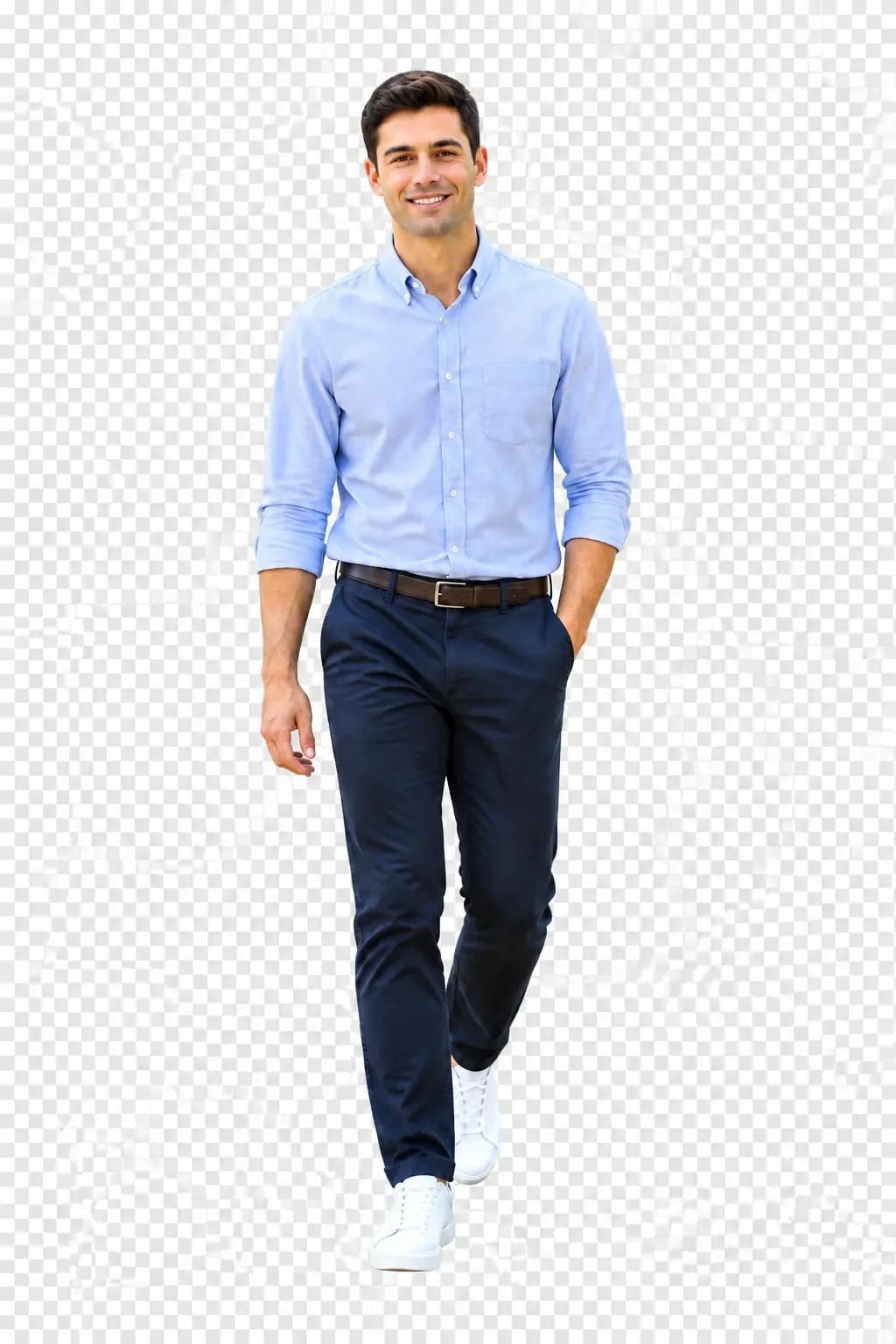
Plain white with no shadows. Good for a visa photo, a CV, a product card. The AI will keep a soft shadow under the item if you ask for one.
Four jobs where the background decides everything
Documents and visas
A photo for Gosuslugi (the Russian government services portal), a passport, a visa or a pass needs a plain light background without shadows. Take a photo against any wall in daylight and ask to “replace the background with white, do not change the face and hairstyle, remove the shadows”. The size for the requirements goes in the same prompt. Check the rules of your country: some visas ask for light grey or blue.
Marketplaces
A main card photo on a white or neutral background ranks better and is not rejected by moderation. Removing the background from a product photo is the first step; infographics and angles come next in the same chat.
Product cards for marketplaces →Business portrait
A selfie taken in a car becomes a CV portrait: a studio grey gradient or a blurred office behind you. Ask for “a studio grey background, soft light on the face, keep the clothes”. If you also need a suit, that is the neighbouring page.
AI photoshoot and business portrait →Listings
A sofa in front of a rug and scattered things sells worse than the same sofa in a clean room. A car by the garage looks better on an empty car park in even light. The background changes, the item stays yours, scratches and equipment are not prettified. For an honest listing do not ask to “remove defects”: the buyer will see them in person anyway.
Sizes for each platform
Add the size at the end of the prompt and the file comes back in the right proportion. The figures were current when this page was published; platforms change them.
- Gosuslugi, Russian passport
- Background: White, no shadows
- Proportion and size: 35×45 mm, 3:4 · from 413×531 px
- What to add to the prompt: “white background, 3:4 format, face in the centre, 70–80% of the height”
- Schengen visa
- Background: Light grey or white
- Proportion and size: 35×45 mm · 600 dpi
- What to add to the prompt: “plain light grey background, do not change the neutral expression”
- Wildberries, Ozon (Russian marketplaces)
- Background: White or light neutral
- Proportion and size: 3:4 · 900×1200 px and larger
- What to add to the prompt: “the item on a white background, 3:4 format, a light shadow under the item”
- Avito, Yula (Russian classifieds)
- Background: A clean room, a car park, a wall
- Proportion and size: 4:3 · 1280×960 px
- What to add to the prompt: “a bright empty room as the background, 4:3 format, do not change the item”
- CV, hh.ru, social networks
- Background: Studio grey, a blurred office
- Proportion and size: 1:1 · 800×800 px
- What to add to the prompt: “business background, 1:1 square, shoulders in the frame”
- Stories and covers
- Background: Any, by description
- Proportion and size: 9:16 · 1080×1920 px
- What to add to the prompt: “the background as described, 9:16 vertical, do not crop the person”
Where the AI can go wrong and how to fix it
Cutting out is the most visible part of the job. Hair, glass and sheer fabric need extra instructions, and one correction in words is usually enough.
Fluffy hair and fur
If the edge looks “cropped”, write “cut out along the hair softly, keep individual strands”. A light background behind dark hair is easier than the other way round.
Glasses, glassware, glass
The old background shows through glass. Ask for “the reflection of the new background in the glasses, clear lenses”.
The light does not match
The person was shot in warm lamp light and the background is a cold studio. Add “match the light and colour temperature to the new background”.
You need a plain backdrop to drop into a layout
To drop the subject into a layout, ask for “a plain flat background in colour #00FF00”: the silhouette is then easy to separate in any editor.
Plans that include changing a background
Image generation is on paid plans. The free Starter plan is for text tasks only.
Lite
₽690 a month
150 units a month. Photos for the whole family’s documents, a dozen listings and a CV portrait fit with room to spare.
ChooseBasic
₽990 a month
200 units. For a seller with 30–50 cards where the background is refreshed for every promotion.
ChoosePremium
₽2,290 a month
600 units. Photo studios, real estate agencies, car dealers: hundreds of photos a month on one consistent background.
ChooseFrequently asked questions
Can I change a photo background for free?
Image processing comes with the Lite plan at ₽690 a month. For free you can pick a background, upload a photo and save the prompt until you pay.
Can I describe the background in my own words?
Yes: “an autumn park in fog”, “a brick loft with a window on the left”, “a beach at sunset”. The more specific the light and the time of day, the more naturally it matches the person. Attach a reference if you have seen a similar shot.
Will the person in the photo stay the same?
If the prompt says “do not change the face, clothes and pose”, only the surroundings change. A small lighting adjustment is allowed so the background does not look pasted on.
Is the result good enough for Gosuslugi?
A white background and a 3:4 proportion meet the requirements, but the service makes the final check when you upload. Do not ask for face retouching: it is not allowed for documents.
How many photos can I process at once?
One photo per prompt. For a series of products write “the same background as in the previous one” and the series comes out in one style.
Do I need to sign up?
Yes, otherwise there is nowhere to keep the result. Signing up takes a minute, and your photo and chosen background are not lost.
The background behind you is no reason to reshoot
Pick a background and upload a photoTryChat is not affiliated with Wildberries, Ozon, Avito, Gosuslugi.