Enhance photo quality with AI online
Upload a blurry, noisy or messenger-compressed shot. The AI brings back sharpness, clears grain and compression artifacts and redraws the detail. Nothing to install, the result is ready in a minute.
Prompt sent to the chat: «Enhance this photo: remove blur and noise, restore sharpness, keep faces and details unchanged»
Image enhancement comes with plans from ₽690. Your photo and prompt are kept until you pay.
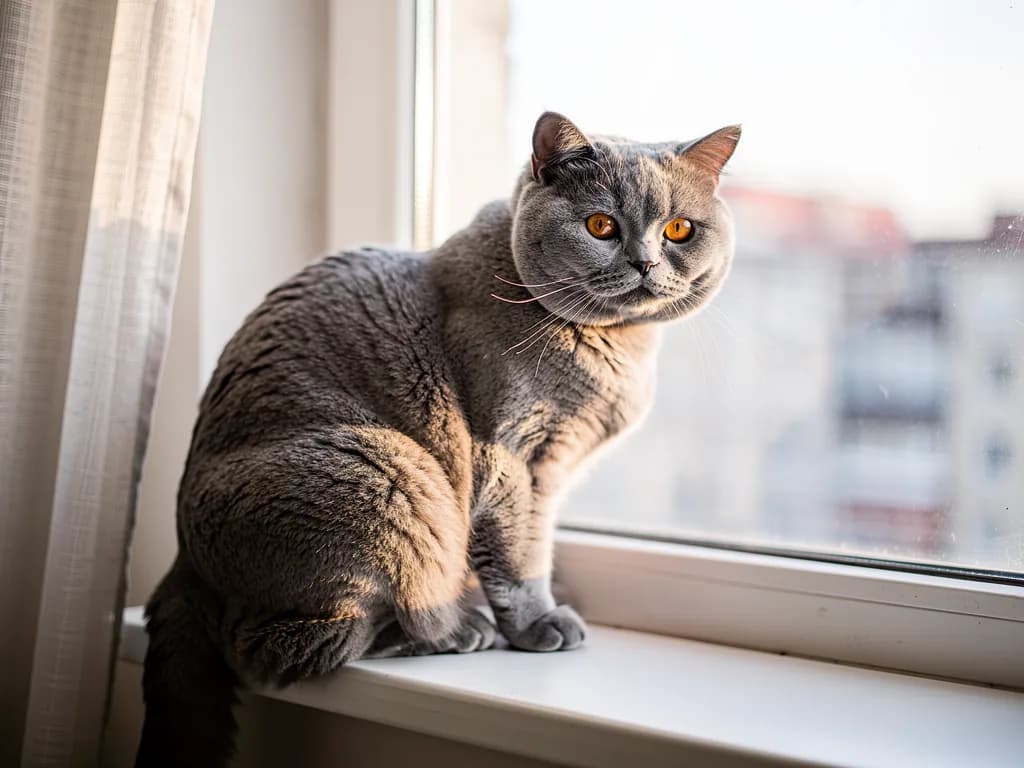
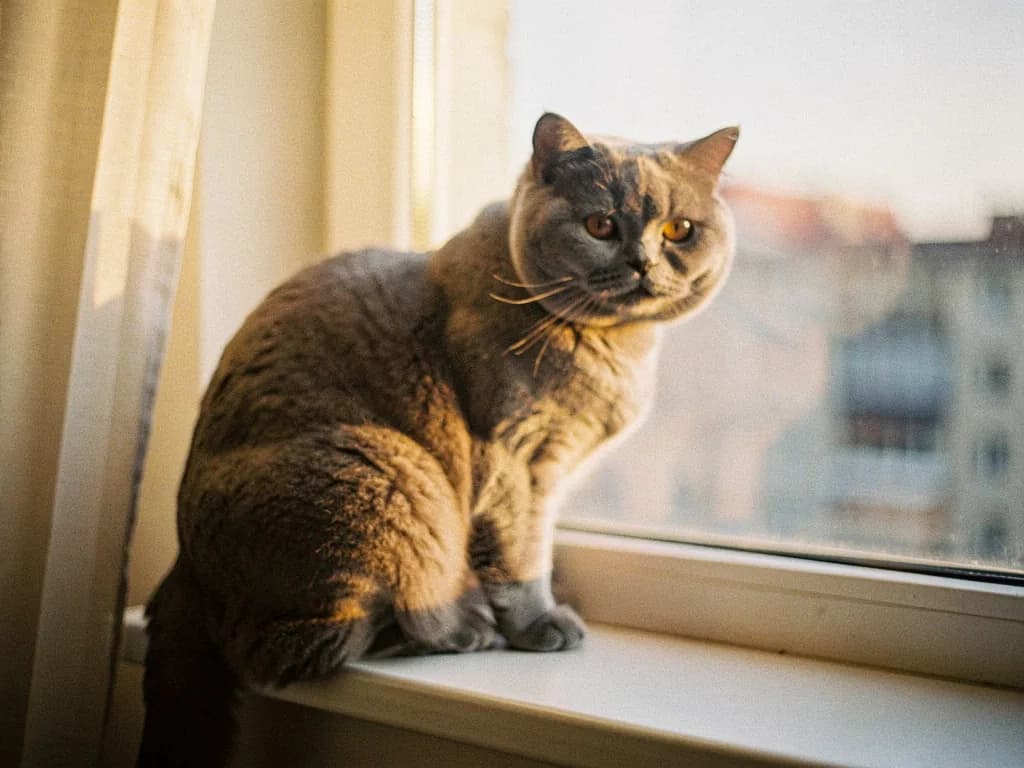
Four common problems with a shot
Name each one in your prompt, or just say “enhance this photo” and the AI finds what spoils the frame on its own.
Blur
A shaky hand or a missed focus. Faces, text and objects get crisp edges again as long as the subject is recognisable.
Noise and grain
Shots taken at night, in a café, at a gig. Coloured specks in the shadows go away, skin and flat surfaces come out clean.
Small text
A photo of a document, a price tag, a whiteboard. The prompt “make the text on this photo readable” sharpens the letters, but double-check the numbers.
Messenger compression
The photo arrived in a chat at 800 pixels and full of blocks. JPEG artifacts are cleaned up, detail and text become readable again.
Choose what is wrong with the photo
The AI does not stretch pixels, it redraws the detail: sharpness, skin, textures, letters. Pick the problem and see which mode fits, how much energy it takes and which prompt to send.
A shot taken in the dark or on an old phone, with coloured specks on skin and in the shadows. The quick mode clears the grain and keeps the texture; detail restoration redraws the fine detail.
By model: Flux 2 Pro and Nano Banana 2 Lite do the quick fix for 1 unit, GPT Image 2 restores detail for up to 6 units. The Lite plan gives 150 energy units a month.
Ready prompts for different photos
Tap a prompt and it goes into the field above. The words “keep unchanged” matter: without them the AI may retouch facial features.
The AI cannot restore what is not in the photo
A smudge instead of a face stays a guess
If a face is 20 pixels across, the model draws a plausible one, not necessarily yours. In that case it is better to find another shot.
Check numbers and names
When enhancing text the AI guesses characters by their shape. Compare a contract number or a dosage on a package with the original.
Blown-out highlights cannot come back
A white window or a burnt-out sky holds no data. You can ask to “darken the sky”, but that is drawing, not restoring.
How many photos you can enhance a month
Lite
₽690 a month
150 energy: up to 150 quick fixes or about 25 detail restorations. A start for tidying up a family album or a batch of photos for a listing.
Start with LiteBasic
₽990 a month
200 energy. For regular photo work: products, real estate, a portfolio. There is room left for texts and presentations in the same chat.
ChoosePremium
₽2,290 a month
600 energy. For photographers and print shops with hundreds of shots a month to fix. Energy packs from ₽300 can be bought on top.
ChooseThe free Starter plan gives 30 energy for text tasks: describe a photo, write a caption, go through a document. Image enhancement starts with Lite.
Frequently asked questions
Can I enhance photo quality for free?
No, image processing comes with plans from Lite at ₽690 a month. For free you can sign up, upload a photo and prepare the prompt: it is saved and runs right after you pay.
Does it work without signing up?
Signing up keeps your photo and the result in your chat so nothing gets lost. It takes a minute, an email or a phone number is enough.
Does it work online, with nothing to install?
Yes, everything happens in the browser on a computer or a phone. Upload, write a prompt, download the finished file.
How much energy does one photo take?
From 1 unit for sharpness and noise to 6 for restoration with redrawn detail. You pick the model in the chat before sending.
Will the face in the photo change?
If the prompt says “keep facial features unchanged”, the model works like a retoucher: sharpness and skin, not reshaping. If something drifts, say so and the photo is redone.
What size is the output file?
PNG or JPG at the resolution of the chosen model, enough for screens, social media and standard print sizes. For print, ask to “save at maximum quality”.