Create a poster with AI online
Pick the event type and format — the mockup next to it takes the right proportions and the prompt writes itself. All that is left is the title, date and venue. Posters are generated on plans from Lite.
Posters are generated on plans from Lite at ₽690 (150 energy). One poster costs 1 to 6 units of energy depending on the model. The prompt is kept until you pay.
A3 · 297×420 mm · 300 dpi for print
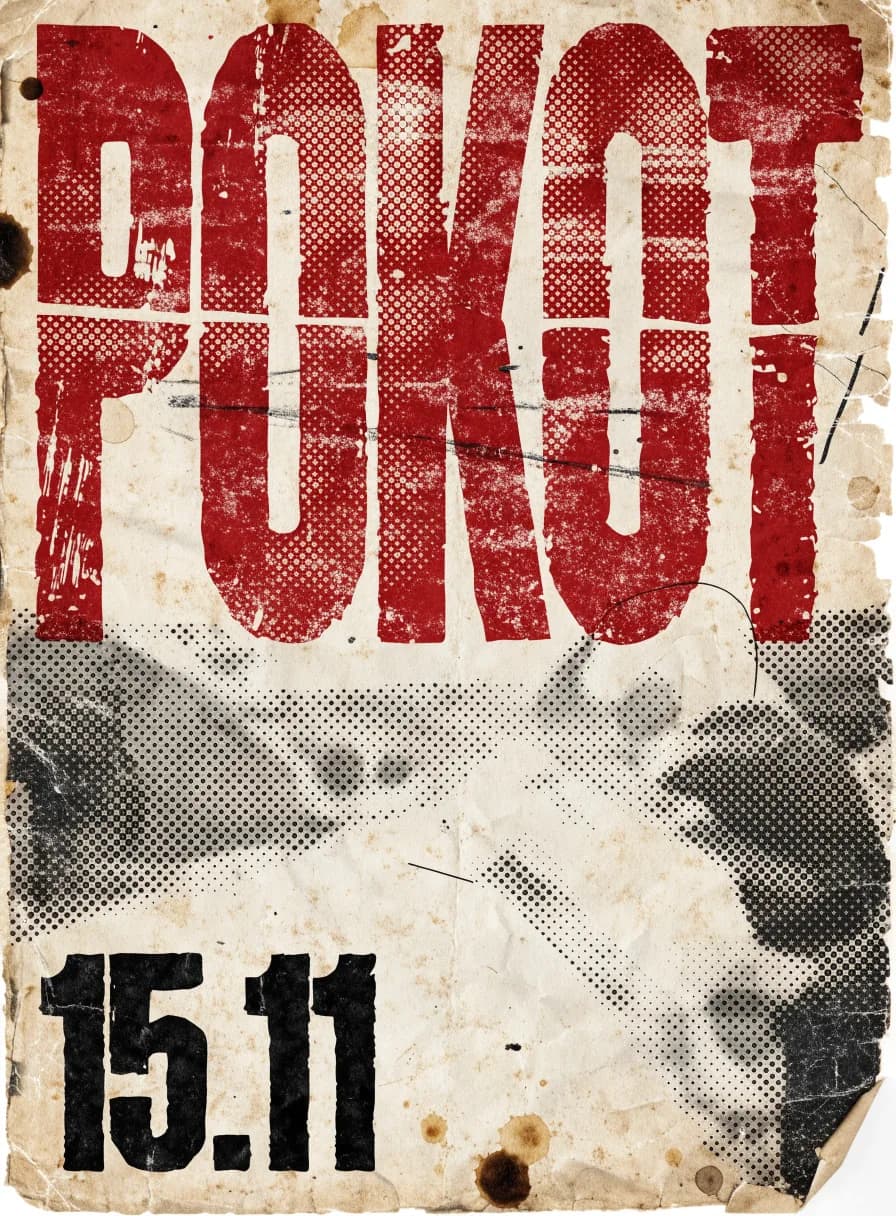
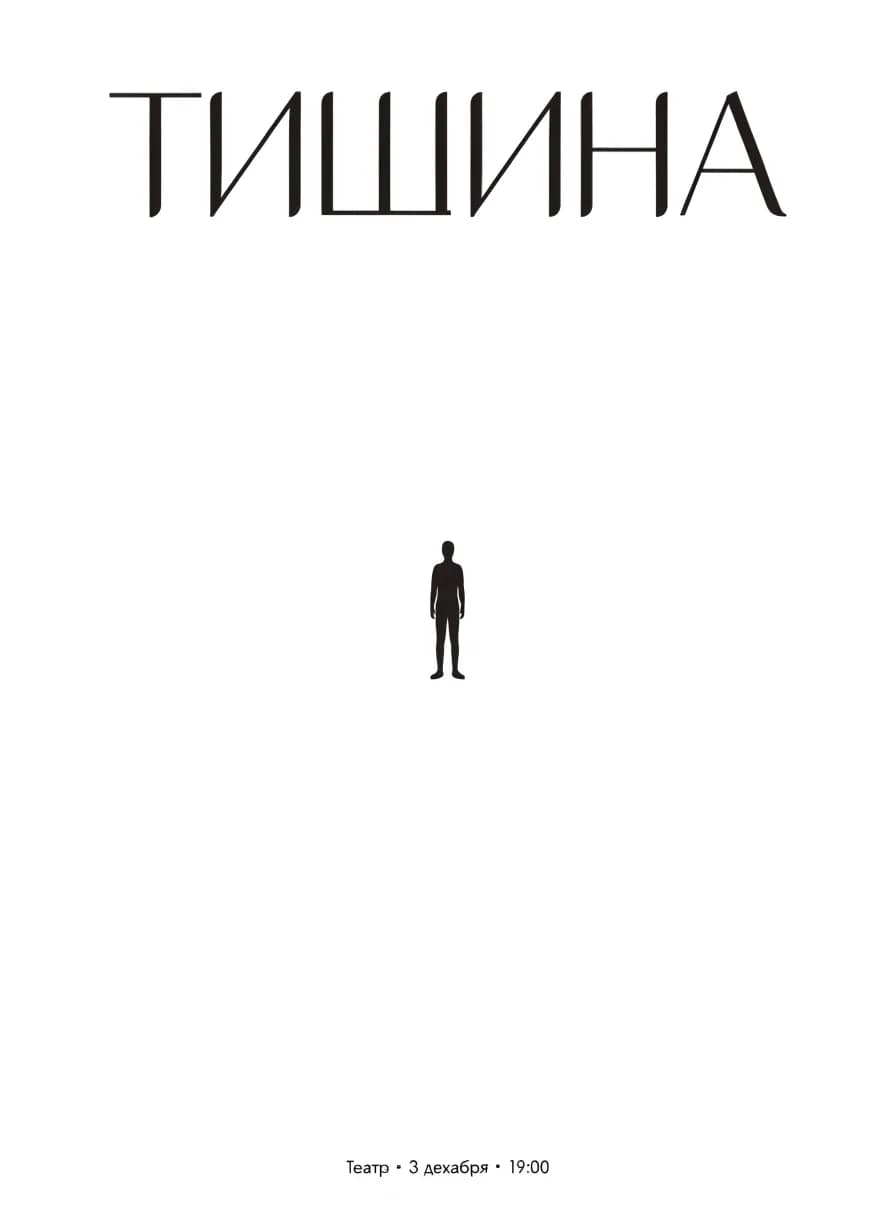
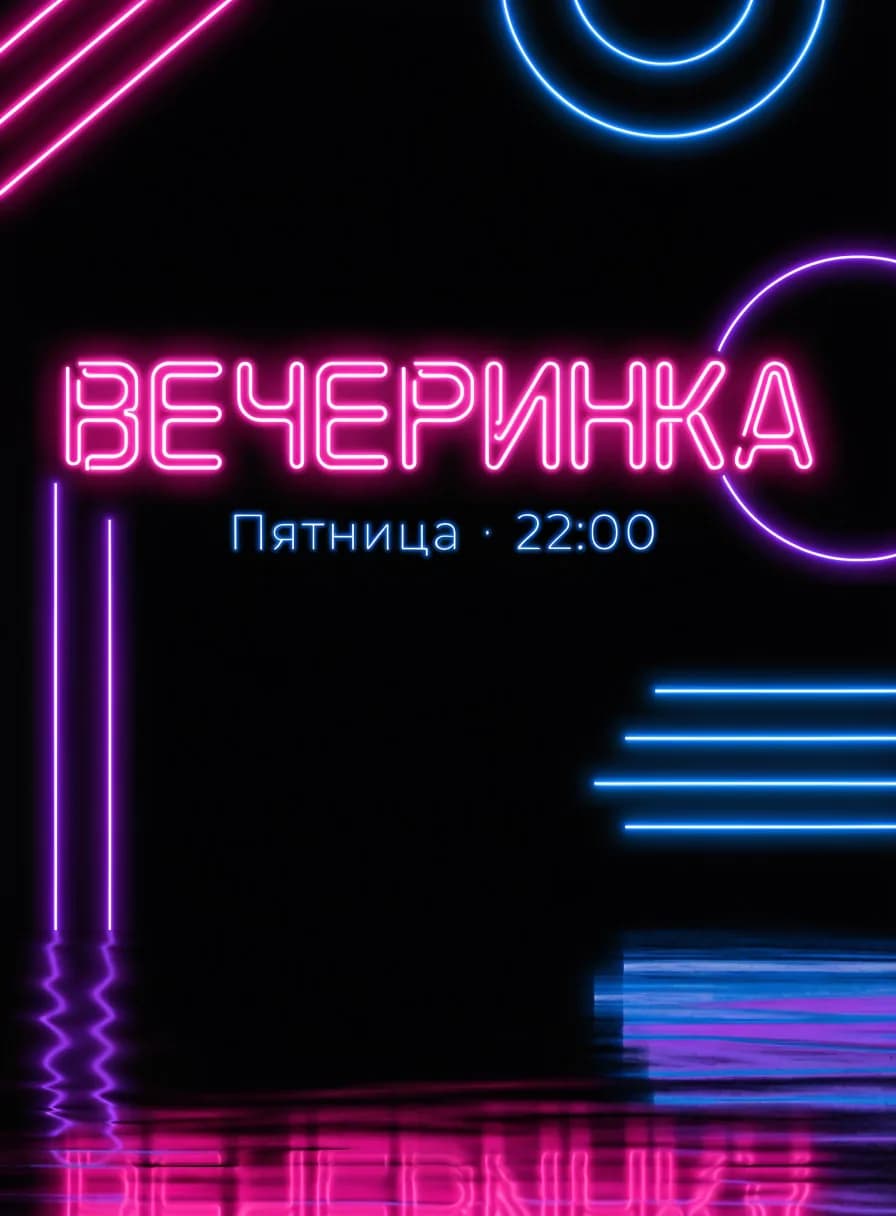
Six poster styles the AI does confidently
A style is set with one word in the prompt. If you have a poster you like, attach it as a reference — the AI repeats its composition and mood but uses your text and colours.
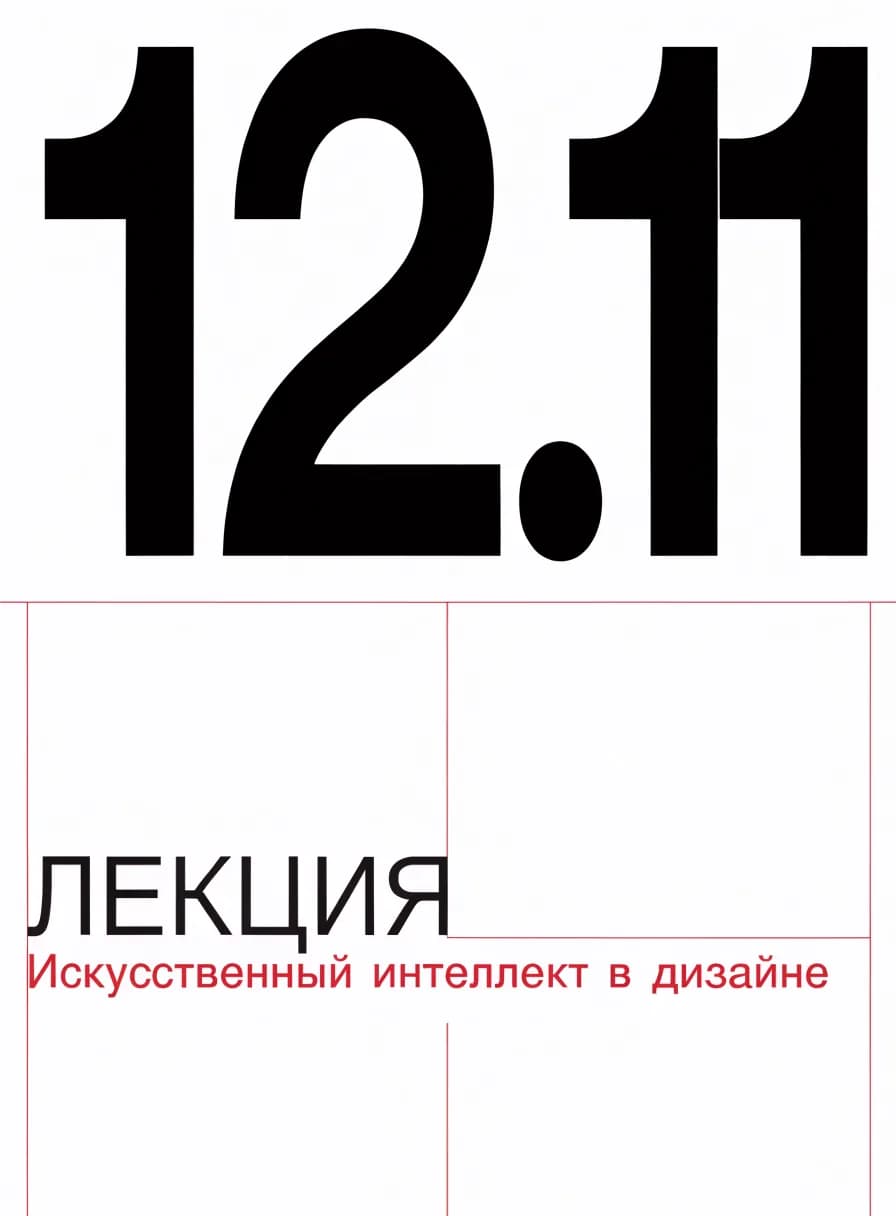
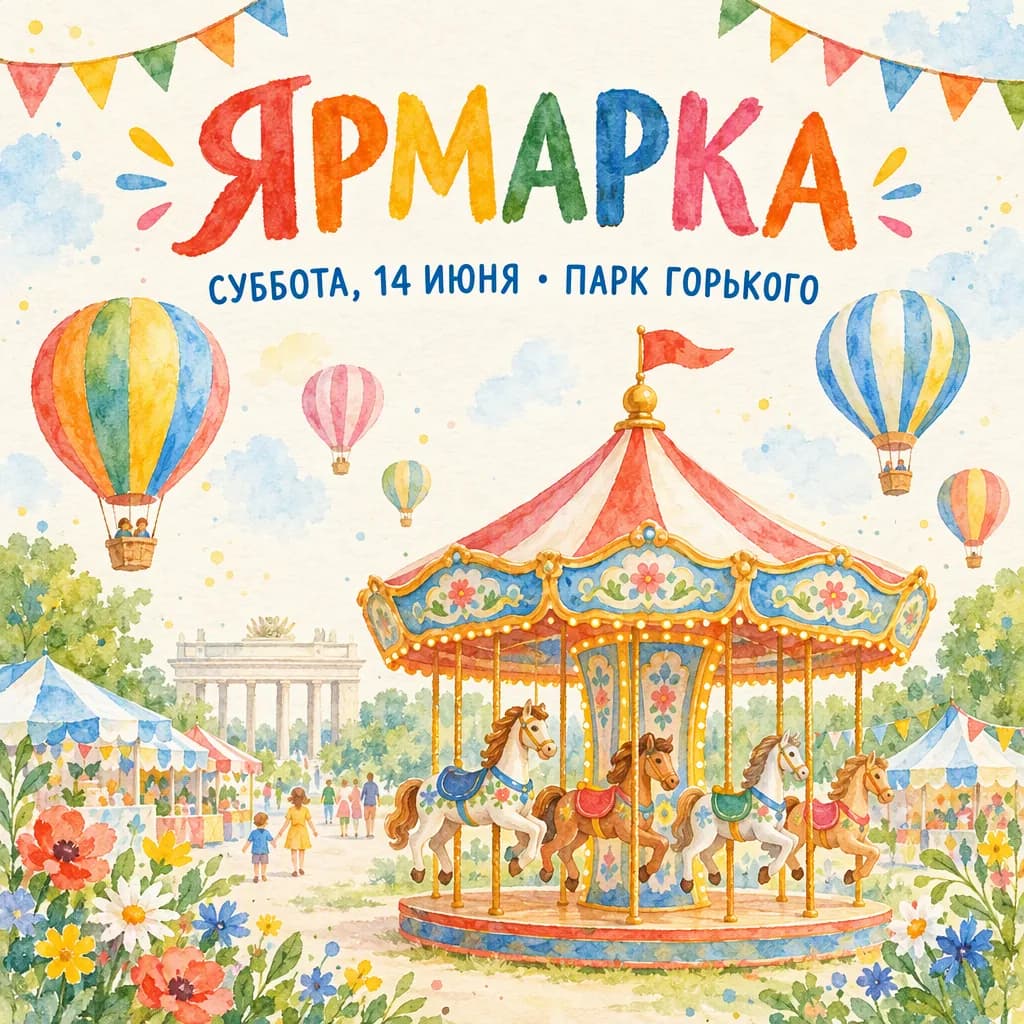
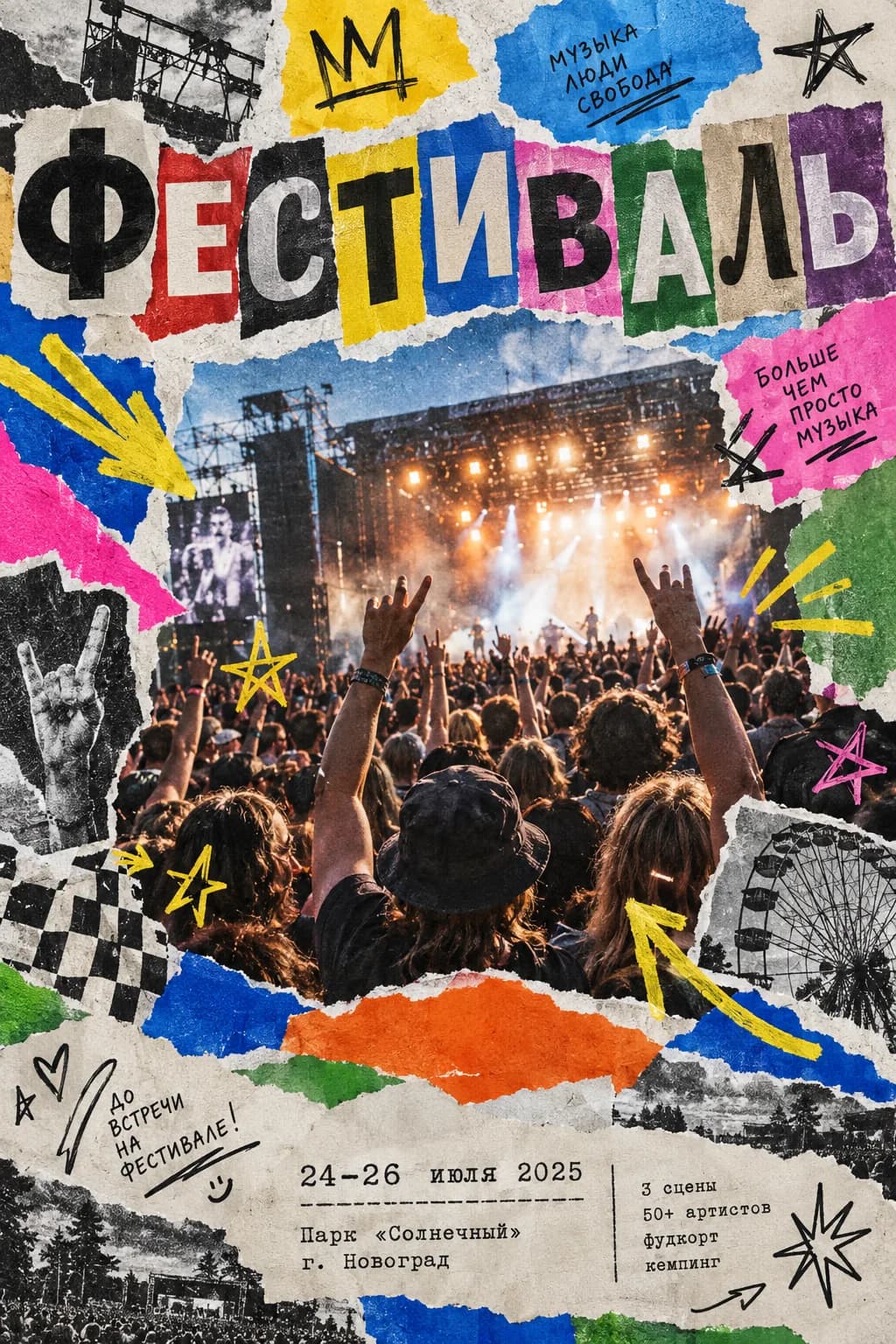
Text on a poster: what the AI writes well and what to check
A poster is a picture with text, and text is still the hardest part for AI. The rule is simple: trust the large, check the small.
What the AI writes well
- One large headline of up to 3–4 words: the band, the play, the sale.
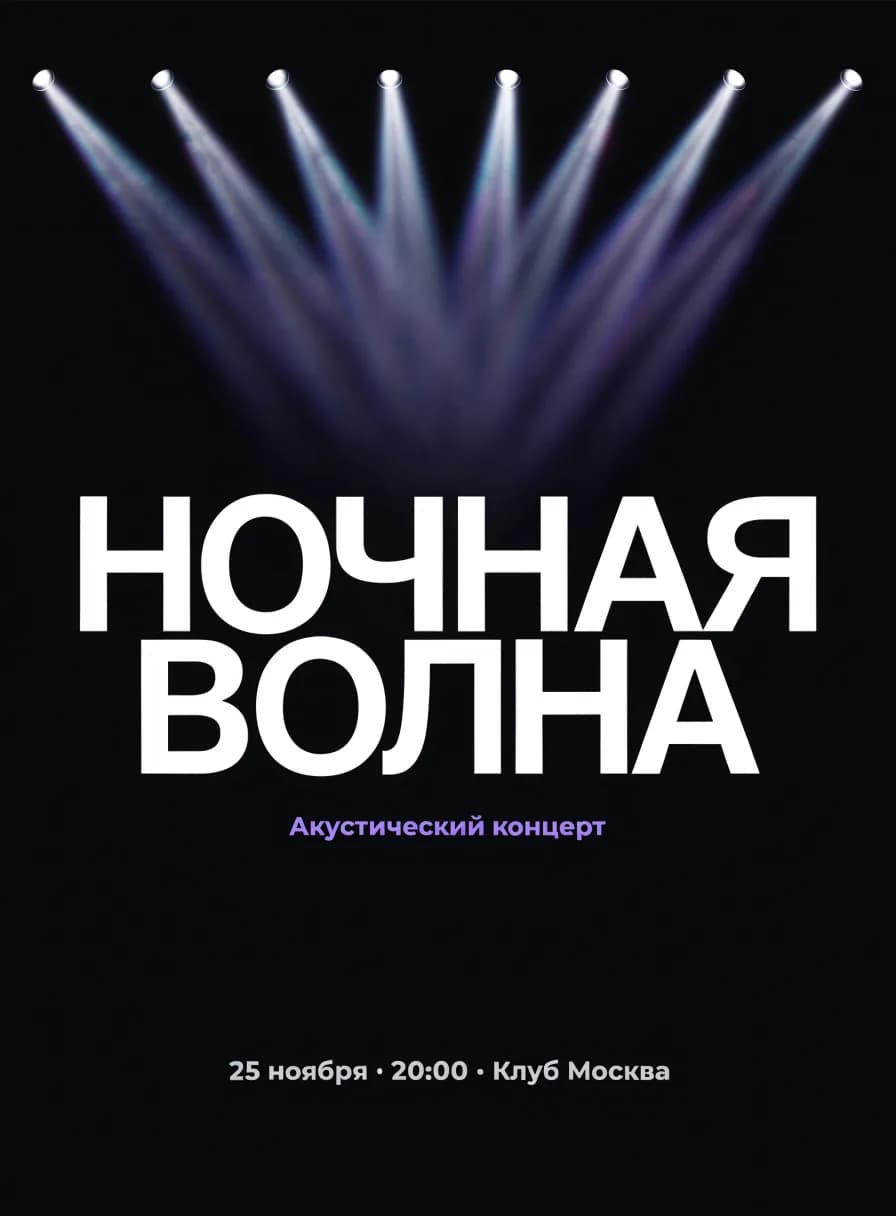
- A short date and time: “25 November, 8 pm”.
- Large figures: “−30%”, “2 days”, “18+”.
- Latin and Cyrillic if you pick GPT Image 2 (from 6 energy) — it is the neatest with letters.
What to check after generation
- Long lines: the address, the line-up, sale terms — that is where letters most often “float”.
- Small text: age rating, phone, link. It is better to add it later in any editor.
- Accuracy of dates and names: the AI repeats what you wrote, so a typo in the prompt ends up on the poster.
If a letter is distorted, do not regenerate everything: write “fix the word ‘Night’, leave the rest as is”.
Ad banners in the same style
One poster becomes a whole set of formats for the website, social media and ads.
From a poster to a banner in one phrase
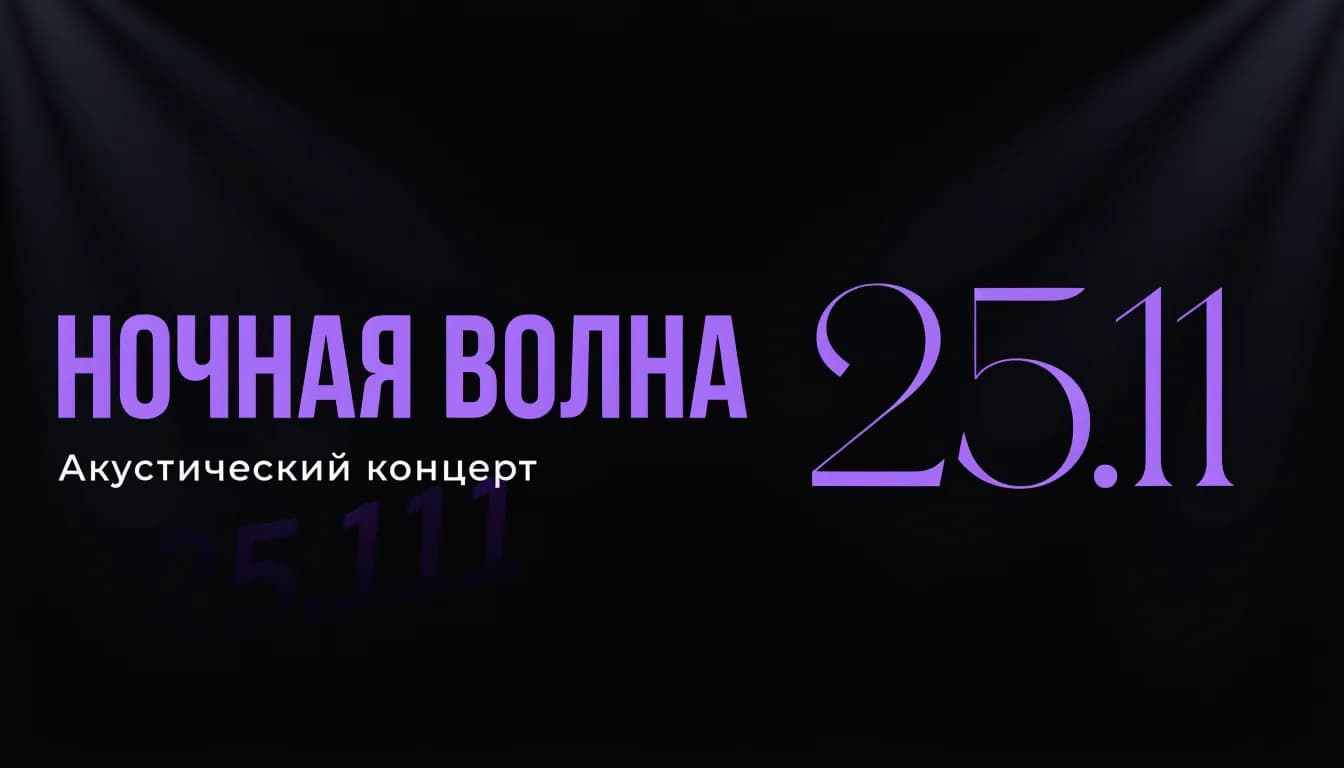
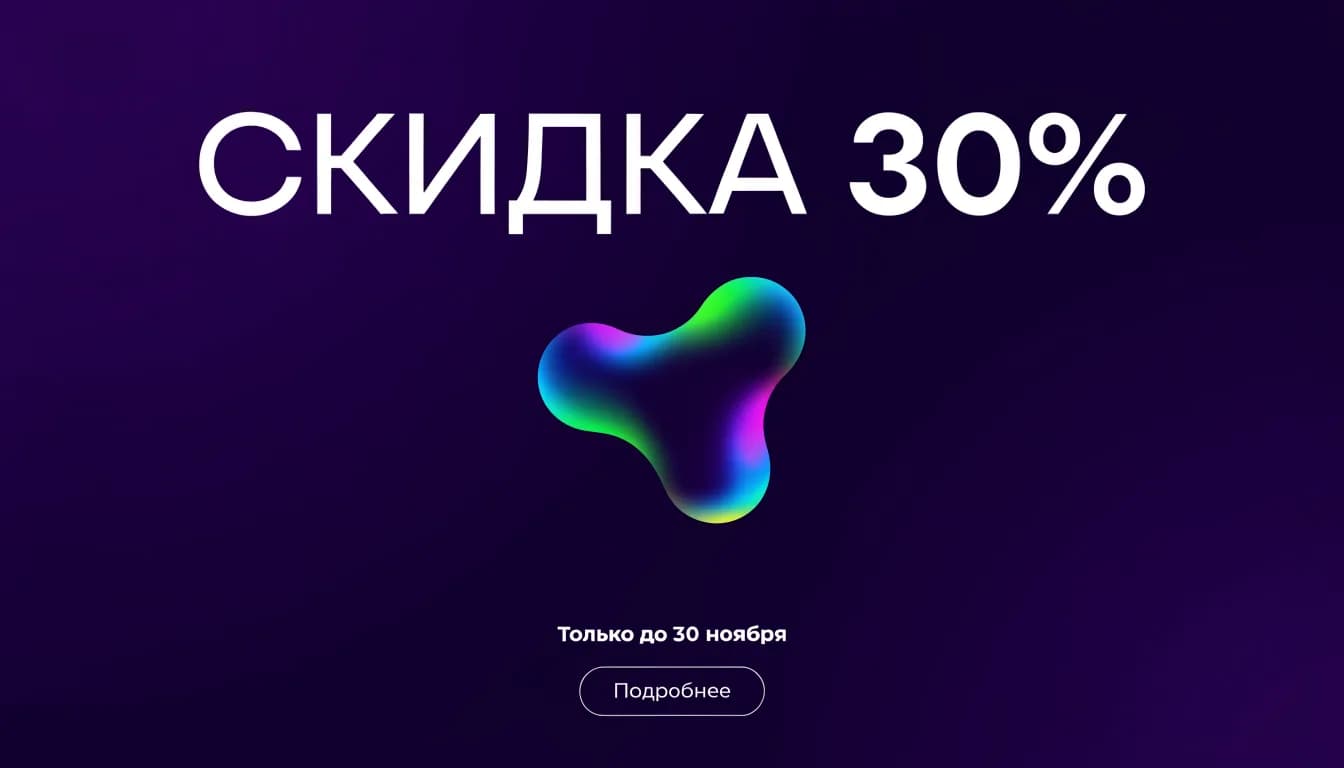
Poster ready? Write in the same chat: “make a horizontal 16:9 website banner from this poster, title on the left, date on the right”. The AI keeps the style and colours and rebuilds the composition for the new format. One layout turns into a community cover, an ad banner and a story.
Popular sizes: 16:9 for covers and websites, 4:5 for the feed, 9:16 for stories, 1:1 for ad accounts. Naming the ratio is enough — adjust the exact pixels on export.
A checklist before sending a poster to the print shop
Six points that most often force a reprint.
Resolution
A3 needs about 3500×5000 px at 300 dpi. Ask in the chat to “generate at maximum size” or “double the resolution”, and check that small details have not “floated”.
Margins and bleed
Keep 5 mm from the edge free of important elements and add 3 mm of bleed for trimming. Write in the prompt: “text and logo no closer than 1 cm to the edge”.
Colour
Screens use RGB, print shops use CMYK: neon and acid shades look duller on paper. For print, choose calm contrasting pairs and save neon for stories.
File format
The poster downloads as PNG or JPG. That is enough for a print shop; if you need a PDF, make one in any editor from the downloaded image.
Text check
Print a draft on A4 or just zoom in: every letter, date, phone number. A mistake is easier to fix in the chat now than in the print run later.
Test print
For large runs, order 1–2 test copies: you will see the real colours and paper weight before the main print.
How much an AI poster costs
A poster is an image, so it needs a paid plan. One poster costs from 1 unit of energy; with text on GPT Image 2, from 6.
Lite
₽690 · 150 energy
The entry point for a one-off poster: dozens of options on 1-energy models or 25 posters on GPT Image 2 with neat text.
Get LiteBasic
₽990 · 200 energy
For a venue or club with a poster every week plus banners and stories for each event.
Learn morePremium
₽2,290 · 600 energy
For agencies and festival organisers: poster series in one style, dozens of formats for every platform.
Learn moreFAQ
Can I make a poster with AI for free?
Image generation, posters included, is available on paid plans from Lite at ₽690 a month. On the free Starter plan you can prepare the poster text and prompt, and generation starts after you pay — the prompt is kept.
Will the AI write the poster text without mistakes?
A large headline, the date and figures — usually yes, especially on GPT Image 2. Check long and small lines and fix them in the chat if needed: “fix the word, change nothing else”.
What size is right for A3 print?
About 3500×5000 px at 300 dpi. Ask to generate at maximum size and keep 5 mm margins. The file downloads as PNG or JPG.
Can I make a poster from my own photo or logo?
Yes. Upload a photo of the performer or product, or a logo, and write: “make a poster with this photo, logo in the bottom right corner”. The AI keeps the uploaded elements.
How many options can I get?
As many as you need: each option is a separate generation from 1 unit of energy. It is handy to make 3–4 drafts on a cheap model first, pick the best and refine the details.
Will the poster work for stories and the feed right away?
Ask in the chat to redo the finished poster as 9:16 or 1:1 — the AI rebuilds the composition and keeps the style. That is cheaper and faster than generating each format from scratch.