Create a diagram or infographic with AI
Describe a process, steps or figures in plain text. The AI draws a flowchart, a relationship diagram, an infographic or an illustration in one style, and takes edits in words: “make the arrows thicker”, “third block in green”.
Prompt sent to the chat: «Draw a horizontal flowchart with arrows, block labels from my list, a dark background, purple accents, 16:9 format. My list: «The client submits a request on the website»; «A manager calls and clarifies the task»; «A designer prepares a mockup in 2 days»; «The client approves and pays»»
Diagrams and infographics are made as images: plans from Lite at ₽690, 1–6 units of energy per picture. Your text and type are kept until you pay.
What the AI can draw
Each type has its own way of describing it. Name the type in the prompt, and the first result will be closer to what you expect.
Flowchart
Process steps, an algorithm, a sales funnel. Write the steps in order, one per line.
Relationship diagram
Who interacts with whom: departments, services, participants. List the nodes and the links “A → B”.
Infographic
Figures and facts in a picture for a post or a product card. Give 3–5 numbers with captions.
Illustration
A metaphor picture for an article or a slide: “a team assembling a puzzle”. Describe the scene and the style.
Mind map
A central topic and branches of ideas. Write the topic, then sub-items indented or with dashes.
Infographics for marketplaces
The most frequent infographic request comes from sellers: show 3–4 product benefits right on the picture in the listing. Upload a product photo, list the benefits, and the AI builds a slide with icons and captions in 3:4 format.
- Write numbers and units exactly as they should look: the AI does not invent figures, but it can misspell long text.
- For a series of cards, ask for “the same template for the next product” and upload a new photo.
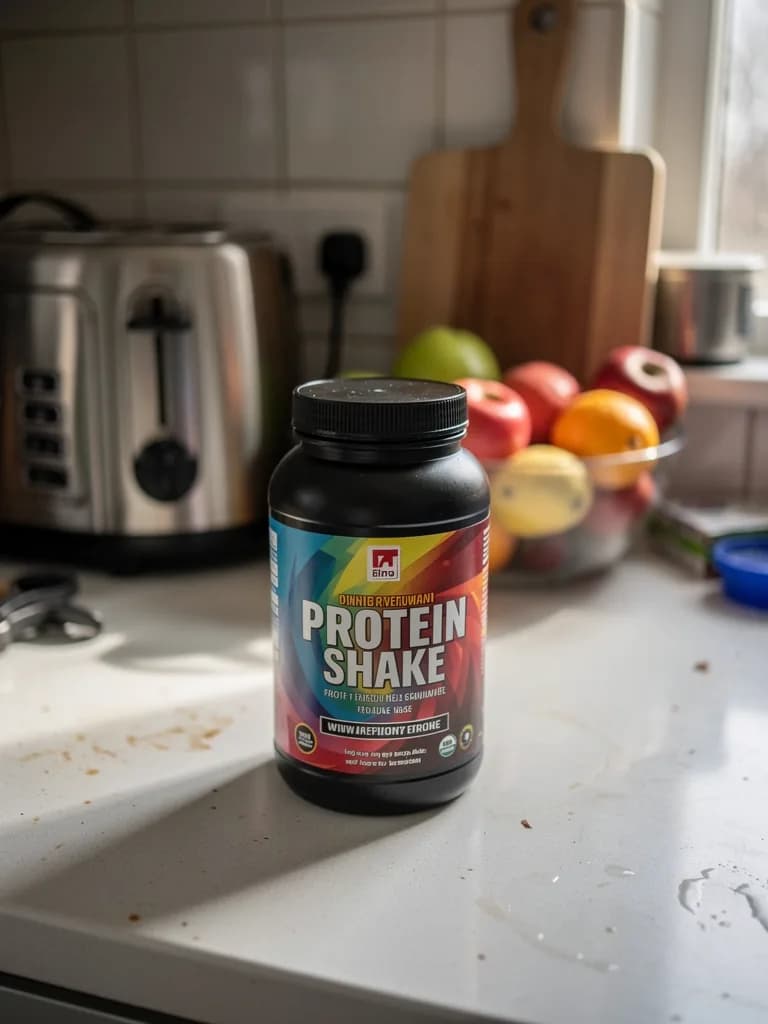 Before
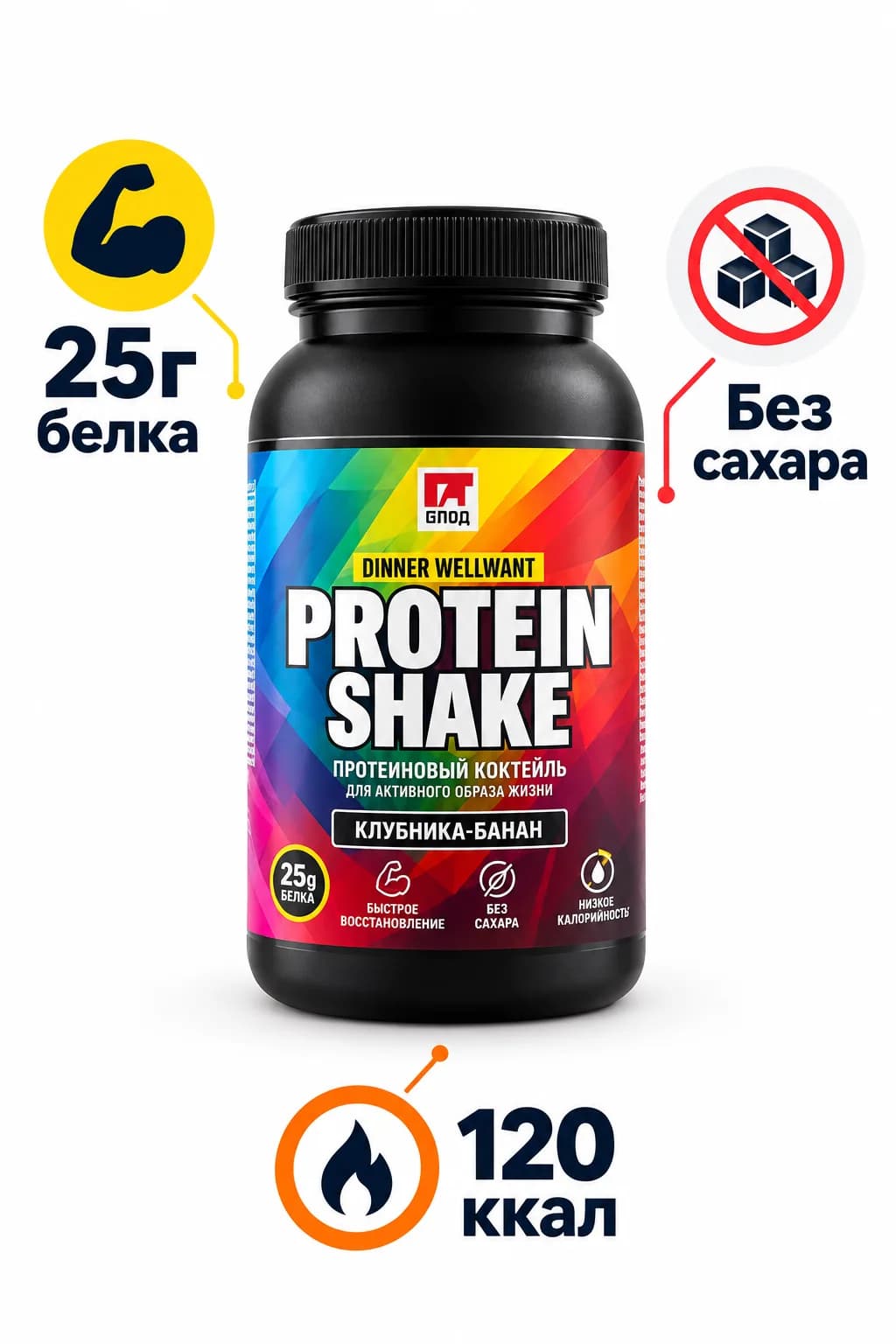 After
AfterOne infographic card costs 1 to 6 units of energy depending on the model
Illustrations for articles and presentations
Need a picture for your text and tired of stock? Describe the idea and the style and get an article cover, a slide image or a series of icons in one style.

- Name the style: flat vector, watercolour, isometric, line art. Without a style the AI picks one itself.
- For a series, add “in the same style and palette as the previous one” and attach the first picture as a reference.
- Ask for “no text in the picture”: captions are better added in the article editor or on the slide.
- Formats: 16:9 for slides, 2:1 for blog covers, 1:1 for social media.
Check the text on the diagram before publishing
Labels may contain typos
Image models draw letters as graphics. Short labels of up to 3–4 words come out clean; long phrases sometimes get distorted. Spotted a mistake? Write “fix the label in the second block to …”.
It is a picture, not an editable file
The result comes as PNG or JPG. You cannot drag blocks around, but you can ask for a redraw in a different order. If you need a diagram to edit in an editor, ask the chat for a text description in Mermaid format.
Many blocks — split them up
A diagram of up to 6–8 blocks reads well. A 20-step process is better split into 3 diagrams, or ask the AI to group the steps first.
How much energy a diagram takes
Diagrams and infographics are generated as images, so you need a paid plan. Text preparation — the structure, labels, a Mermaid description — works on the free Starter plan too.
Lite
₽690 a month
150 units of energy. Fast models (Nano Banana 2 Lite, Flux 2 Pro, Recraft V4.1) take 1 unit per picture: up to 150 diagrams and illustrations. GPT Image 2, the most accurate with text, takes 6 units, about 25 images.
Get LiteBasic and Premium
₽990 and ₽2,290 a month
200 and 600 units of energy — for infographics across a product catalogue, several blogs or weekly presentations.
Compare plansFAQ
Can I make an infographic with AI for free?
Pictures are generated on plans from Lite at ₽690. On the free plan you can prepare the structure, texts and captions for the infographic, so you then spend energy on one precise generation.
How precisely will the AI reproduce my wording?
Short labels of up to 3–4 words come out exactly; long sentences may get distorted. Cut the steps down to key words and leave the details for a caption under the diagram.
Can it draw a chart with real data: a pie chart, a bar chart?
Yes, as a stylised picture for a post or a slide: list the values and the proportions will be roughly kept. For a report with exact shares, ask the AI to generate chart code or a table: that is a free text answer.
What format can I download the diagram in?
PNG or JPG in the chosen ratio: 16:9 for a slide, 1:1 for a post, 3:4 for a product card. We do not provide vector files.
Can it stick to brand colours?
Name the colours in the prompt: “white background, accents #2563eb and grey”. Attach a reference — a previous slide or your logo — and the style will match more closely.
How long does generation take?
From 15 to 60 seconds. It usually takes 1–2 edits in words to get the diagram ready to publish.