Interior design from a photo with AI
Photograph the room as it is — with the sofa, boxes and old wallpaper. Pick a style and the AI shows how it will look after renovation: walls, floor, furniture and light change, while the windows and layout stay yours.
One option costs from 1 unit of energy. Interior visualisation comes with plans from ₽690; your photo and prompt are kept until you pay.
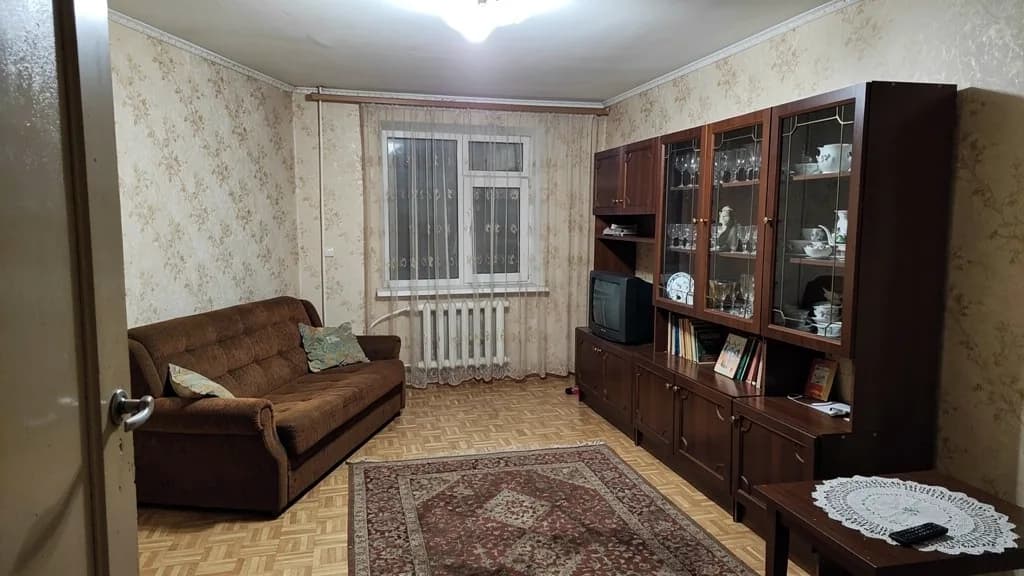 Before
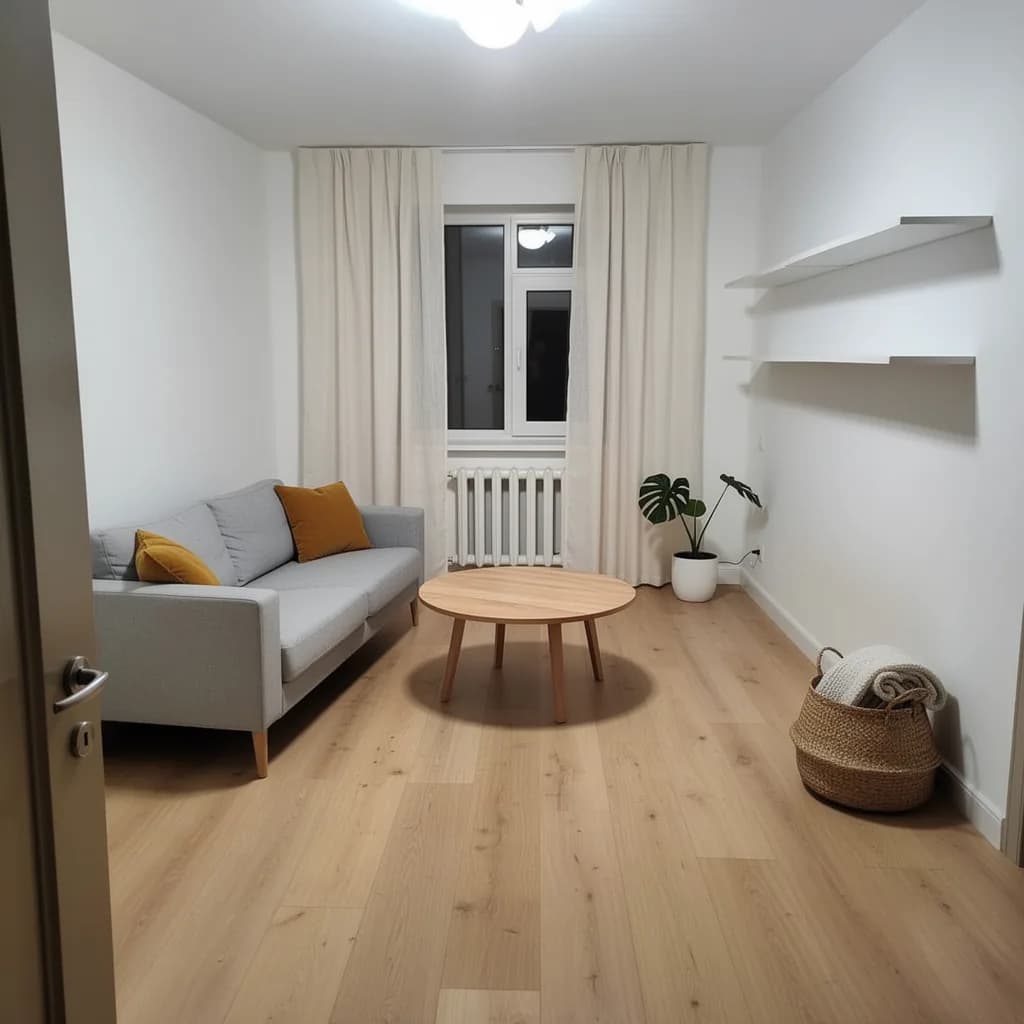 After
AfterThe angle, windows and doorways stay, so the result is easy to compare with the original and show to your builder.
What you can change in words
After the first option you do not start again: you write one edit in the chat and the AI changes only that. Each edit is one generation, 1 unit of energy on models like Flux 2 Pro or Seedream 4.5.
Walls
“Paint the walls warm grey”, “make one wall an accent, dark green”, “remove the wallpaper, leave smooth plaster”, “add slat panels behind the TV”.
Floor
“Replace the laminate with herringbone parquet”, “a light microcement floor”, “stone-look porcelain in the hall, oak in the room”.
Furniture
“A grey corner sofa along the left wall”, “remove the wardrobe, add an open shelving unit”, “a table by the window, two chairs”, “a 160 cm bed with the headboard against the right wall”.
Light
“Show the room in the evening with warm light”, “add track lights on the ceiling”, “a floor lamp by the armchair instead of the chandelier”, “hidden perimeter lighting”.
Apartment layout
AI apartment planning works from a floor plan, a screenshot from the developer’s website or a hand drawing. Upload the plan, give the area and who will live there — and get furniture placement and zoning.
What you get: a diagram with furniture placement and zoning, several options to compare, storage ideas.
What you do not get: exact dimensions or a check of which walls are load-bearing. Before removing partitions you still need a project and approval.
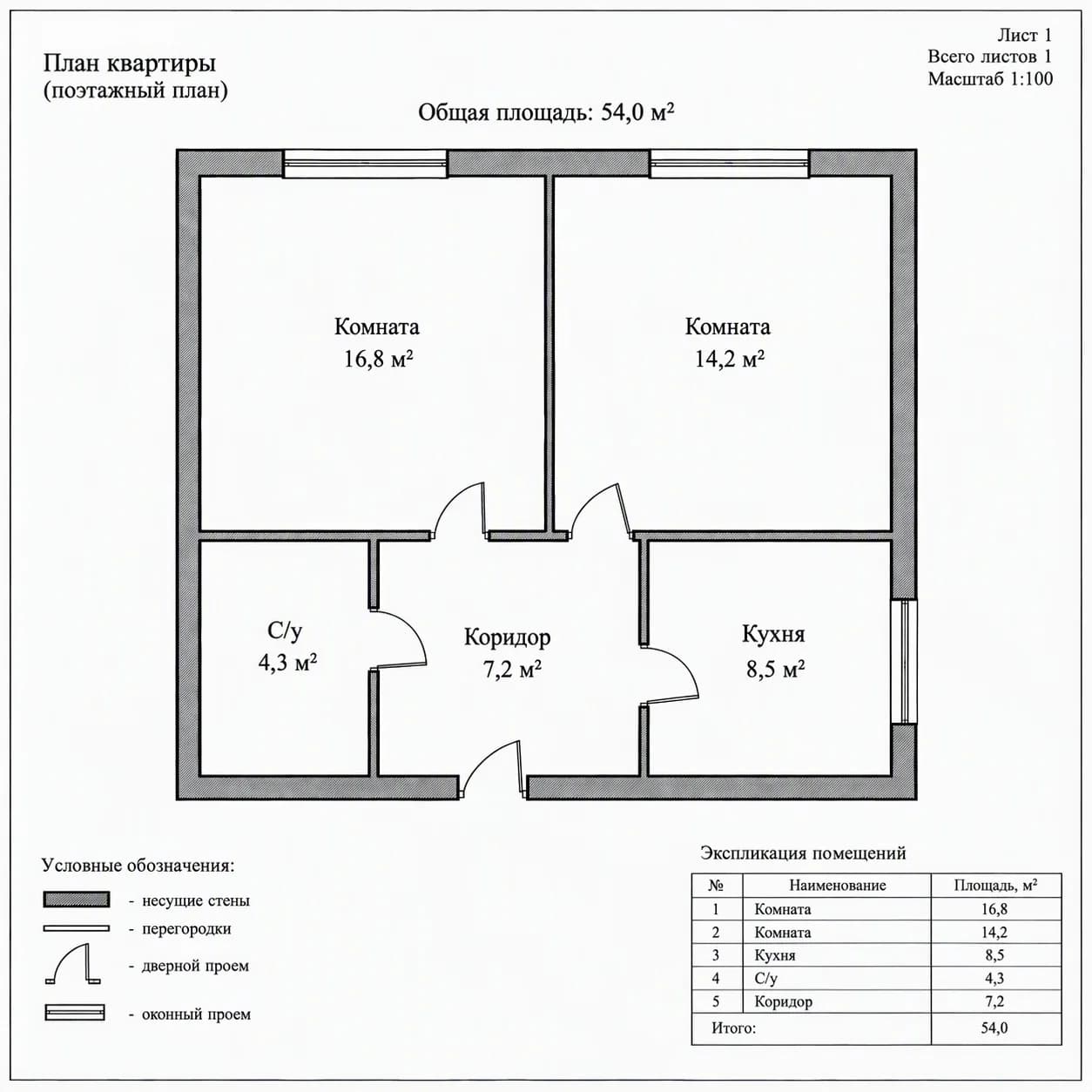 Before
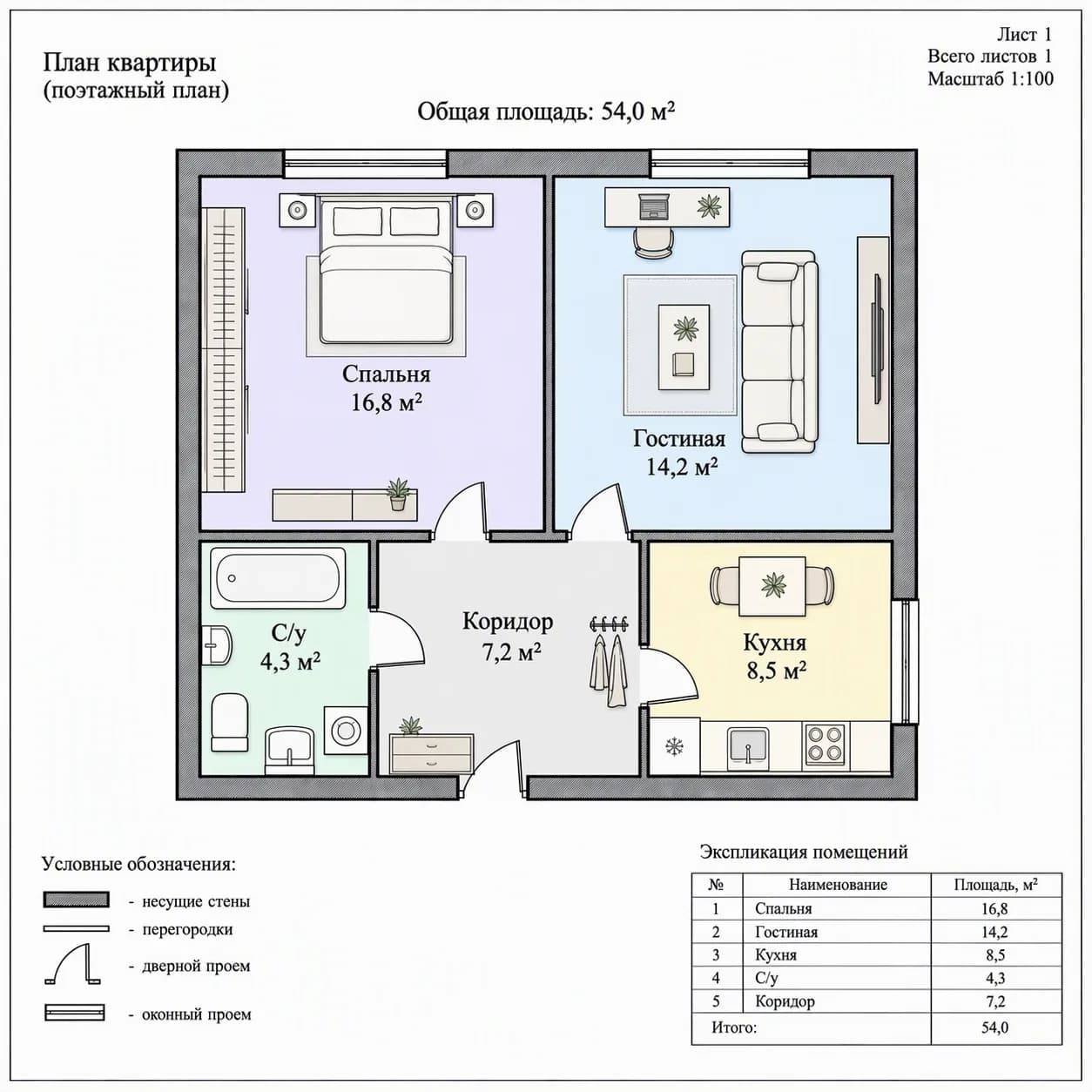 After
AfterThe same plan: the walls stay, the rooms get a purpose and furniture.
Garden, plot, facade
AI landscape and house design works the same way: a photo of the plot or facade → a description → an option. Handy for agreeing with your family before ordering a project.
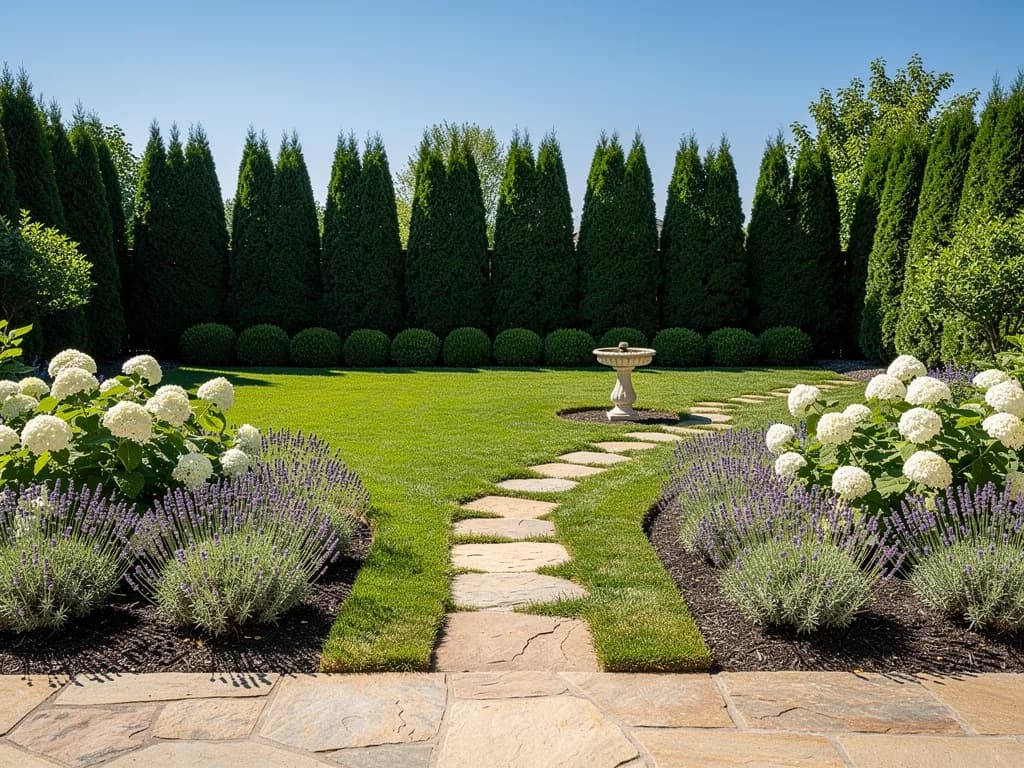
Garden plot
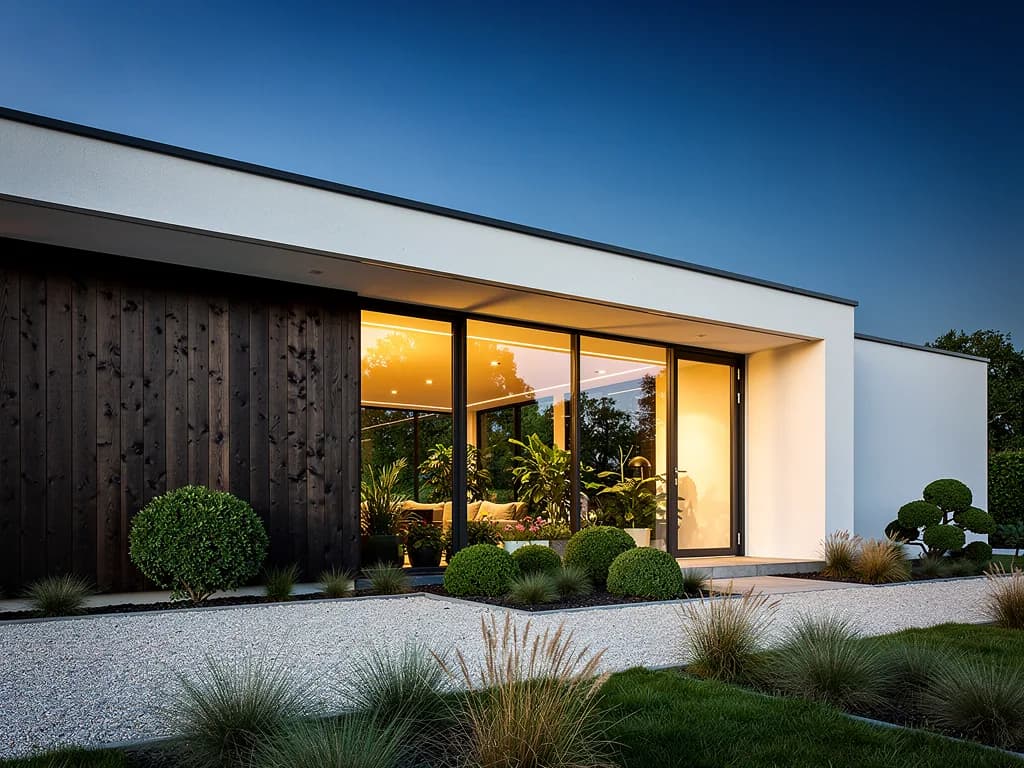
House facade
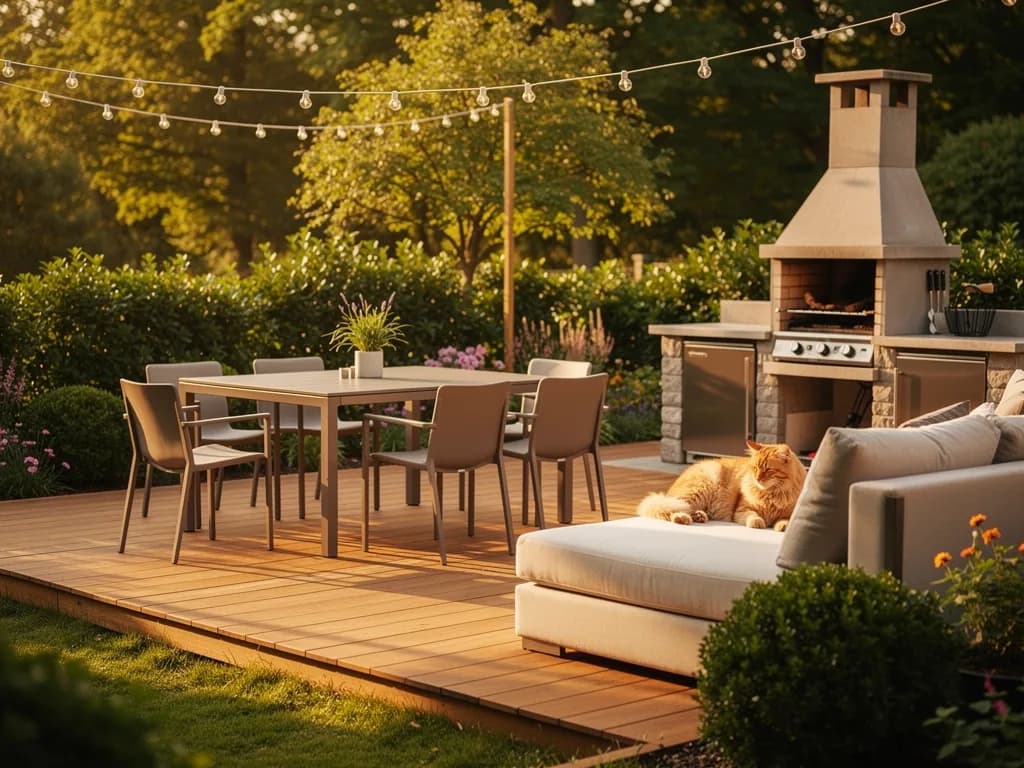
Terrace and lounge area
A room project in one evening: four steps and 11 units of energy
- 1
A photo from the door
One shot in daylight showing the window, floor and two walls. Do not tidy up — the AI “removes” the clutter itself.
- 2
Six styles — 6 energy
Run one photo through all the styles. In five minutes it is clear what the whole family likes and what it does not.
- 3
Five edits — 5 energy
Refine the chosen style in words: wall colour, floor, sofa, light, curtains. One edit per message.
- 4
Show the builder
Download the final PNG and the original. A builder works more easily from a picture of “how it should be” than from a description.
What visualisation costs
Lite
₽690 · one room and more
150 energy: enough for the whole flat at 11 units per room, with some left for the layout and facade.
Get LiteBasic
₽990 · flat and country house
200 energy and access to all models, including GPT Image 2 for complex scenes with small details.
Learn morePremium
₽2,290 · for designers and realtors
600 energy: visualisations for clients every day, several properties in parallel.
Learn moreIt is a picture, not a project
It does not measure
The AI does not know your wall is 3.2 metres. A sofa may “fit” in the picture and not in real life. Check furniture sizes with a tape measure and the catalogue.
It does not check regulations
Removing partitions, moving wet areas, gas — only with a project and approval. A visualisation shows “how it could be”, not “what is allowed”.
It does not make an estimate
A picture does not calculate materials and labour. But you can send it to a builder or a shop and get a quote for that exact look.
FAQ
Can I get interior design from a photo with AI for free?
Image generation is on paid plans, starting with Lite at ₽690 a month (150 units of energy, about 150 options). The free Starter plan works for text: describe your wishes, make a shopping list for a style, ask about colour combinations.
Which room photo should I upload?
A horizontal shot from the doorway or a corner in daylight, so the window, floor and two walls are in it. Do not use flash or tilt the phone a lot: the AI repeats a distorted perspective.
Will the room stay the same or will the AI draw another one?
The layout, windows, doors and angle stay — every style prompt says so. The finishes, furniture and light change. If a window disappears, write “bring the window back as in the photo”.
Can I design a room from a photo of a new build without finishes?
Yes, it is even easier: bare walls do not get in the way. Give the ceiling height and where the kitchen will be — the AI places furniture around the windows and doors in the photo.
Does it work for gardens and facades?
Yes. Upload a photo of the plot or the house from the street and describe what you want: a lawn, paths, a barbecue area, another facade colour, a porch. Shoot the plot at eye level from the gate.
Can I show the result to builders as a brief?
As a reference, yes: the picture makes colour, materials and layout clearer. But dimensions, wiring and plumbing still need drawings or a separate agreement.