Write a social media post with AI
Pick a platform and a tone — next to it you will see what the post looks like, and below we build the prompt for the chat. Post texts are free on the Starter plan; an image for the post needs a subscription.
Prompt sent to the chat: «Write a post for VK in a friendly tone about: “Opening our second coffee shop on 12 Lenina St: 20% off everything in the first week”. Up to 600 characters, 2–3 fitting emoji, 3–5 hashtags at the end.»
The post text is free on the Starter plan (30 units of energy). An image for the post comes with plans from Lite at ₽690.
Friends, we have opened our second coffee shop! ☕ Filter is now on 12 Lenina St too — same beans, same baristas and a big new terrace. The whole first week everything on the menu is 20% off. Come say hi and tell us which drink to add to the menu.
#coffeeshop #grandopening #coffee #deals
A post and an image for it — in one dialogue
Text without a visual gets lost in the feed. Ask for an image right after the text, and the AI picks a scene that matches the post.
How it works in one chat
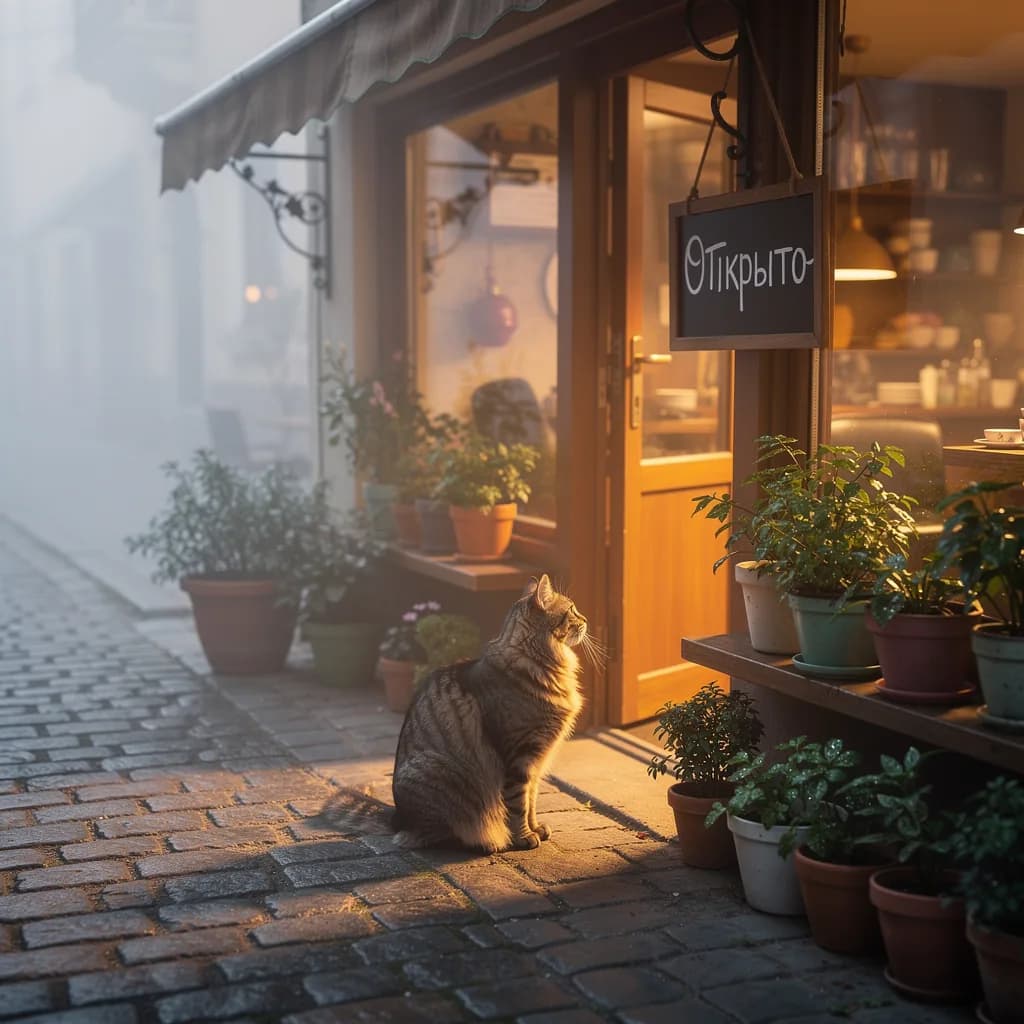
First ask for the text: “write a post about the coffee shop opening”. Then, in the same dialogue: “make an image for this post: the coffee shop window in the morning, warm light, 1:1 square”. The AI already knows the topic and tone, so the image matches the mood of the text.
One image costs from 1 unit of energy on Nano Banana 2 Lite, Flux 2 Pro, Seedream 4.5 and other models. If the image needs text — a sale price, a date, a name — choose GPT Image 2 (from 6 energy): it draws letters more neatly.
Image generation is available on plans from Lite — ₽690 a month, 150 units of energy.
10 ready prompts by niche
Click a card and the prompt goes into the form above. Replace the details with yours: the name, price, date.
A good post checklist
Run through it before publishing. If something is off, the fix in the chat is one phrase: “make it shorter”, “remove the emoji”, “add the price”.
The first line is a hook
The feed shows 1–2 lines. Start with a benefit, a number or a question, not with “Good afternoon, dear followers”.
One post, one idea
An opening, a sale and a job opening are three posts. If the AI mixed them up, ask: “keep only the sale”.
Clear who it is for
Name the audience in the prompt: “for mums of 5–7-year-olds”, “for small business owners”. The text gets more specific.
Hashtags that matter
3–5 of them, no #love or #happiness. Ask for “hashtags on the topic and the city” — enough for Instagram and VK; Telegram can do without.
A call to action at the end
Book, send a direct message, follow the link. One call, not three.
Facts checked
The AI does not know your address, prices or opening hours. Check everything about you before publishing.
FAQ
Is writing a post with AI really free?
Yes. Post texts are text scenarios and are available on the Starter plan at no cost. Only image generation is paid — from Lite at ₽690 a month.
Will the post sound generic?
The more specific the prompt, the livelier the text: the name, price, address, who it is for. Set the tone — friendly, expert or sales — and ask for “no corporate speak”. If you do not like the first version, write “3 more options for the first line”.
Which social networks does it work for?
Instagram, Telegram, VK and any others: the AI adapts the length, emoji and hashtags to the platform. You can ask for one post in three versions at once.
Can I make a series of posts for the week?
Yes: “make a 7-day content plan for a coffee shop: topic, format, first line of each post”, then “write post #3 in full”. All in one dialogue.
Will the AI write without mistakes?
Yes. To be safe, ask at the end: “check spelling and punctuation”. Check the facts about your business yourself.
Will the AI make an image for the post?
Yes, in the same chat. An image costs from 1 unit of energy and is available on paid plans. For an image with text — a price, a date — GPT Image 2 is better.