Sticker from a photo: your own sticker pack for Telegram and Max
Upload a photo of yourself, a friend or a pet, pick a style and the emotions. The AI draws a sticker with a white outline and a caption – then add it to your messenger.
- 1
Photo
- 2
Sticker style
- 3
Format
The checkerboard is how transparency looks. A sketch for illustration – the real drawing is based on your photo.
A set of 6 emotions – one sheet picture · from 4 units of energy · Lite covers up to 37 such generations
Stickers need a plan from Lite at ₽690. Your photo and prompt open in the image studio, and generation starts on its own after payment.
Stickers from a photo: what you get
The people and pets in the examples are fictional. Press a style under a picture and it lands in the form at the top.
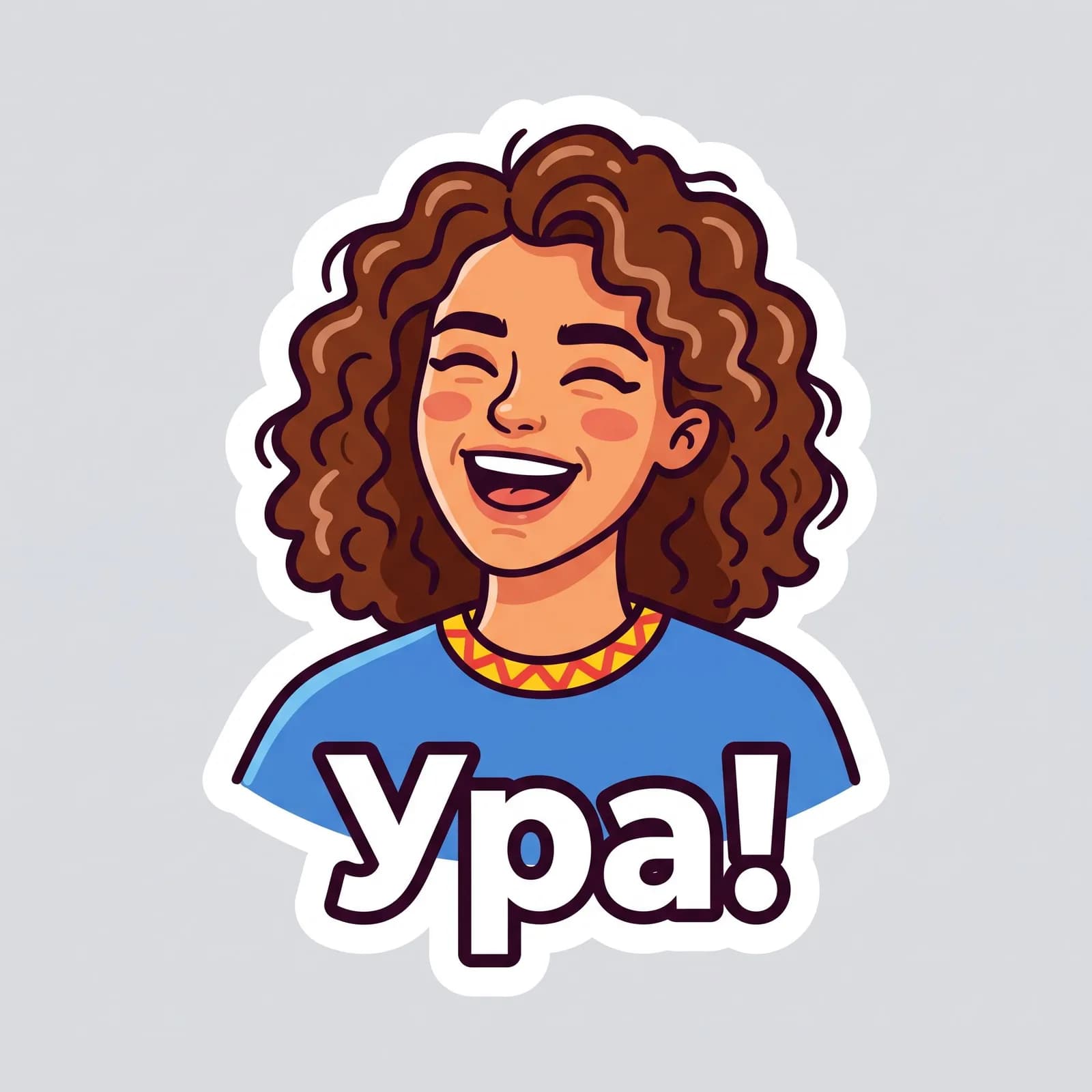
Bright colors and a thick outline – it reads even at a small size.
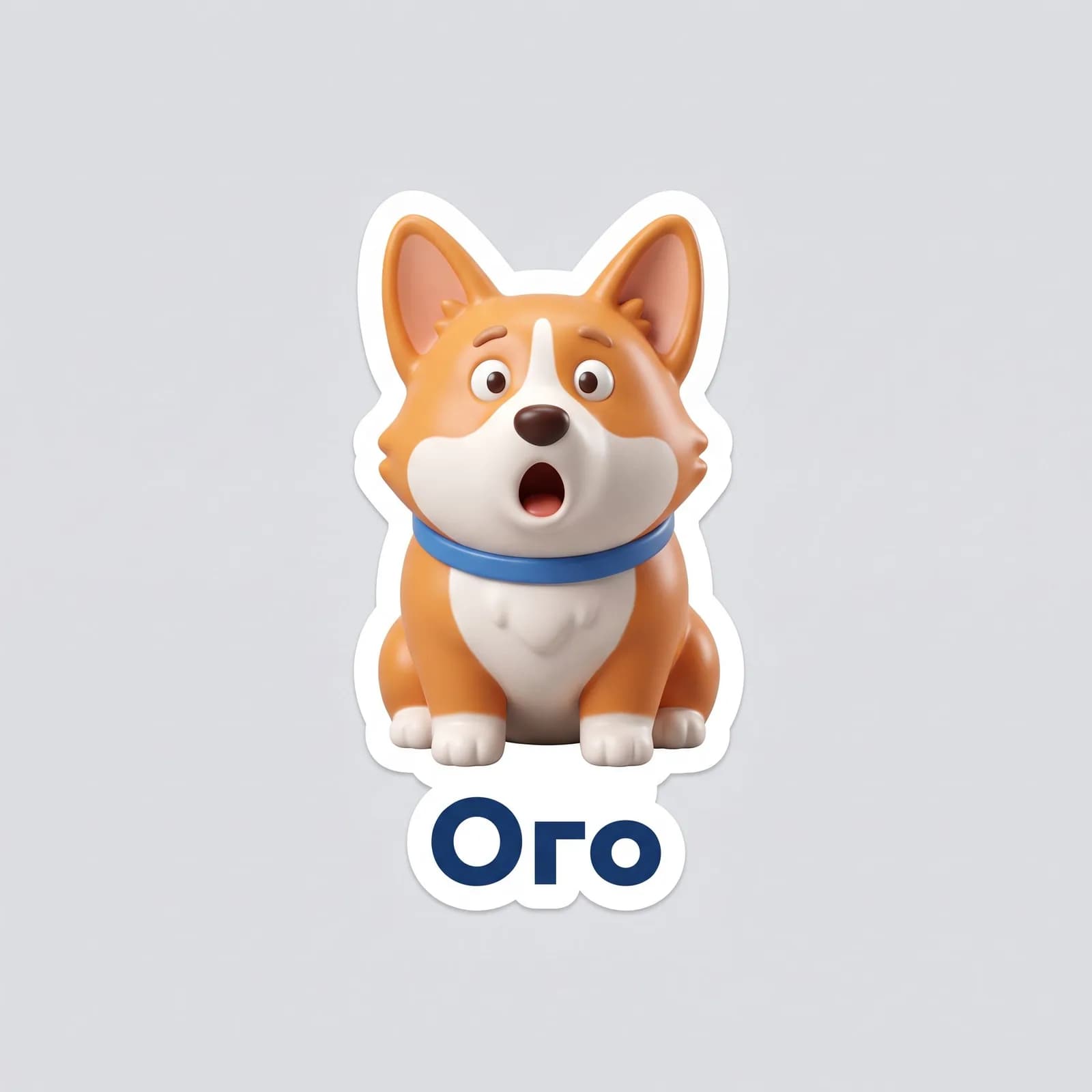
Volume and soft light: the pet looks like a vinyl figurine.
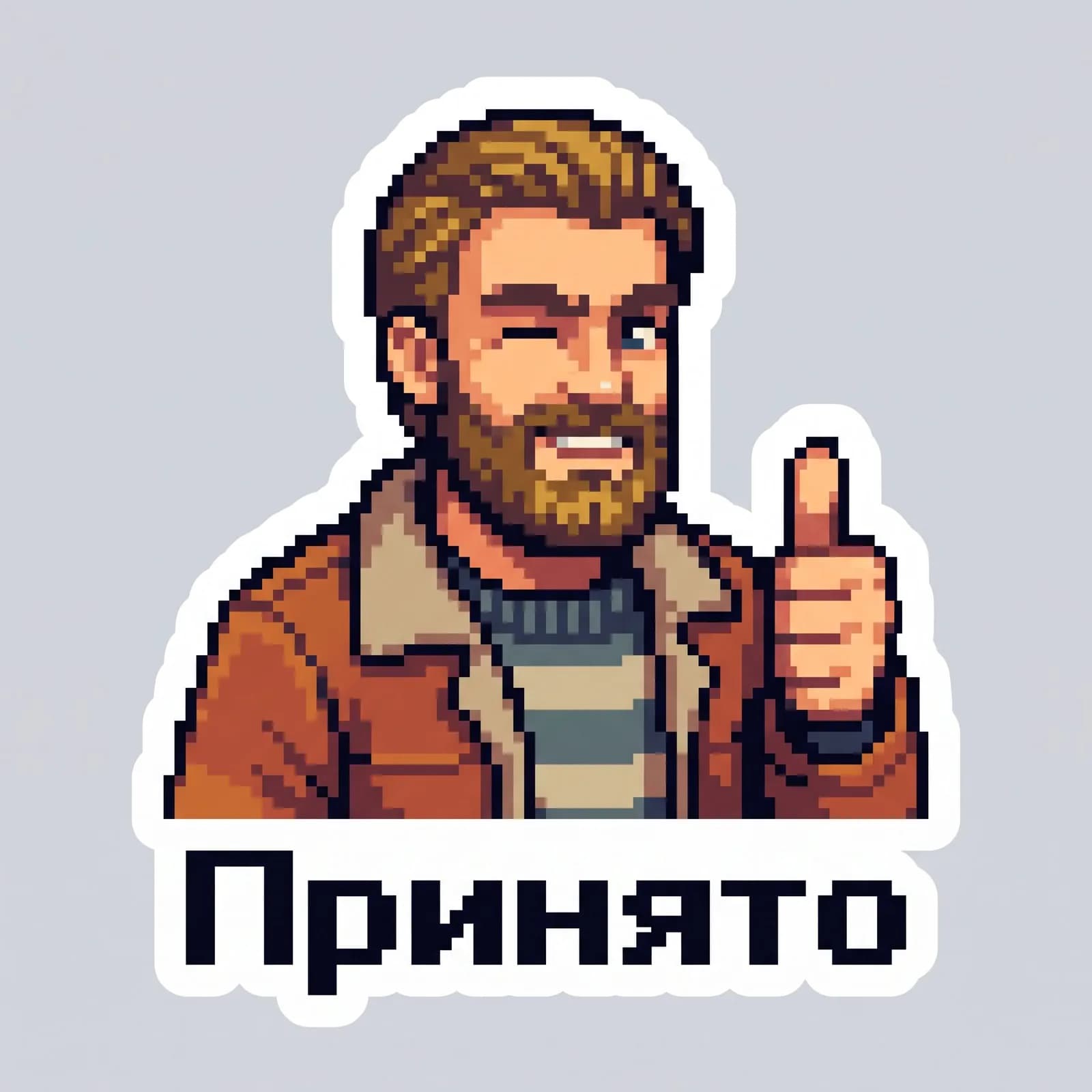
Big pixels like in old games – good for work chats.
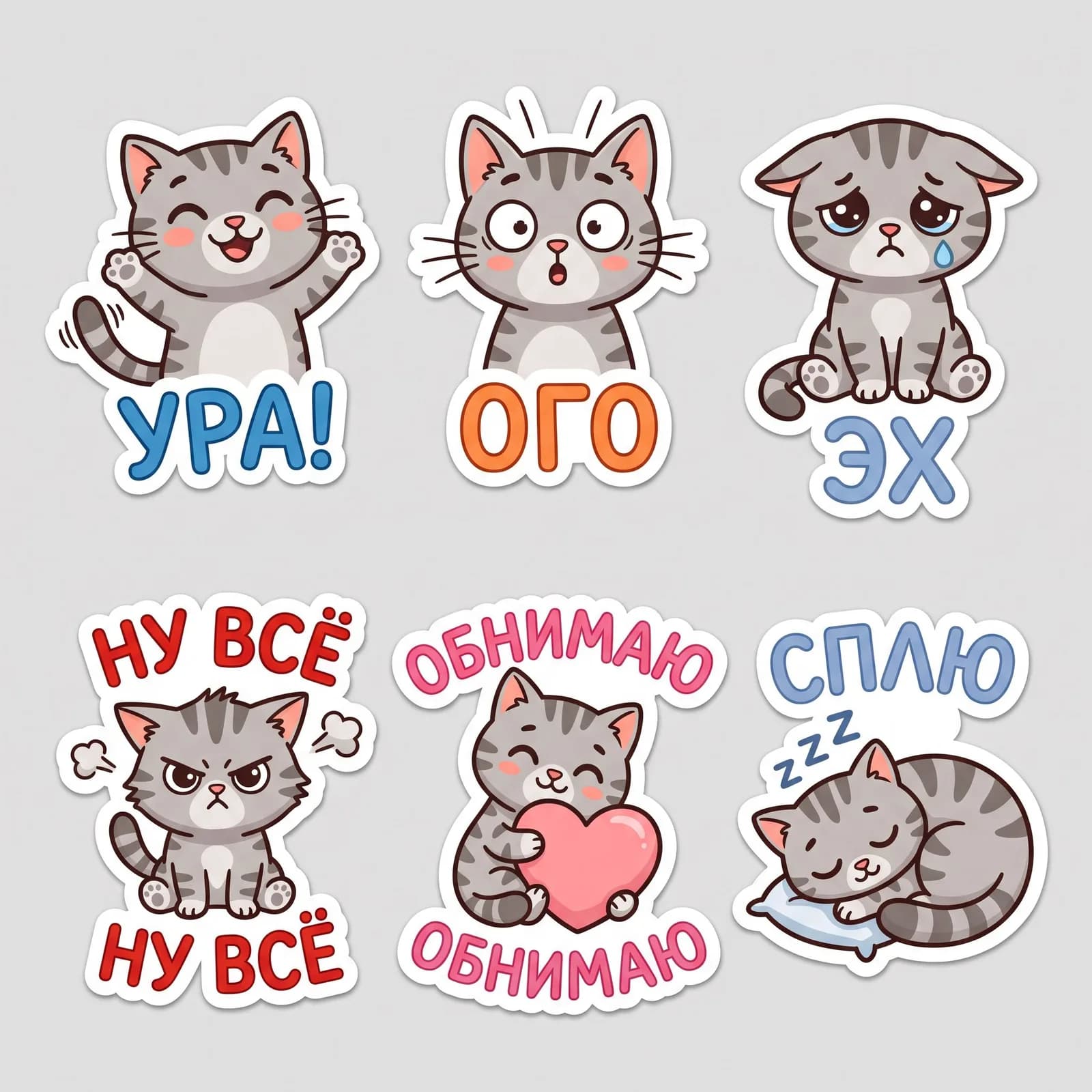
One sheet – six emotions of one character for a sticker pack.
How to add a sticker to Telegram and Max
Prepare the file first: a PNG with a transparent background, one side 512 pixels. Each sticker of a set is a separate picture.
Making a sticker in Telegram
- 1
Search for the official sticker bot @Stickers and send /newpack.
- 2
Type a name for the pack – it is shown to whoever you forward a sticker to.
- 3
Send the PNG as a file, without compression, and pick an emoji for it.
- 4
Repeat for the other stickers, then send /publish and a short name for the pack link.
Making stickers in Max
- 1
Update the app: what stickers can do in Max changes from version to version.
- 2
Open the sticker panel and look for an option to create your own pack.
- 3
If it is there, add the same transparent PNGs, one per emotion.
- 4
If it is not, send the sticker as a picture: on a transparent background it looks almost the same.
If a sticker comes with a background, ask the studio for “a plain background” and remove it in any photo editor. Animated stickers are not made here – only still pictures.
How to make a sticker from a photo on a phone
On an iPhone
On iOS 17 and later: open the picture in Photos, press and hold a person or a pet and choose “Add Sticker”. It is a cut-out of the photo, with no drawing or caption.
On Android
The galleries of many phones can cut out an object, but the option is named differently. Save the cut-out as a PNG – it works for the sticker bot.
In TryChat on a phone
The site runs in the browser: upload a photo from your gallery, pick a style and save the finished sticker – the drawing, the emotion and the caption are already on it.
Which model draws stickers best
You can switch the model in the studio; the prompt stays the same.
- Nano Banana 2.1
- When to use it for stickers: A sticker from your photo and a set of emotions of one character: it keeps the likeness of a face and a pet’s coat, and all six look alike.
- GPT Image 2
- When to use it for stickers: Captions with no mistakes in the letters.
- Recraft V4.1
- When to use it for stickers: A flat style and a clean outline, like a vector illustration.
- Nano Banana Pro
- When to use it for stickers: Complex poses, objects in hands, several characters.
Basic
₽990 a month
200 units – several sets and style trials.
Premium
₽2,290 a month
600 units – stickers for a team or a community.
The Starter plan is free but text-only: it does not create pictures.
Frequently asked questions
How do I make a sticker from a photo?
Upload a photo, choose the style, format and caption and press “Open in the studio”. The AI draws a sticker from your photo; you can save it and add it to a messenger.
Can I make a sticker from a photo for free?
No: pictures are made on plans from Lite at ₽690. For free you can cut an object out of a photo on your phone, with no drawing or caption.
How do I make a Telegram sticker from a photo?
Get the sticker in the studio, save a PNG with a 512-pixel side and send it as a file to the @Stickers bot after /newpack. Then pick an emoji and publish the pack.
How do I make stickers in Max from a photo?
Make the sticker here, then look at the app’s sticker panel: if your version can create your own pack, add the PNG there. If not, send the sticker as a picture.
How do I make a sticker pack from one photo?
Choose “Set of 6 emotions”: the AI draws a sheet of six stickers of one character. Cut each one out separately, or ask the studio for the next emotion as its own picture.
Will I get an animated sticker?
No, the studio makes still images. Animated and video stickers are not made here.
Will the sticker look like the person in the photo?
The AI keeps the hairstyle, hair color, face shape and glasses, and the style changes the rest. For a good likeness use a front-facing photo in daylight. Only make stickers of people who do not mind.
Six emotions of one cat – and your chat is never the same
Upload a photo for a stickerTryChat is not affiliated with Telegram, Max.