For white fabric – dark, saturated colors.
T-shirt print design with AI
Describe the idea, pick a style, the fabric color and the placement – the mockup on the left shows where the artwork goes and how big it is. The AI draws the print separately, on a plain background, so it can go to a print shop.
Prints need a plan from Lite at ₽690. Generation starts on its own after payment.
T-shirt print ideas: 8 themes
Press an idea and it lands in the form along with its style, and the mockup shows how it will look.
A T-shirt with your own design: how it looks
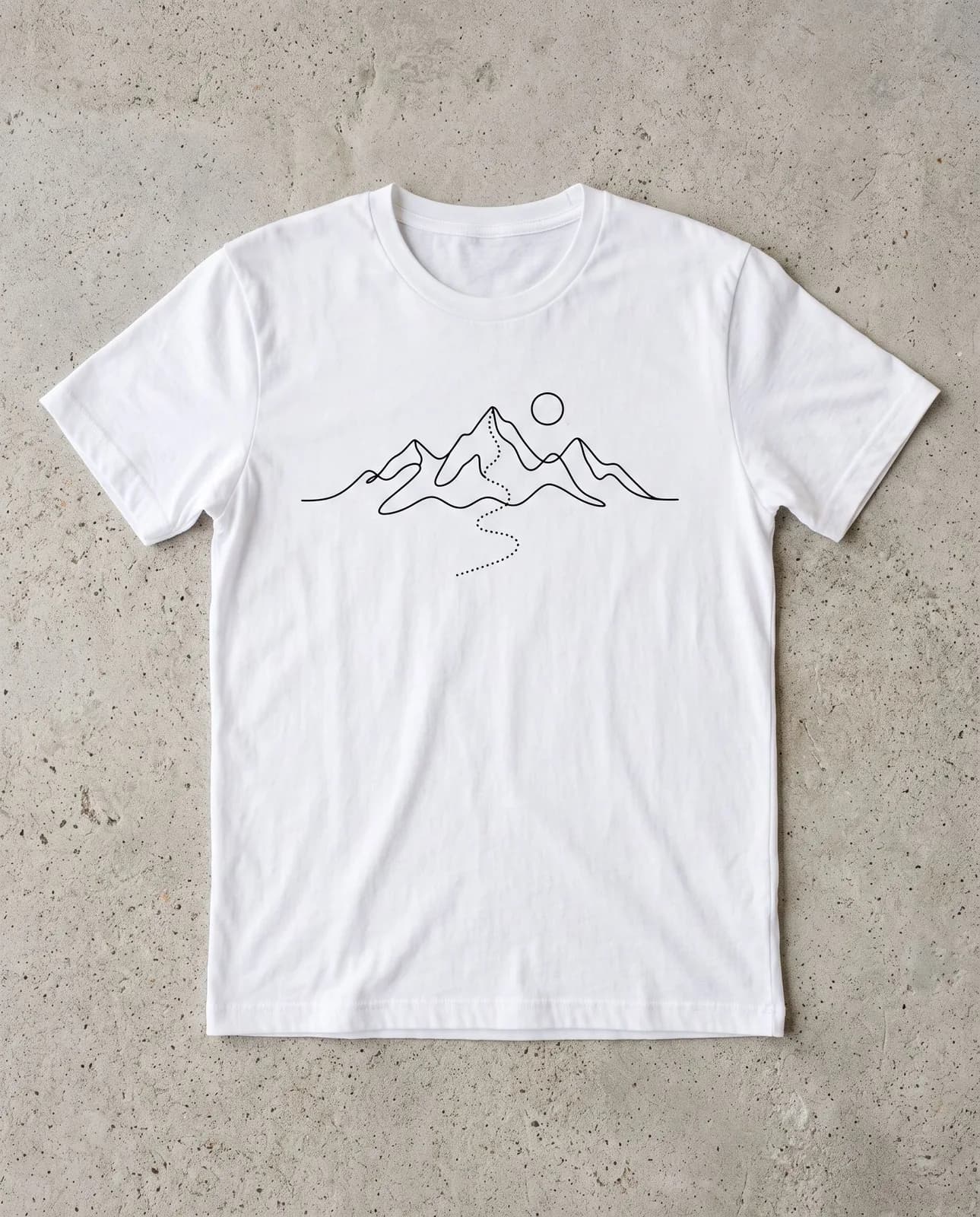
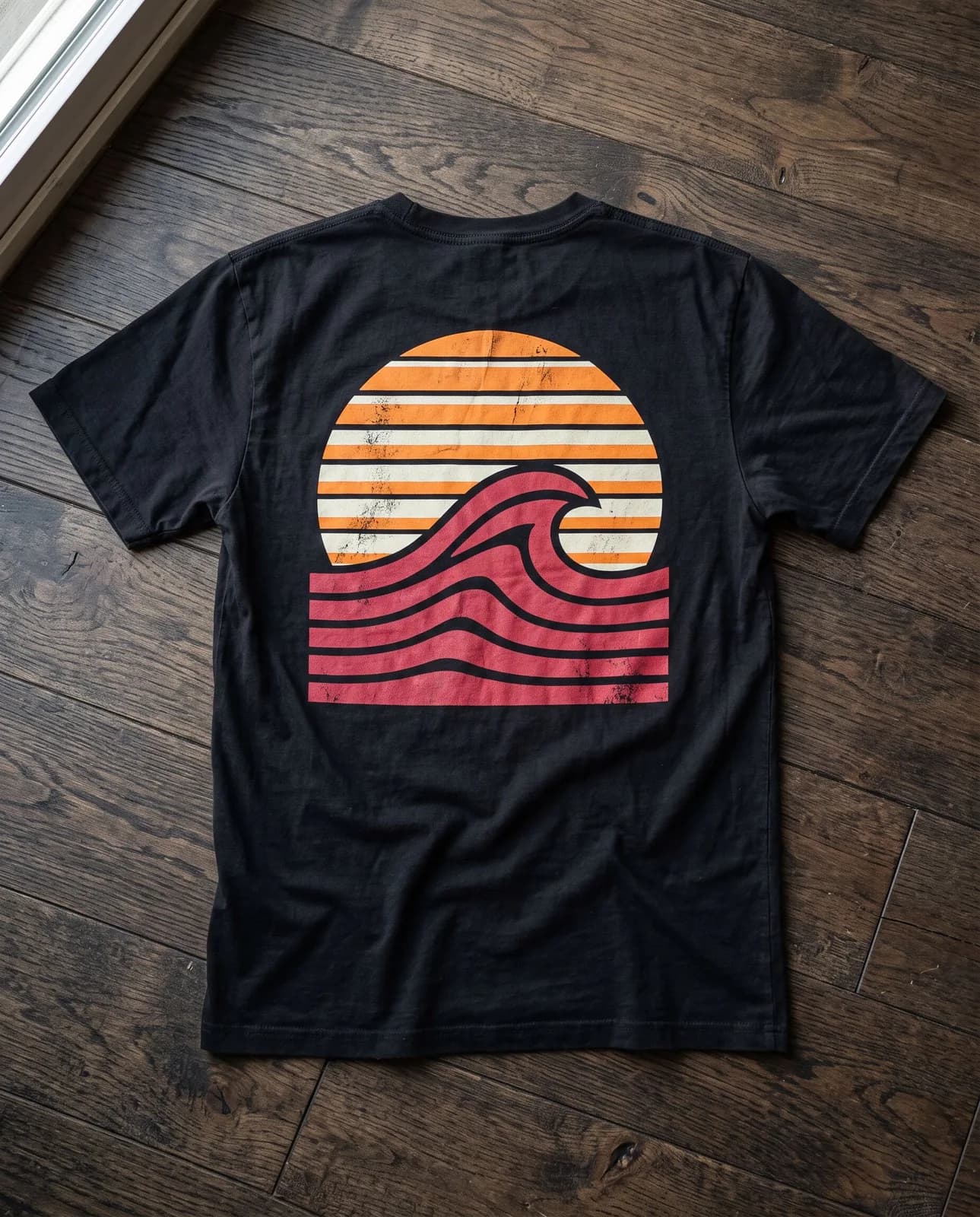
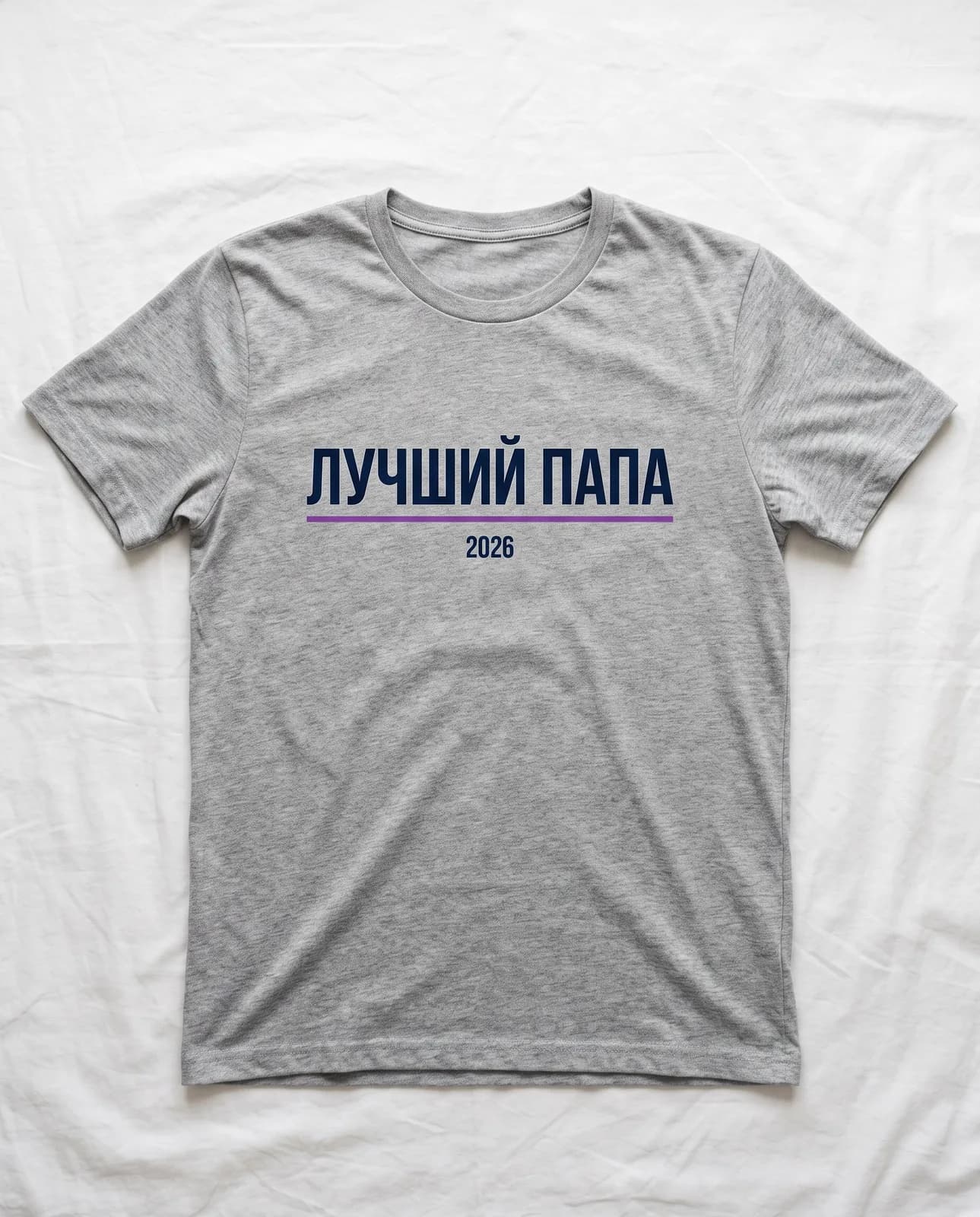
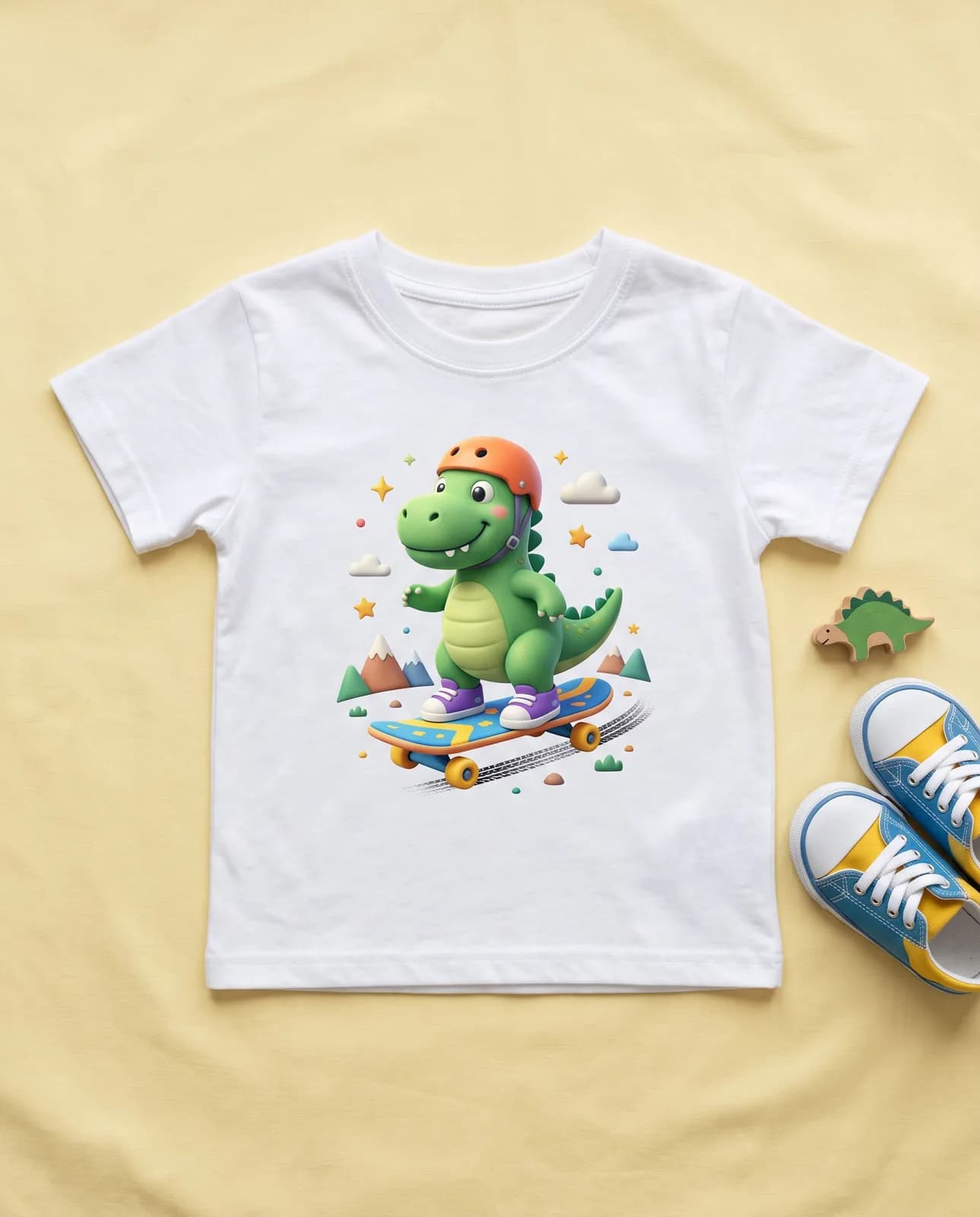
How to prepare a file for printing
A print shop will ask for three things: a clean background, the right size and enough pixels. The rest is the printing method.
Background. Printing needs a transparent background. The AI draws the print on a plain one, which is easy to remove in an editor.
Size. Rough guides: about 25 × 30 cm on the chest, 8–10 cm on a pocket, up to 30 × 40 cm on the back. Ask the print shop for exact margins.
Pixels. Crisp printing needs about 300 dpi. The studio gives you the picture at the chosen model’s resolution; if a large print has too few pixels, you can enlarge it with TryChat’s quality enhancement tool.
Printing method. DTF works on fabric of any color, sublimation only on light synthetics. Thin lines and tiny text disappear in print.
How T-shirt prints are made
DTF – the artwork is printed on film and transferred with a press: it holds any colors and gradients. Screen printing pays off for a batch with a simple design in two or three colors. Heat-transfer film suits lettering and simple silhouettes. The print shop will tell you which method to choose from your file.
How many pixels you need
- At 300 dpi
- 2953 px
- At 150 dpi – the minimum for clothing
- 1476 px
Formula: 25 cm ÷ 2.54 × 300 = 2953 px wide.
What to draw the print with
Prints are made on plans from Lite. You can switch the model in the studio; the prompt stays the same.
| Model | Best for |
|---|---|
| Recraft V4.1 | Flat graphics and clean outlines: minimalism, vintage, icons. |
| GPT Image 2 | Lettering without mistakes, typography. |
| FLUX 3 Image | Detailed and photorealistic scenes. |
| Nano Banana 2.1 | A print from your photo: a pet, a landscape, a family snapshot. |
| Seedream 5.0 Pro | Bright illustrations and anime style. |
Frequently asked questions
How do I make a T-shirt print online?
Describe the idea, pick a style, the T-shirt color and the placement, and press “Open in the studio”. The AI draws the artwork on a plain background; you can refine it in words and save it.
How do I design a T-shirt with lettering?
Type the text into the “Text” field and pick the “Typography” style. For Russian lettering the GPT Image 2 model is handier: it makes fewer mistakes in letters.
What size should a T-shirt print be?
Rough guides: about 25 × 30 cm on the chest, 8–10 cm on a pocket, up to 30 × 40 cm on the back. The exact size depends on the T-shirt size and the print shop’s print area.
Can I make a print from my own photo?
Yes. Attach a photo in the studio and ask, for example, for a line portrait of a pet or a vintage poster from a landscape. Use photos of people only with their consent.
Is the picture suitable for DTF printing?
Yes, if you remove the background and check the pixel size with the calculator above. Thin lines and semi-transparent shadows are best simplified – they disappear in print.
Can I use a logo or a famous character?
No: other people’s logos, brands and famous characters are protected. The AI can help you invent your own hero and your own lettering.
Can I make a print for free?
No, pictures are made on plans from Lite at ₽690. The free Starter plan works with text only: you can come up with an idea and lettering there.