AI family photo from several separate photos
Grandma lives in another city, your brother works away, and there has been no group shot since last summer? Upload separate photos and the AI puts everyone side by side, with the same light and scale. Every face stays recognizable.
A realistic shot, as if everyone really stood together
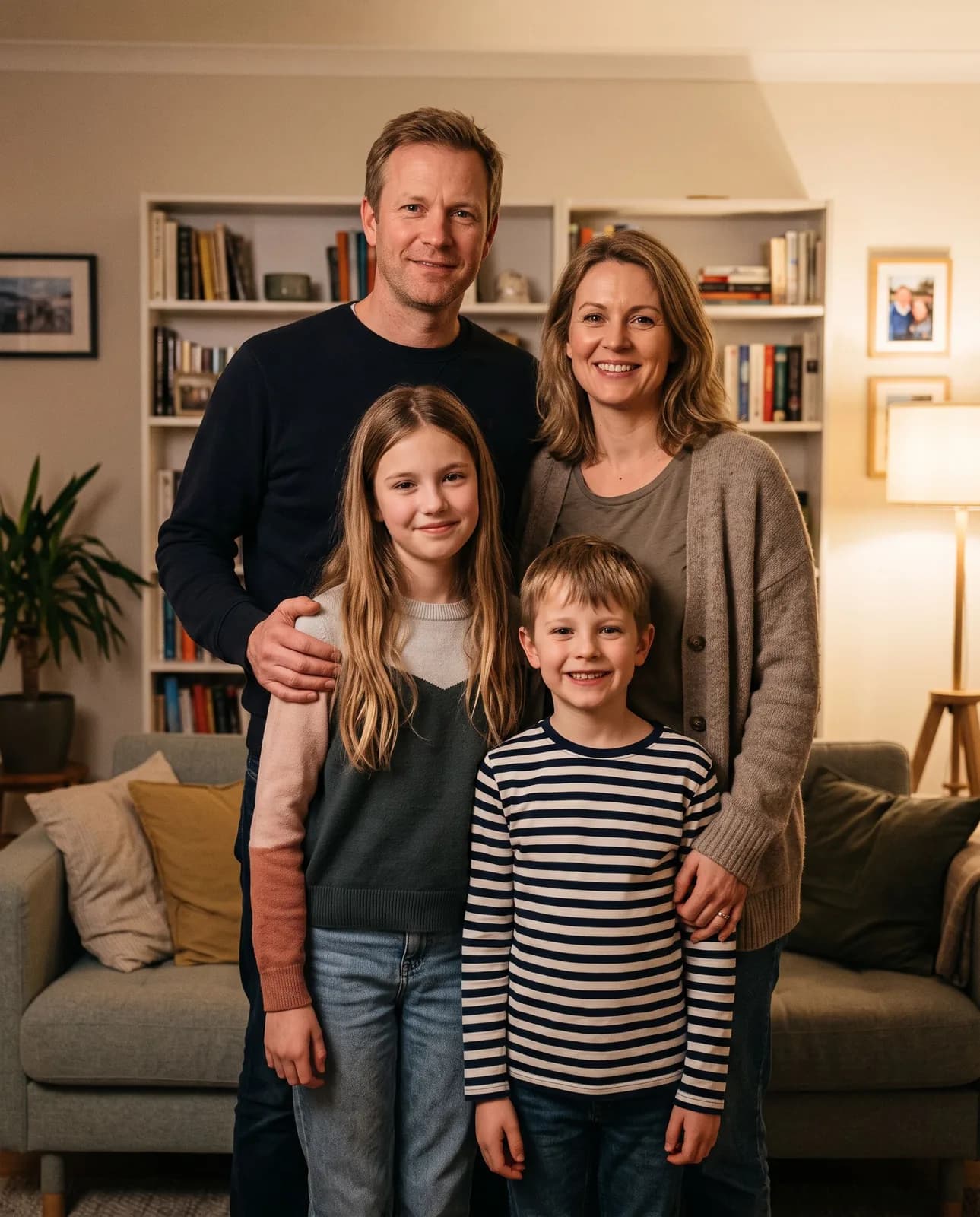
Family photo from several photos
4 people stand together in a living room: natural poses, one light, one scale and color, as if it were one real shot. Nobody is added or left out.
Family photos come with plans from Lite at ₽690. Your photos and chosen steps open in the image studio, and generation starts on its own once you pay.
Open in the studio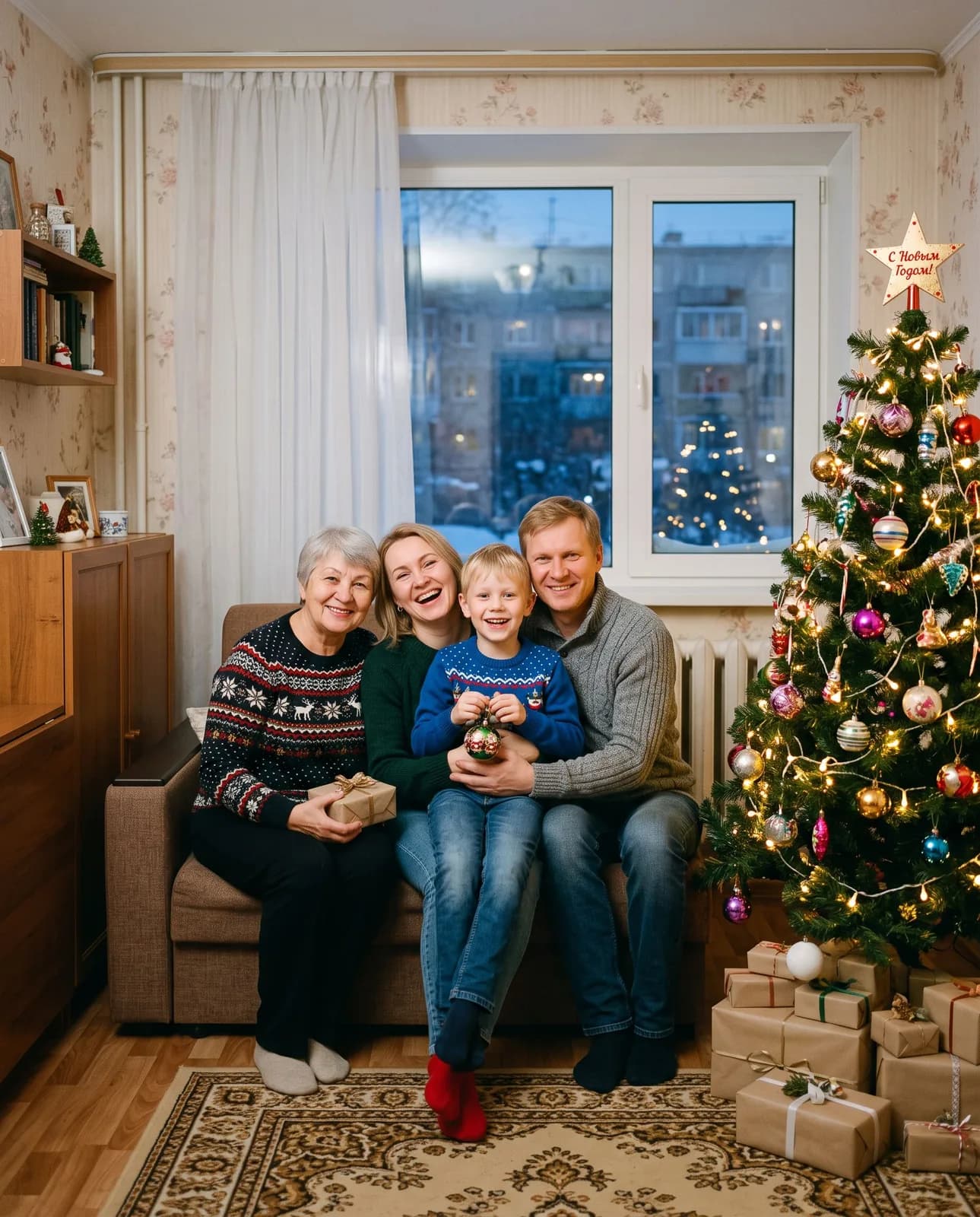
A family that can never get together
Grandma lives a thousand kilometers away, your sister has moved, and the youngest was born after the last family gathering. Everyone has good photos, but you have never once stood together.
The AI puts people from separate photos into one scene and evens out light, height and skin tone so the shot looks real. For New Year, gather them by the tree in festive sweaters: the kind of photo relatives set as their phone wallpaper.
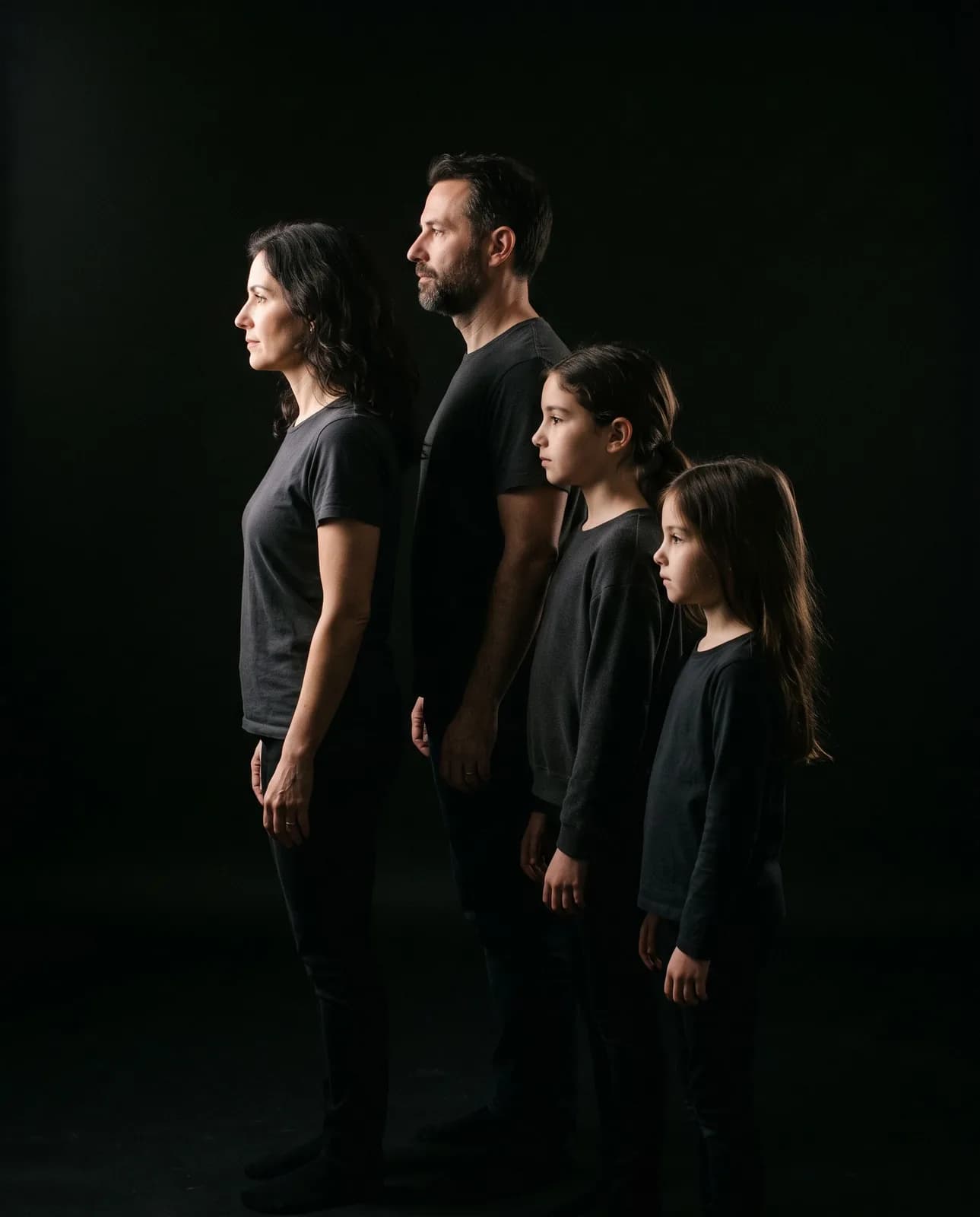
Family photo in profile on a black background
Everyone stands one behind another facing the same way, light falls from the side, the background is deep black. Strict, striking, and it looks just as good in a frame as on social media.
Order by height
The youngest in front, then by height. If you want it differently, add in the studio: “dad first, the kids behind him”.
Profile from a front view
Ordinary photos facing the camera work: the AI draws the profile. A three-quarter shot, if you have one, gives a closer likeness.
Black and white
After the first result, ask “make it black and white”: the photo looks even more formal.
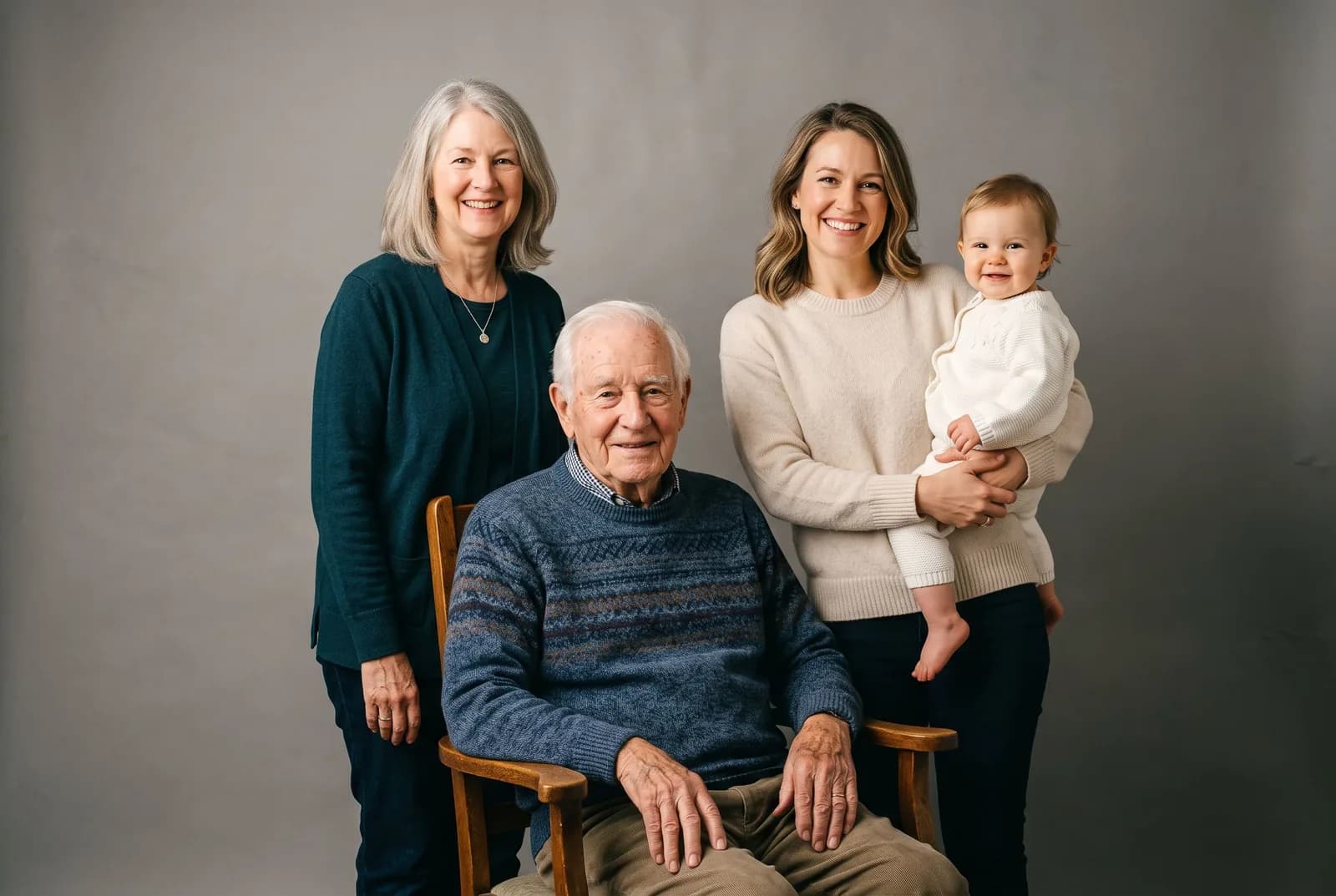
Four generations in one shot
A photo of several generations is a gift that needs no words. The source photos vary a lot here, and each needs its own approach.
Great-grandfather
Only an old, cracked print? Restore it first on the photo restoration page, then add it.
Grandmother
A phone photo taken by a grandchild in daylight by a window is enough.
Parents
Waist-up portraits in similar clothes: the AI will not change outfits unless you ask.
Children
A recent photo: a child changes in six months, and the likeness matters to grandma most of all.
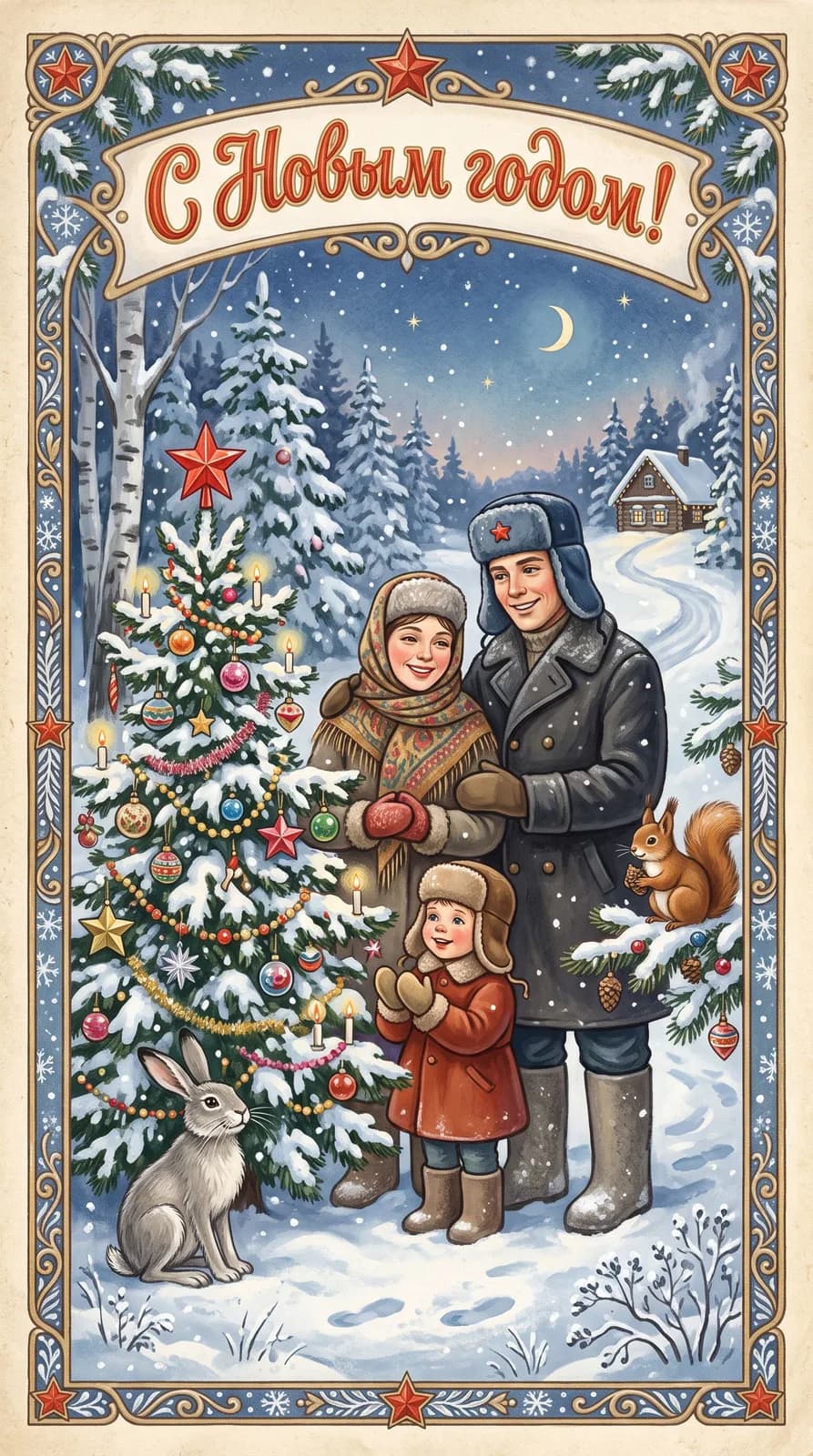
Your family on a Soviet New Year card
Fur hats with ear flaps, coats and felt boots, a snowy forest, a decorated tree and friendly animals. Soft gouache, an ornamental frame and a retro “С Новым годом!” (Happy New Year). The faces stay recognizable.
The card needs one group photo of the family. If you have none, first put everyone together in the “Photo” style, then turn the result into a card. More scenes and occasions are on the Soviet-style cards page.
How to pick photos so everyone looks like themselves
- 1
One person, one photo
If a photo has several people, the AI may take the wrong one. Crop the others out beforehand.
- 2
Similar angle
Everyone waist-up or everyone full-length. A selfie from below next to a side portrait gives different scales.
- 3
Daylight
A photo by a window beats an evening shot under a yellow lamp: skin tones are easier to match.
Need to combine any photos rather than people, say a landscape and a portrait? That is merging photos.
What a family photo costs
Lite – ₽690 a month
150 units of energy. One family picture is one generation, however many people are in it. More energy: Basic at ₽990 (200) and Premium at ₽2,290 (600).
Frequently asked questions
How do I make a family photo from several photos?
Choose how many people, where they stand and the style, upload one photo per person and press “Open in the studio”. The AI puts everyone into one shot with shared light and scale.
Can I make an AI family photo for free?
No, images come with plans from Lite at ₽690 a month. The free plan covers text only.
How many people can be in one family photo?
From 2 to 6 on this page. The more people, the more similar the source photos should be: the same angle and daylight.
Will every face still look like the person?
The prompt asks to keep each person’s face, hair and figure and not to add anyone. If someone does not look right, ask in the studio: “make grandma’s face closer to her photo”.
How do I make a family photo in profile on a black background?
In step two, pick “In profile on black”. Everyone stands one behind another facing the same way, lit from the side. Ordinary front-facing photos work.
Can I add a relative who is no longer with us?
Yes, from their photo. If the photo is old and damaged, restore it first on the restoration page so the face comes out more accurately.
How is a family photo different from merging photos?
Here the prompt is tuned for people: keep the faces and keep the number of relatives. Merging photos works for any pictures: landscapes, objects, collages.