New Year wallpaper and backgrounds with AI
Four holiday tools on one page: wallpaper from a description, a festive background behind you, snow on any photo, and a Christmas tree in your room – before you buy a single ornament.
Wallpaper and photo edits come with plans from Lite at ₽690, at the chosen model’s resolution. Your choice and photo open in the image studio, and generation starts on its own after payment.
Open in the studioNew Year wallpaper for your phone and desktop
Pictures from wallpaper roundups sit on thousands of screens. Your own fits your screen, your colors and your mood, with nobody else’s captions or logos.
Aesthetic
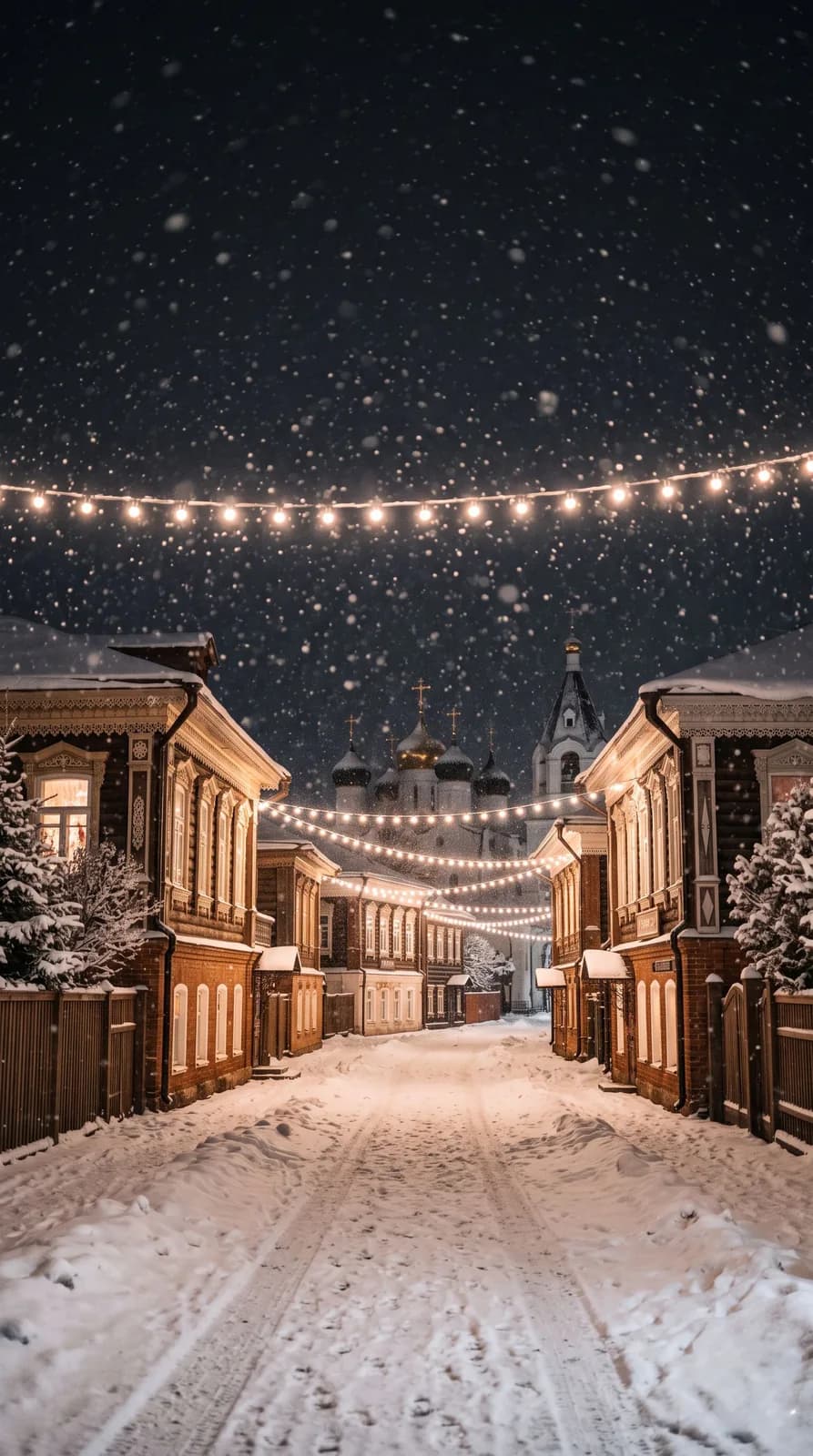
A city at night, snow, warm windows, lights strung over the street. Calm colors, nothing cluttered.
With cats
A ginger cat on a windowsill watching the snow. Describe your own cat – color, markings – and it will look like yours.
Dark
A black background and a thin golden tree. Easy on the eyes at night and never fights your icons.
Tip: the top of a phone screen holds the clock and the bottom holds the icons. The template keeps those areas calm. For a tablet, ask for 4:3 in the studio.
A festive background for your photo – you stay exactly the same
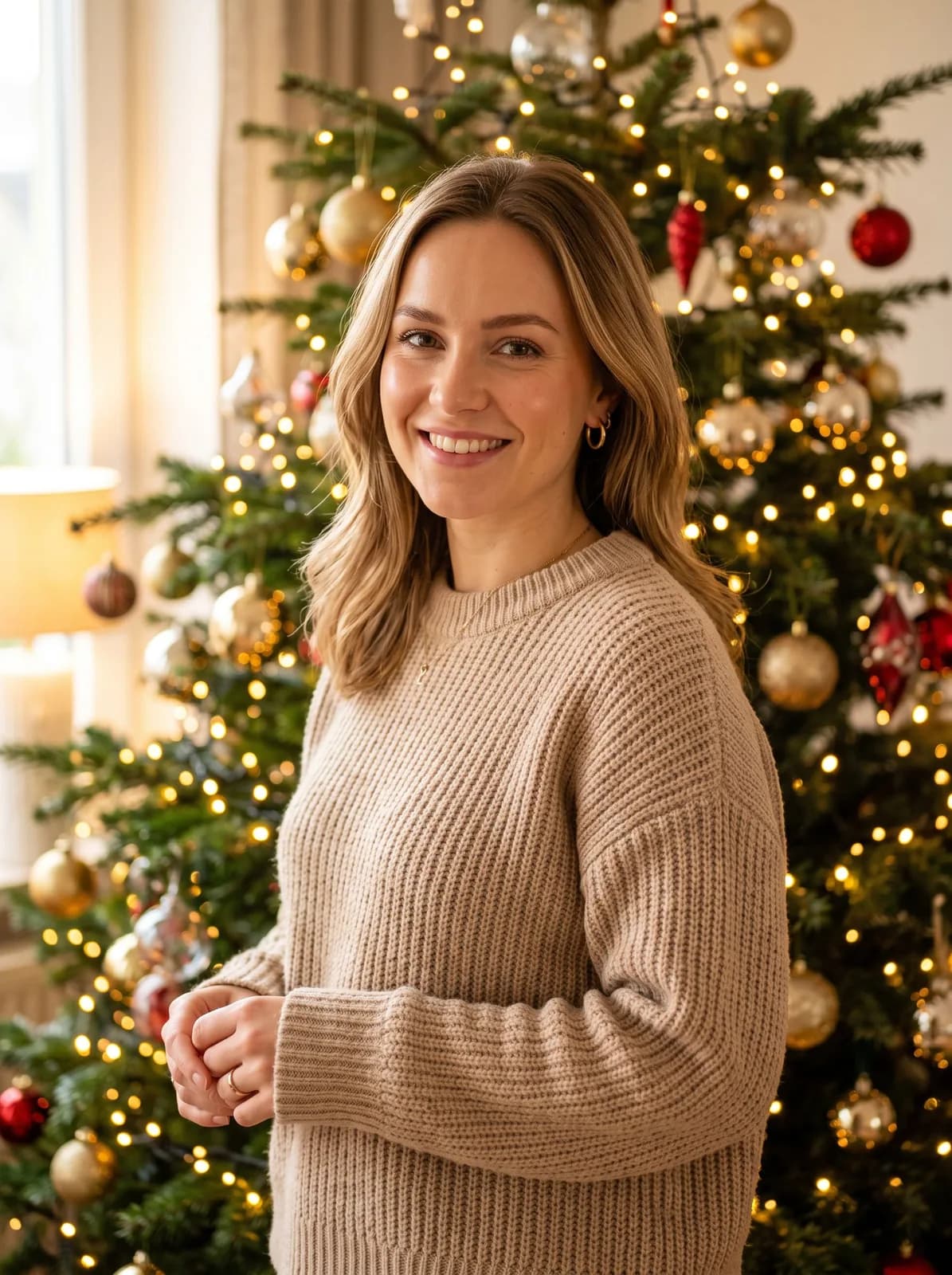
Got a great portrait shot against an office or a grey wall? The AI cuts the person out neatly, hair included, and places them in front of a tree, a snowy street or a fireplace. Light direction, warm or cool tones and shadows adapt to the new background, while the person stays unchanged.
White with snowflakes suits a card or a post, red with lights makes a bright profile picture. Want something of your own, say “a train window with a winter forest outside”? Describe it in the studio.
Want a whole scene with a new outfit, not just a background? That is a New Year photoshoot.
No snow outside, but you need a holiday photo
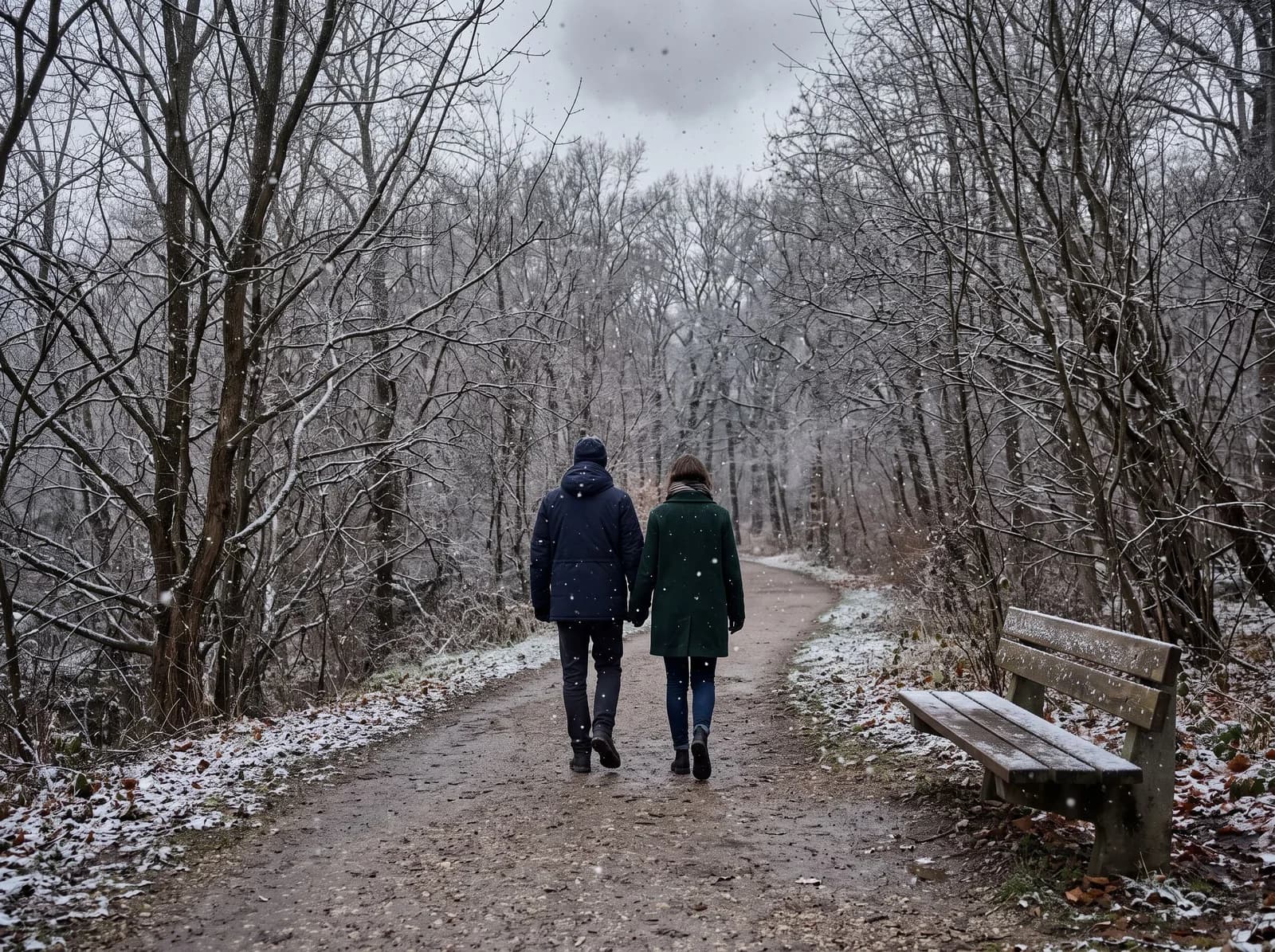
The AI adds falling snow at different depths: a few large flakes right by the lens, smaller ones further away, a light frosty haze and a slightly cooler tone. People, objects, the composition and the background stay as they were.
It works well on street shots at dusk and photos by a window. Snow on a bright summer shot looks fake, so pick overcast frames.
How to decorate your Christmas tree in 2027 – try it on your own room
Advice on this year’s trendy colors contradicts itself. It is easier to see it: photograph the corner where the tree will stand and compare a few looks before you buy ornaments.
- 1
Shoot the room in daylight
The whole corner, the window and the shelves: that is where the lights go. No people and nothing extra on the floor.
- 2
Put up the tree
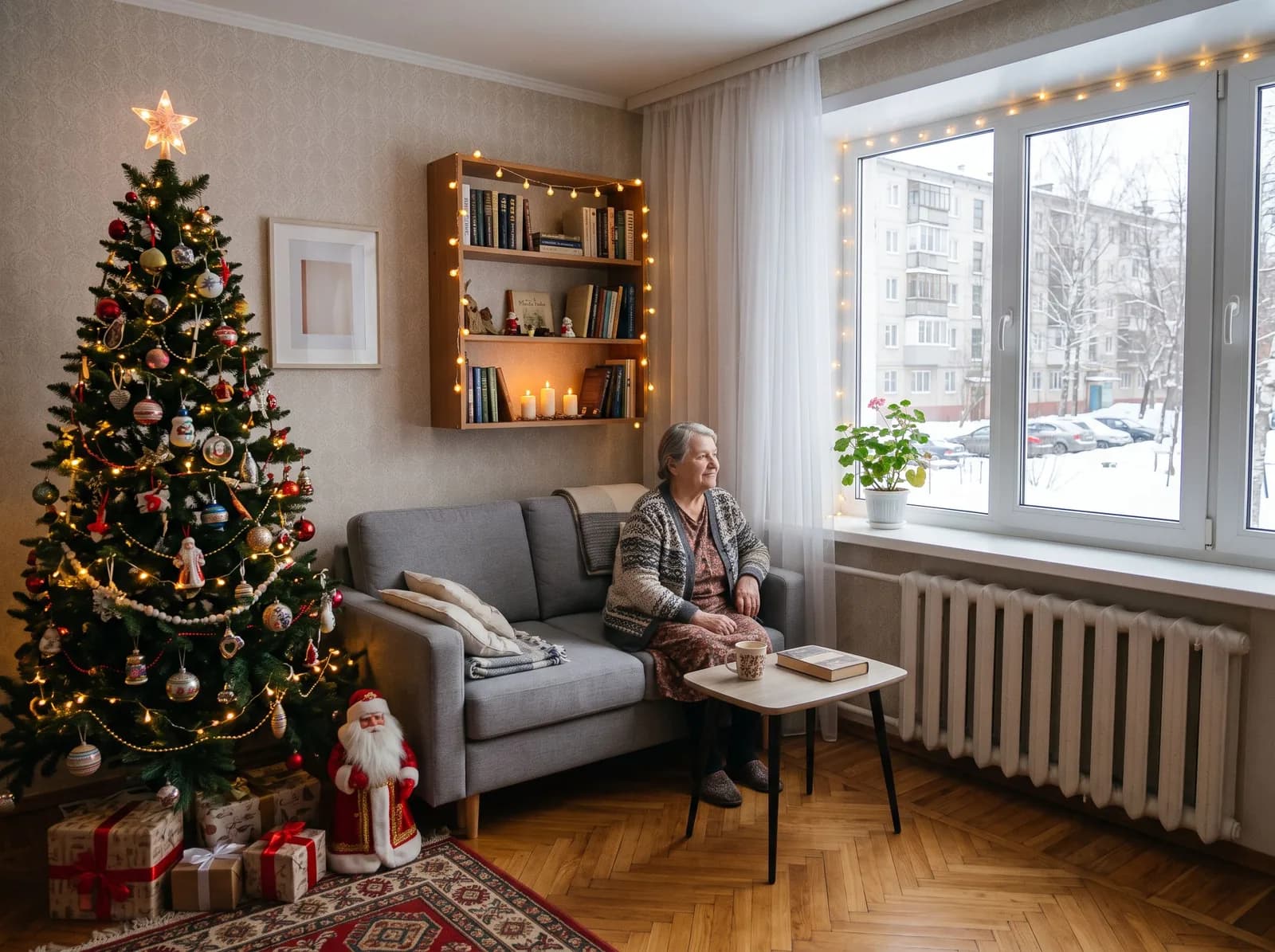
The “A tree in your room” mode adds a tall tree, lights on the window and shelves, gifts and candles. Perspective and light match, and nothing else in the room changes.
- 3
Compare styles
Pick a look below and a prompt for it goes to the studio. Save the shots side by side and decide which ornaments to buy.
What wallpaper and backgrounds cost
Wallpaper, background swaps, snow and trees are image generation, which comes with every paid plan.
FAQ
How do I make New Year wallpaper for my phone?
Pick “Phone and PC wallpaper”, a scene and “Phone · 9:16”, then “Open in the studio”. No photo needed: the wallpaper is drawn from a description, and the top and bottom of the screen stay calm for the clock and icons.
What resolution will the desktop wallpaper be?
The chosen model’s resolution, in 16:9 for a computer or 9:16 for a phone. For a tablet, ask for 4:3 in the studio.
Can I make live wallpaper?
No, TryChat makes still images; there is no animation or video.
How do I change a photo’s background to a New Year one?
Pick “Festive background for your photo”, upload the shot and choose a background: tree, street, fireplace, white or red. The person is cut out hair and all and stays unchanged, while the light adapts to the new background.
How do I add snow to a photo?
Use the “Snow on a photo” mode: upload a shot and the AI adds falling snow and a light haze without touching anything else. Overcast and evening frames look best.
How can I see what a tree will look like in my room?
Photograph the room in daylight and pick “A tree in your room”. Then ask for other ornaments – white, glass, wooden – and compare the looks.
Can I make New Year wallpaper for free?
No, this is image generation, available on plans from Lite at ₽690 a month.
The holiday starts on your lock screen
Make New Year wallpaperTryChat is not affiliated with Telegram, VK.