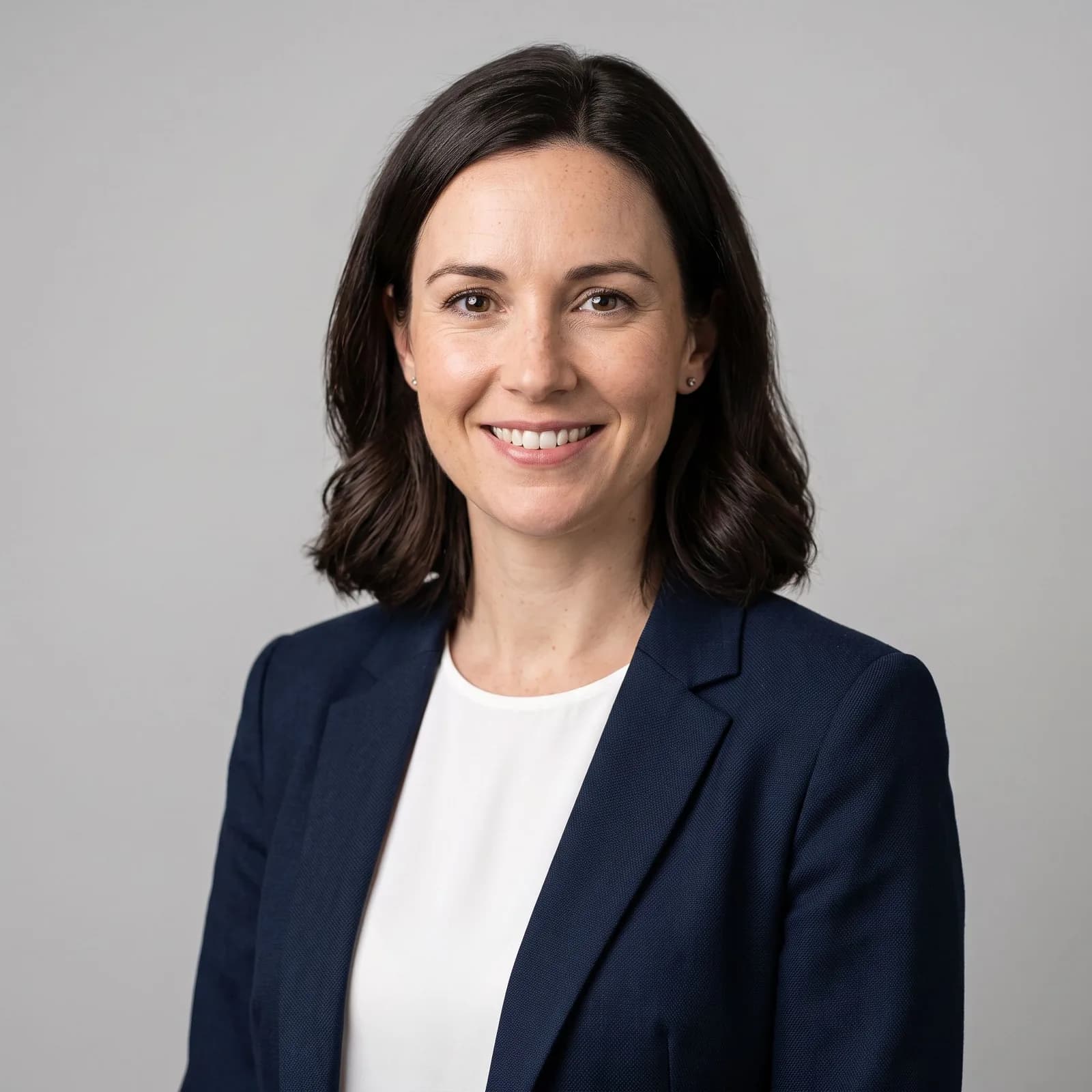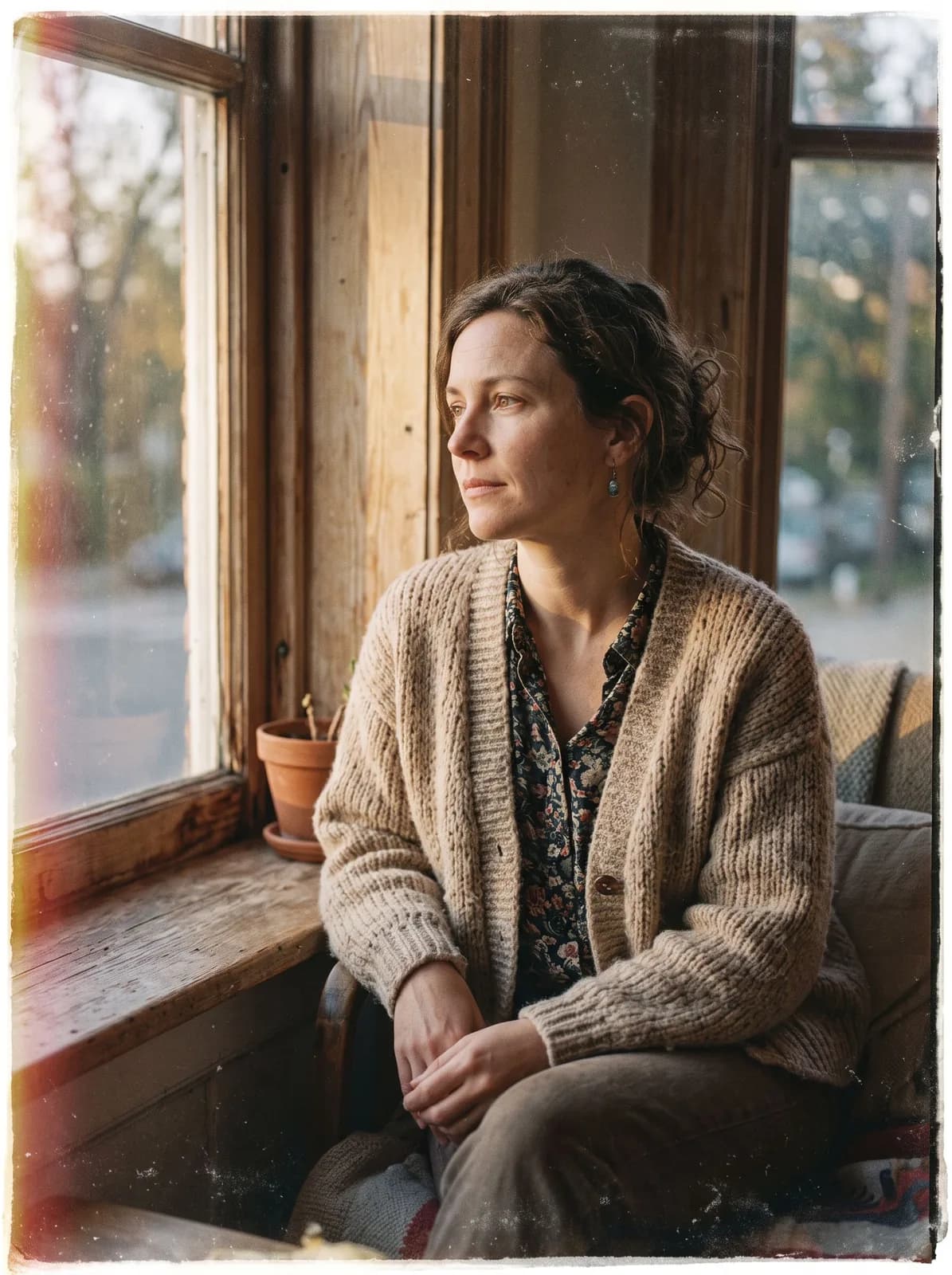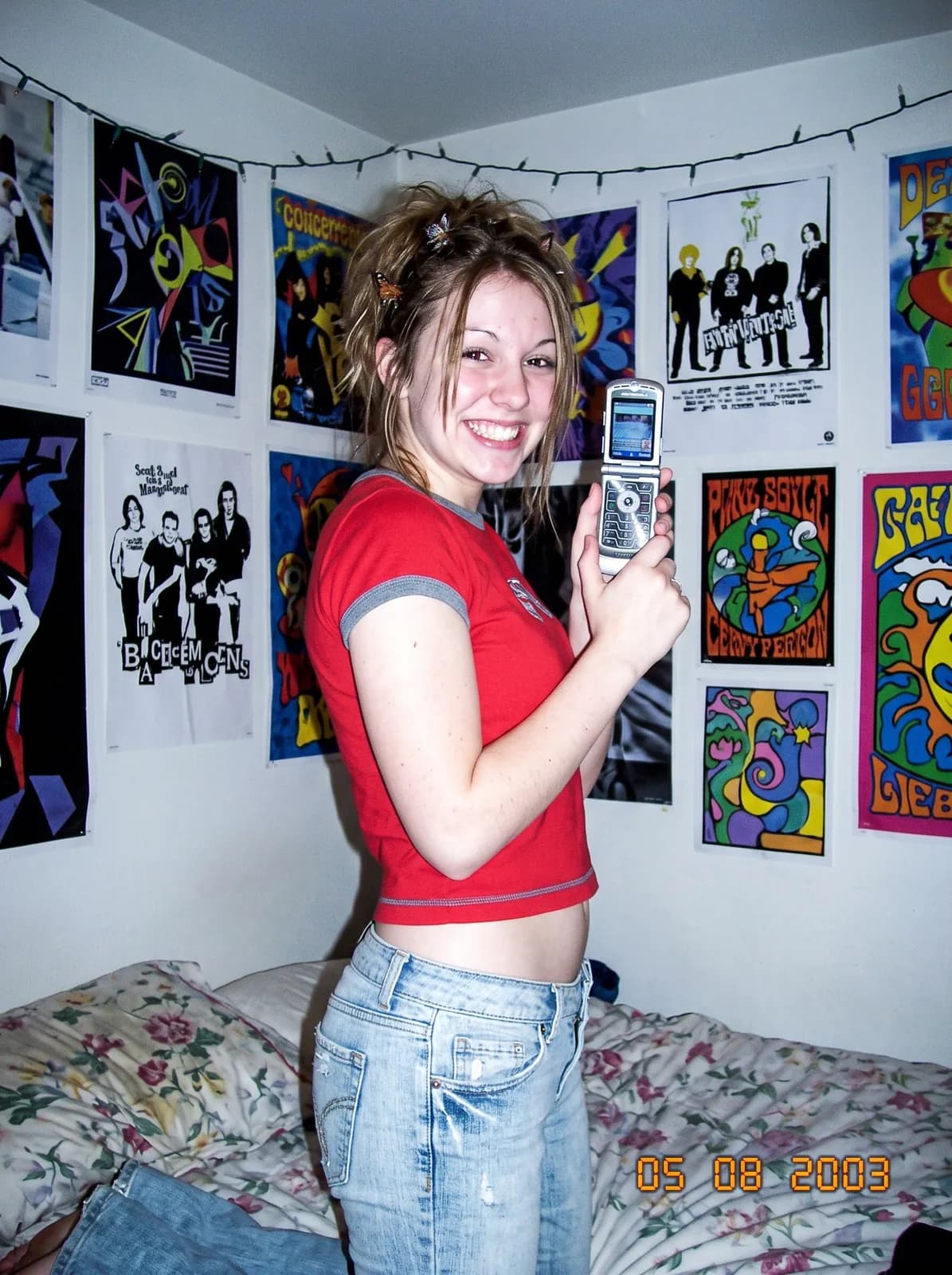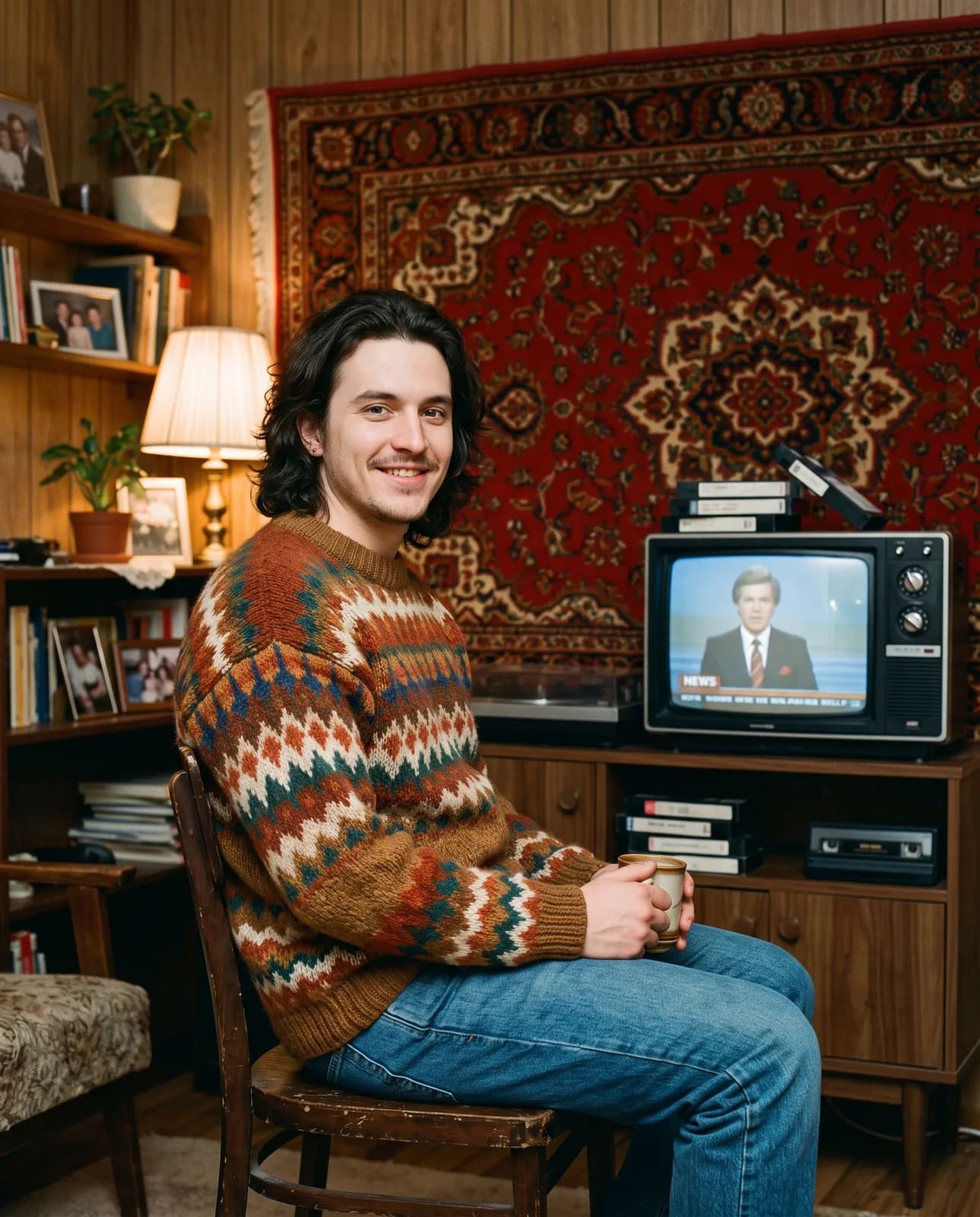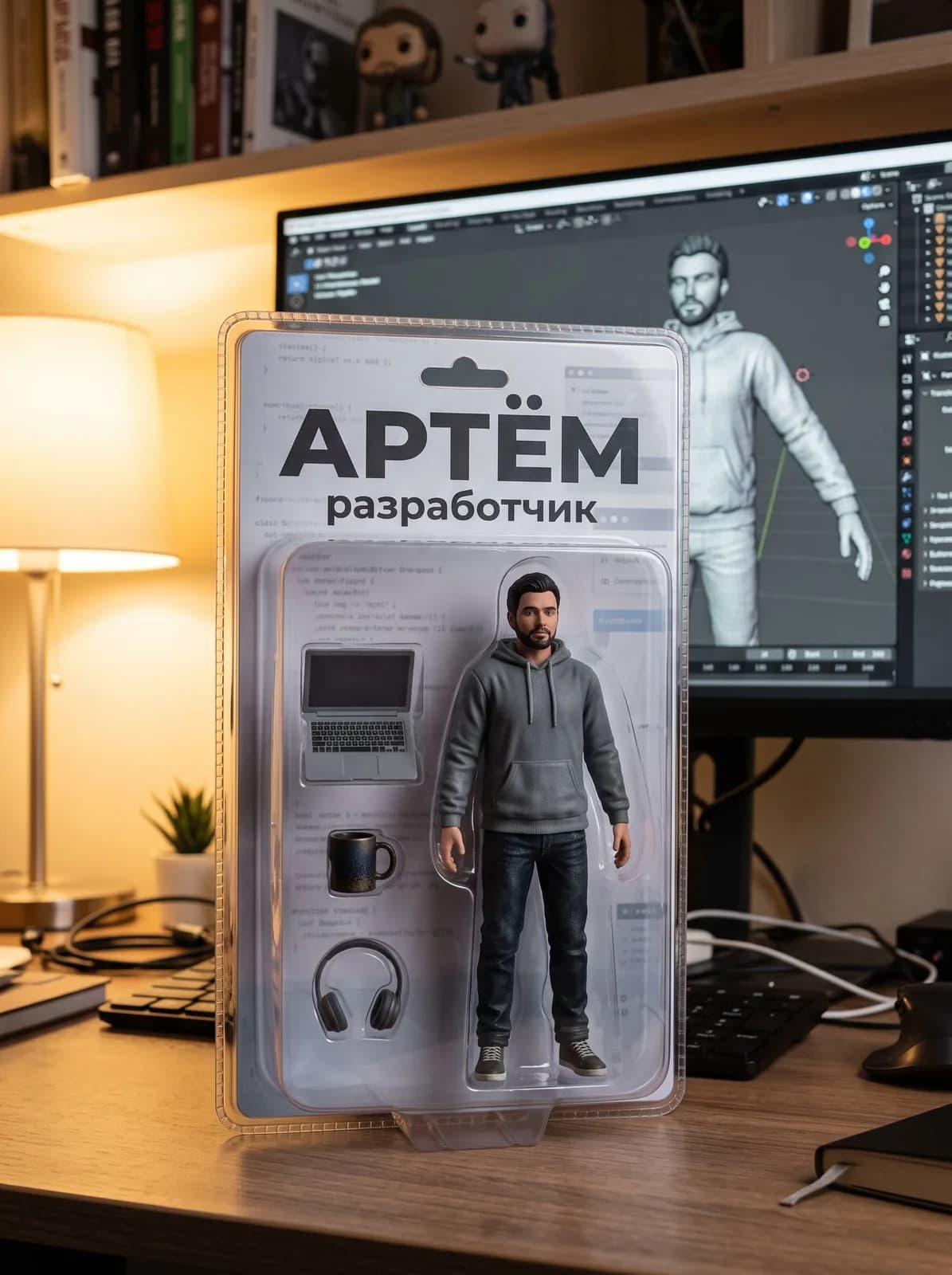
26 templates · updated every month

Trending prompts for AI image generation

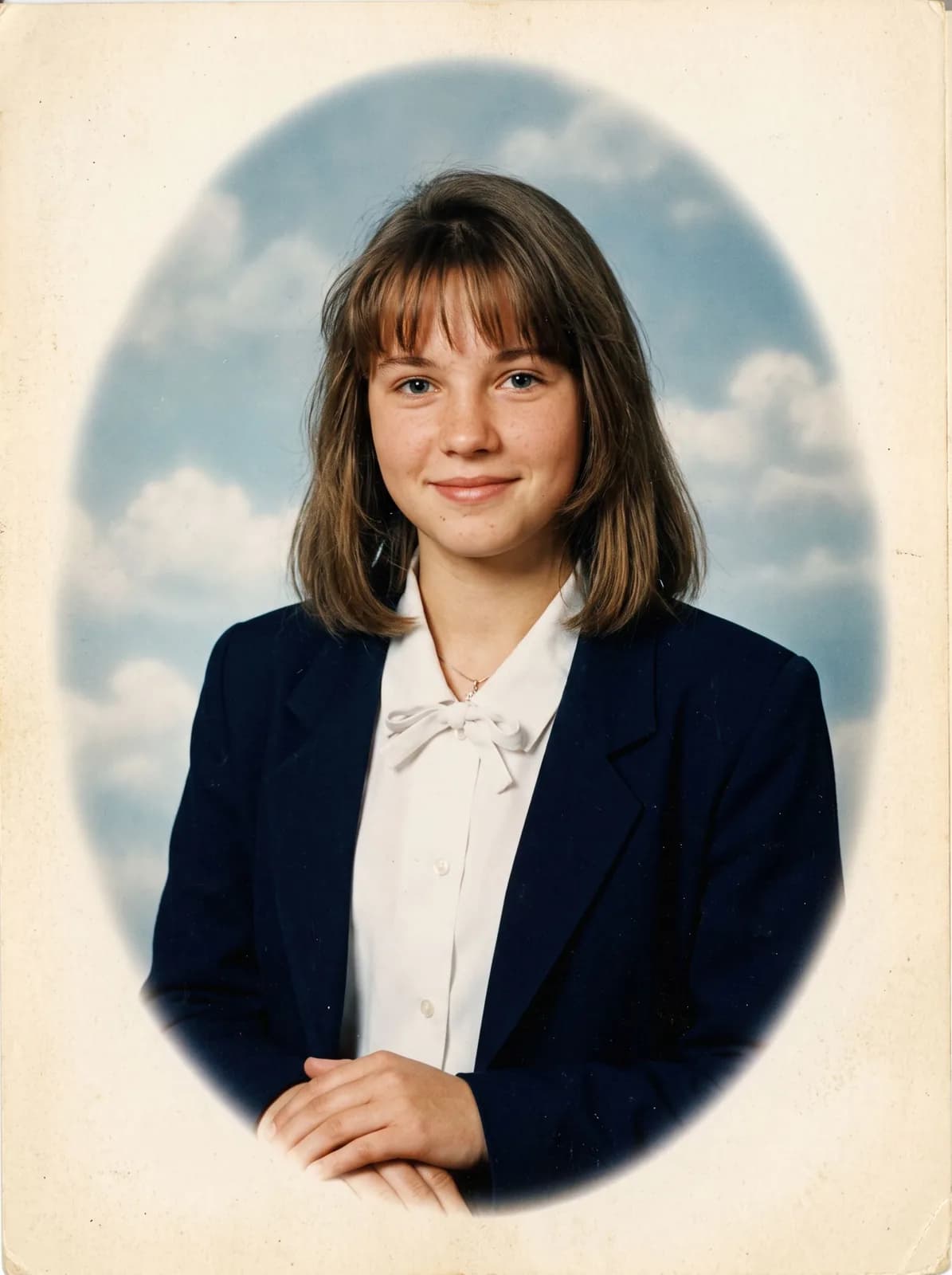
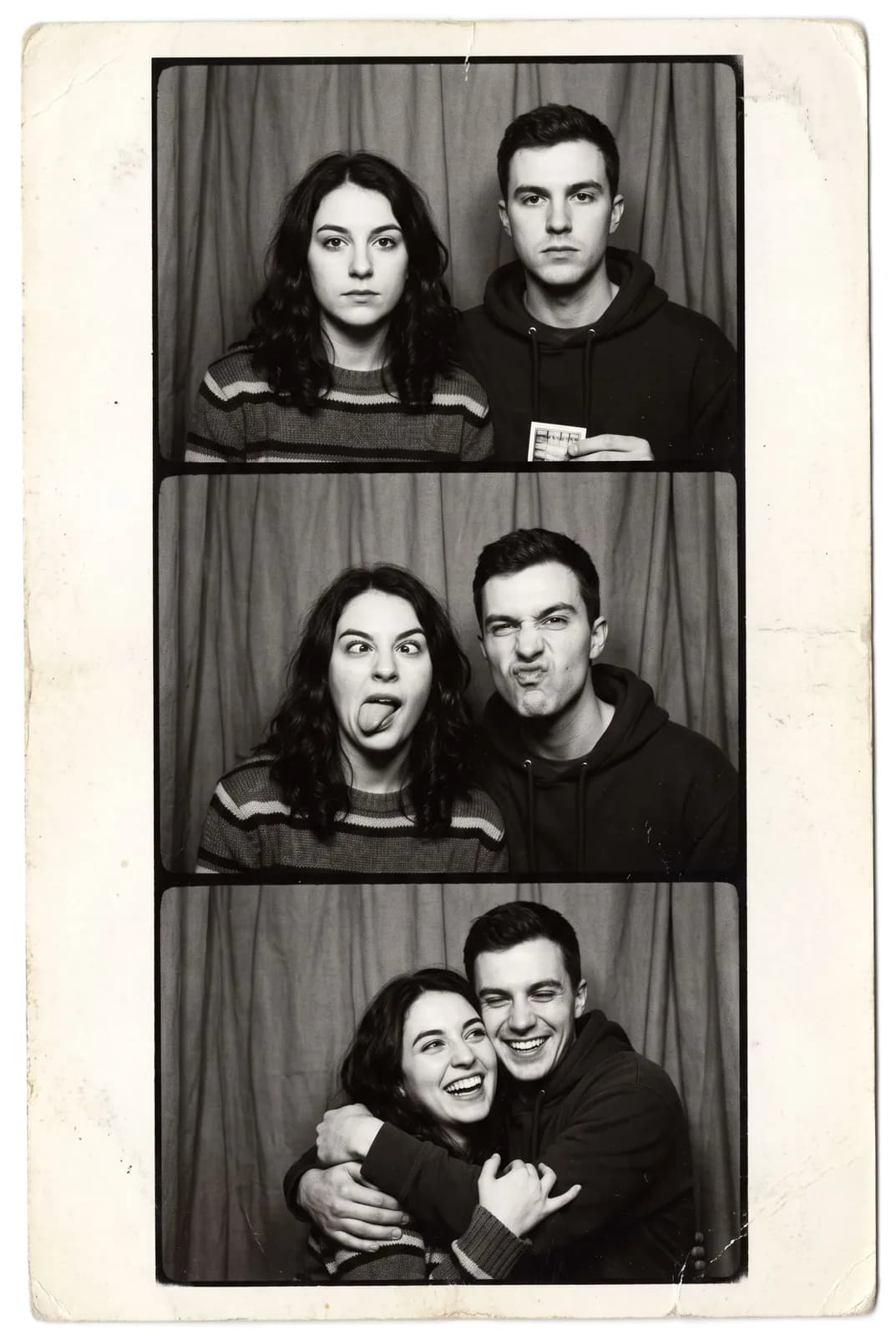
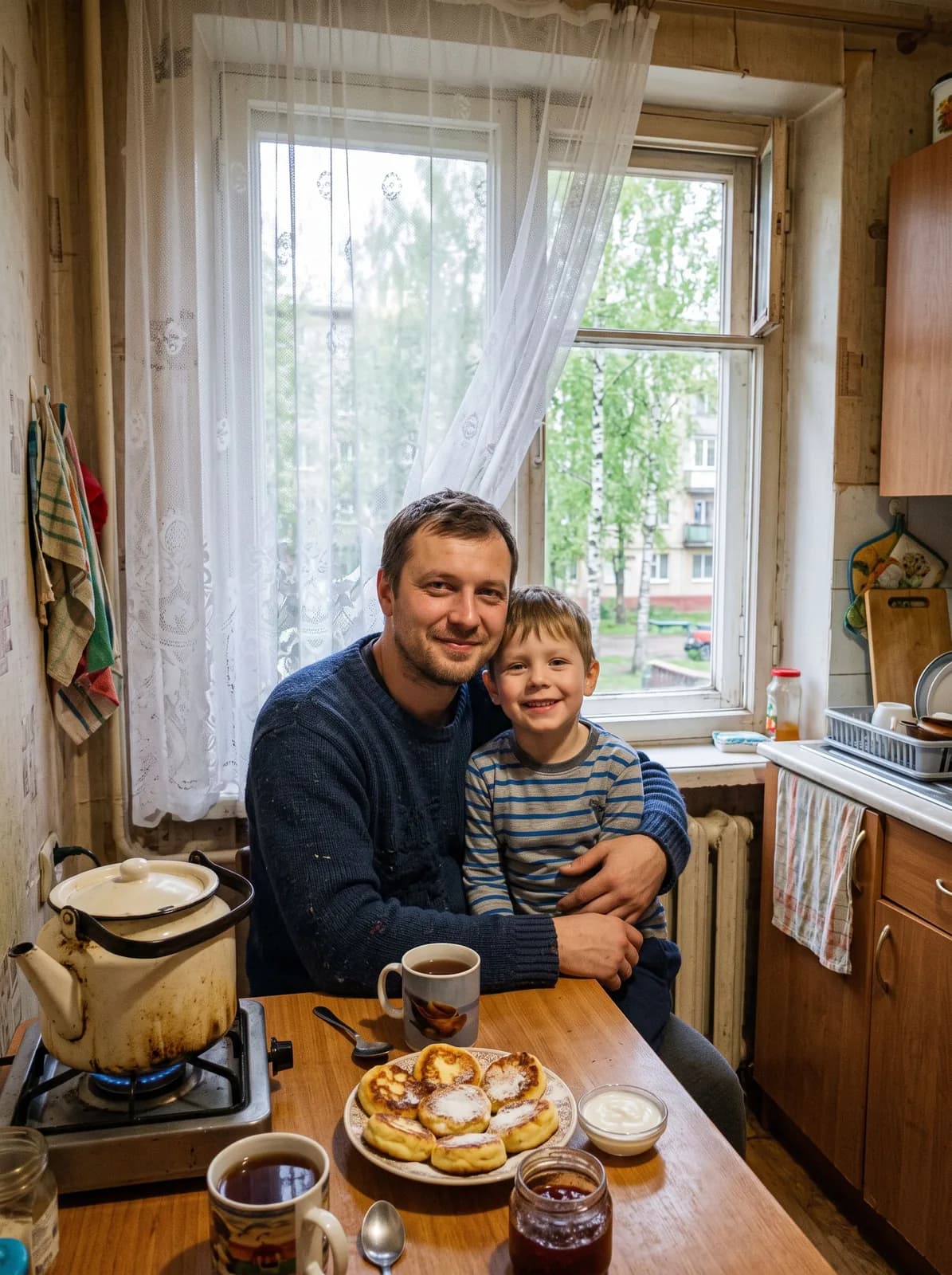
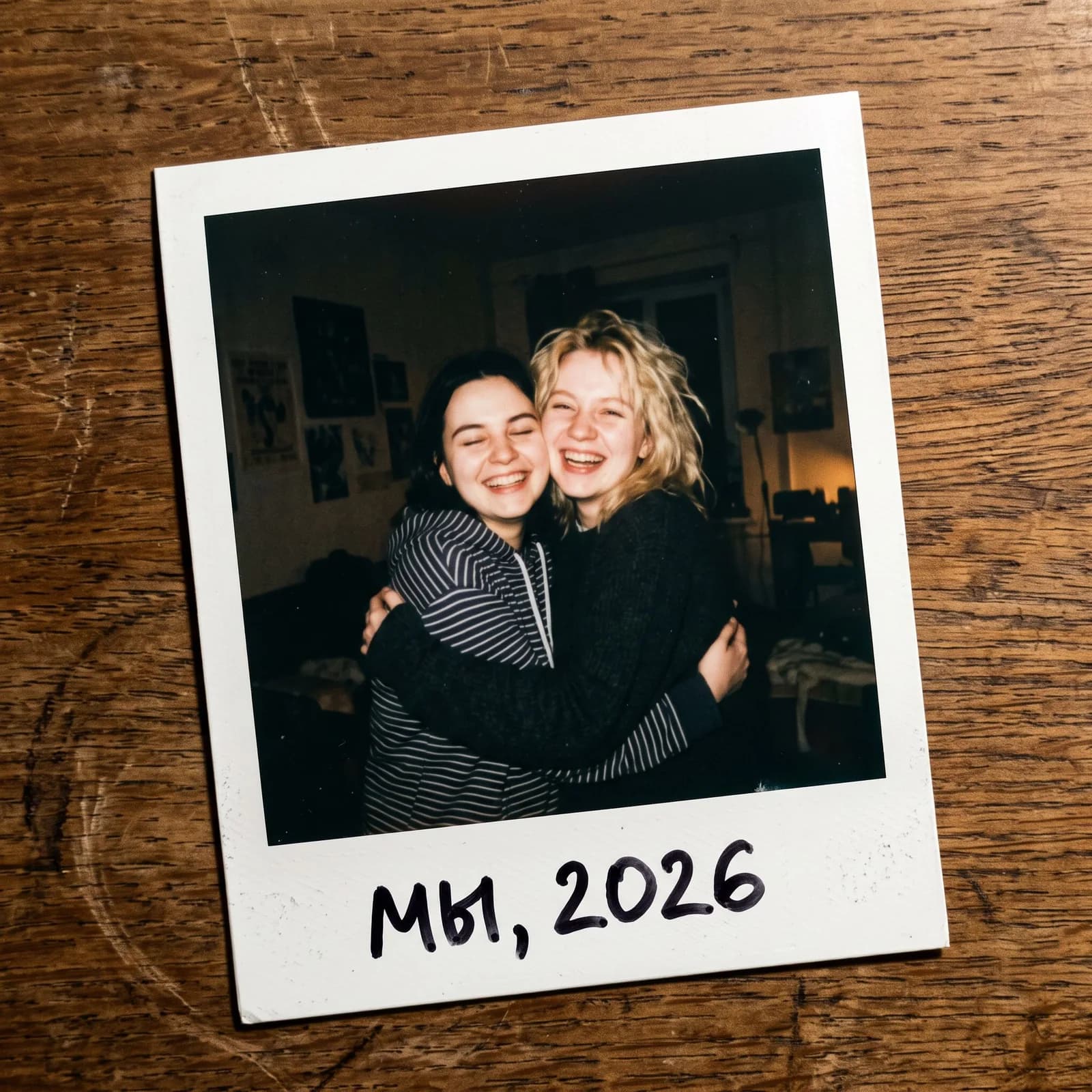
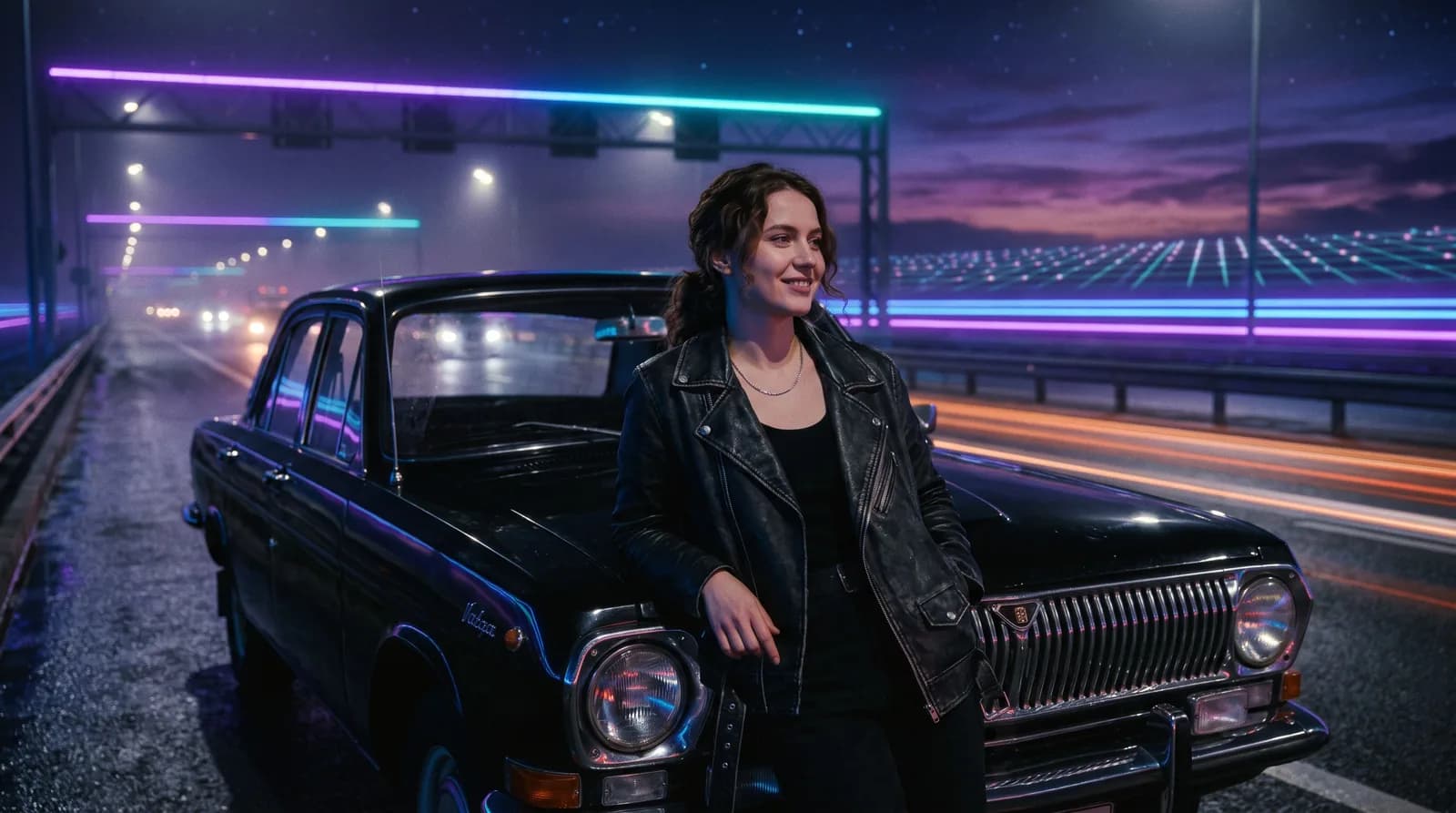
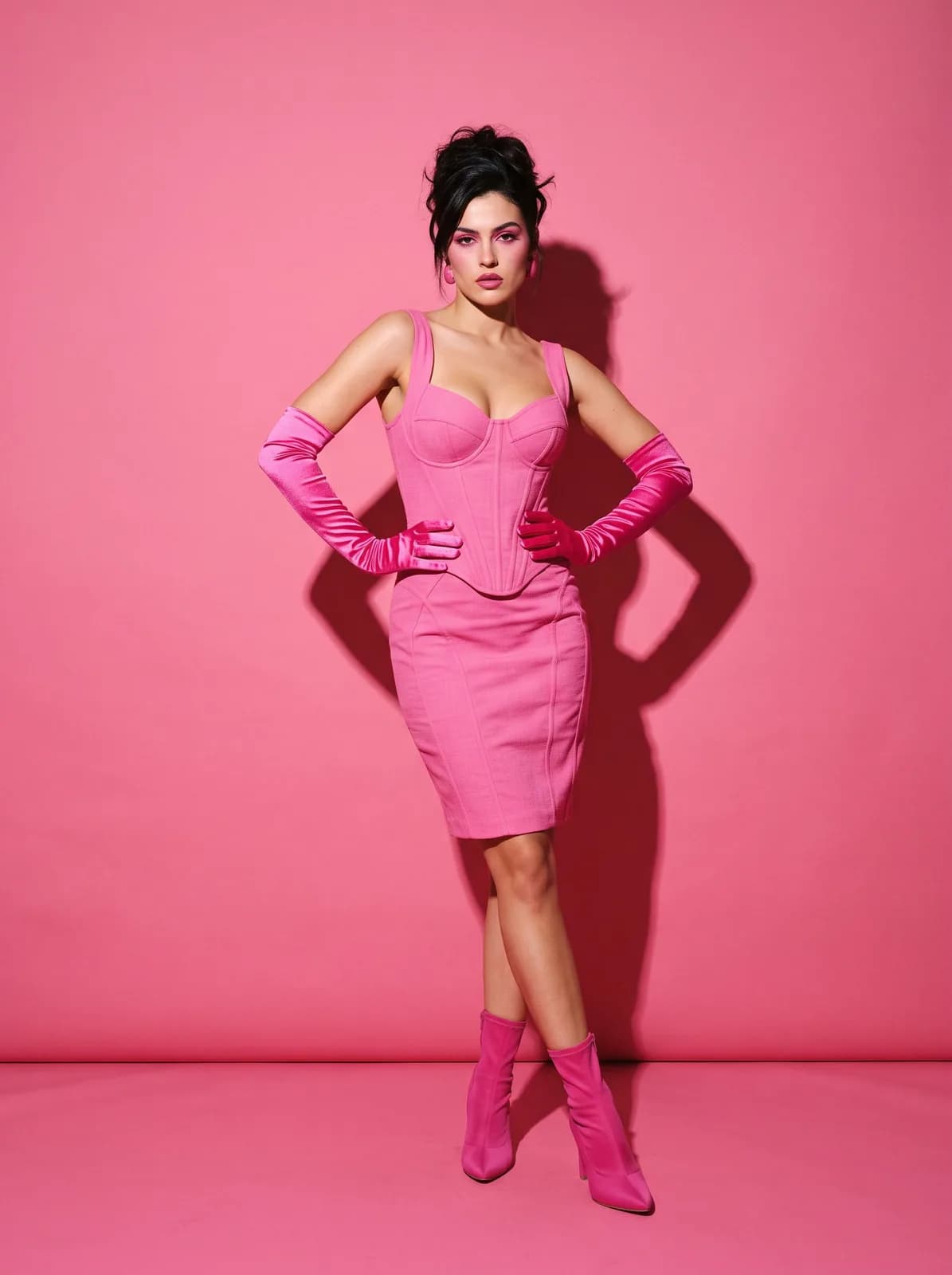
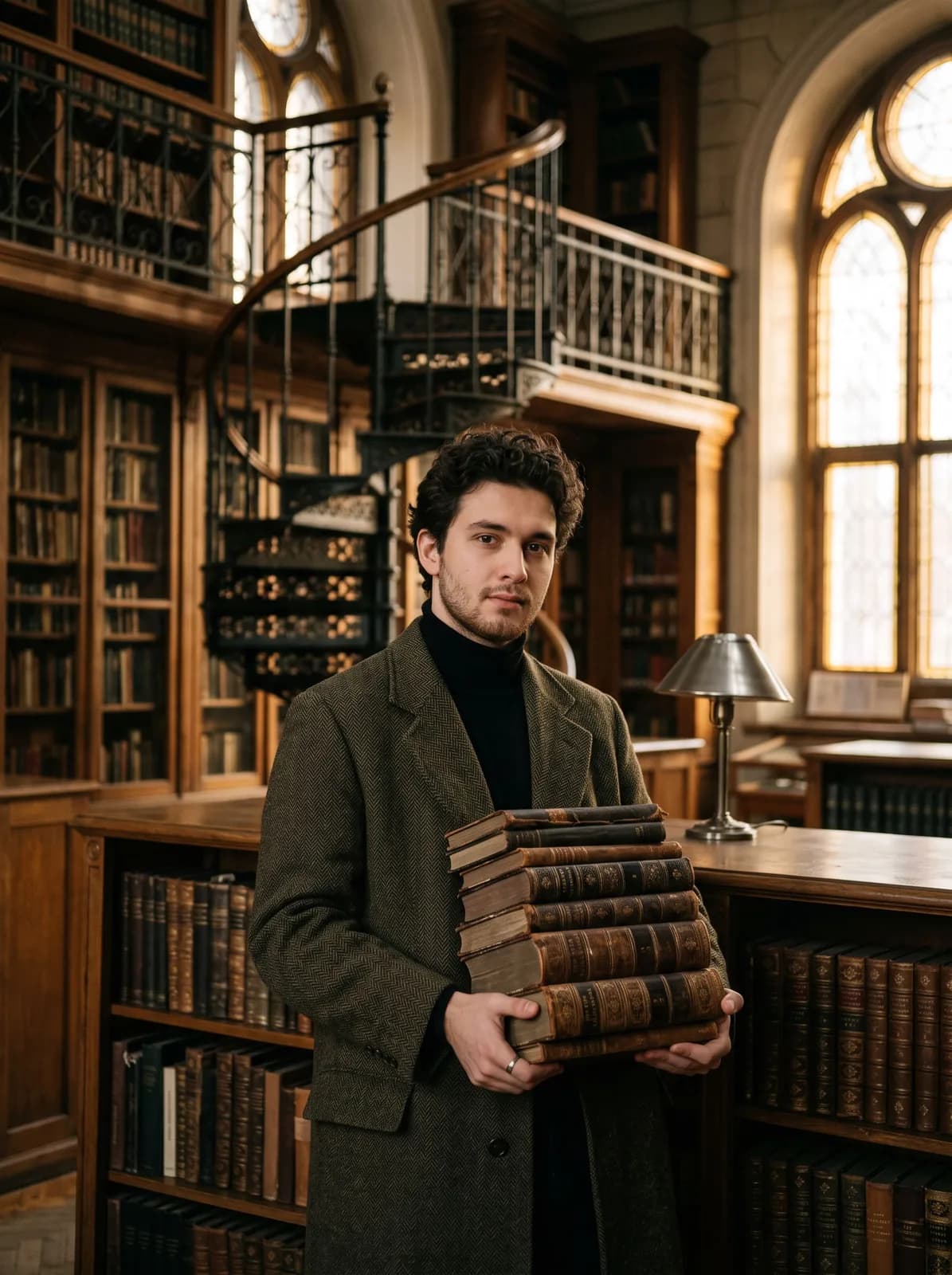
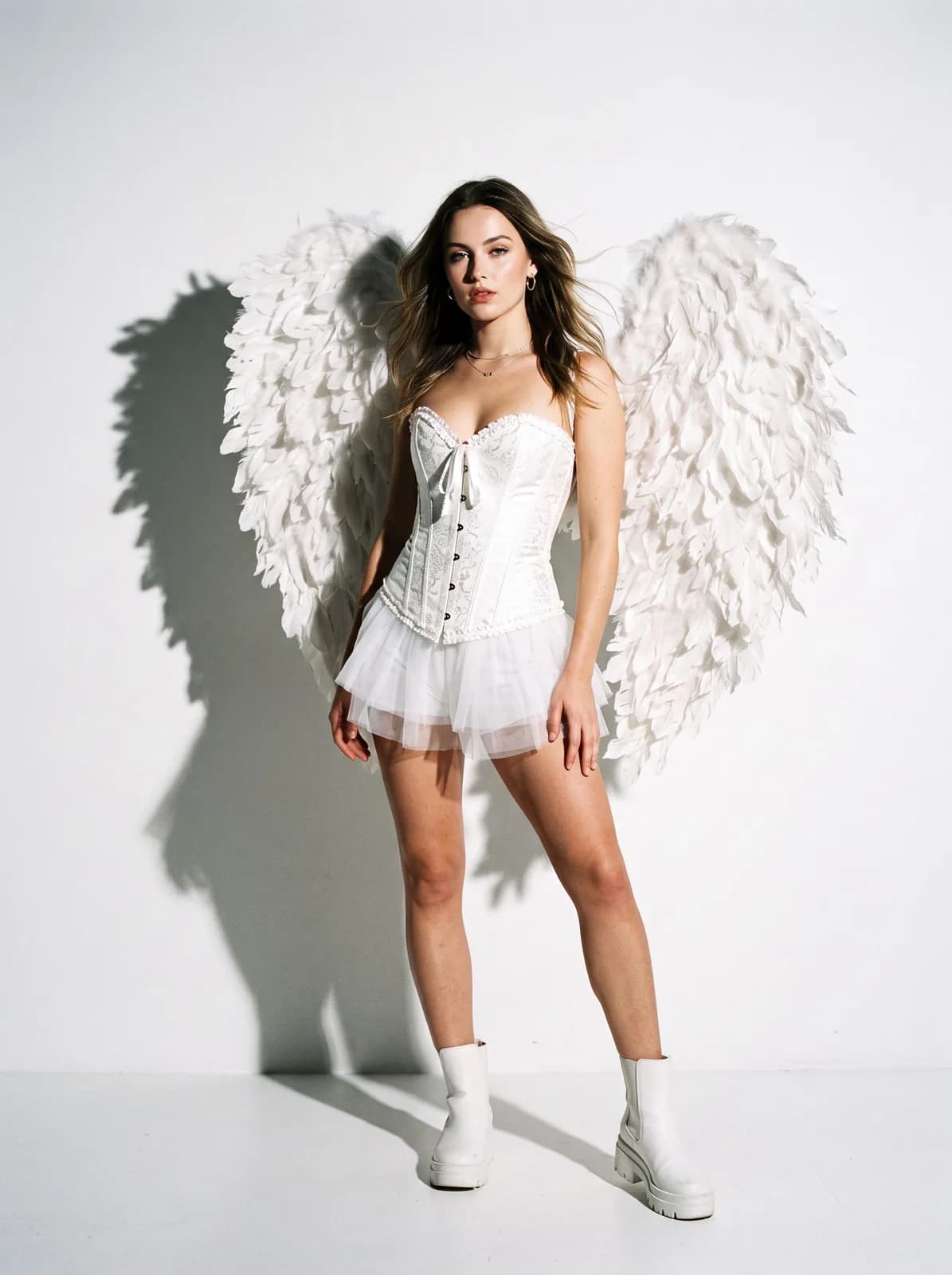
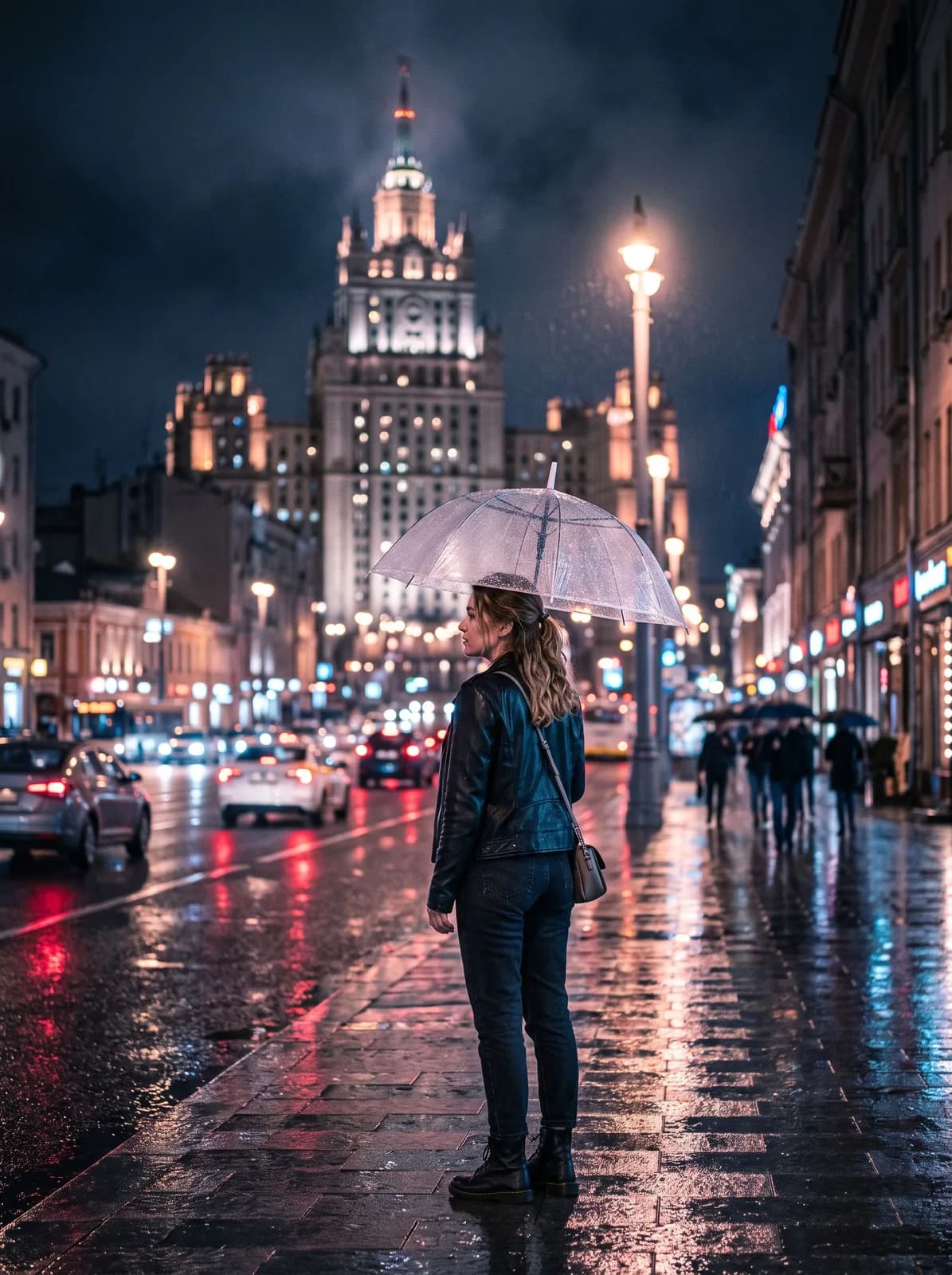
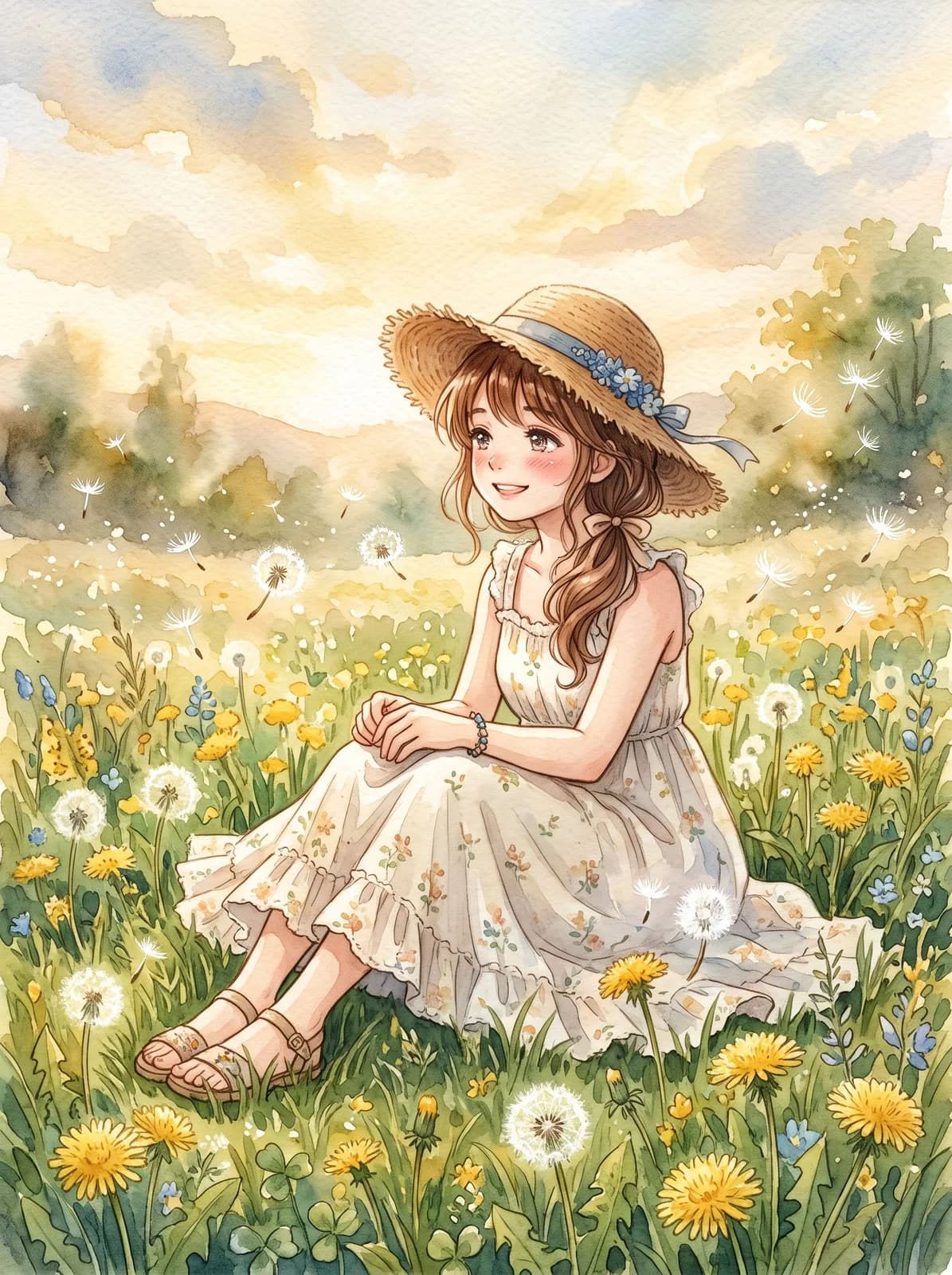
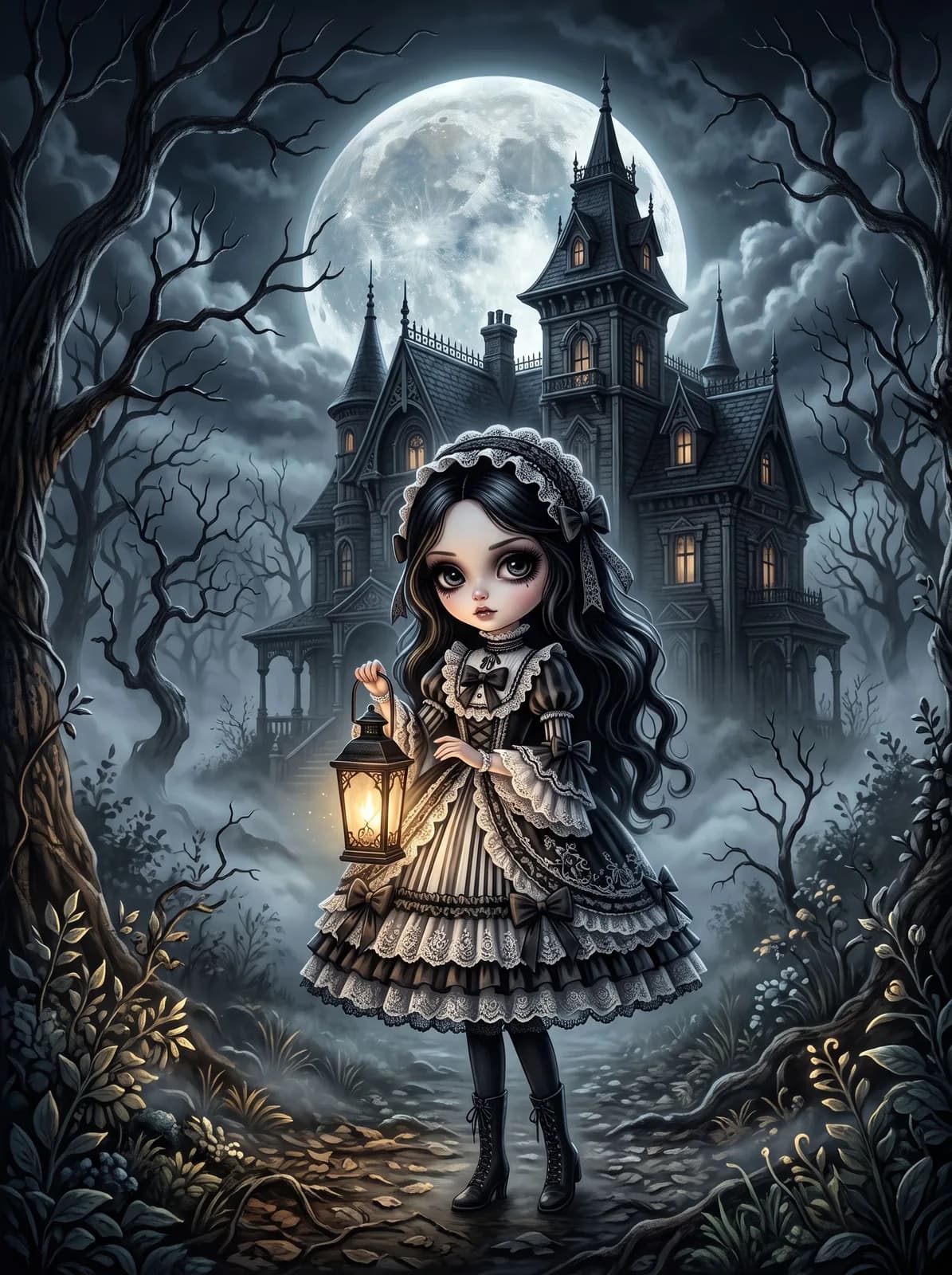
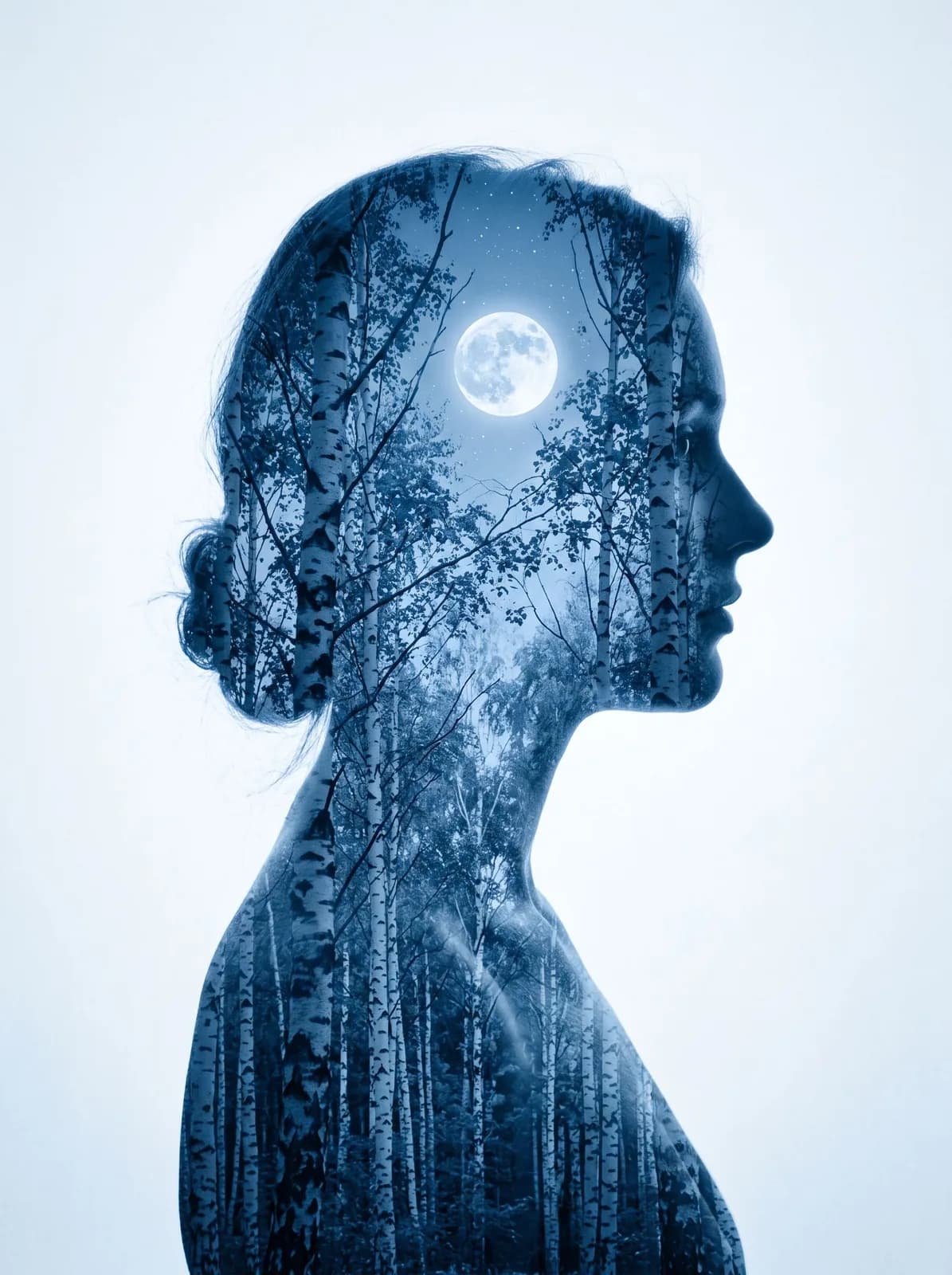
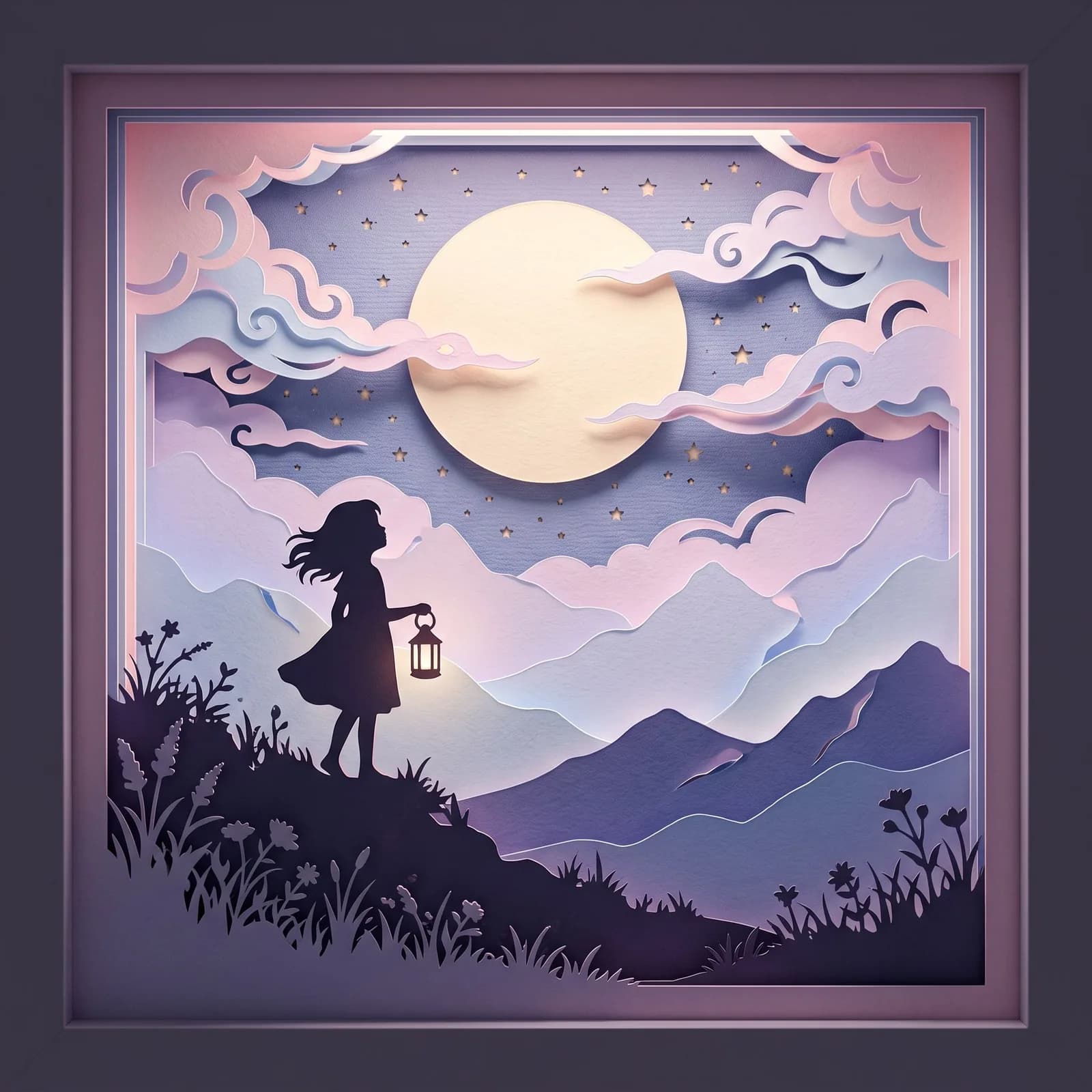
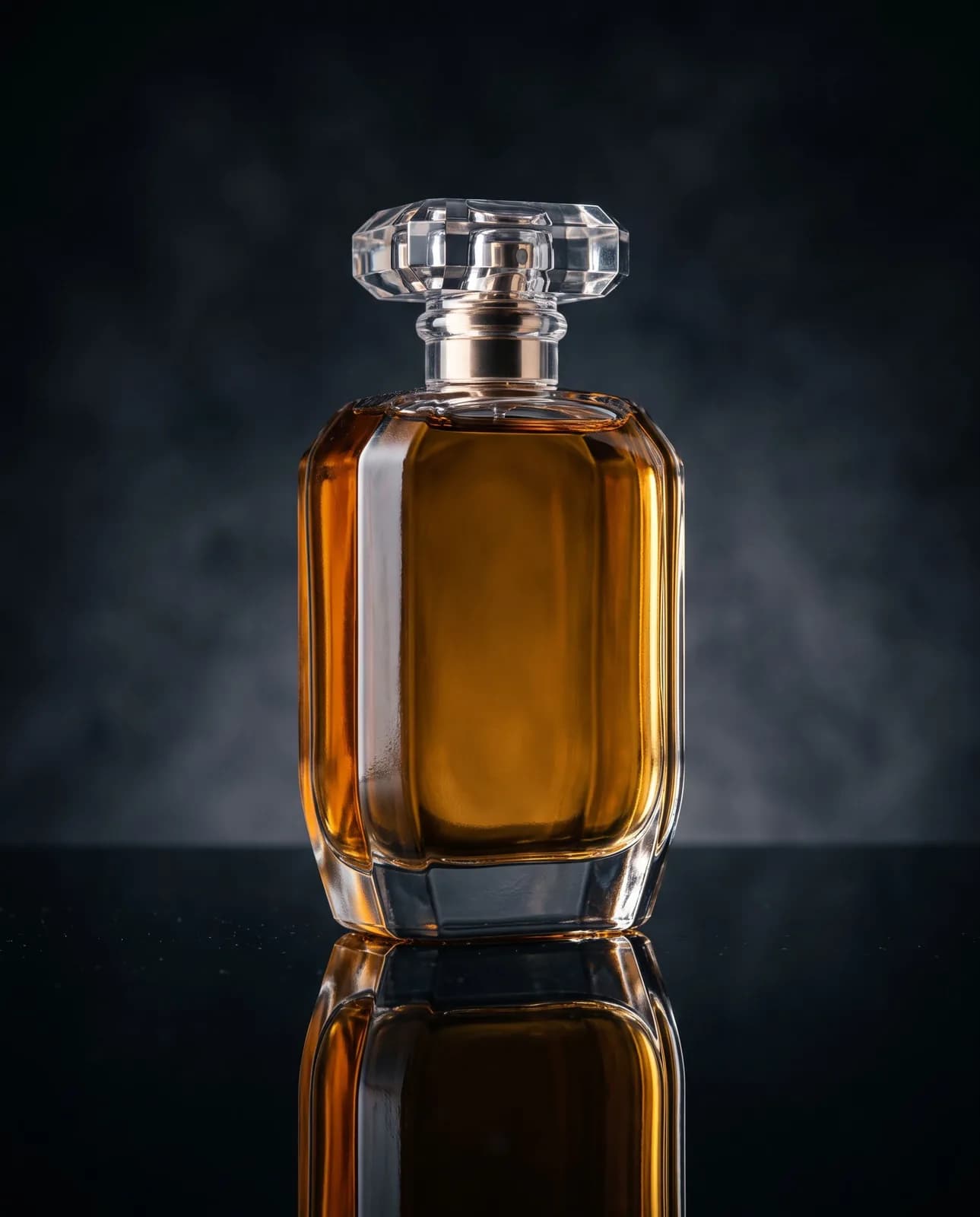
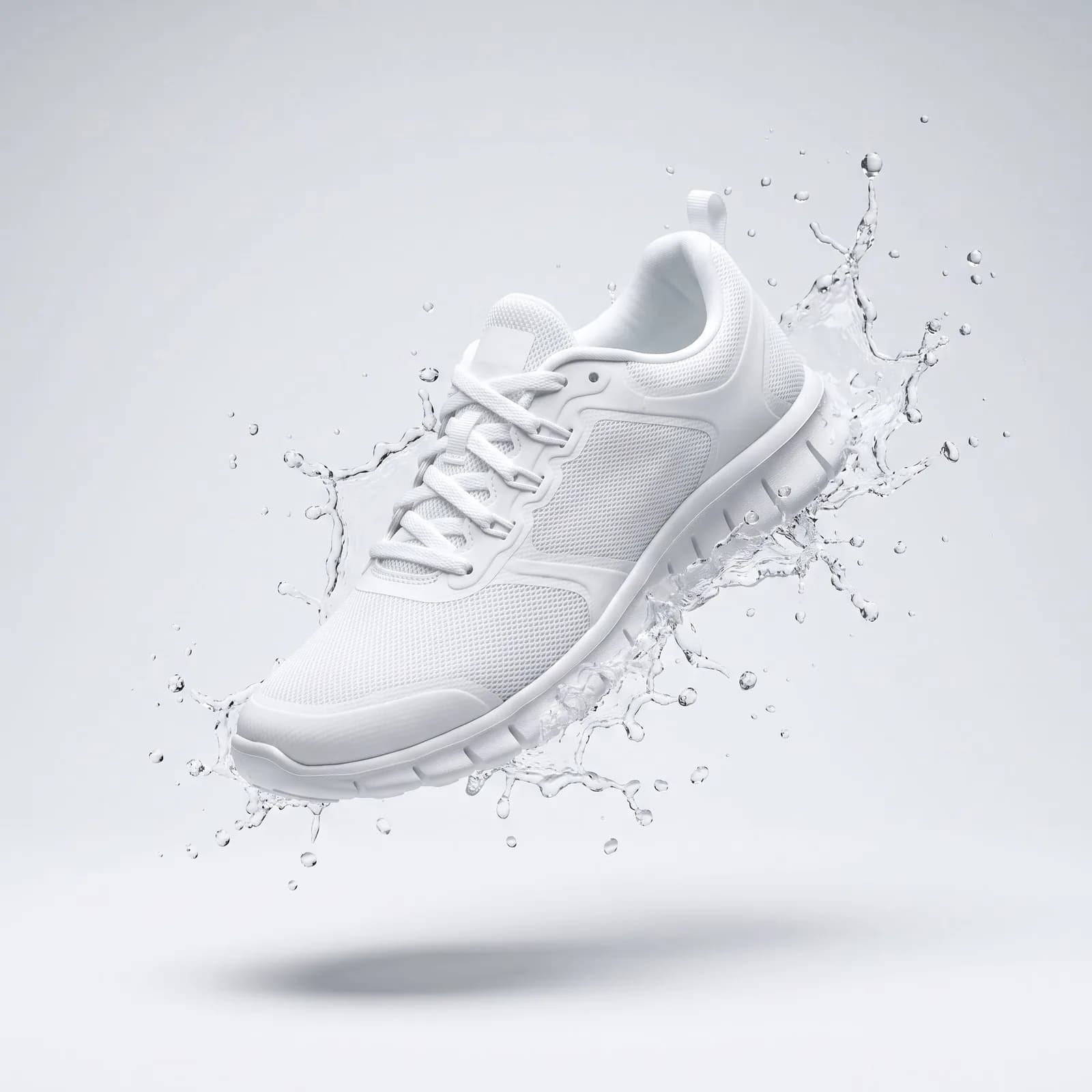
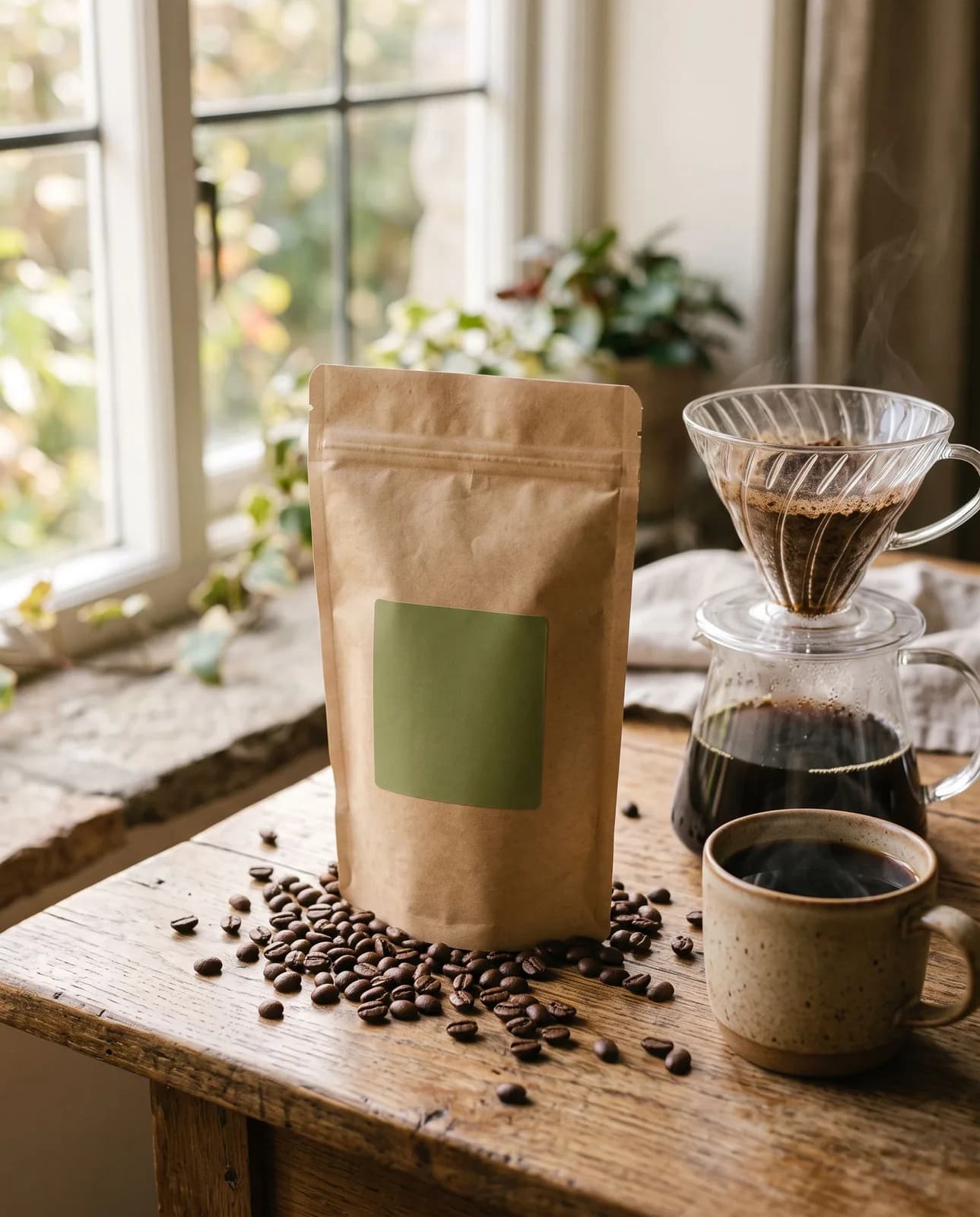
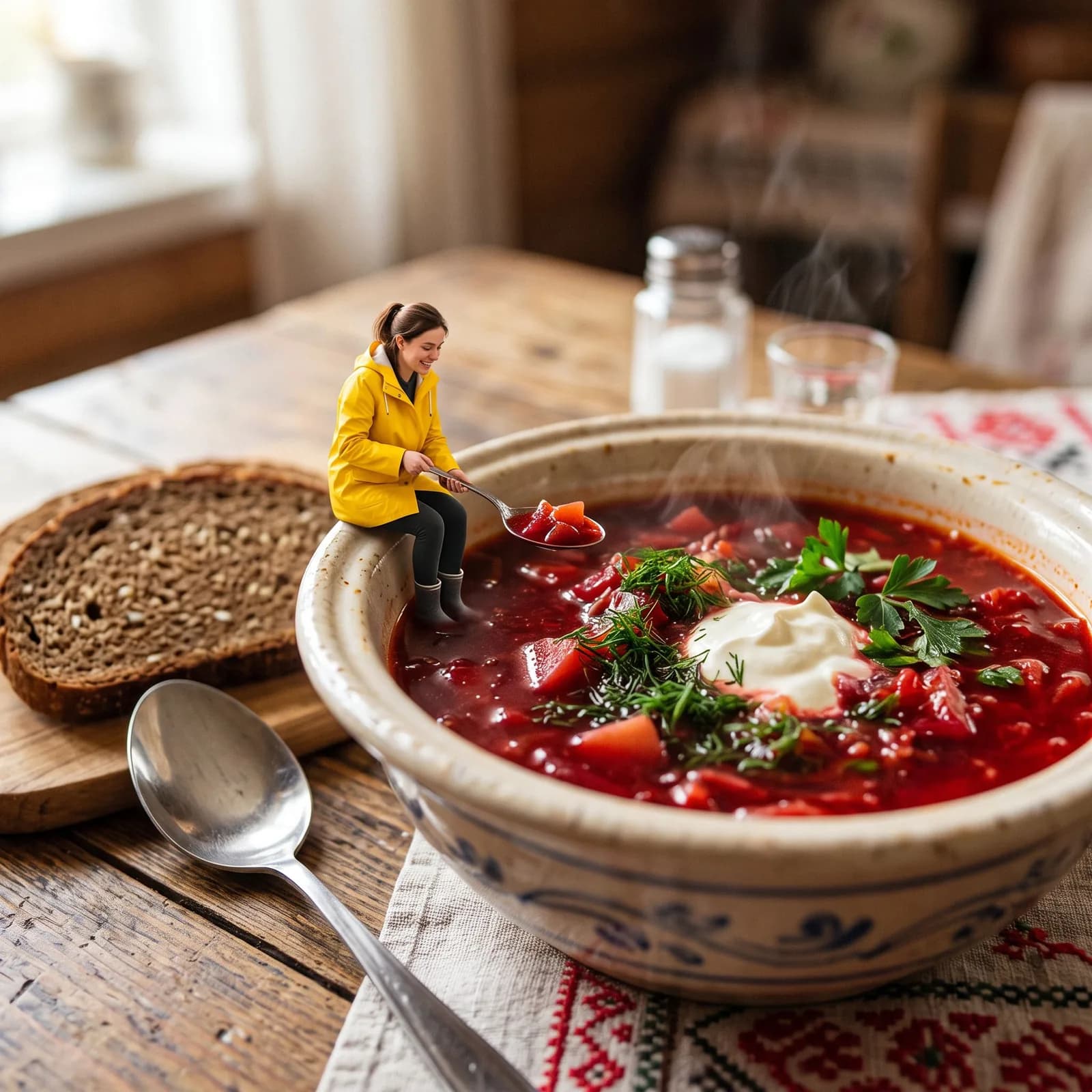
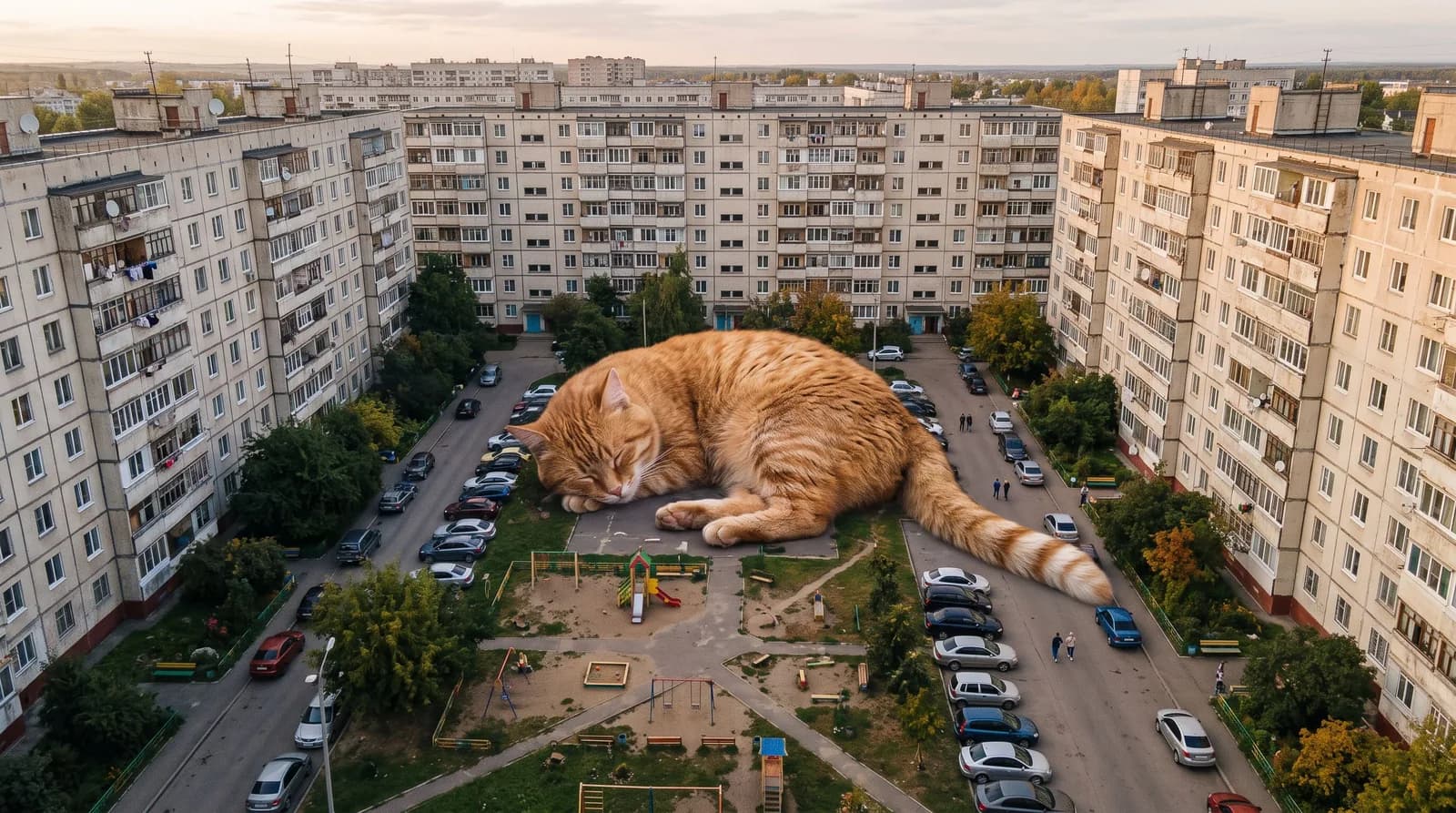
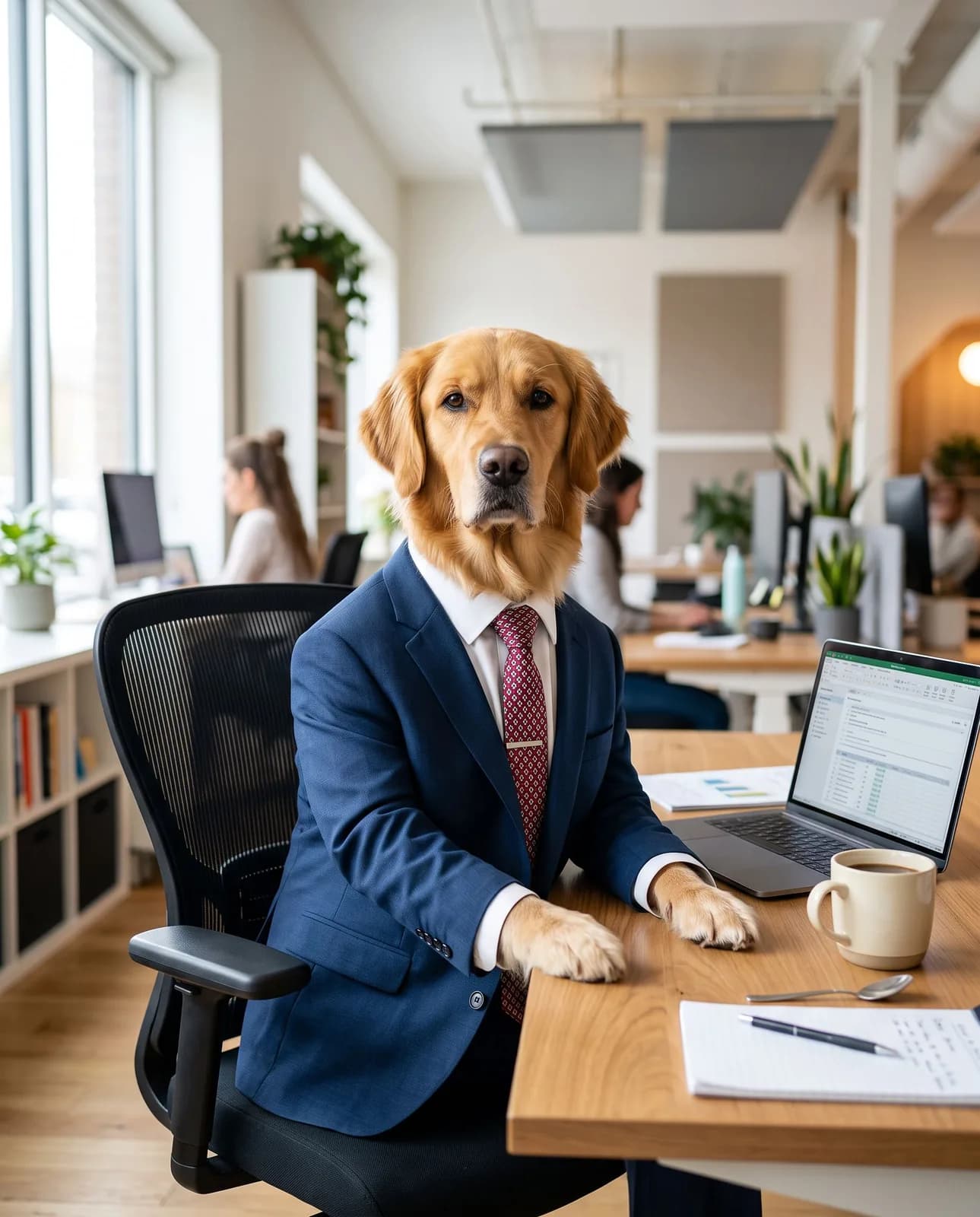
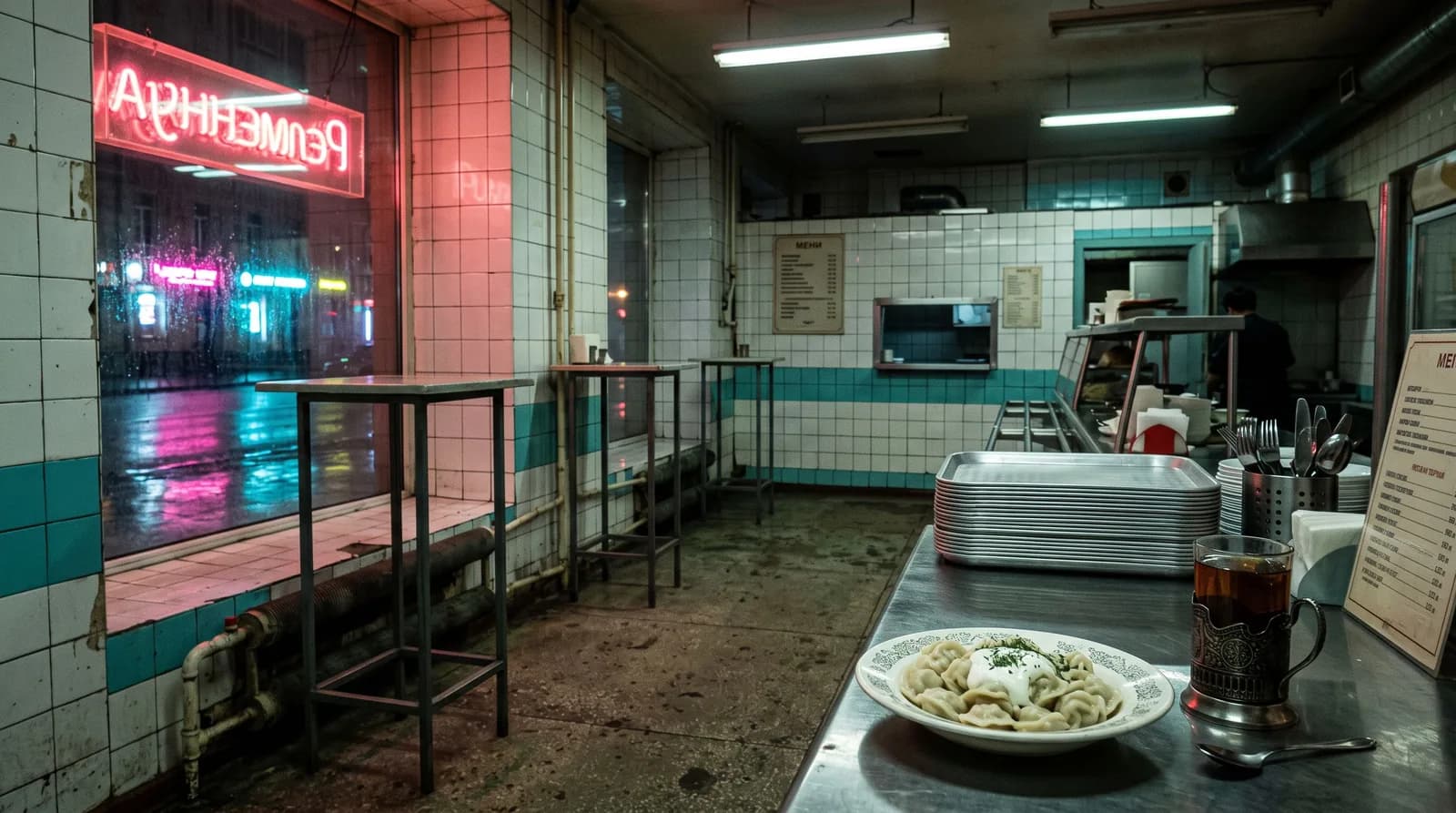
Ready-made templates trending on social media right now: blister-pack figures, photo booth strips, film portraits, product shots. Click “Open in the studio” on a card – the prompt and the model are filled into the TryChat image studio, and all you need to do is upload your photo.

How it works

Three steps from a template to a picture

  1. 1

    Pick a card

    The badge on the picture shows the model. A “From a photo” badge means the prompt needs your photo: the AI keeps your face and places you in the scene.

  2. 2

    Adjust it to yourself

    Once you are in the studio you can edit the prompt. Change the clothes, the season, the city or the occasion: “for New Year”, “for a wedding”, “in Saint Petersburg”. The template has already described the rest.

  3. 3

    Open it in the studio

    After you sign in, the prompt and the model are already filled in: upload a photo and run it. If you do not like the result, add a correction in words: “closer to the camera”, “darker background”, “remove the smile”.

Which model for which prompt

Every card already has its model chosen. If you want another one, switch it in the studio and the prompt stays.

ModelGood for these templatesGenerations on Lite
Nano Banana 2.1Outfit changes and scenes from your photo: school yearbook, photo booth, business headshot, the early 2000s37
Seedream 5.0 LiteIllustrations and stylisations: watercolour anime, paper layers, neon37
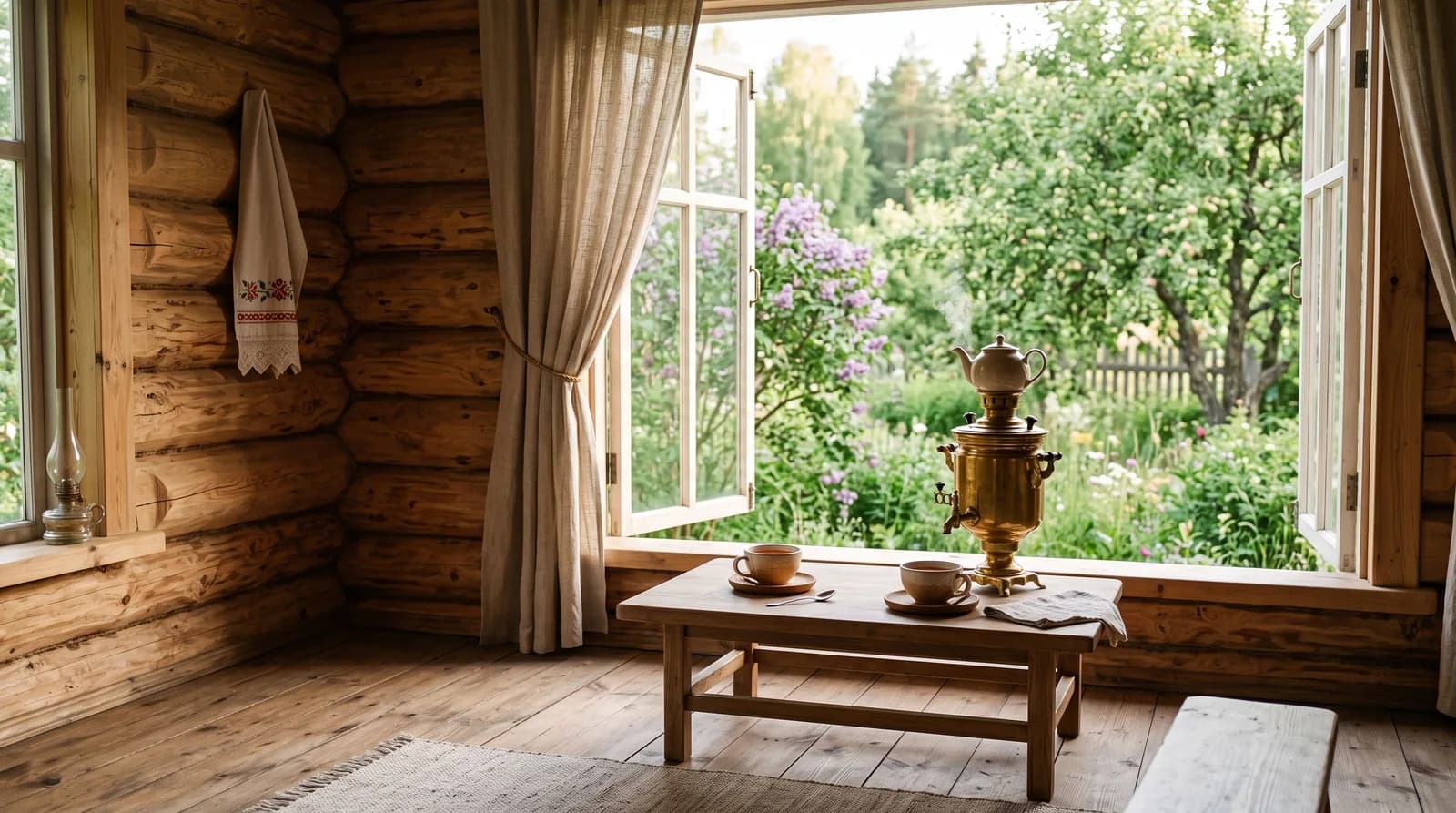
FLUX 3 ImagePhotorealism without lettering: film, product shots, interiors, landscapes30
GPT Image 2Complex scenes with text and small details: the blister-pack figure, packaging, wings10

The result comes in the resolution of the chosen model. One generation is one picture; a correction in words uses one more generation.

How to adapt a template to your case

A holiday or a season

Add to the end: “a New Year garland and a tree in the background”, “autumn leaves”, “a summer veranda”. This turns the “Flash Polaroid” template into a company party shot, and the “Film portrait” into a card for Women’s Day.

Several people

Upload two or three photos and write “the people from these photos stand side by side”. That is how the photo booth, the Polaroid and the figures work: you get a couple or a whole team in one pack.

A pet instead of a person

Any portrait template works with a cat or a dog: “the cat from the photo in a tweed coat in a library”. The AI takes proportions and coat colour from the picture.

So the face does not “drift”

The photo should be sharp, the face straight-on or three-quarter, with no glasses that glare. If the features change, add “keep the face shape, eyes and nose exactly as in the photo” and choose Nano Banana 2.1.

Price

What the template pictures cost

Image generation is available on plans from Lite.

Lite

₽690 per month

150 units of energy. Enough to try every template on this page on yourself and your friends.

Choose

Premium

₽2,290 per month

600 units of energy. For those who run social media and make a series for every trend.

Choose

Frequently asked questions

What is a prompt for image generation?

It is the text description of a picture that you send to the AI: who is in the frame, in what clothes, where, what light and style. The more specific the description, the closer the result to what you imagined. The prompts on this page are already written, so you only need to copy them and, if you like, adjust them.

How do I use these prompts in TryChat?

Press “Open in the studio” on a card: the prompt and the model are filled into the image studio. Sign in or register, edit the text if you want and upload your photo. Generation starts once you choose a plan.

Do I need to upload my own photo?

Only for cards with the “From a photo” badge. Scenes, interiors and product shots need no photo: the AI draws them from scratch from the description. The sharper the picture and the better the face is visible, the closer the likeness.

Which model should I choose for a photo of a person?

For outfit changes and scenes from your own photo, start with Nano Banana 2.1: it holds the face well. For complex scenes with lettering, such as the blister-pack figure, the card uses GPT Image 2.

Can I generate images for free?

Image generation is available on plans from Lite at ₽690 per month. Text requests in the chat also work on the free Starter plan.

How do I write my own prompt if the trend is not on the list?

Take the closest template as a frame: who is in the shot, the clothes, the place, the light, the photographic style, what to keep from the photo. Replace the details with your own. If the result is not right, do not rewrite everything, add one correction: “darker background”, “no smile”, “camera lower”.
How often are the prompts on this page updated?

Once a month we add new trends from social media and remove those that stopped getting views. Templates that work steadily – the business headshot, product shots, the film portrait – stay for good.

A trend from your feed – on your photo in one generation

Pick a template and open it in the studio